Archrender
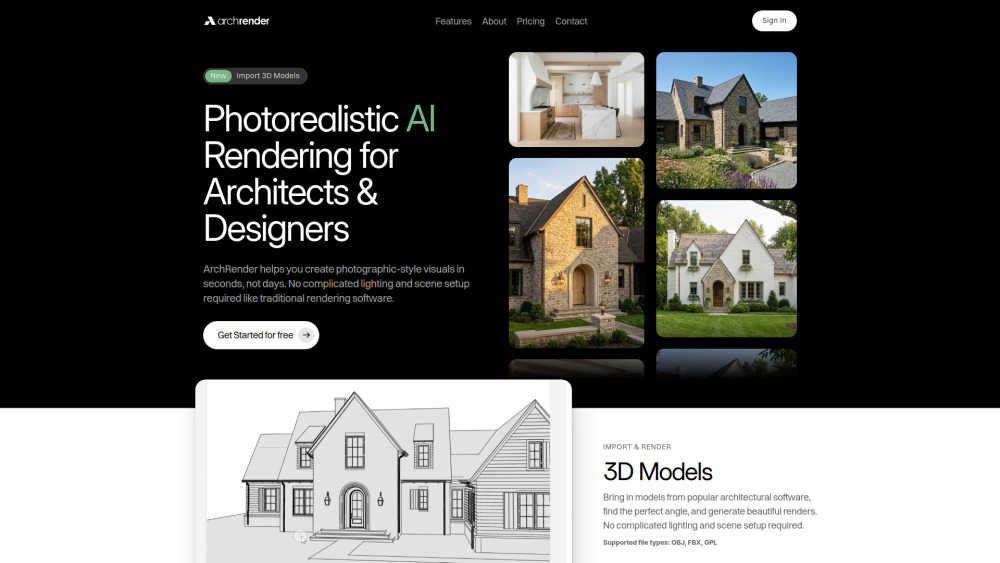

ArchRender is an AI rendering platform dedicated to architects and designers, enabling the creation of photorealistic, photographic-style visuals in seconds. It eliminates the need for complicated lighting and scene setup typical of traditional rendering software. Users can import 3D models (OBJ, FBX, GPL), adjust environmental controls like season and time of day, and use natural language prompts or mood boards to guide the materials, style, and mood of the final image. ArchRender also offers 4K upscaling and project-based workflows for organization and version iteration.
Photorealistic AI rendering tool for architects and designers to create visuals quickly.
- Creating photographic-style exterior and interior architectural visualizations from 3D models or drawings.
- Generating quick, professional visuals for client presentations and proposals.
- Exploring design aesthetics by uploading a single inspiration board (mood board) for AI interpretation.
- Visualizing designs under different year-round conditions using Season Control.
- The workflow involves three simple steps: 1. Choose Render or Edit (Start a new render from a drawing/model or modify an existing one). 2. Set Style & Prompt (Adjust render settings
- describe materials via a simple prompt
- or upload an exterior/interior mood board). 3. Generate & Iterate (Create multiple versions
- refine details
- and keep files organized within a project).

AI-powered 3D interior design and manufacturing software for streamlined workflows and photorealistic visuals.

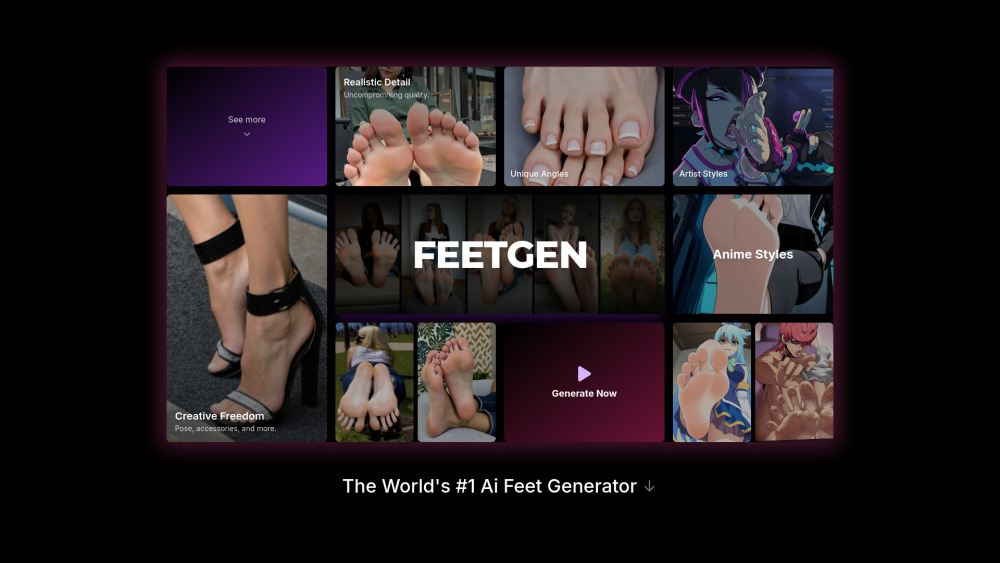
AI platform for generating and animating realistic and anime-style feet images and videos.

Gemini 3 Pro-powered AI image generator for photorealistic 4K visuals and precise text rendering.


AI art and image generator with various AI-powered image editing tools.
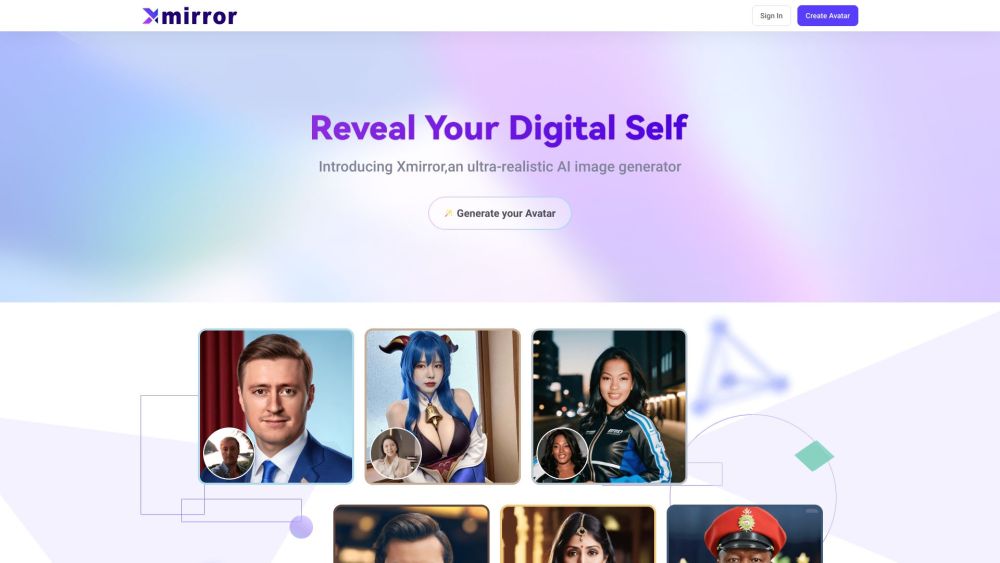
Xmirror is a free AI image generator for creating realistic images.

Nano Banana Pro is a next-generation AI image generation and editing model, excelling in precise text rendering, multilingual support, and professional-grade visual control.


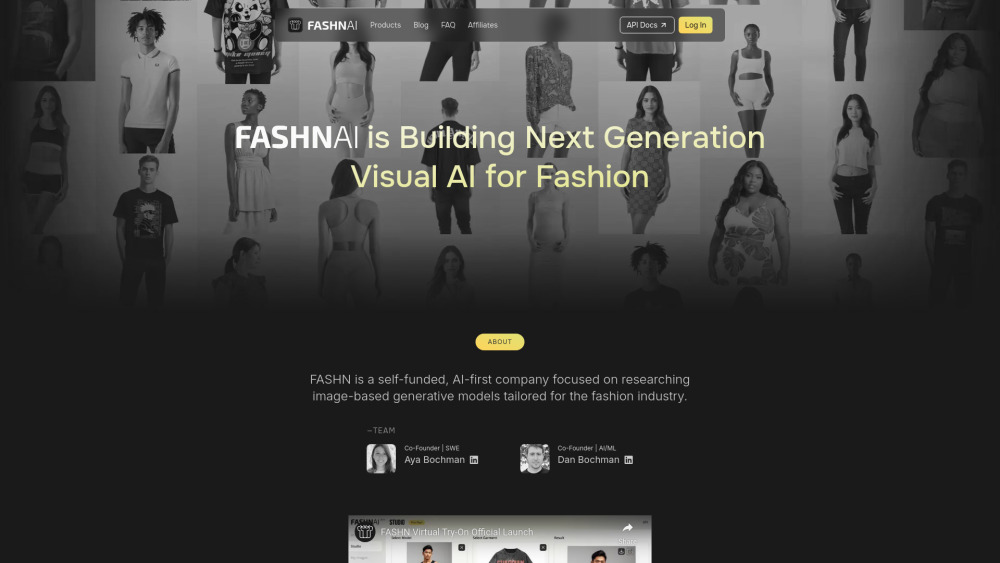
FASHN AI offers virtual try-on technology for realistic fashion images and videos.

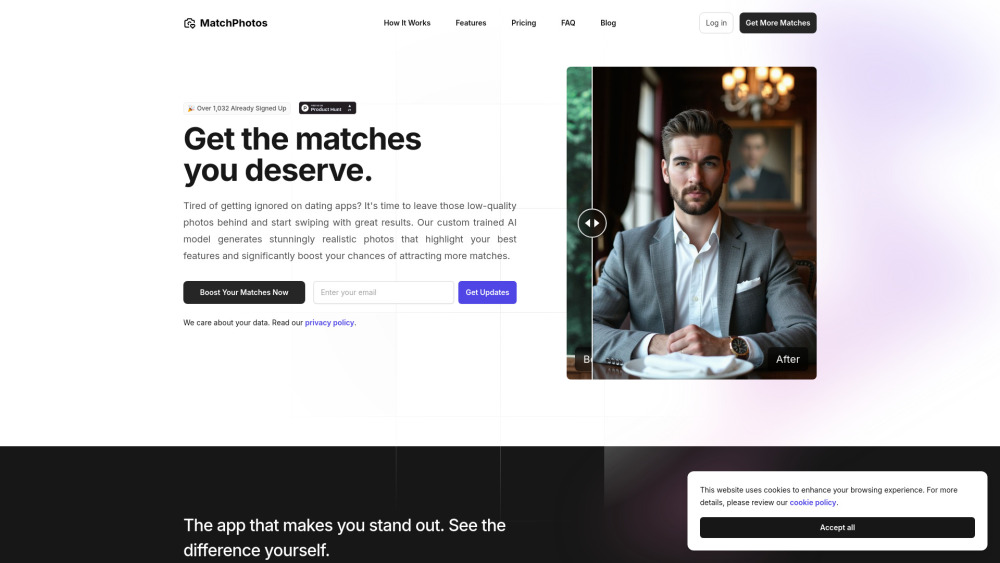
MatchPhotos uses AI to generate professional dating profile photos to boost matches.

Pristina.ai enhances 3D renders with AI, streamlining workflows in Blender and 3ds Max.
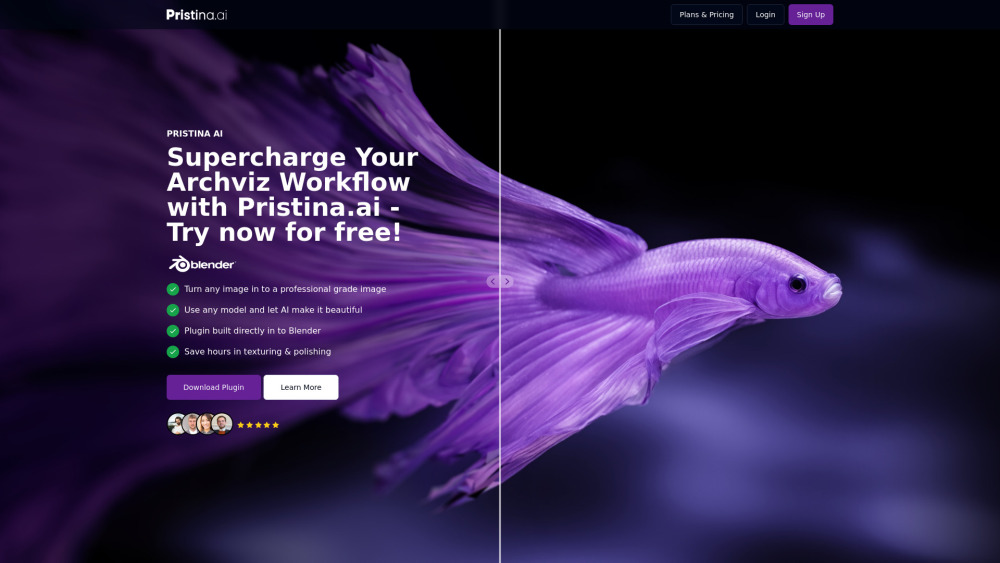

AI-powered 3D rendering tool for fast, lifelike visualizations.


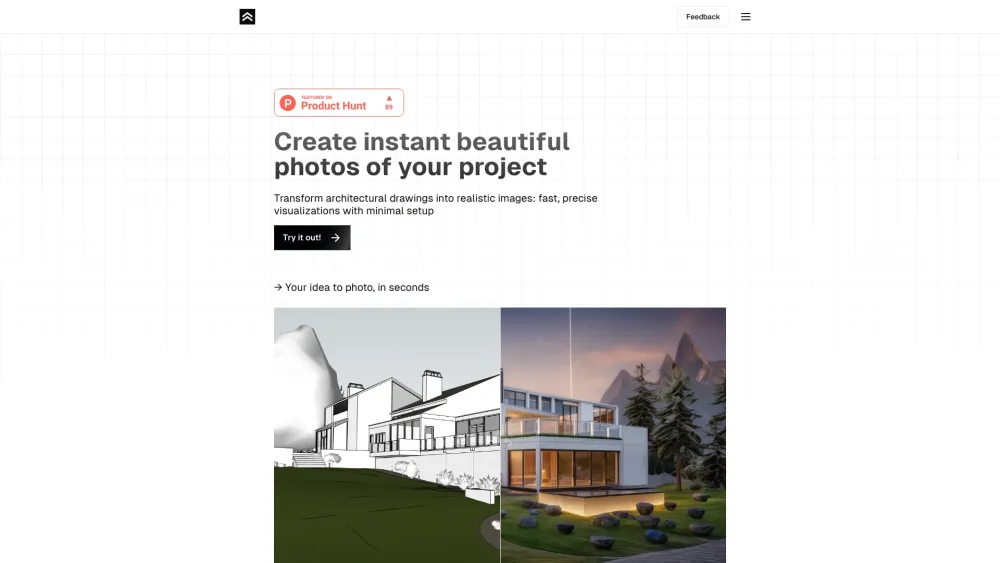
Transforms architectural drawings into photorealistic renders quickly and easily.

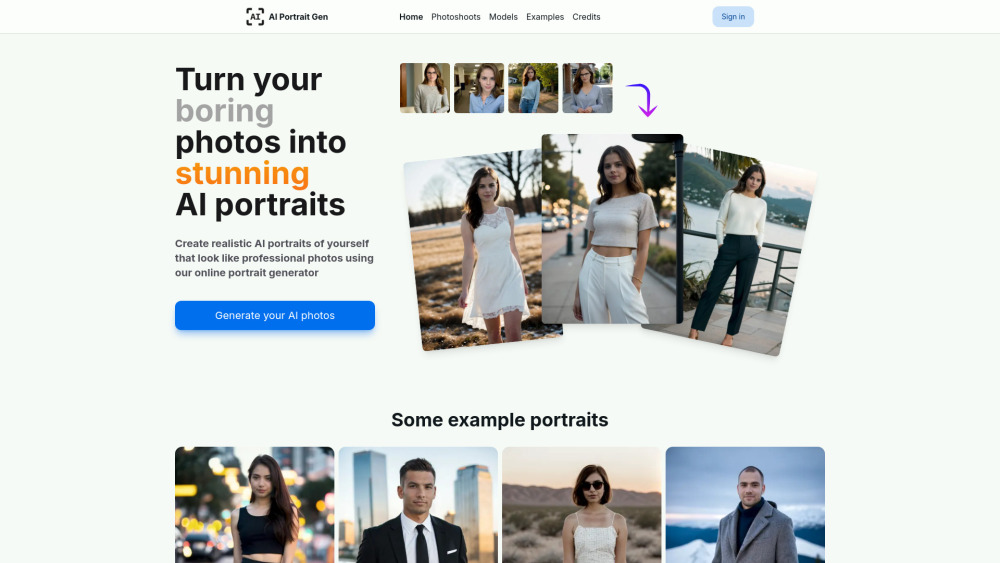
Online AI portrait generator for realistic, professional-looking photos from uploaded images.

Efficient 6B-parameter foundation model for image generation.


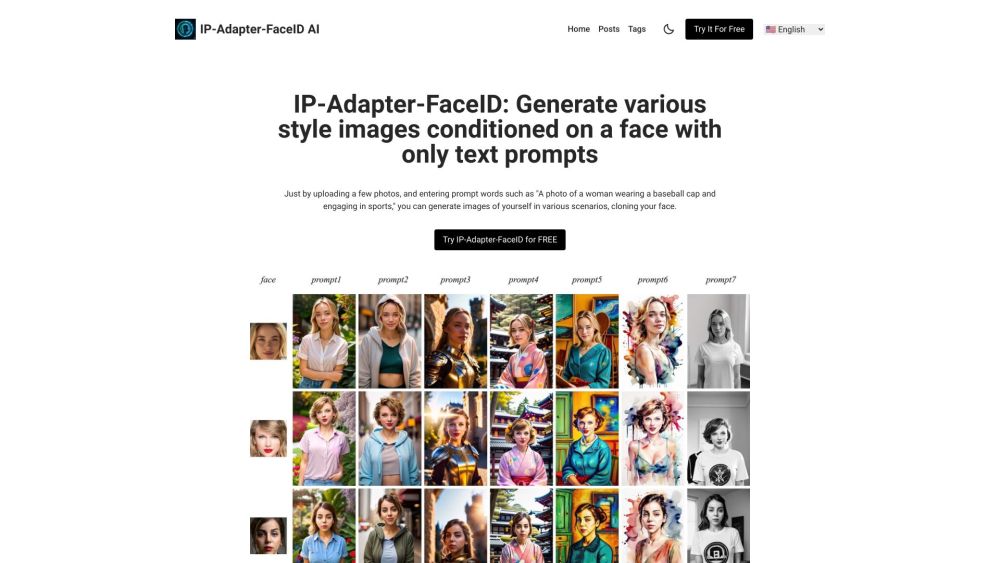
Generate images with consistent face using text prompts and uploaded photos.

Frontier AI image generator specializing in photorealism, legible text, and professional marketing layouts.


AI image generator for ultra-realistic photos.

Free online AI photo generator for realistic images, face swaps, and enhancements.


AI-powered web app for transforming home designs with virtual staging and customization.