Ai Video Translator
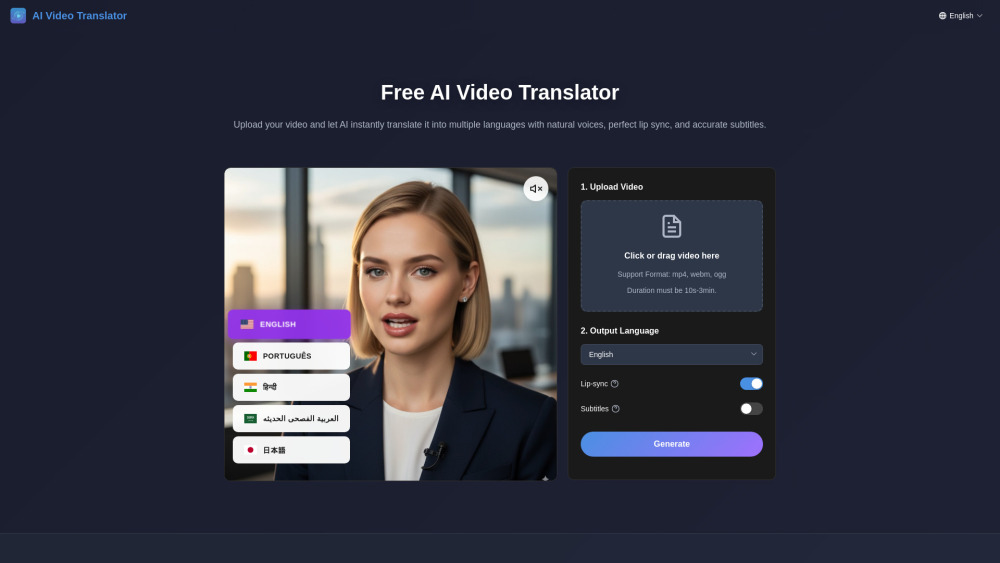


AI Video Translator is a next-generation technology that allows users to instantly translate their videos into multiple languages. It provides perfect lip-sync and professional AI voice dubbing, enabling content to reach a global audience. The system intelligently adjusts lip movements for synchronization and generates natural, human-like voices. It supports over 30 languages and various video formats, aiming to break language barriers for content creators, educational institutions, enterprises, news media, and gaming/animation industries.
AI video translator for multilingual dubbing with lip-sync.
- Content Creators: Expand audience for YouTubers, influencers, and digital marketers.
- Educational Institutions: Create multilingual courses and training materials.
- Enterprise Teams: Localize corporate training, product demos, and marketing videos.
- News & Media: Quickly translate breaking news, documentaries, and interviews.
- Gaming & Animation: Localize game trailers and animated content for global communities.
- To use the AI Video Translator
- first
- upload your video by clicking or dragging it into the designated area. Supported formats include mp4
- webm
- and ogg
- with a duration of 10 seconds to 3 minutes. Ensure the video meets requirements like recommended resolution (720p or 1080p)
- a single clear front face
- and good lighting. Next
- select your desired output language from over 30 supported options. You can choose to include lip-sync and subtitles. Finally
- click 'Generate' to have the AI instantly translate and dub your video.

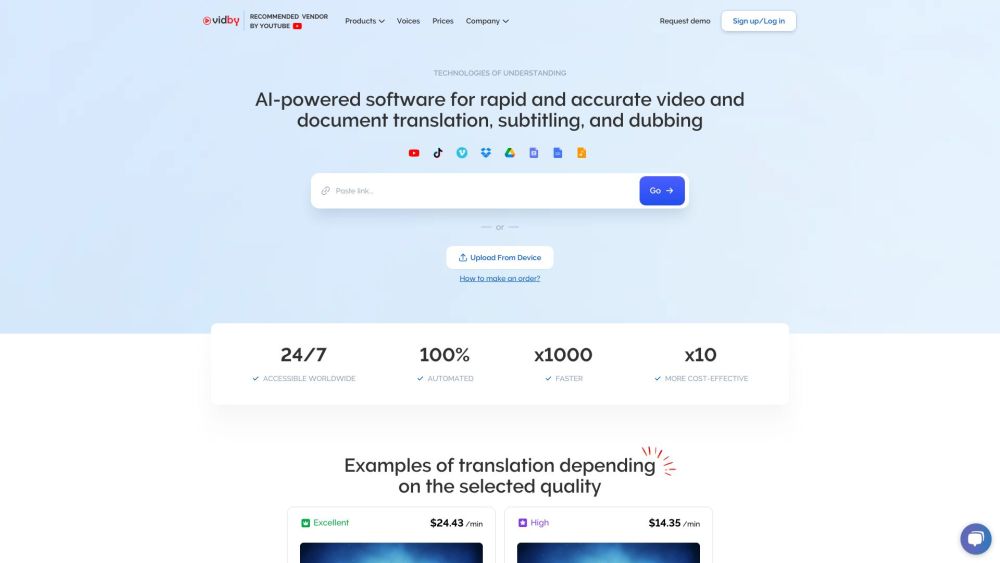
AI-powered video and document translation, dubbing, and subtitling service.

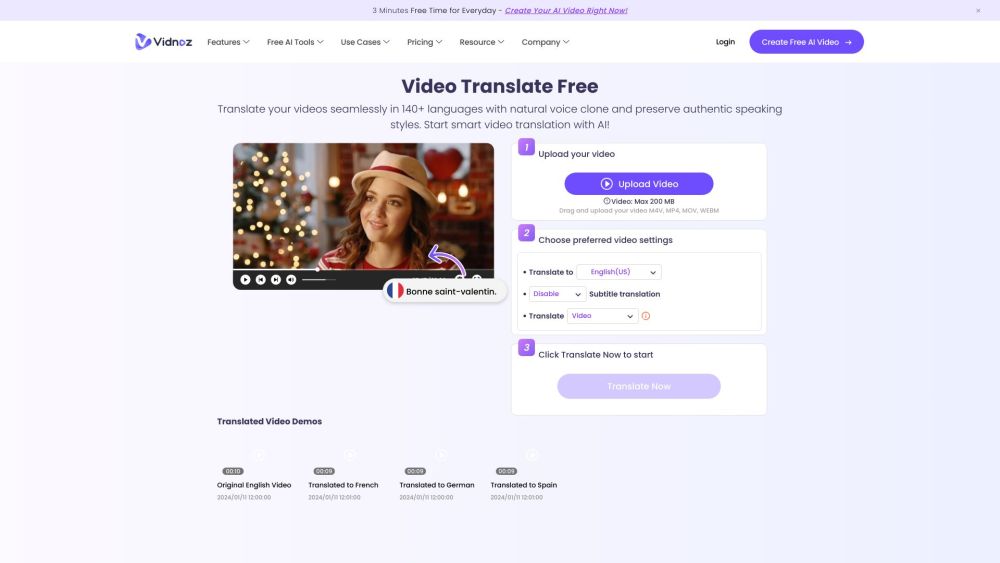
Vidnoz AI is an AI video translator and video creation platform with flexible pricing.

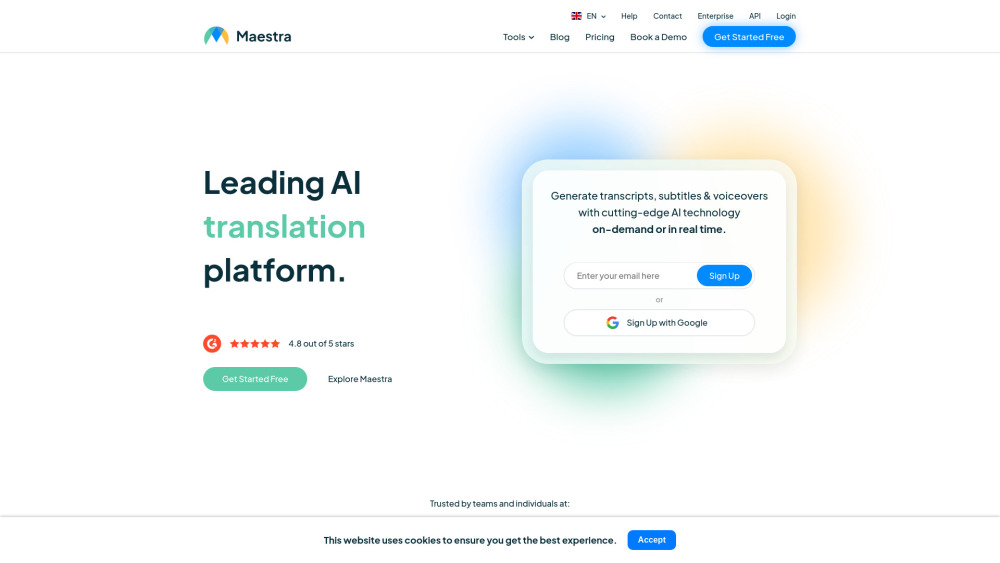
AI platform for transcription, translation, subtitling, and voiceovers in 125+ languages.

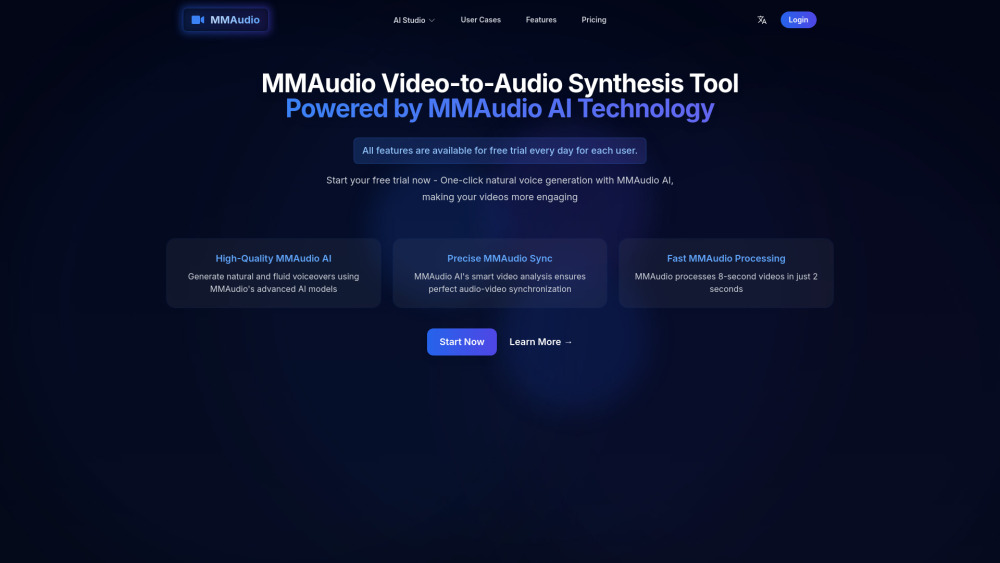
AI-powered tool for video to audio synthesis and text to audio conversion.

AI-powered dubbing platform with multilingual support and various AI tools.


Metaphysic.ai: Generative AI video for hyperrealistic visual effects and synthetic media creation.


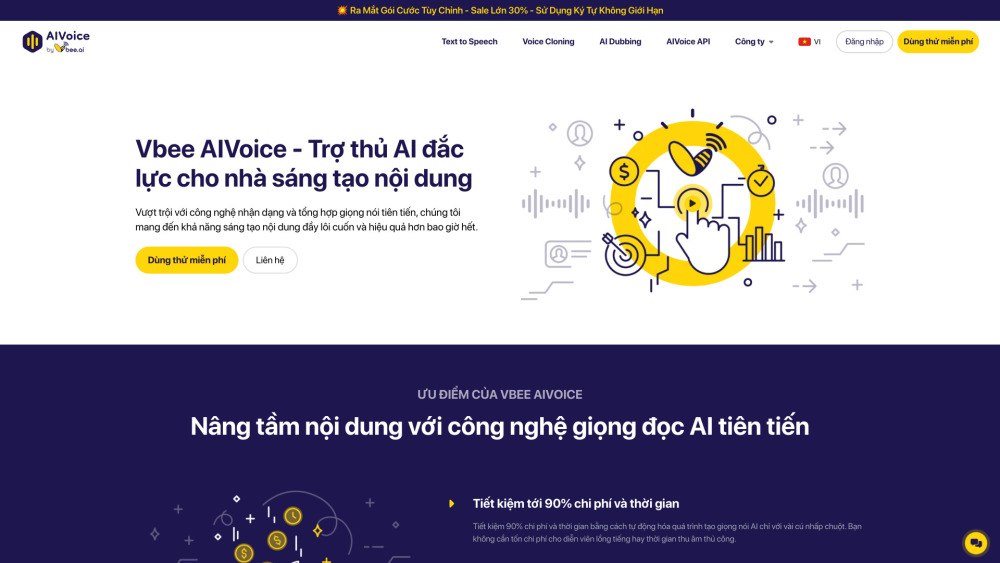
AI voice solution for content creation with text-to-speech, dubbing, and voice cloning.
AI tool for perfectly synchronized lip movements in videos.
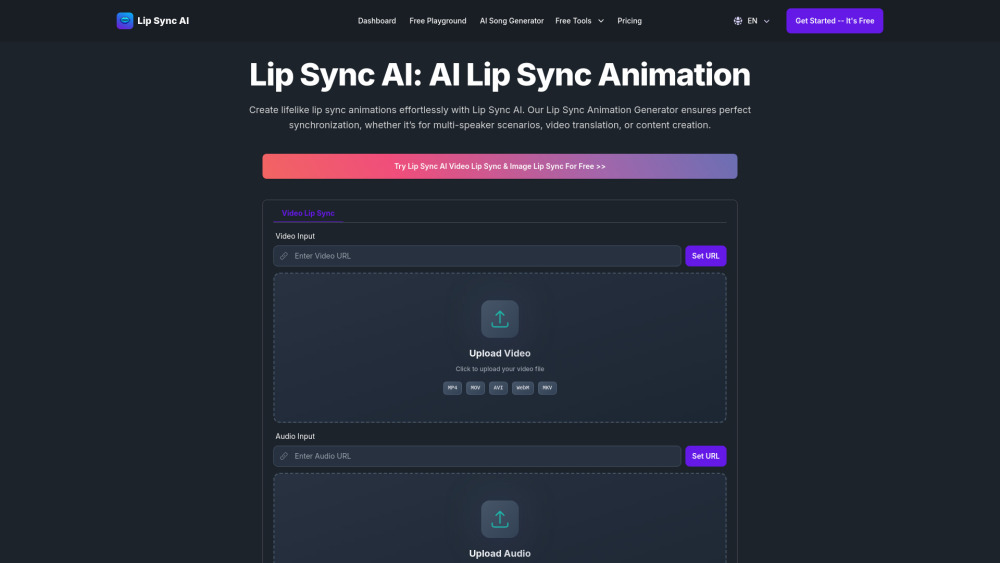

AI-powered video dubbing and translation service for creating multilingual videos.
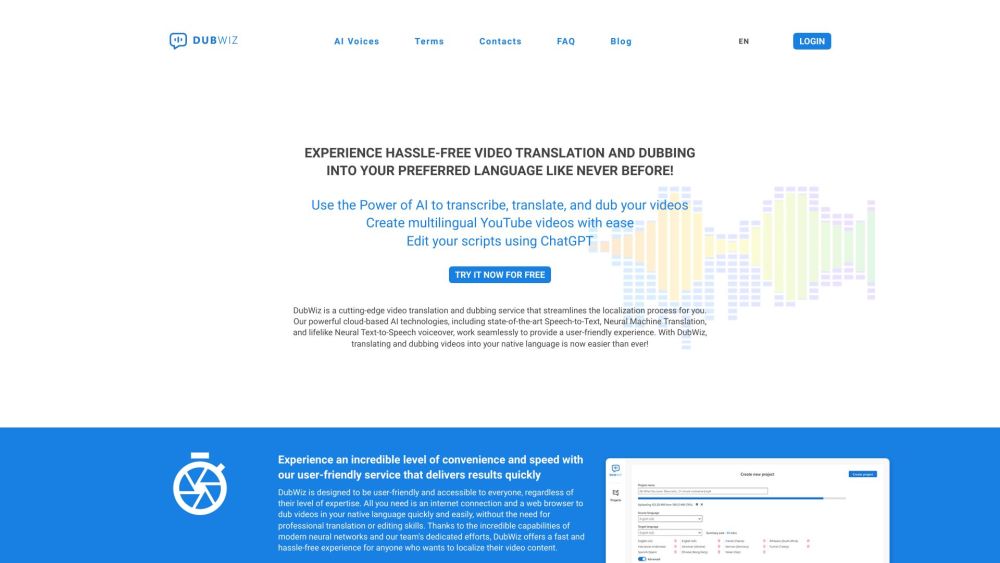

AI-powered multilingual video communication platform for global teams.
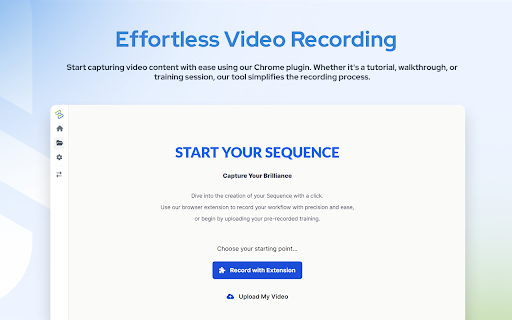

AI dubbing service for translating videos into multiple languages.

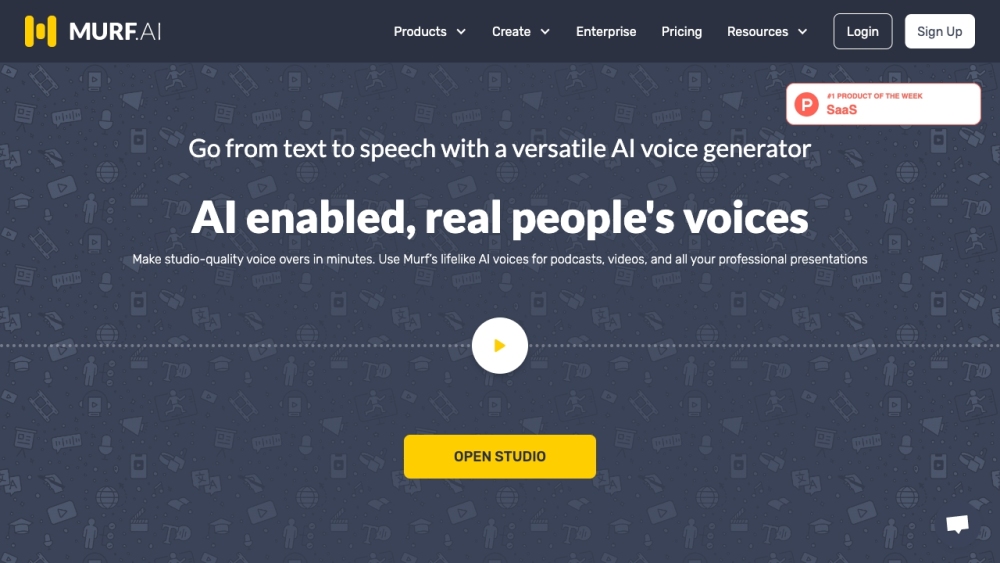
Versatile AI voice generator for text to speech, voiceovers, and translations.

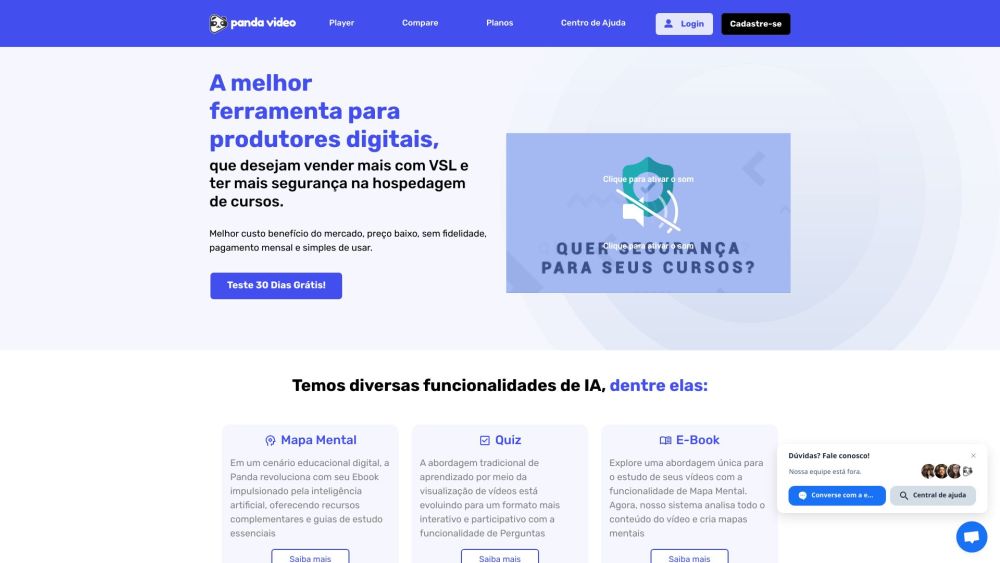
Video hosting platform with enhanced security and AI-powered features for digital sales.

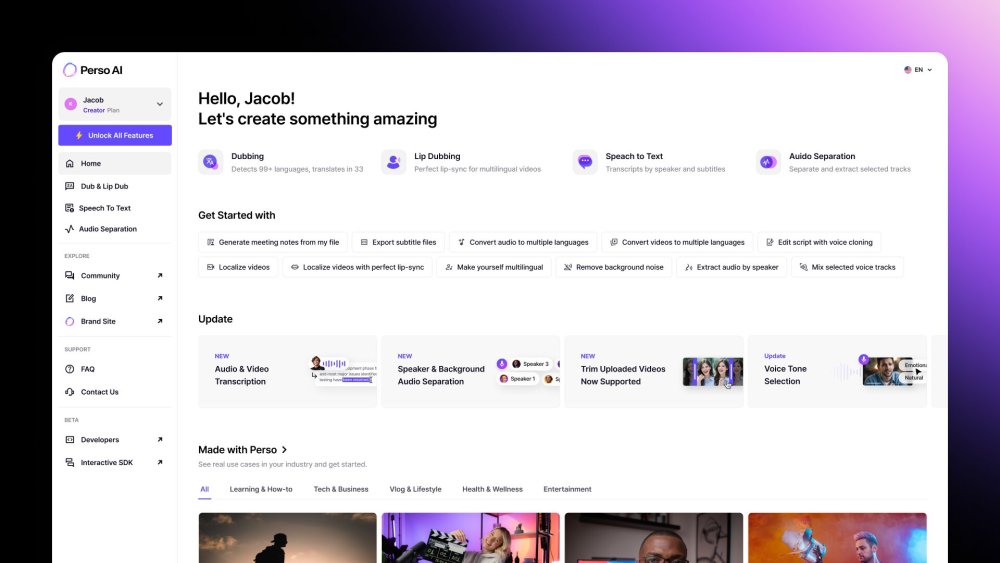
AI Dubbing in 33+ languages, Speech-to-Text with speaker diarization, and Audio Separation — all in one workflow.

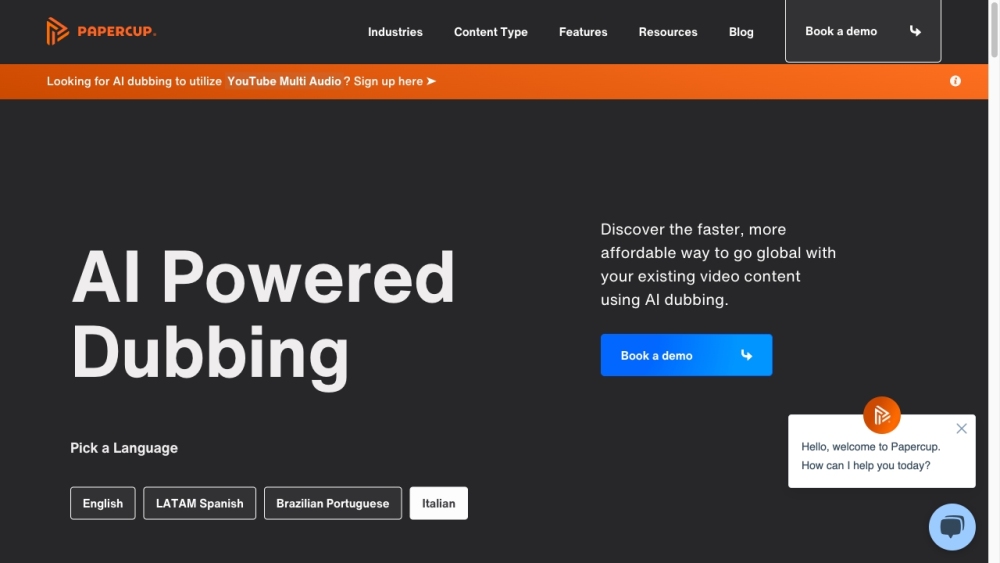
AI-powered video localization and dubbing tool for global content expansion.
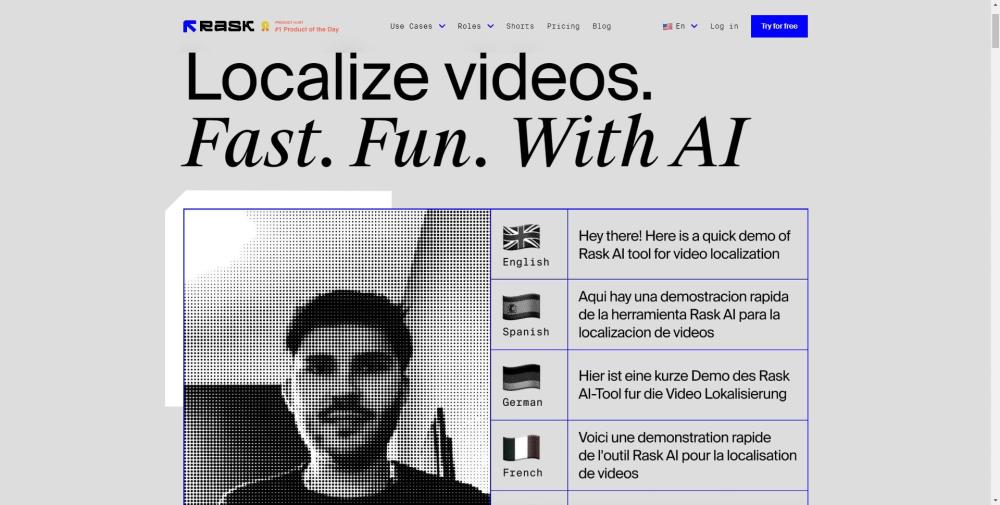

AI tool for generating realistic lip-synced talking videos from audio and images.


AI-powered video translation, captioning, dubbing, and voice-over in 75+ languages.
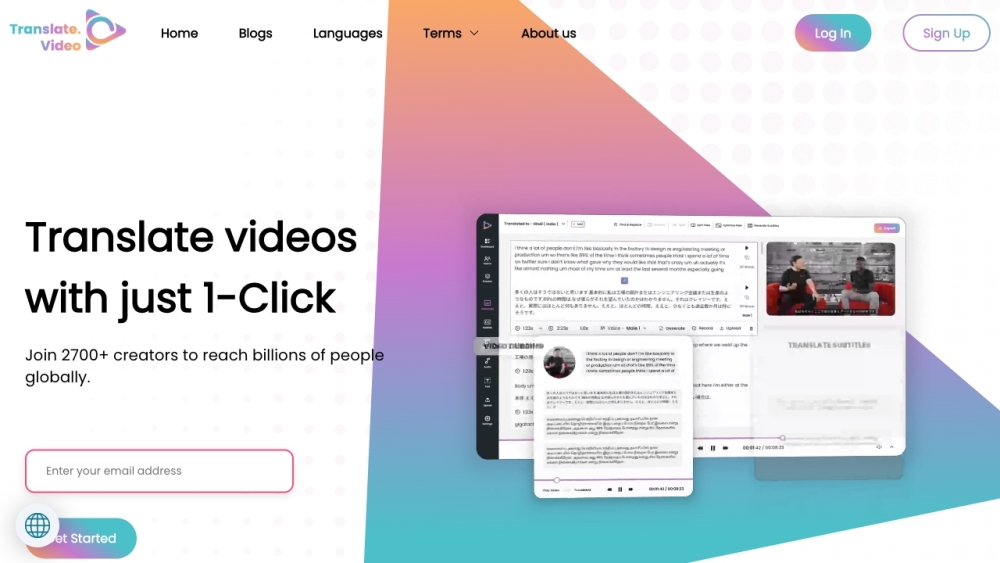

AI-powered audio-driven full-body video dubbing and generation.