Ai Image To Video


AI Image to Video, operating as 'aiimagetovideo pro,' is a free online AI generator designed to convert static images into dynamic video clips. It leverages multiple AI models, including custom systems and options striving to match Google Veo 3, Wan, and Kling quality, to create high-quality, professional video content. The platform supports multi-input workflows, allowing users to combine an uploaded image with descriptive text prompts for precise creative control, and offers HD exports without watermarks.
Free AI generator converting images to HD videos using advanced models.
- Creating dynamic ads and product showcases for marketing
- Transforming still images into presentation demonstrations
- Converting real estate photos into cinematic property tours
- Generating viral short videos for social media influencers
- To create a video
- users upload an image file (JPG
- PNG
- WEBP
- up to 10 MB). They then enter an optional text prompt to guide the AI
- and adjust settings such as the preferred AI model
- video duration (e.g.
- 3s or 5s)
- and resolution (e.g.
- 480p or 720p). Finally
- the user clicks 'Generate' to render the AI video
- previews the motion and effects

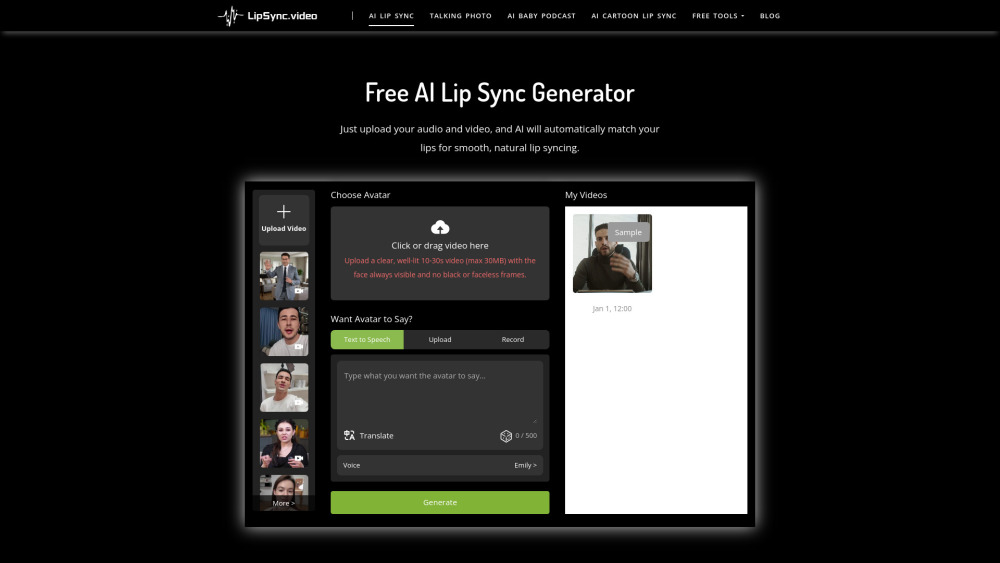
Free online AI tool for creating lifelike lip-synced videos easily.

AI model creating realistic videos from text, images, or existing videos.
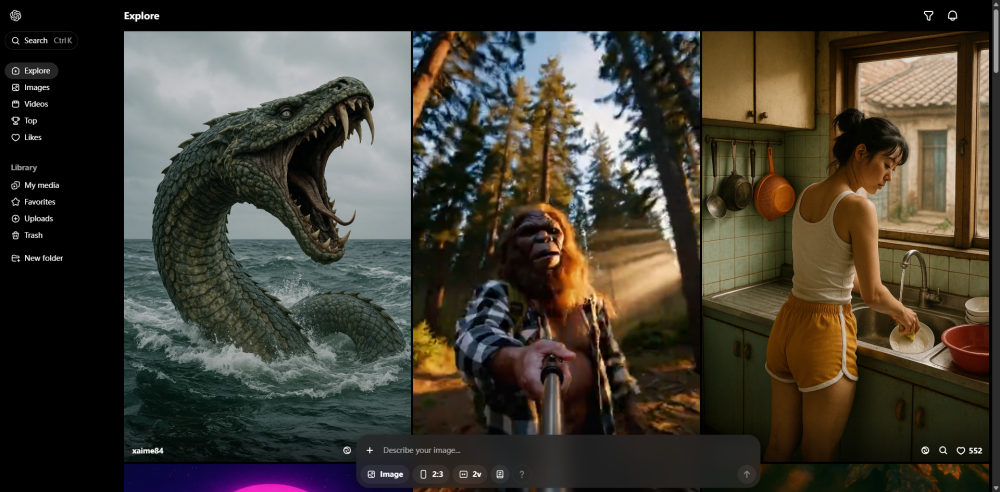

All-in-one AI video and image creation platform.

Unified multimodal AI video engine generating physics-accurate, cinema-grade 4K videos with native audio.


AI video generator transforming text, images, or videos into stunning videos quickly and easily.

Turn your photos into fun, engaging videos with insMind Image to Video Converter. From animating portraits to adding viral AI effects, you can bring any static image to life in just seconds—no editing skills required.


AI platform to turn images into spicy animated videos.

Advanced AI video generator with physics-accurate motion transfer and 4K production capabilities.


AI video generator creating 1080p cinematic clips from text and images.


AI-driven filmmaking platform for visual storytelling from concept to delivery.

AI video and image creation platform with various AI-powered tools and editing features.

AI platform for creating videos and animations with motion capture and swapping features.

An independent AI generator creating cinematic videos from text prompts and reference images.


ZenCreator is an AI-powered content creation platform for generating, transforming, and enhancing images and videos. It offers 12+ specialized tools including text-to-image, image-to-video, face swap, AI photoshoots, upscaling, lipsync, and more — all on a credit-based system with SFW and NSFW modes.

AI video generator that transforms text and photos into stunning videos.

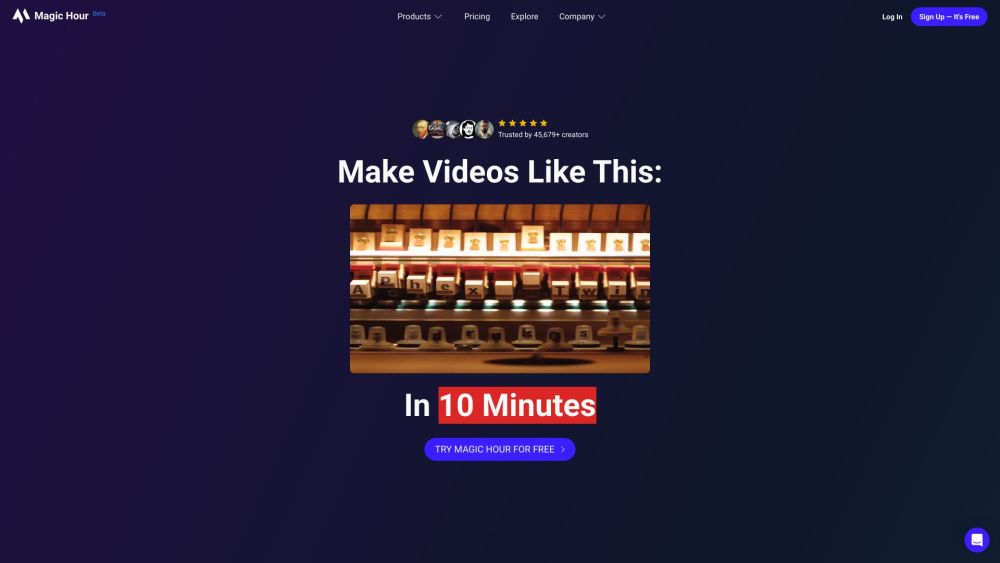
AI video editor for automated video creation via chat.


Leading AI platform for converting text and images into high-quality videos.

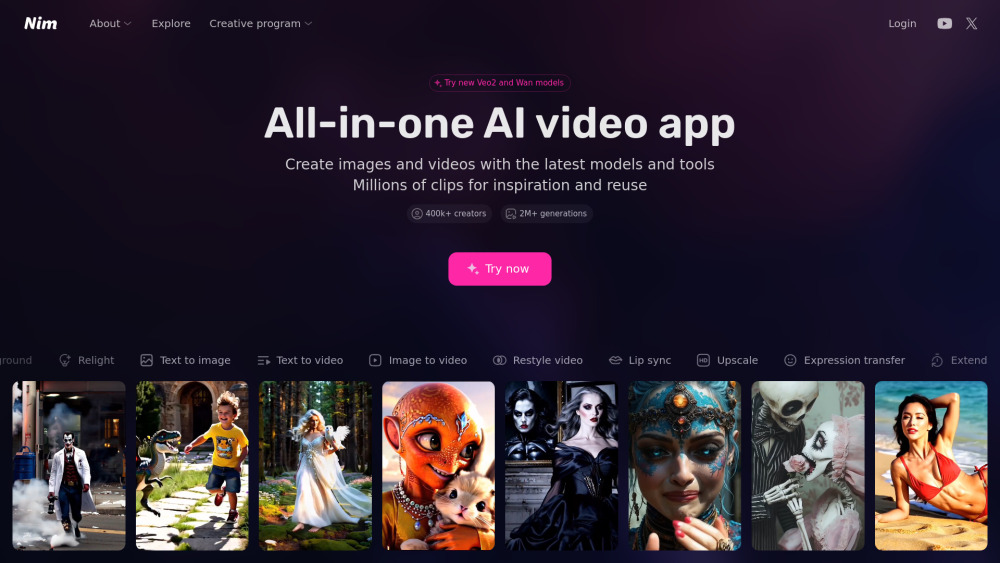
Nim is an AI video production app with various features for generating and editing videos.