20Paths Make How To Guides Fast






20Paths ai chrome extension? 20Paths is a tool designed to simplify the creation of how-to guides, SOPs, and product demos. It allows users to capture interactive guides with editable images, automatically generate cohesive text using AI, and add highlights and pointer arrows to explain steps. The platform also enables the creation of HelpCenters to compile all guides in one place, making documentation processes faster and more efficient.
Tool for creating interactive how-to guides with AI-generated text and annotations.
- Product demos
- Standard Operating Procedures (SOPs)
- Step-by-step interactive guides
- Employee onboarding
- Process documentation
- Knowledge base documentation
- Sharing domain knowledge
- How-to tutorials
- Software training
- Install the 20Paths extension
- interact with any web app as usual
- and 20Paths will automatically capture screenshots
- arrange them
- and generate AI text. You can then customize the text
- images
- styling
- annotations
- and branding. Share or embed the guide with one click.

Documentation tool that creates step-by-step guides, videos, and screenshots automatically.

Interactive learning platform for math, science, and computer science through problem-solving.

A free platform to find and learn about the best AI tools and software.


Glitter AI creates written guides from voice and clicks, with screenshots and text.

AI-powered platform for creating interactive product demos, videos, and guides.


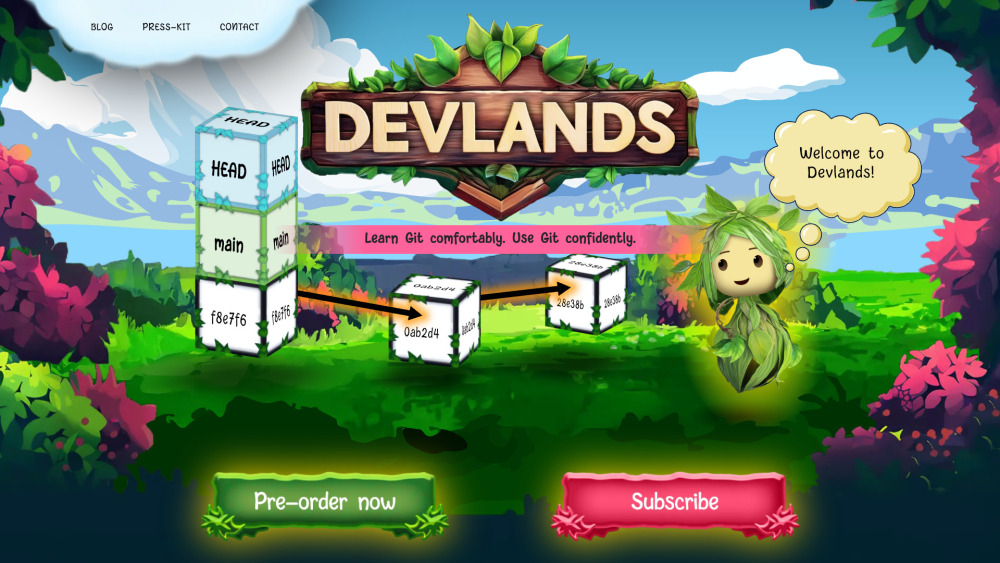
Gamified Git learning platform turning repositories into 3D worlds for intuitive understanding.

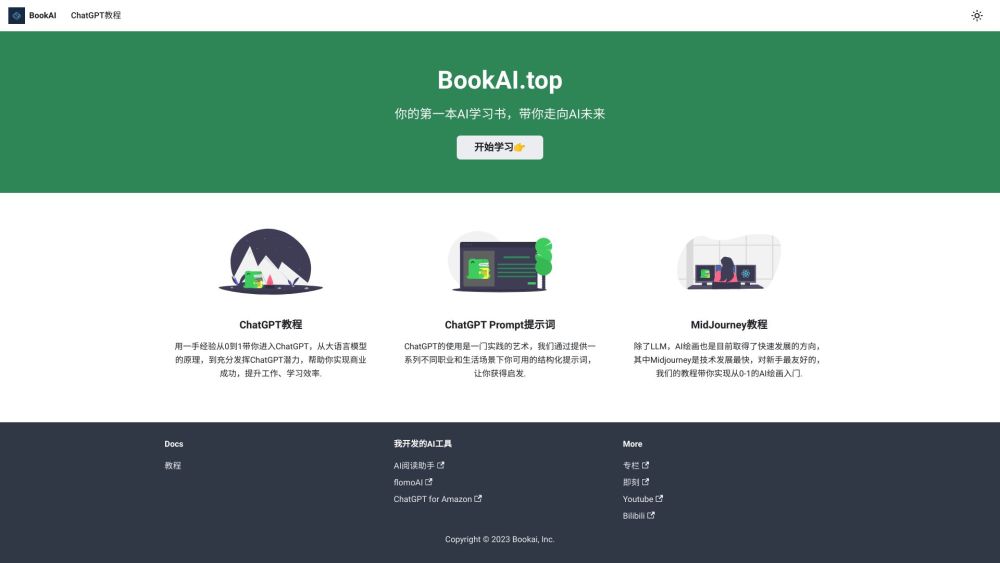
A guide to using AI, especially ChatGPT, for professional development and efficiency.

A Substack publication delivering weekly insights on machine learning systems and engineering at scale.


CodeVideo: Create educational software content quickly and export to multiple formats.