Vox
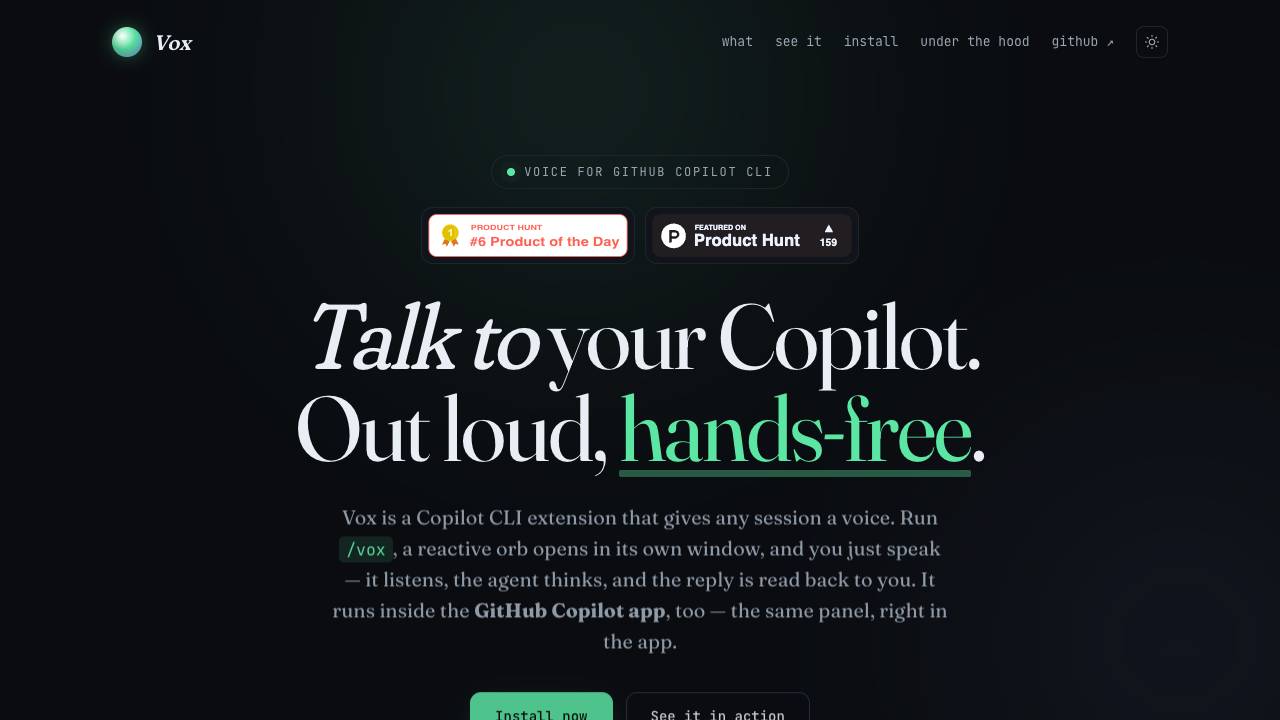



Vox converts speech to text for Copilot CLI instructions and uses text-to-speech to deliver responses, enabling hands-free interaction. It uses a pure JavaScript implementation with no cloud dependencies and runs on Windows, macOS, and Linux.
Vox is a GitHub Copilot CLI extension that provides a voice interface for coding sessions. By running the /vox command, users get a standalone window with a reactive orb that listens to spoken input and reads aloud the AI agent's replies.
- Hands-free coding while multitasking or doing manual work.
- Accessible coding for users with limited mobility or repetitive strain injuries.
- Rapid prototyping by speaking code ideas without typing.
- Ambient coding used during other activities that occupy hands or eyes.
- Ensure Node.js and git are installed and available in PATH.
- Run the one-line bootstrap command to clone the repo and install the extension.
- Open a terminal with GitHub Copilot CLI and run /vox.
- The orb window appears; tap the orb or press Space to start listening.
- Speak your turn; pause briefly and the audio is automatically sent to Copilot.
- The reply is read aloud; you can open the transcript panel at any time.

Chrome extension AI assistant for chatting, copywriting, translation, and more.


Partner for your most ambitious work


AI-powered sales enablement platform for customer-facing teams.


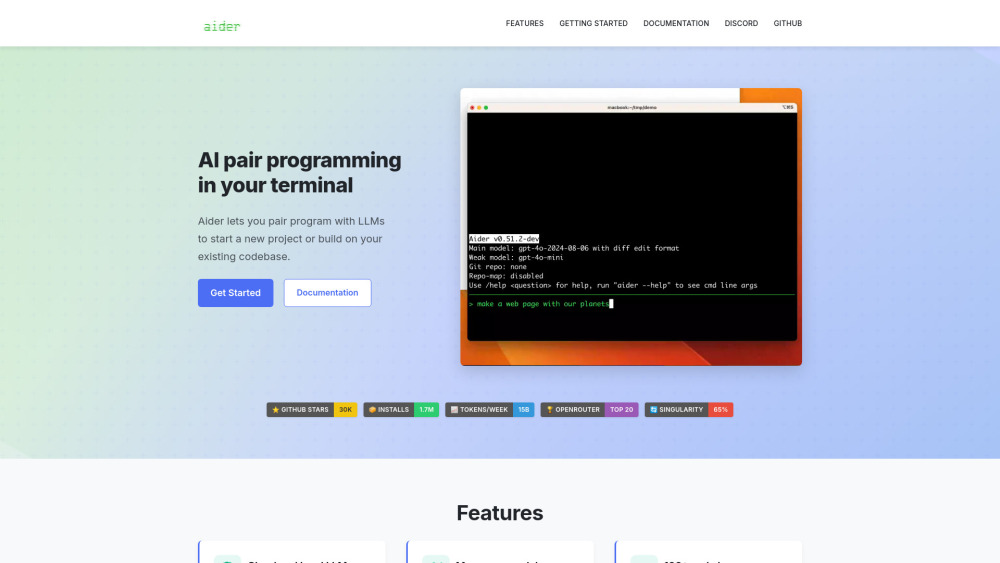
Aider is an AI pair programmer that edits code in your local git repo.

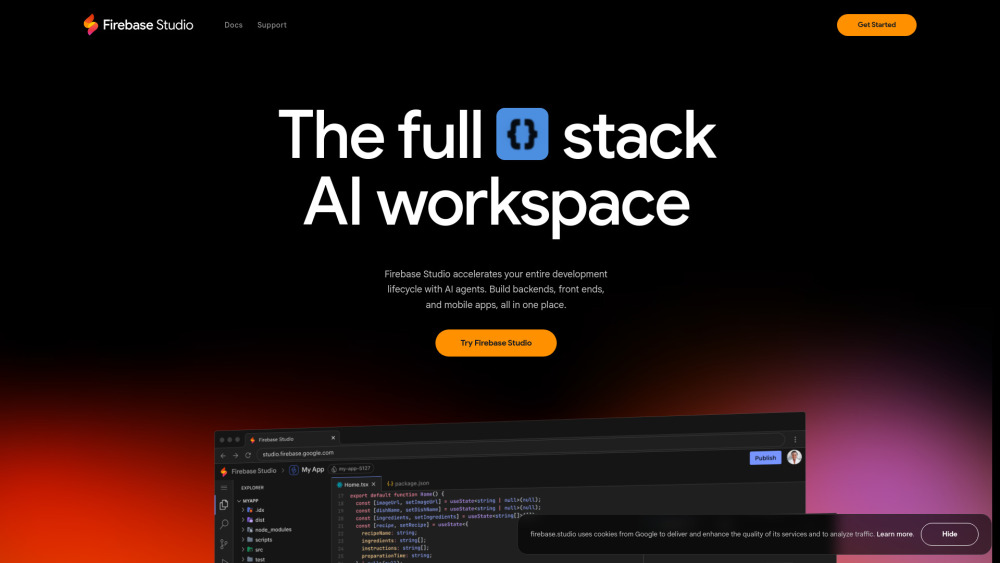
Web-based workspace for full-stack app development with AI and cloud emulators.

AI Sales Copilot boosting sales with intent signals, AI research, and personalization.


Firstup is an AI-infused intelligent communication platform for employee engagement and insights.


Your AI Co-Worker in Slack & iMessage


AI-powered mind mapping tool for instant idea generation and brainstorming.