
Seedance 2 0 Video Generator 1



Zzo AI is an all-in-one AI creative platform at zzo.ai, offering access to the world's most advanced AI image and video models through a single unified interface. The Zzo AI Video Generator now features Seedance 2.0, ByteDance's latest multimodal video generation model — currently ranked #1 globally on the Artificial Analysis AI Video Leaderboard. Unlike standalone platforms, Zzo AI lets you compare Seedance 2.0 side-by-side with other top models without switching tabs or accounts. Seedance 2.0 on zzo.ai supports: 1. Text-to-video generation with director-level prompt control 2. Keyframe mode for precise clip entry/exit control Reference image mode for visual
Zzo AI Video Generator brings Seedance 2.0 — ByteDance's #1-ranked AI video model — directly into a clean, no-setup web interface. Generate cinematic short videos from text prompts, reference images, or keyframe inputs, complete with synchronized audio, in seconds. No CapCut, no Dreamina account needed. Just open zzo.ai, select Seedance 2.0, and start creating.
- Product Ads — Generate premium 6–15 second product showcase clips with Seedance 2.0 on Zzo AI, including atmospheric lighting and sound
- Social Media Reels — Create scroll-stopping short-form hooks for Instagram, TikTok, and YouTube Shorts using Zzo AI Video Generator
- Concept Trailers — Test visual direction and cinematic pacing for a project before committing to full production
- Fashion & Styling — Use reference-image mode on zzo.ai to maintain wardrobe and color consistency across shots
- Brand Campaigns — Rapidly produce multiple ad variations with consistent branding, no production team required
- E-Commerce Videos — Transform product photos into dynamic demo clips using Zzo AI's Seedance 2.0 reference mode
- How to use Seedance 2.0 on Zzo AI: 1. Go to zzo.ai/ai-video-generator/seedance-2.0 2. Sign in or create a free Zzo AI account 3. Select Seedance 2.0 from the model selector 4. Choose your creation mode: Text-to-Video
- Keyframe
- or Reference Image 5. Write your prompt — describe the shot like a director: subject
- camera angle
- movement
- lighting
- and expected sound 6. Toggle audio on or off based on your scene needs 7. Hit Generate and download your cinematic clip in seconds Pro tip: Use reference images for product styling or recurring visual motifs. Use keyframes when you need clean clip entry and exit for editing handoff.
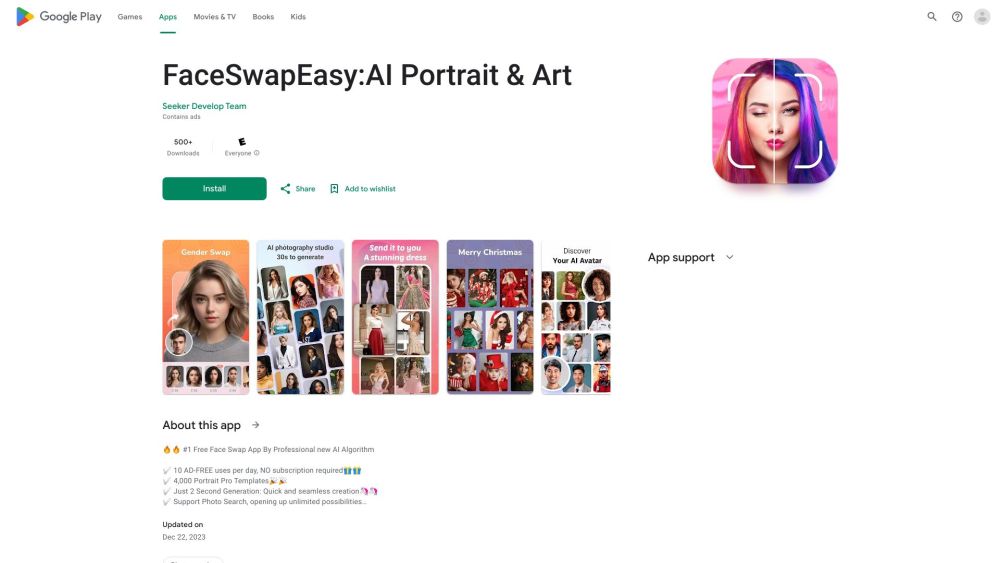
Free AI face swap app for portraits, headshots, and fun photo editing.

All-in-one AI Image & Video Editor: create stunning photos and videos with Imgkits
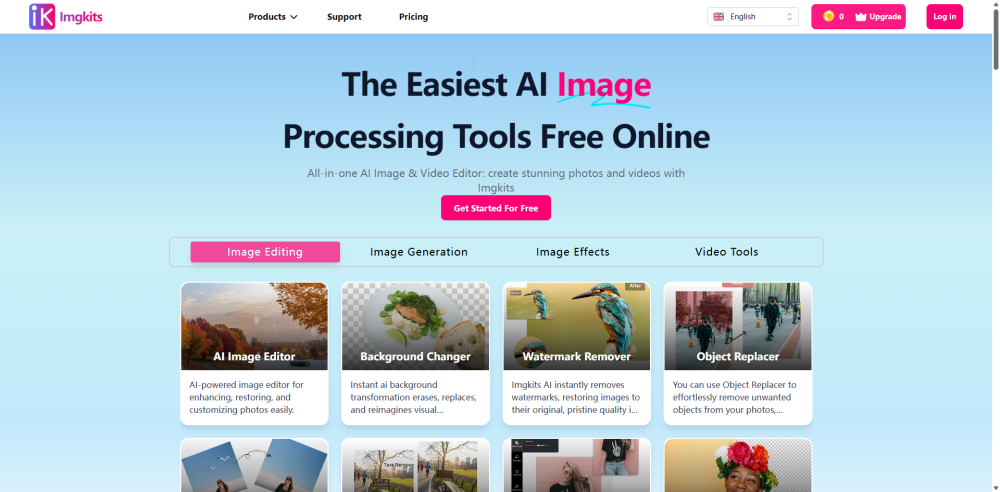

Image Editor – Edit Images with AI and Prompts Online Free, No Sign-Up


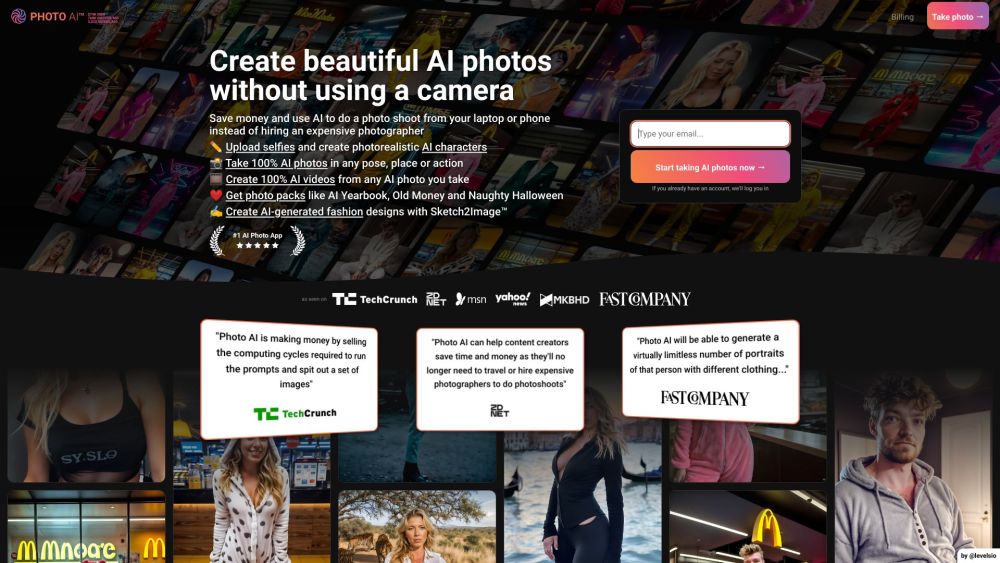
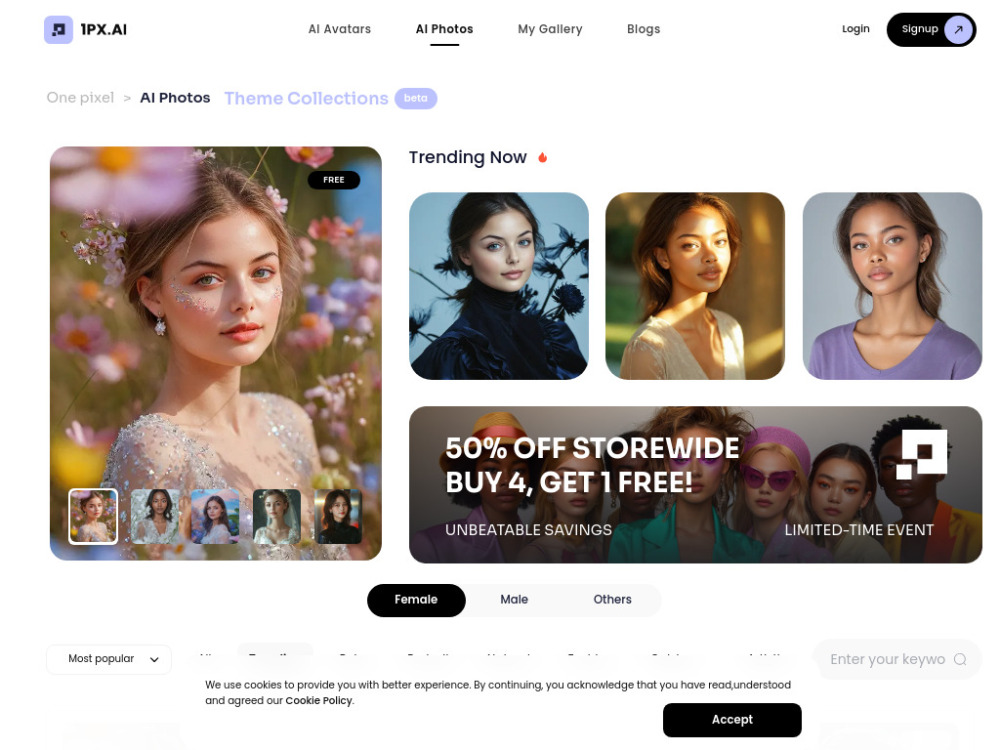
AI photo and video generator for creating photorealistic content of people.

AI-powered platform for generating AI avatars and editing photos.

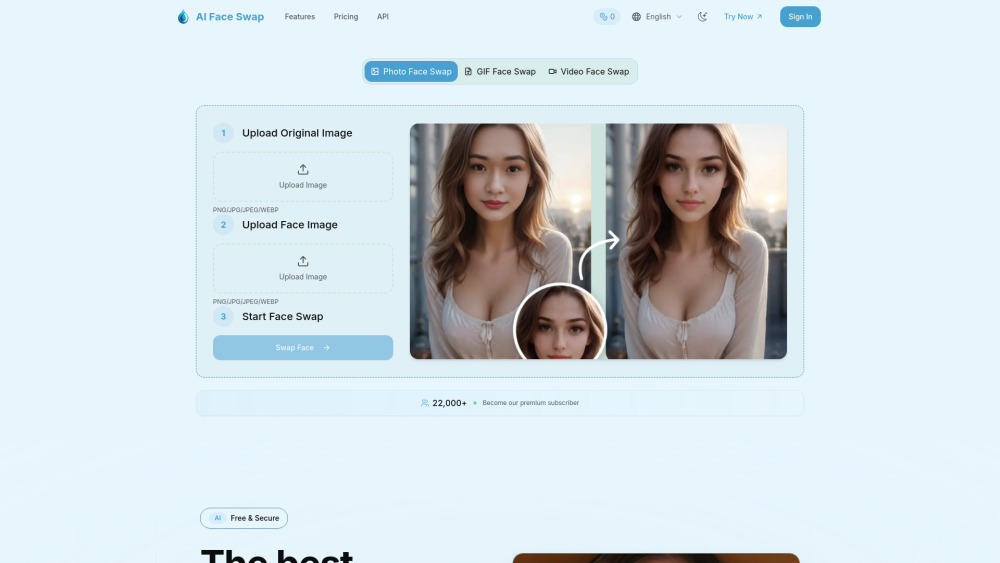
AI Face Swap is a smart tool that uses artificial intelligence. It can easily switch faces in photos, GIFs, and videos. In just seconds, it creates realistic changes with perfect facial expressions and details.

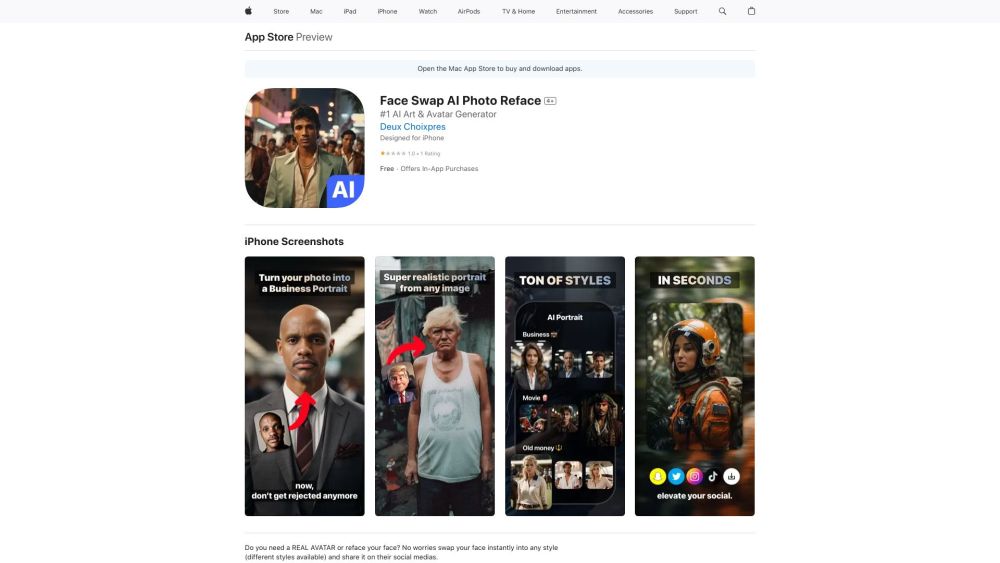
AI-powered app for instant face swapping and realistic portrait generation.

AI-powered photo editing app for art, face swap, and style transformation.

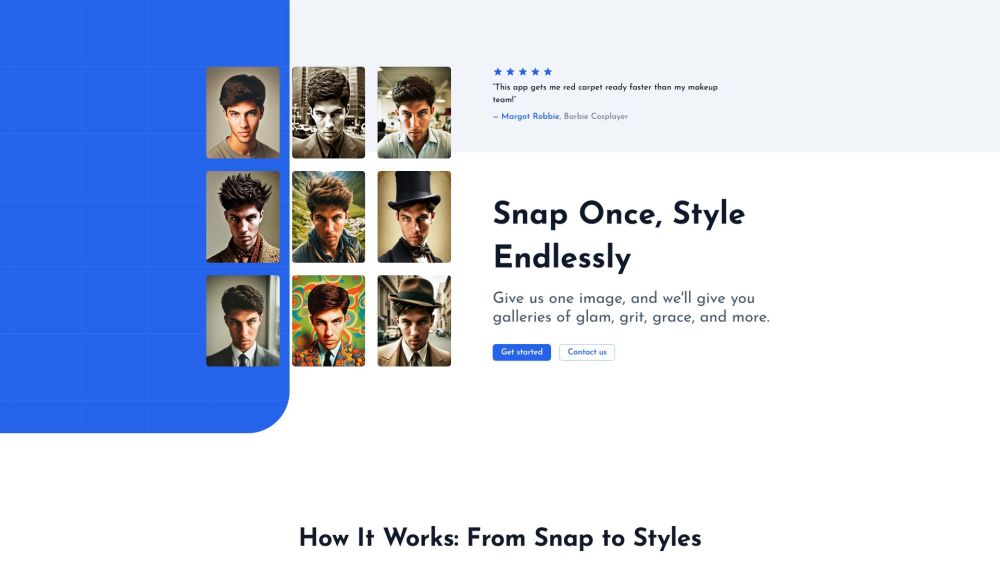
Glam Graph: Personalized styled images from your photo in 20 minutes for $10.
