Imagesv2 Ai
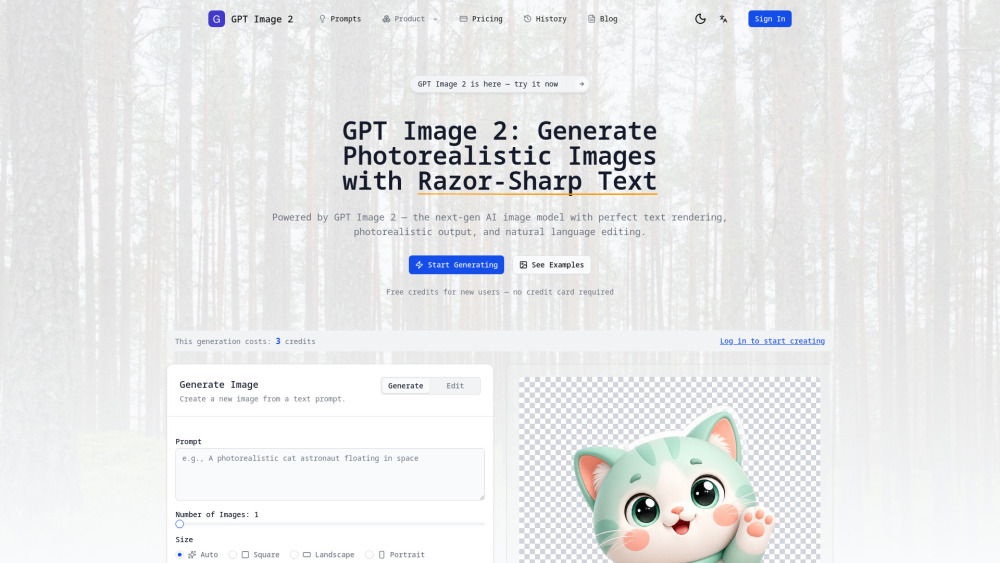


When you first open imagesv2.ai, you’ll see the standard GPT Image 2 Generator. You can enter a prompt, choose image size, quality, background, and output format. It supports output options such as PNG, JPEG, WebP, SVG, and PSD Beta, as well as settings like transparent background. If you only stop here, you might think it is similar to many other AI image generation websites. But what really makes it worth scrolling further is its product menu and showcase section. It does not simply give you one prompt box. Instead, it breaks many high-frequency visual tasks into dedicated tools: for example, a Transparent Background PNG Tool for design assets, an SVG Generator for vector graphics, Poster to PSD for post-editing posters, and content-focused tools such as the AI Article Illustration Generator and the GPT Image 2 Prompts gallery. If you create social media content, it also offers a WeChat Chat Screenshot Generator, Tweet Screenshot Generator, and TikTok/Douyin Live Screenshot Generator. If you care more about personal branding, it also has AI Portrait Styles, LinkedIn Headshot Generator, Personal Style Card, and Color Analysis. This is not a product page that simply piles links together. It feels like a visual workspace organized by task. I like this design because it lowers the barrier to entry. You do not need to start by thinking, “How do I write a complicated prompt?” Instead, you begin by choosing, “What task do I want to complete?” That is much more user-friendly than simply giving users one large input box. If you work in design or e-commerce, I recommend trying Transparent PNG, SVG, and PSD first If you are a designer, e-commerce operator, brand marketer, or someone who often creates materials for PPTs, posters, landing pages, or visual assets, I would suggest trying three features of imagesv2.ai first: the Transparent Background PNG Tool, the SVG Generator, and Poster to PSD. The most straightforward one is the Transparent Background PNG Tool. In many cases, we do not want a full complex image. We just need a subject element that can be placed into a poster, e-commerce product page, PPT slide, or social media cover. The traditional workflow is usually: generate the image first, remove the background, and then fix the edges. This tool can directly generate PNG images with an Alpha channel, making it suitable for product images, stickers, badges, i
This time, I don’t want to recommend just another website that can “generate images.” I want to recommend imagesv2.ai. I prefer to think of it as an AI visual toolbox. When you want to generate transparent PNGs, create SVG icons, export posters as PSD files, illustrate articles, generate WeChat chat screenshots, create tweet screenshots, simulate Douyin/TikTok livestream rooms, make LinkedIn business portraits, generate personal style cards, or even create 360° panoramic images, it has already prepared dedicated entry points for all of these tasks. This matters a lot for everyday users. Most of the time, we don’t open an AI tool just to “play with AI art.” We open it because we need to complete a specific task: publish an article, design a cover, deliver a visual draft, edit a video, create a PPT slide, update a profile photo, or add a more convincing image to a marketing plan.
- for AWS Speech to Text Technology 10 Easy Steps to Transcribe YouTube Videos to Text More Tools transcription audio en texte online audio transcription free audio file transcription free ai audio transcription audio transcription service audio transcription online free audio transcription free online audio to transcription software audio and transcript ai audio transcription free voice recording to text converter translate voice recording to text record voice to text audio recording to text converter voice recording and transcription chatgpt voice to text gmail voice to text speech to text reader speech to text ai free speech to talk Recommend Create Stunning Animated Websites with HTML and CSS From Smart Bins to Connected Cars: The IoT Infrastructure Already Changing Daily Life Why Dating Apps Feel Like a Second Job Unveiling the Power of Image Prompting and Style Reference in AI Google's Nano Banana AI: Revolutionizing Image Generation Evergreen vs. Trending: How to Pick Affiliate Offers That Last Maximize Performance & Security with Reverse Proxy in Janitor AI AI Marketing Automation: A Comprehensive Guide for Small Businesses Top AI Design Tools in 2025: Boost Your Creativity Top AI Marketing Tools: A Comprehensive Guide for 2025 Resourse Blog AI News GPTS Stable Video Diffusion Gemini AI Hardware Top AI Tools Is It Down? Browse by Alphabet A B C D E F G H I J K L M N O P Q R S T U V W X Y Z Other Top 1000 AI Tools Directory 06/26 06/25 06/24 06/23 06/21 06/18 06/16 06/12 06/11 Read more Create Stunning Animated Websites with HTML and CSS One AI Model API: Use 500+ Models Without Juggling SDKs Top AI Video Generators: Pika Labs vs. Alternatives in 2025 Best LLM SEO Tools Compared: 6 Platforms for AI Visibility (2026) Top Free AI Video Generators: Latest Tools Compared! Why Do Most Companies Ignore AI Strategy Consulting and What Are the Consequences of This? Mastering DALL-E: Image Editing with ChatGPT's Inpainting Feature Which AI Answering Service Platforms Are Worth Buying for an SMB in 2025? AI for Qualitative Analysis: Language Models & Practical Use From Smart Bins to Connected Cars: The IoT Infrastructure Already Changing Daily Life About Fulfillment Policy Privacy Policy Contact Us business@toolify.ai Toolify Toolify, The Best AI Websites & AI Tools Directory English 简体中文 繁體中文 한국어 日本語 Português Español Deutsch Français Tiếng Việt Copyright ©2026 Toolify. All Rights Reserved. Credits Limited No Buy more

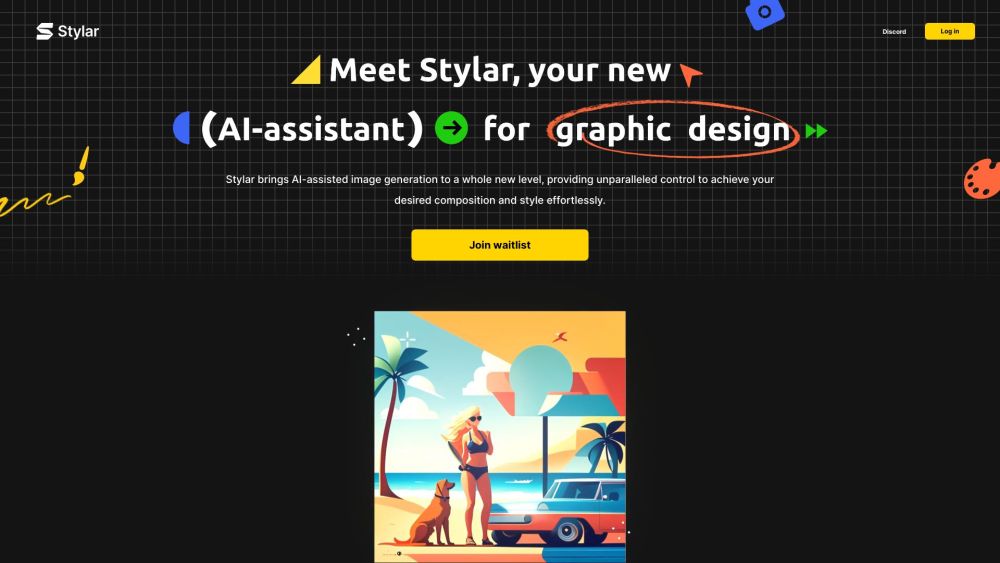
AI image and design tool with unparalleled control over composition and style.

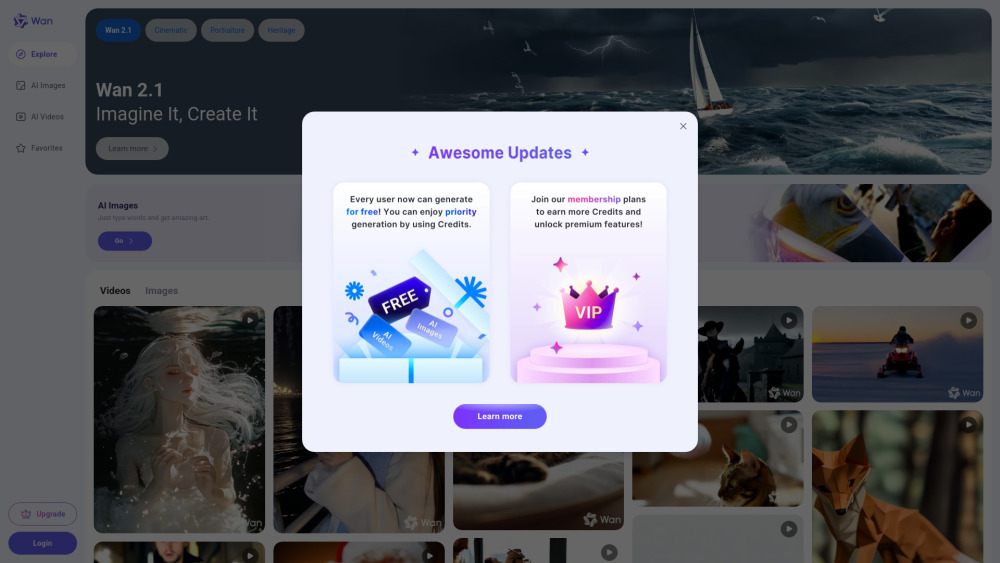
Alibaba's AI creative platform for image and video generation and editing.

EaseUS provides data recovery, backup, partition management, and multimedia software.

AI platform for generating production-quality creative assets with speed and style consistency.

Free, fast, and unfiltered Stable Diffusion platform for generating images from text.

Free online AI image generator with millions of photo filters.


AI-powered image creation and editing platform for everyone.


Free online AI image generator and model hosting platform.

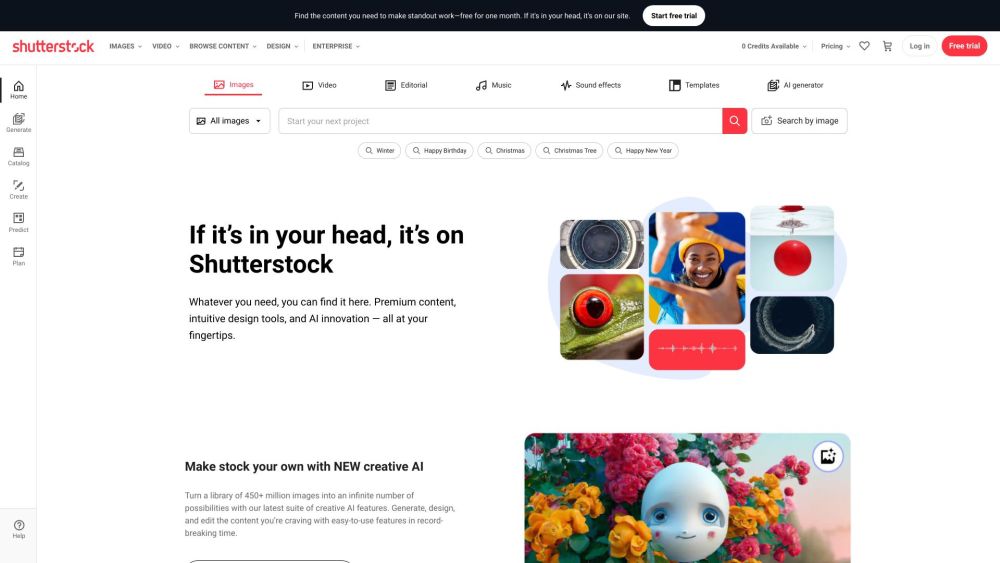
Shutterstock provides royalty-free stock images, videos, and music with AI-powered creative tools.
Free, unlimited AI image generator powered by FLUX.1-Dev model with high-quality output.


Your AI Creative Studio
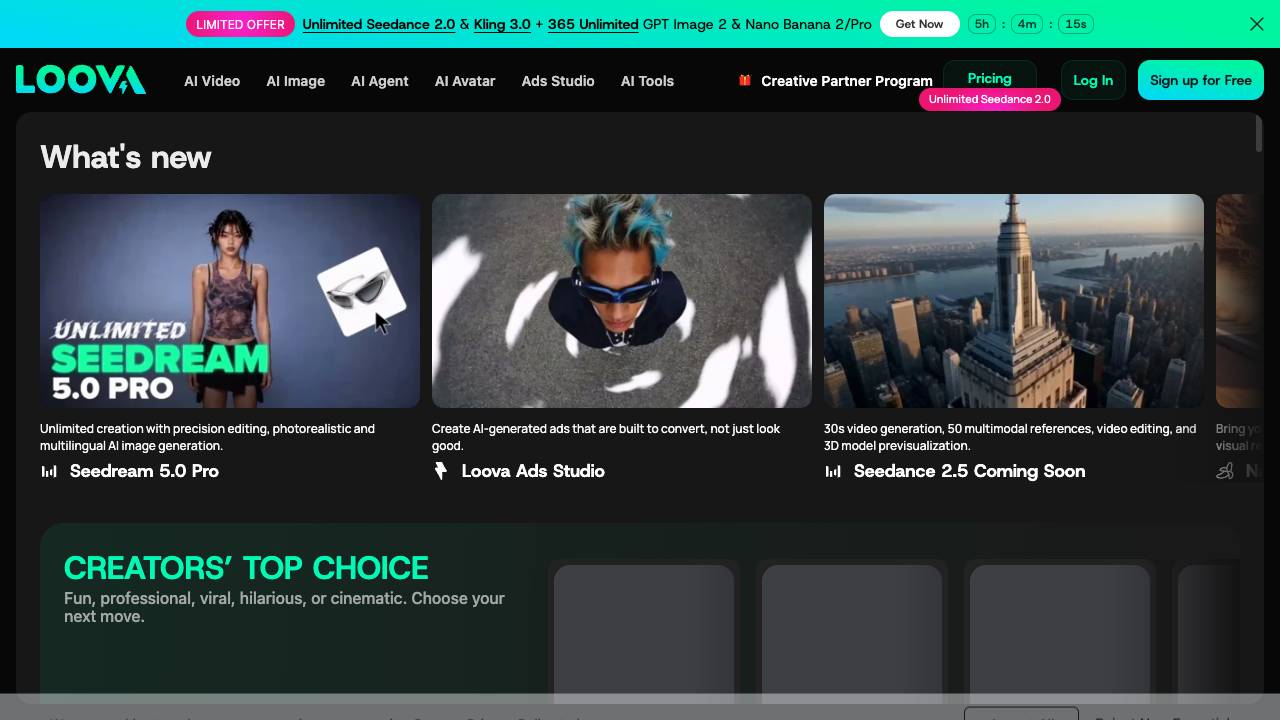

Generative AI platform for creating and enhancing images and videos.
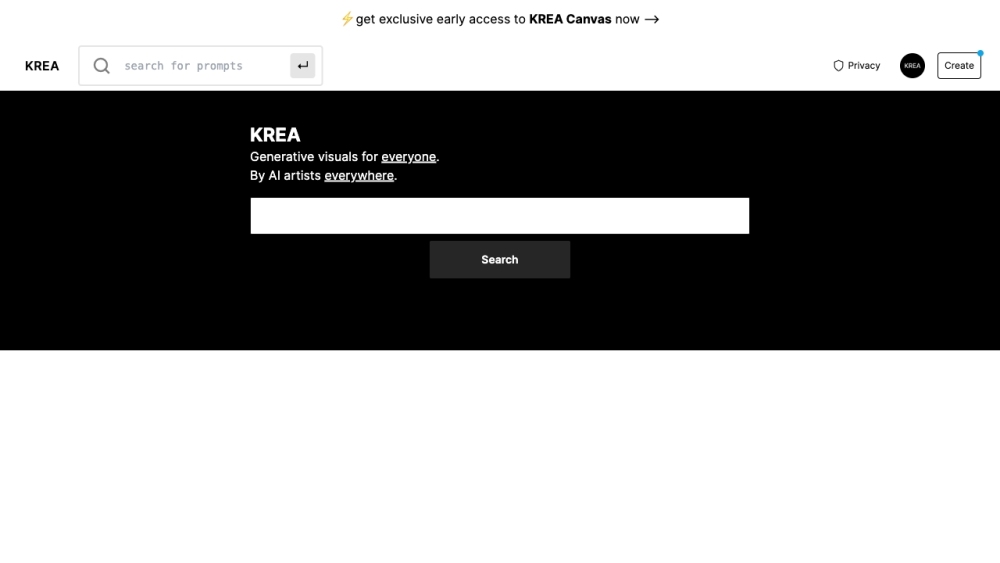

An online AI image generator for creating unique artwork from text and images.

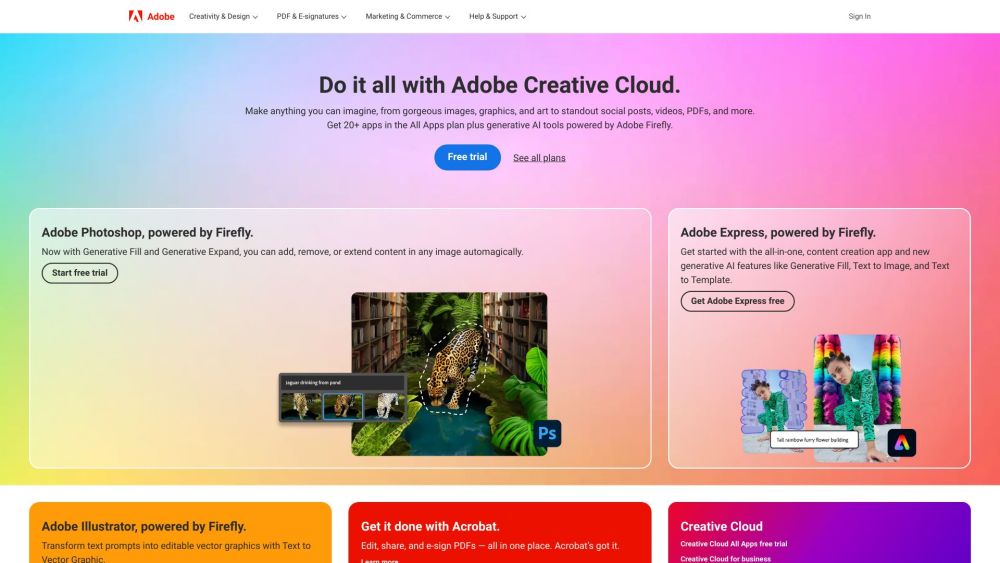
Adobe provides creative, marketing, and document management solutions.

All-in-one AI video and image generator for creating stunning visuals from various inputs.


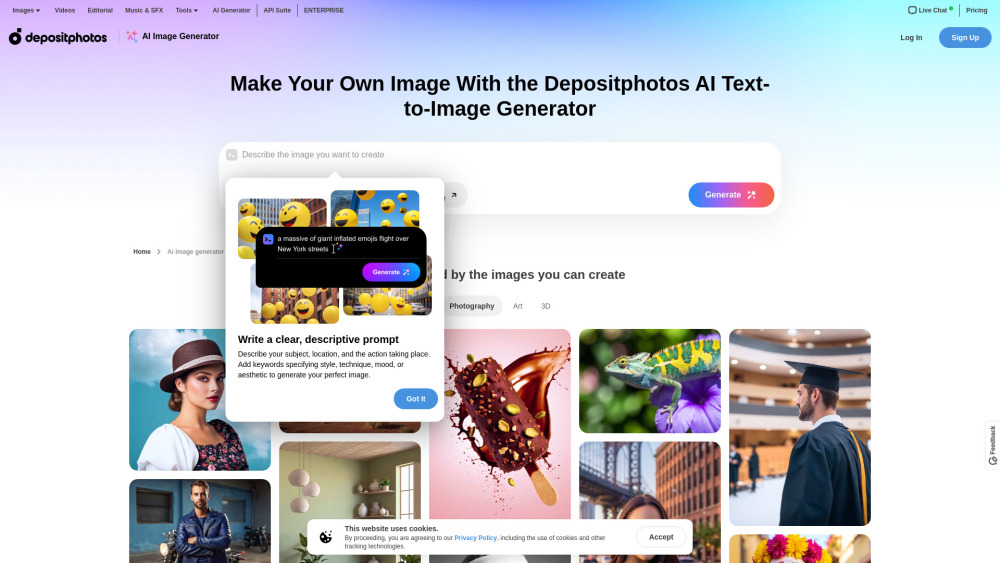
AI image generator converting text to unique, licensed pictures.

Unified AI creative suite for professional video, image, and audio production.


OneShots is a web-based tool that enables users to create app screenshots in 10 seconds using panoramic templates. It offers a free plan for preview and creation, with a Pro plan for exporting high-resolution images.