Image To Svg Converter
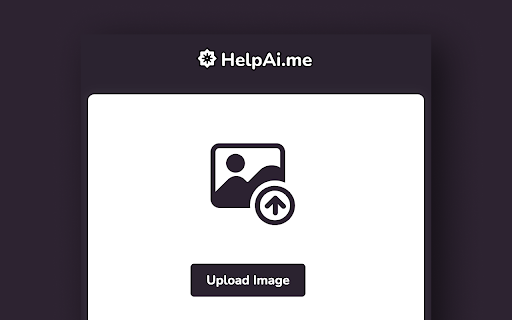


HelpAI.me Image to SVG Converter ai chrome extension? HelpAI.me Image to SVG converter is a tool that allows users to vectorize images into SVG format. It is accessible as a browser extension, enabling users to convert images from any website directly. The converter supports various image formats like PNG, JPG, JPEG, and Bitmap, and provides options to edit and download the generated SVG files.
Image to SVG converter browser extension for vectorizing images.
- Vectorizing logos for scalability
- Converting raster images to vector graphics for web design
- Creating SVG icons from bitmap images
- Preparing images for laser cutting or CNC machining
- 1. Download and install the HelpAI.me extension. 2. Click on the extension icon on any website to launch the converter. 3. Upload an image (PNG
- JPG
- JPEG
- Bitmap). 4. Generate the SVG file. 5. Edit and/or download the SVG.

AI-powered tool that converts text into high-quality SVG designs.

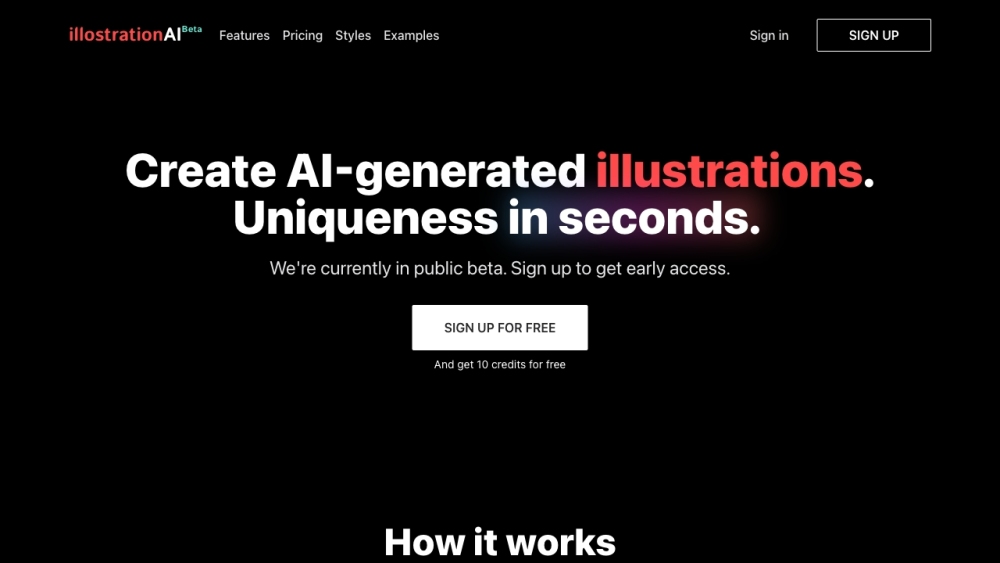
AI tool for generating unique illustrations quickly.

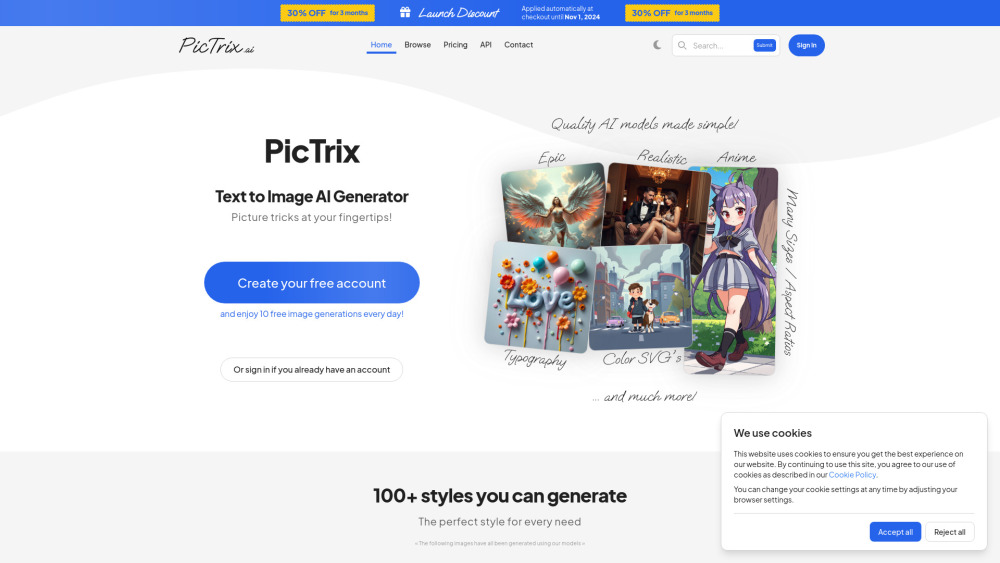
AI art generator creating pixel and SVG images from text prompts with free daily generations.

Online raster to vector image converter.

Free AI-powered logo generator that creates custom logotypes in SVG format.

Next-generation AI image generator with advanced text and style control, plus vector support.
Iconomy uses AI to generate custom icons from text prompts, with Figma integration.

Vectorizer.AI converts raster images to vector graphics using AI.

AI-powered Text-to-SVG Generator for creating SVG images from text prompts.

AI-powered vector illustration engine for creating custom SVGs from prompts.
AI image generation service with dedicated support via subscription.

AI-powered SVG generator creating scalable vector graphics from text prompts.


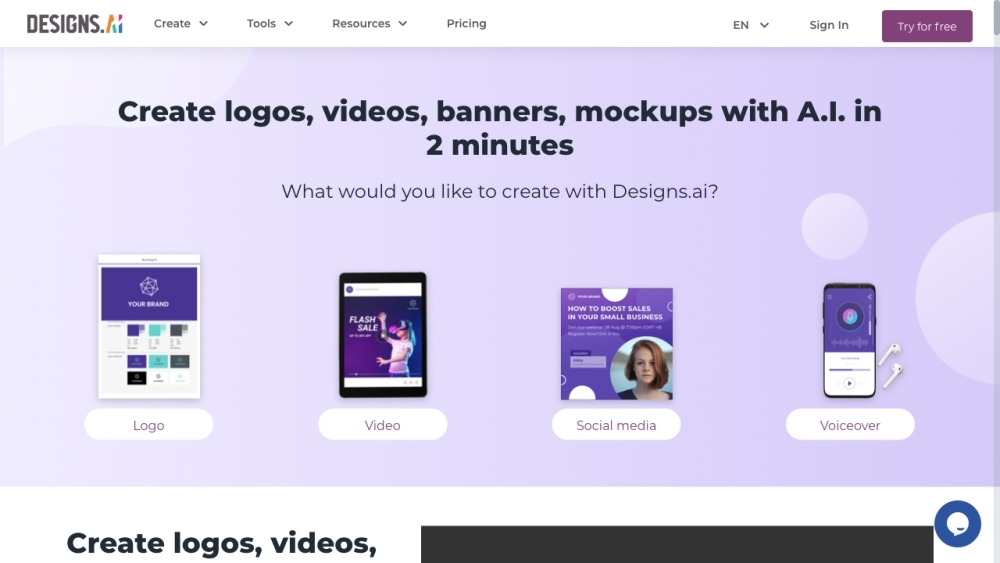
AI-powered platform for creating logos, videos, and designs quickly and easily.

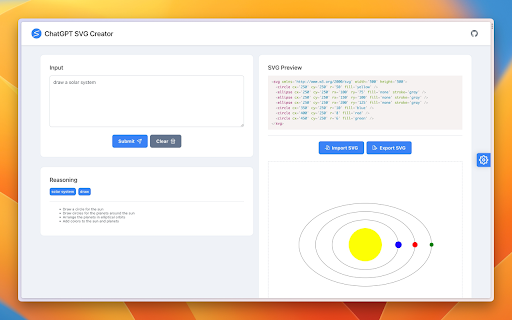
Design and modify SVGs using natural language with preview, import, and export features.

AI-powered photo generator for custom visuals in seconds.


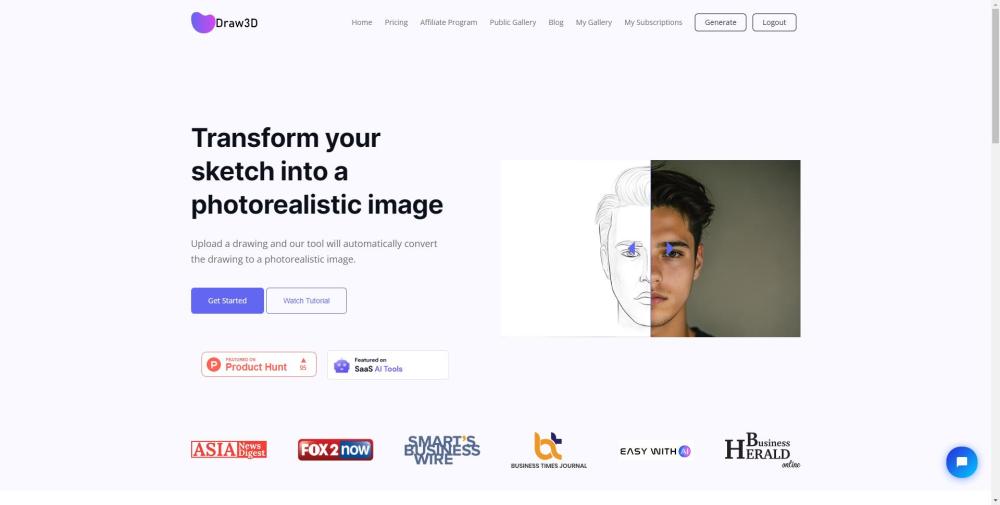
AI tool that converts sketches into photorealistic images.
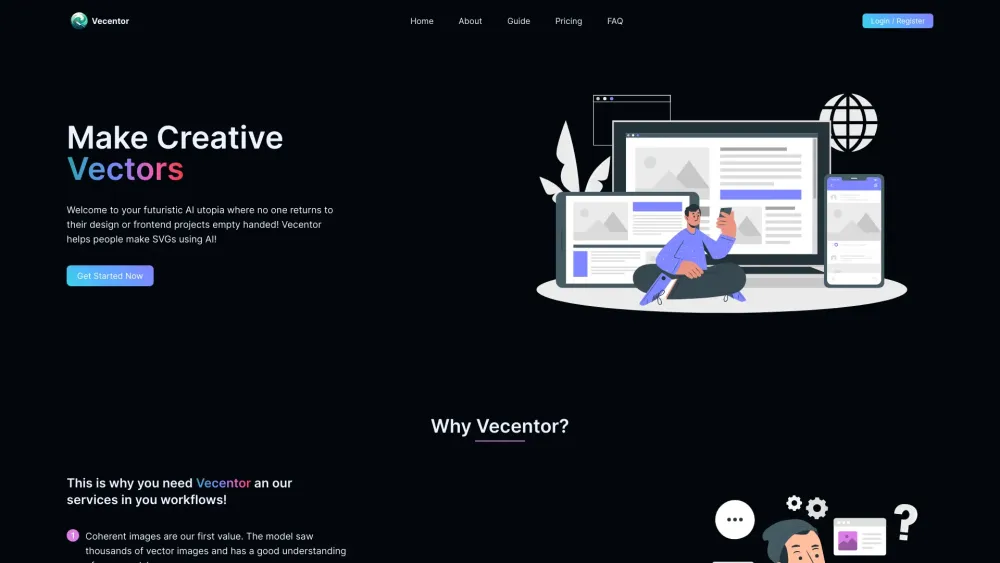
Vecentor: AI SVG generator from text prompts.

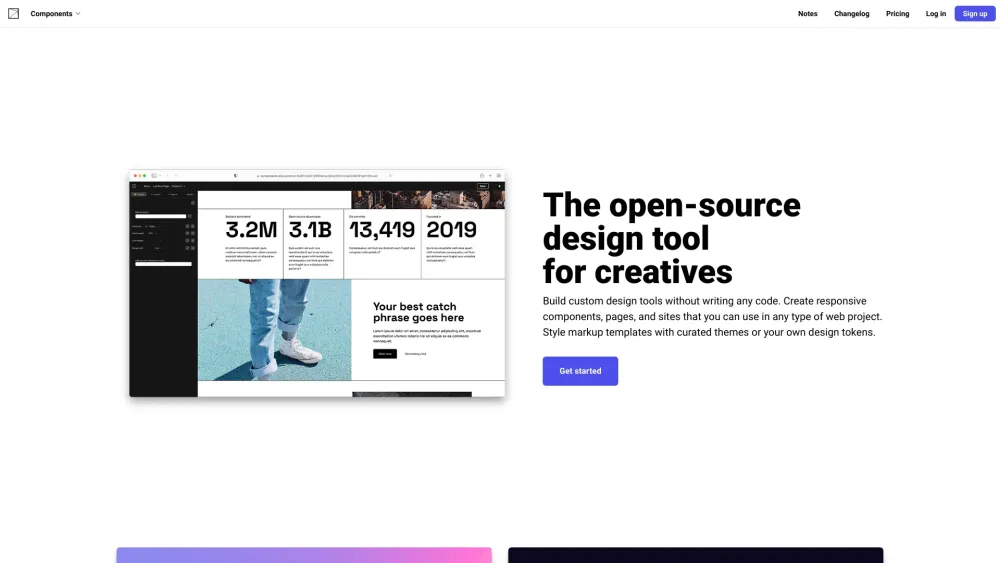
Open-source design tool for building custom design tools without code.