Free Market Research Report From Plus Ai





Plus AI is an AI presentation maker that helps users create PowerPoint and Google Slides presentations quickly. It offers features like text-to-presentation, document-to-presentation, AI in any language, slide editing with AI, custom branding, AI image generation, and AI chart maker. It integrates directly with Google Slides and PowerPoint, allowing users to create and edit presentations without needing another app. Plus AI aims to streamline the presentation creation process, making it easier for
AI presentation maker for Google Slides and PowerPoint.
- Creating client proposals
- Developing research reports
- Building strategy presentations
- Generating pitch decks
- Creating webinars and training materials
- Developing online courses
- To use Plus AI
- sign up for a free trial and install the extension for Google Slides or PowerPoint. You can then start from a prompt
- upload a file (PDF
- Word
- PowerPoint
- or text)
- or use any language to generate presentations. Edit slides with AI
- insert new slides
- rewrite content
- reformat slides
- and export to various formats.

AI presentation maker for fast, easy, and stunning presentations.

AI presentation maker for quick, professional slides with auto-design and document conversion.
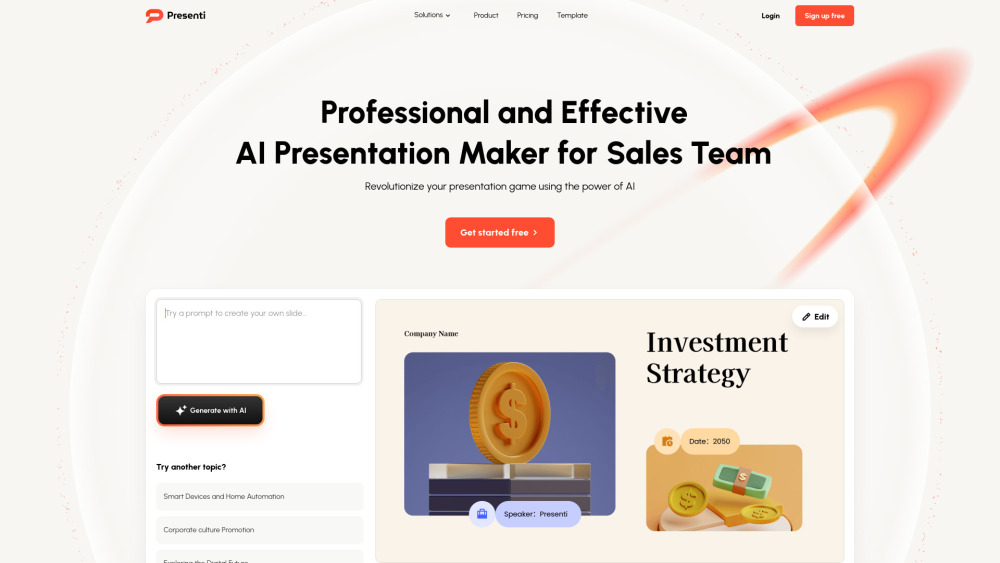

AI presentation maker that creates researched, professional slides from topics, text, or uploaded documents.


Dokie AI is an all-in-one AI PPT maker that helps you create professional AI slides in minutes. Powered by advanced AI, Dokie works as a smart presentation generator, turning text, ideas, or documents into well-structured, visually polished PowerPoint slides—fast, easy, and beginner-friendly.


AI-powered platform for instant document and slide creation.


PowerPoint presentation management software with slide library and brand compliance.

AI presentation maker for Google Slides and PowerPoint.
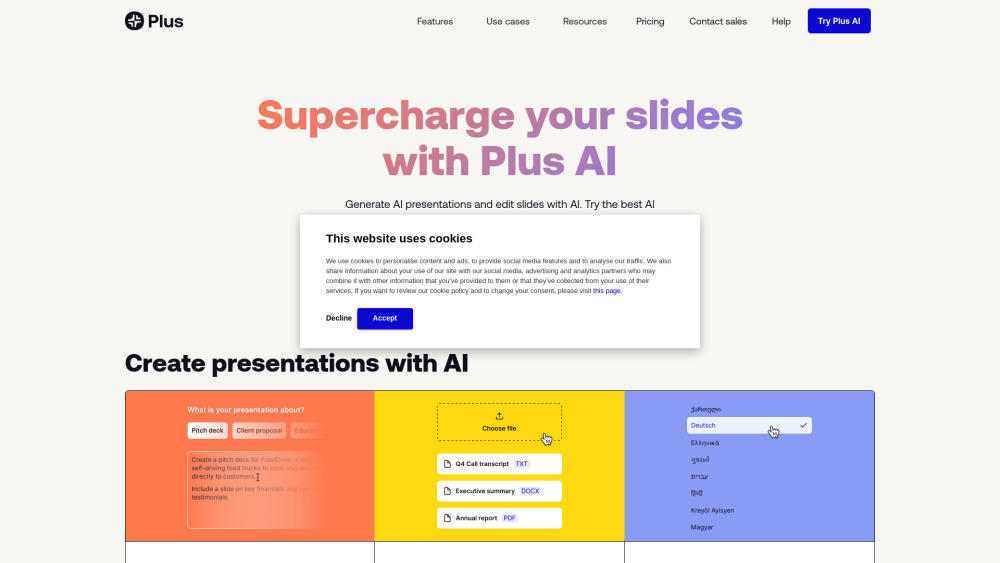

AI-powered presentation generator with export options.
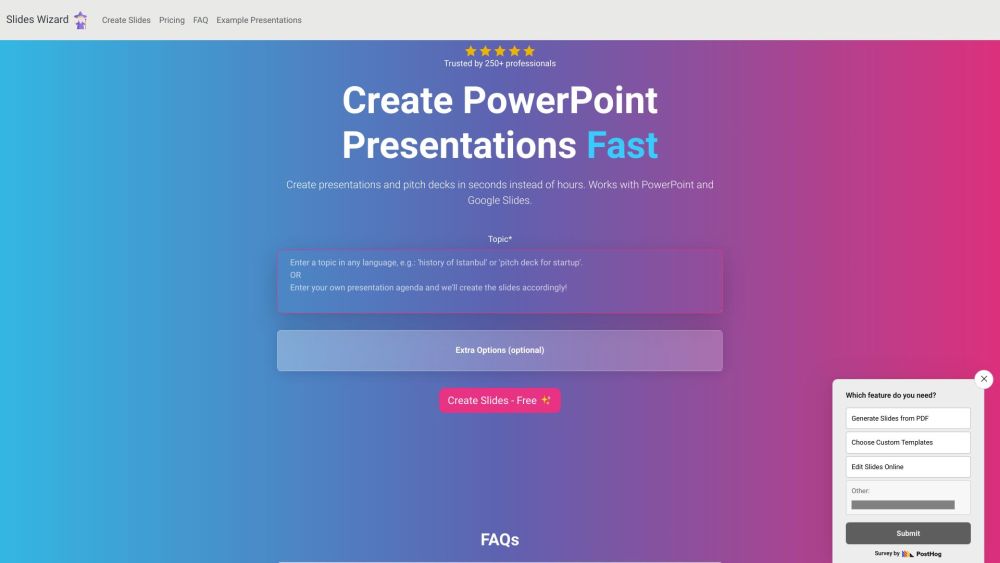

AI-powered platform for business communication and presentation productivity.