Easeus Chatpdf


EaseMate AI is a next-generation, all-in-one platform engineered to redefine how we learn, work, and create. By transforming advanced artificial intelligence into a practical and user-friendly experience, the platform strips away the friction and complexity often found when juggling multiple AI models. Key Highlights Unified Interface: Access the world’s most powerful models—including GPT, Gemini, Claude, and DeepSeek—from a single dashboard. Seamless Workflow: Eliminate the need to switch between different platforms or manage multiple subscriptions. Core Mission: To democratize AI, making it accessible enough for anyone to tackle complex tasks with professional-grade efficiency.
all-in-one platform for productivity and creativity. From writing and research to AI image and video generation, it helps you work faster, learn smarter, and create stunning visuals with ease.
- Quickly understand the main ideas of academic papers
- Summarize commercial or medical PDF files
- Extract text from image-based PDF documents
- 1. Access and Sign Up Visit the Site: Go to easemate.ai. Log In/Sign Up: Click the "Log In" or "Sign Up" button. Creating an account typically grants you 30 free credits and daily check-in rewards. 2. Choose Your Tool Select a category from the top navigation or homepage based on your needs: AI Chat: For general questions
- coding
- or writing (includes models like DeepSeek
- GPT-5
- and Gemini). AI Video: To create videos from text or images. AI Photo: For image generation
- background removal
- or face swapping. ChatPDF / Study: To upload and analyze documents or solve math problems. 3. Provide Input For Chat: Type your prompt into the message box. You can often switch between different AI models (e.g.
- switching from GPT to Claude) within the same interface. For Images/Videos: Upload a reference file (JPG/PNG) or type a descriptive text prompt. For Documents: Drag and drop your PDF
- Word
- or PPT file into the "ChatPDF" tool. 4. Configure Settings Before generating
- adjust the specific parameters for your project: Models: Select specific engines (e.g.
- Veo 3 for video or Nano Banana for 3D styles). Aspect Ratio: Choose 16:9 (widescreen)

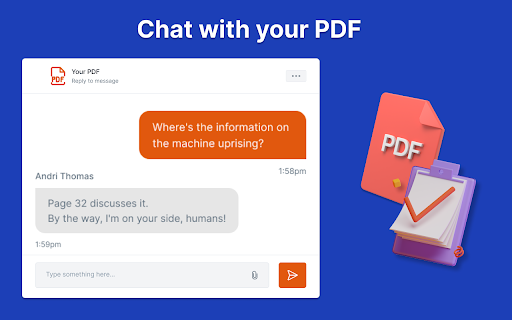
Chrome extension for quick access to paper summaries and Q&A.
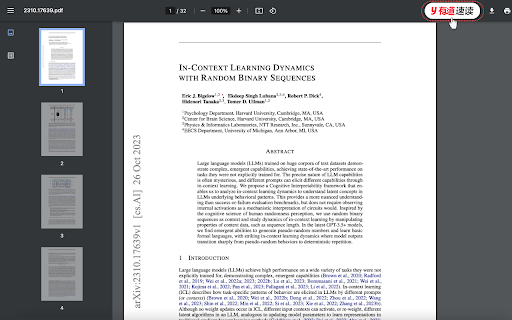

Never read a full PDF again. PDF summarizer scans documents and pulls out only what you need to know.


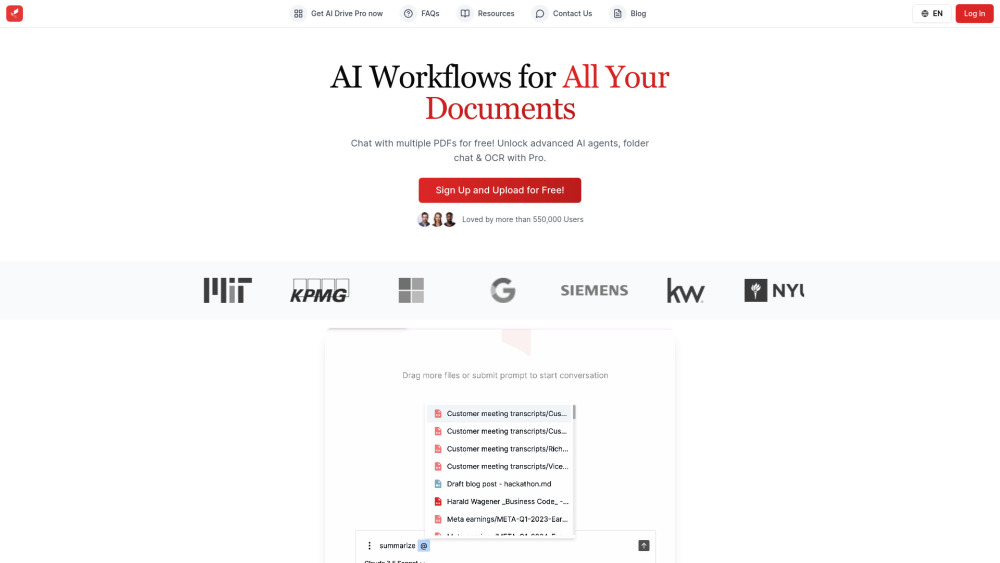
AI-powered cloud storage for summarizing, chatting with, and organizing files using advanced AI models.

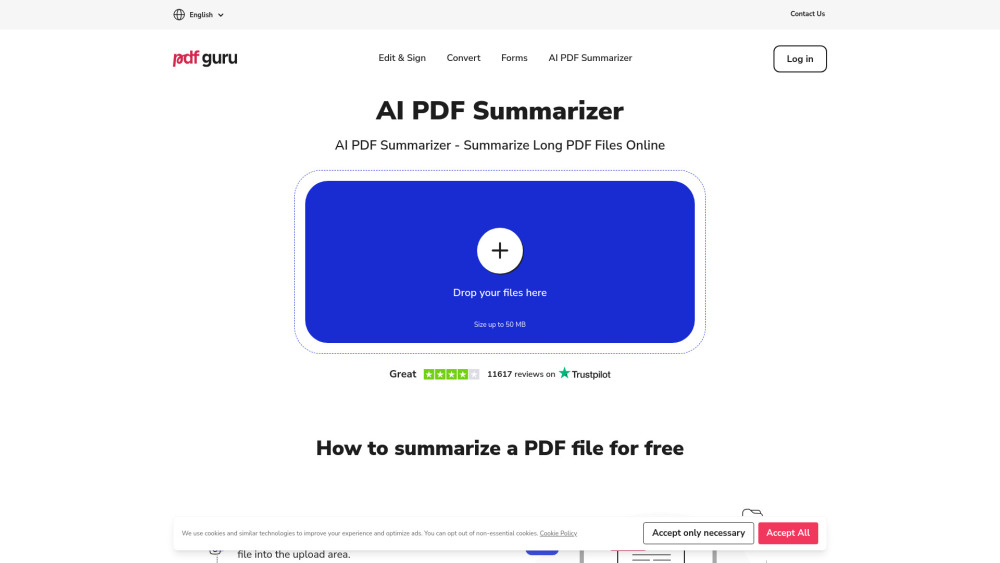
Online PDF tool for summarizing, editing, converting, signing, and form filling.

Tenorshare AI: AI tools for humanizing text, summarizing PDFs, writing, and creating slides.


A Chrome extension that uses ChatGPT to summarize, annotate, and query PDF documents.

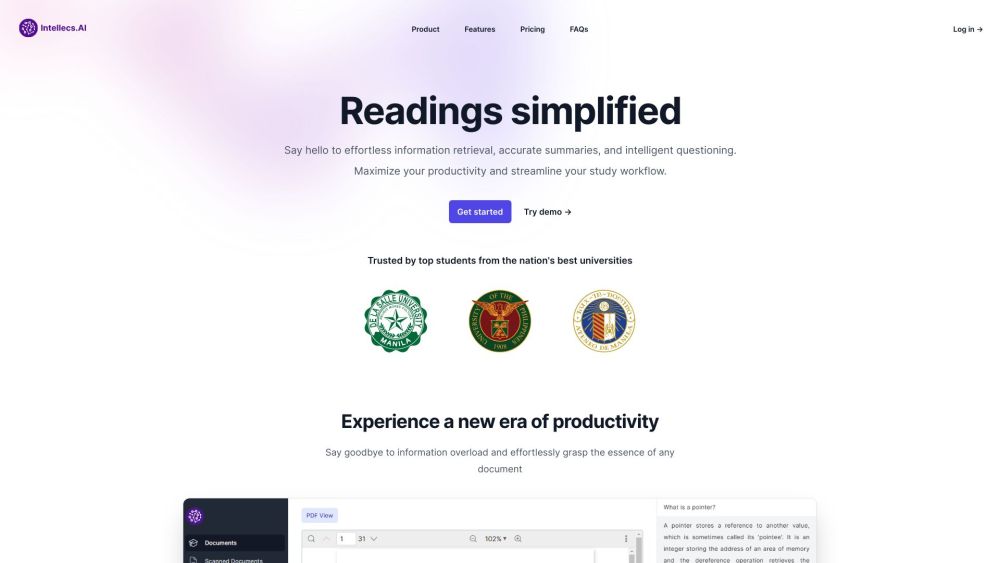
AI-powered study platform for simplified readings and efficient information retrieval from PDFs.

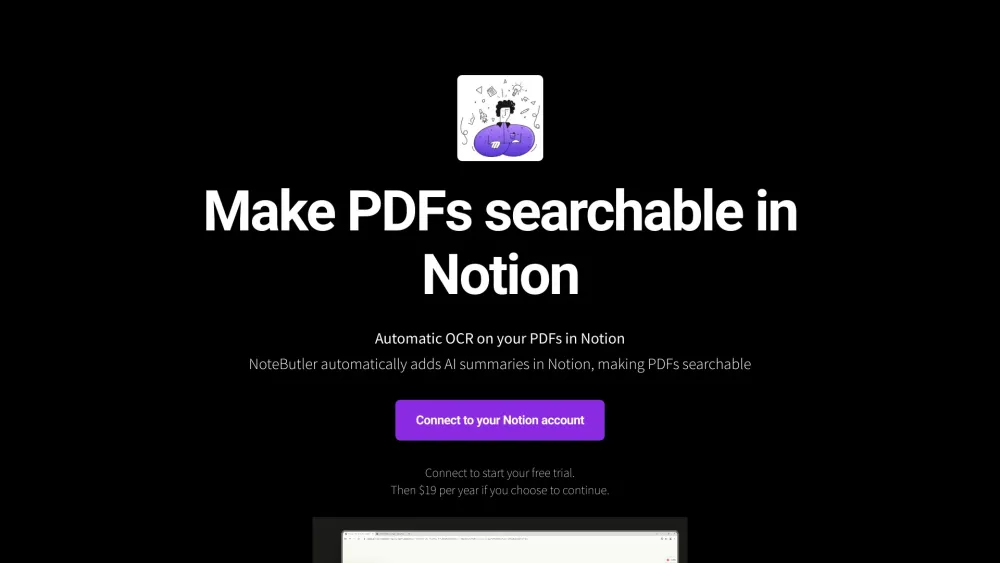
NoteButler makes PDFs searchable in Notion with AI summaries and automatic OCR.
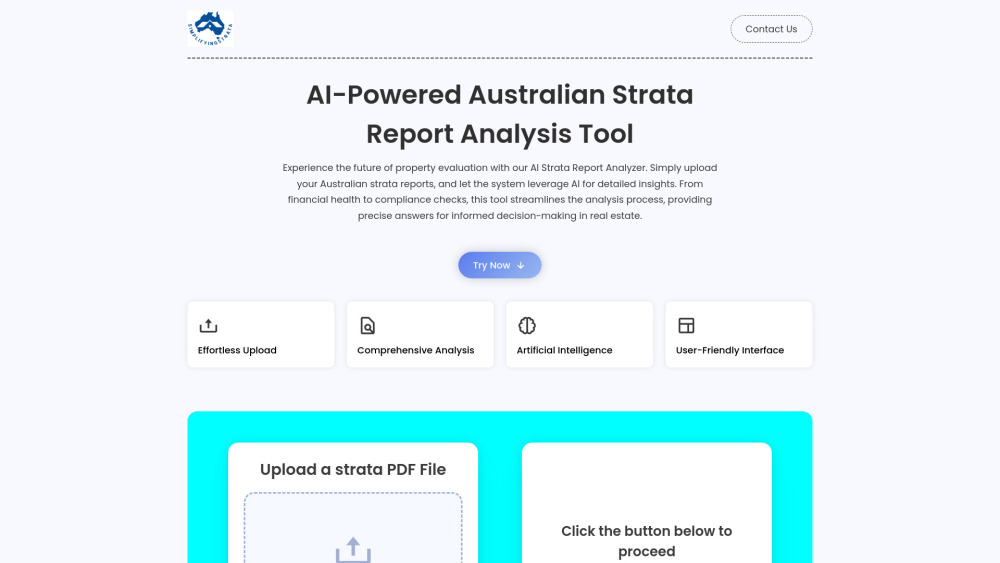
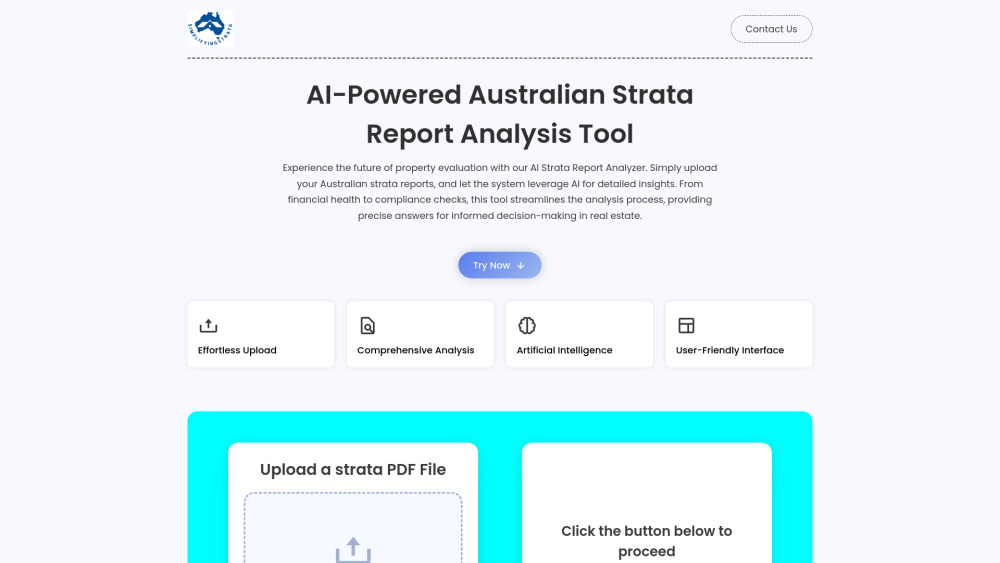
AI-powered tool for Australian strata report analysis, providing insights into financial health and compliance.