Seedance 2.0 on VisualGPT is a world-class AI video generator that allows you to create cinematic, multi-shot videos directly from text, images, or references—no editing skills required. Built for speed, quality, and creative control, it transforms simple ideas into production-ready videos with realistic motion,
Seedance 2.0 is one of the most powerful AI video generation models in the world—now available on VisualGPT.
- Marketing & Advertising: Create scroll-stopping video ads, product promos, and brand storytelling content without a full production team. Quickly test different creatives, styles, and messages for better performance.
- Social Media Content: Generate engaging short-form videos for TikTok, Instagram Reels, and YouTube Shorts. Perfect for creators who need consistent, high-quality content on a daily basis.
- E-commerce & Product Videos: Turn product images into dynamic videos with motion, lifestyle scenes, and storytelling—boosting conversion rates without expensive shoots.
- Storytelling & Short Films: Produce cinematic scenes, narrative sequences, or even short films with consistent characters and environments. Ideal for writers, filmmakers, and creative experiments.
- Prototyping & Storyboarding: Visualize ideas instantly. Create rough scenes, camera angles, and sequences to communicate concepts before full production.
- AI UGC (User-Generated Content): Generate authentic-looking user-style videos for ads and campaigns at scale, reducing reliance on real creators.
- Education & Content Creation: Create explainer videos, visual lessons, or educational content with minimal effort—great for teachers, course creators, and knowledge platforms.
- Using Seedance 2.0 on VisualGPT is simple—you can generate high-quality videos in just a few steps: 1. Enter Your Prompt Describe the video you want to create in natural language. Example: “A cinematic shot of a woman walking through a neon-lit Tokyo street at night
- rain
- slow motion.” 2. (Optional) Add References Upload images or video clips to guide the style
- character
- or scene. This helps improve consistency and control. 3. Configure Settings Adjust options like: Video length Aspect ratio (e.g.
- 16:9
- 9:16) Style or visual tone Motion intensity / camera behavior 4. Generate Video Click Generate and let Seedance 2.0 create your video. The model will automatically handle motion
- transitions
- and scene composition. 5. Review & Refine Preview the result and tweak your prompt or settings to improve output. You can iterate quickly for better results. 6. Export & Use Download your final video and use it for: Social media (TikTok
- Reels
- Shorts) Ads and marketing creatives Storytelling or creative projects

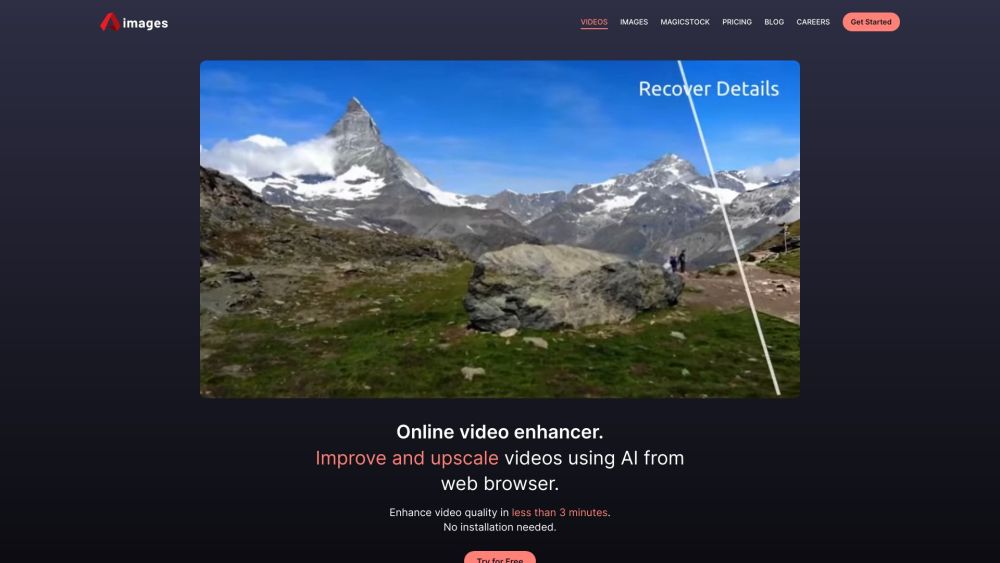
Online AI video and image enhancer and upscaler.

AI art generator and video to animation converter with various AI-powered tools.

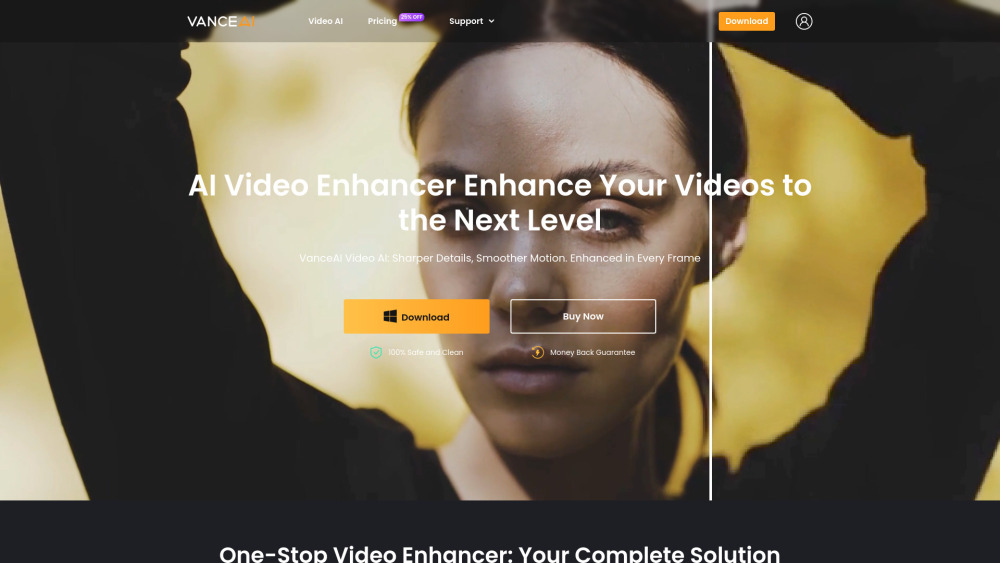
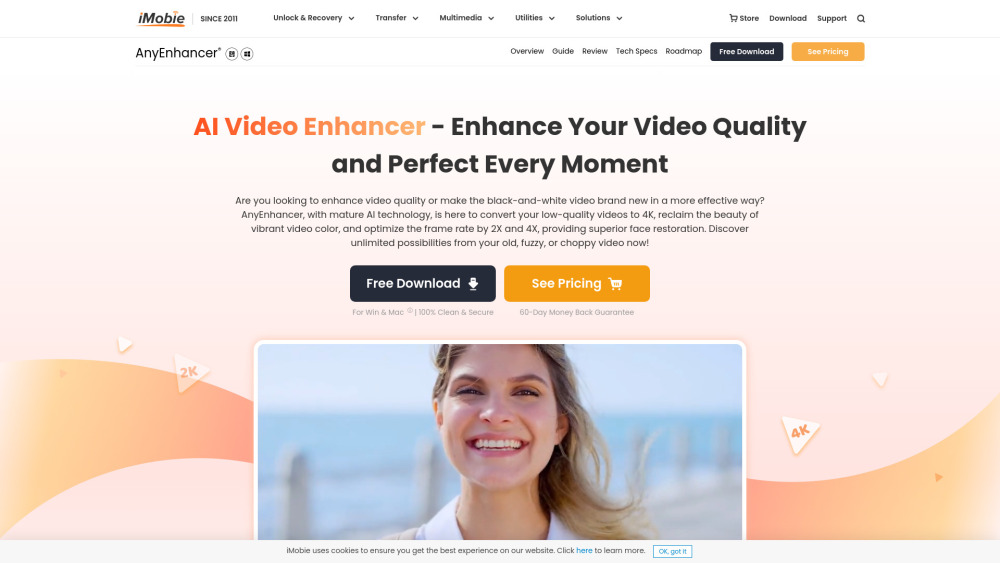
One-stop AI video enhancer for upscaling, smoothing, denoising, and more.

AI Image to Video Generator powered by VEO3, SORA2.


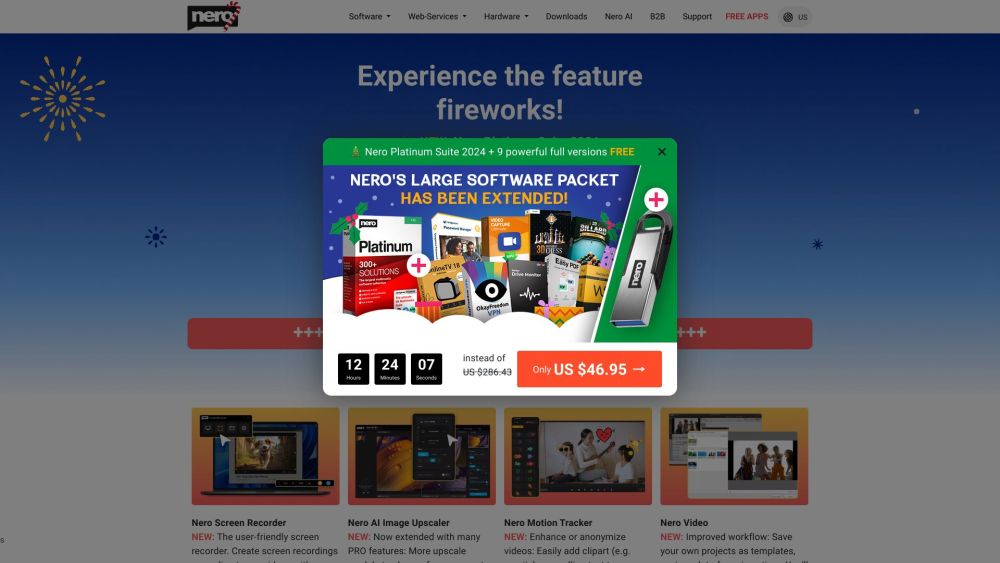
Nero offers multimedia software and hardware solutions, including AI-powered tools.

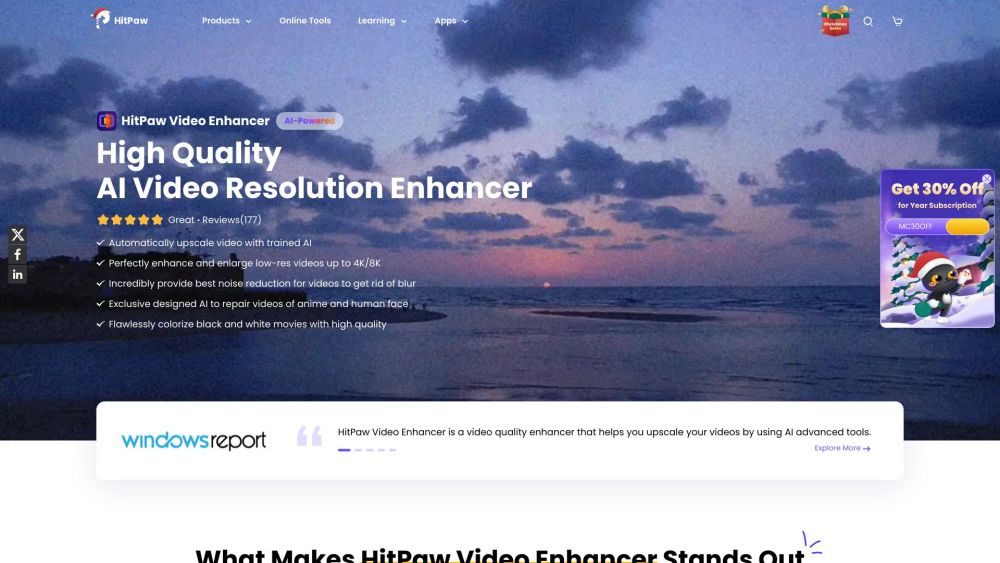
AI video enhancer for upscaling, denoising, and colorizing videos.

Nim is an AI video production app with various features for generating and editing videos.
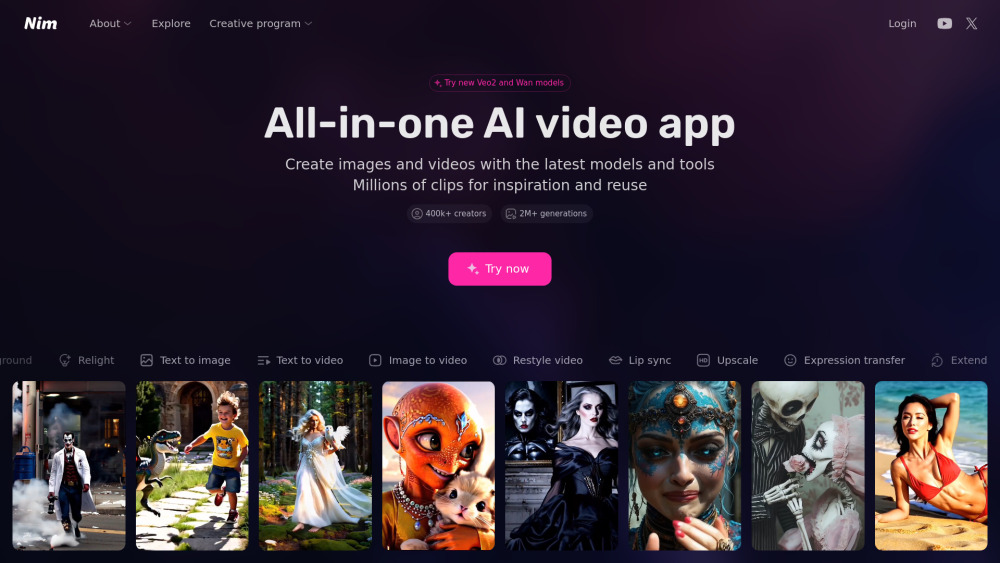

AI video creation and editing platform with text-to-video, image-to-video, and style transfer features.


AI video enhancer to upscale, unblur, colorize, and repair videos.