
Ray3 Video Ai
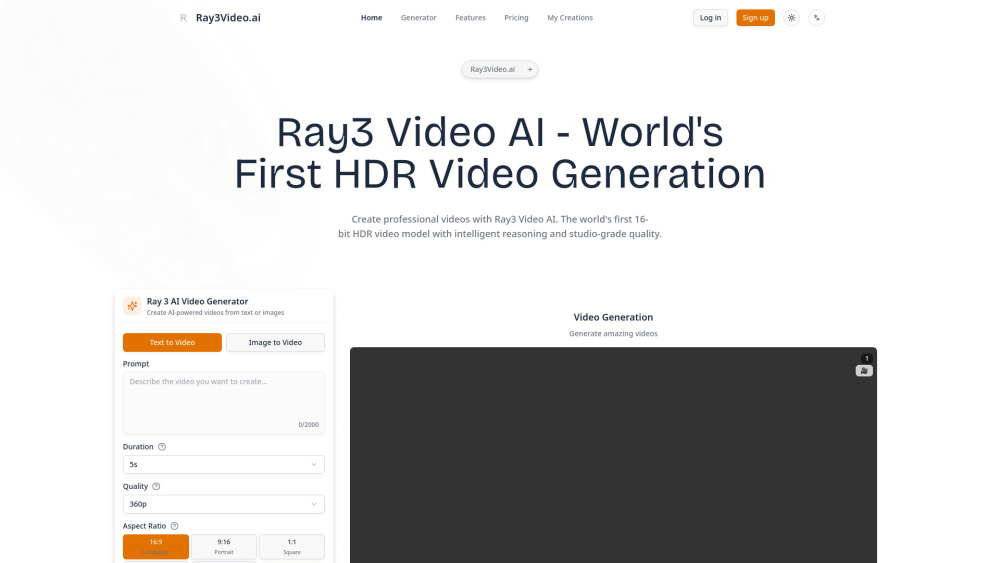



Ray3 Video AI is a revolutionary video generation platform powered by Luma AI's cutting-edge technology. It's the world's first model to natively generate 16-bit High Dynamic Range (HDR) videos, bringing professional studio-grade quality to everyone. With advanced reasoning capabilities, Ray3 doesn't just follow prompts - it actually understands your creative intent, evaluates its own work, and iterates to give you better results. What makes Ray3 special? It combines state-of-the-art physics simulation with incredible visual fidelity, plus our game-changing Draft Mode that lets you explore ideas lightning-fast. Whether you're creating content for social media, professional films, or anything in between, Ray3 adapts to your workflow with features like visual annotations, keyframe controls, and seamless integration with professional editing suites through EXR exports.
Hey there! Meet Ray3 - the world's first AI video model that generates stunning HDR videos from simple text prompts. Think of it as your creative co-pilot that can actually think in visuals and bring your wildest ideas to life. Whether you're a content creator, filmmaker, or just someone who loves making cool videos, Ray3 is here to make your creative process 5x faster and way more fun!
- *Content Creation**: Generate engaging videos for social media, YouTube, and marketing campaigns
- **Film Pre-Production**: Create storyboards, concept videos, and pre-visualization sequences
- **Advertising & Marketing**: Produce compelling video ads and promotional content without expensive shoots
- **Education & Training**: Develop instructional videos and educational content with custom scenarios
- *Game Development**: Generate cutscenes, trailers, and promotional videos for games
- **Music Videos**: Create stunning visuals to ac
- Getting started with Ray3 is super straightforward and you can jump right in at ray3video.ai. Here's how it works: 1. Visit ray3video.ai and sign up for your free account (no credit card needed to get started!) 2. Once you're in
- choose your creation mode: Text-to-Video if you want to describe what you want to see
- Image-to-Video if you have a photo you want to bring to life
- or Video-to-Video if you want to transform an existing video 3. Write your prompt in the text box - you can be as simple as "a dog playing in the park" or as detailed as you want with specific camera angles
- lighting
- and mood 4. Start with Draft Mode for quick iterations since it's 5x faster and 5x cheaper - perfect for exploring different ideas 5. If you need precise control
- use the visual annotation feature by drawing directly on images to show exactly where you want things to happen 6. Hit generate and let Ray3's reasoning engine work its magic - it actually thinks about your request and optimizes the results 7. Review your draft video and if you love it
- upgrade to Hi-Fi mode for that stunning production-quality 4K HDR output 8. Download your creation - you'll get MP4 files for easy sharing or 16-bit EXR files if you're doing professional post-production work Pro tip: Always start with Draft Mode to explore different creative directions quickly
- then only use Hi-Fi mode for your final selections to get the most value from your credits. The platform at ray3video.ai makes this workflow super intuitive!

Best AI Image & Video APIs, the Ultimate AI Media Generation Platform for Developers


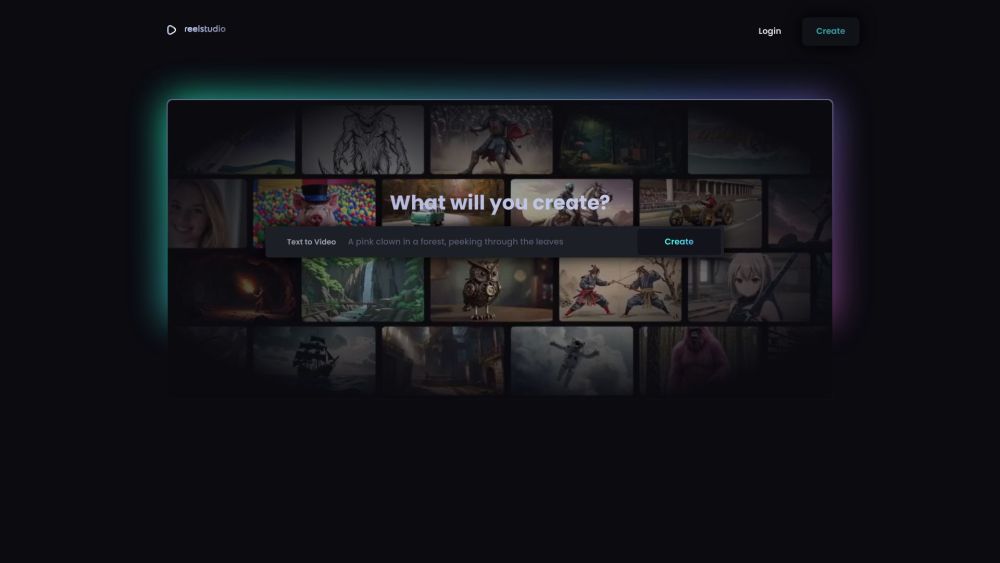
AI platform for generating videos, music, sound effects, and voiceovers from text and images.

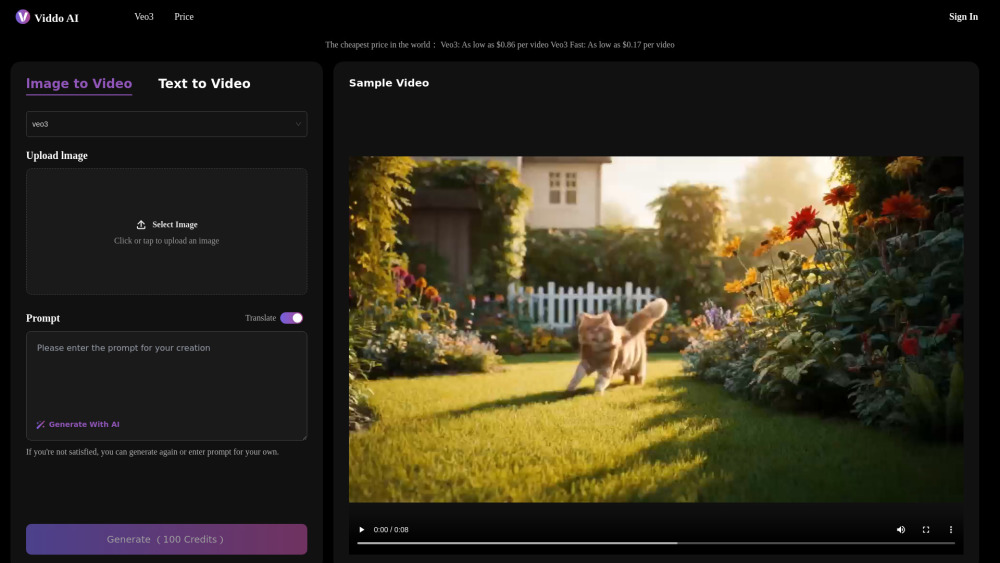
The most cheapest veo3 AI video generator platform

Footage is an AI-powered video platform that lets you create, edit, and share professional-quality video


Create scroll-stopping AI videos in minutes with Seedance 2.0. Turn text or images into short cinematic clips for TikTok, Instagram Reels, YouTube Shorts, Facebook Reels, and paid social ads worldwide


UGC Maker: Generate Authentic UGC Ad Videos in Minutes, Scaled by AI
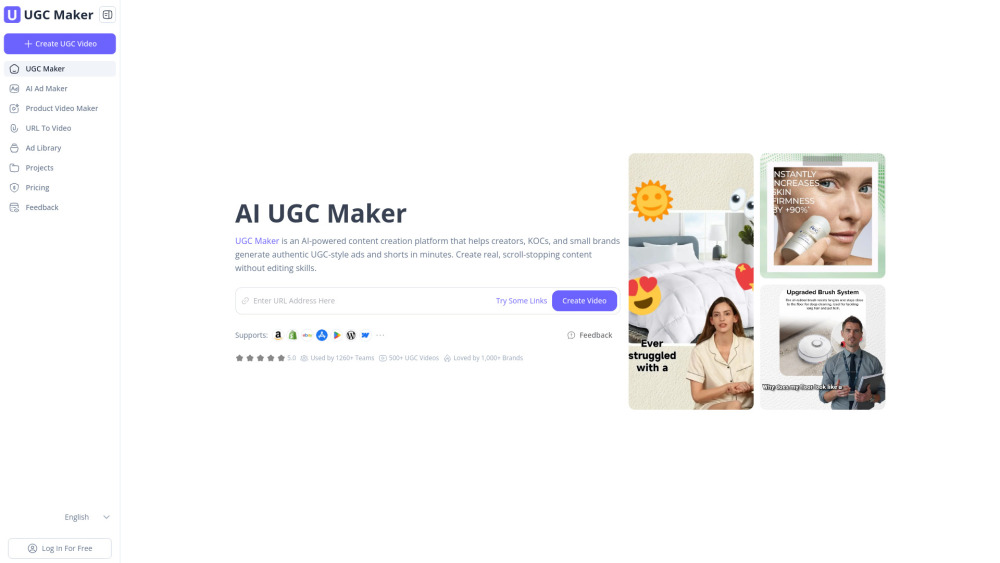

All-in-one AI video agent that helps you create viral AI videos

PopcornAI is an all-in-one AI creative platform giving creators and marketers access to 14+ top AI models — including Seedance, GPT Image 2, and more — for video and image generation in a single Freemium subscription.


Free Nano Banana Pro AI editor for prompts, image generation, editing, and AI video creation.

