Pixflux Ai


Pixflux.AI helps you turn ordinary photos into high-converting visuals with automated, studio-style results. Use Background Remover for transparent cutouts, White Background Maker for marketplace-ready product shots, and Add/Change Background to place items into lifestyle scenes. Clean up images with Object Remover and Watermark Remover, then boost quality with Photo Enhancer and Unblur tools. Built for speed and
Pixflux.AI is an AI photo editor for e-commerce and creators: remove backgrounds, add scenes, make clean white backdrops, erase objects/watermarks, and enhance clarity in seconds.
- Remove backgrounds and export clean transparent PNG cutouts
- Create consistent scene packs from one product photo (Scene Burst)
- Generate pure white backgrounds for marketplace-ready listings
- Remove watermarks, logos, and text overlays for clean reuse
- Enhance and sharpen blurry photos for ads and product pages
- Open the Pixflux.AI tool page
- upload your original image
- and let the AI process it (background removal
- Scene Burst
- object/watermark removal
- enhancement
- or white background). Preview the result
- make quick adjustments if needed
- then download the edited image as PNG/JPG for listings
- ads
- or social posts.

Fotor is an AI photo editing toolbox for easy and free photo design and editing.


All-in-one AI Image & Video Editor: create stunning photos and videos with Imgkits
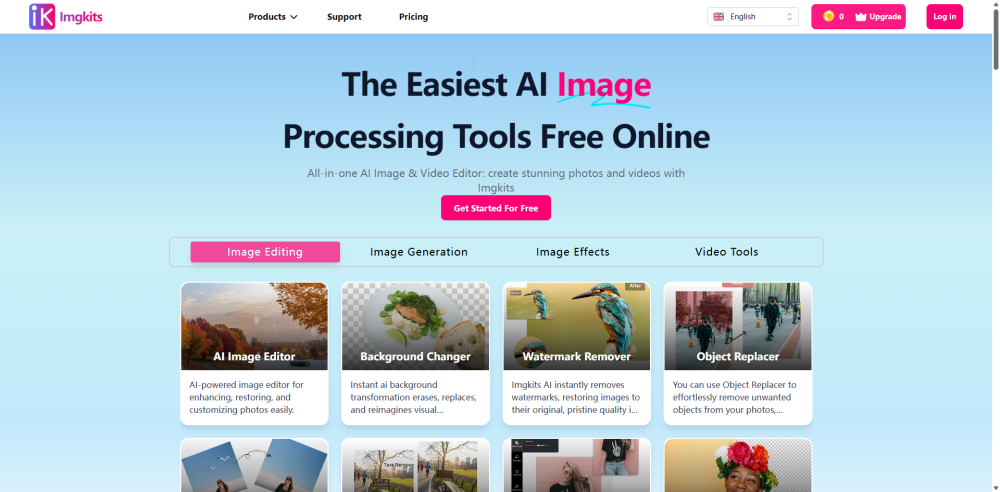

AI-powered tool to unblur, sharpen, upscale, and enhance image quality online.

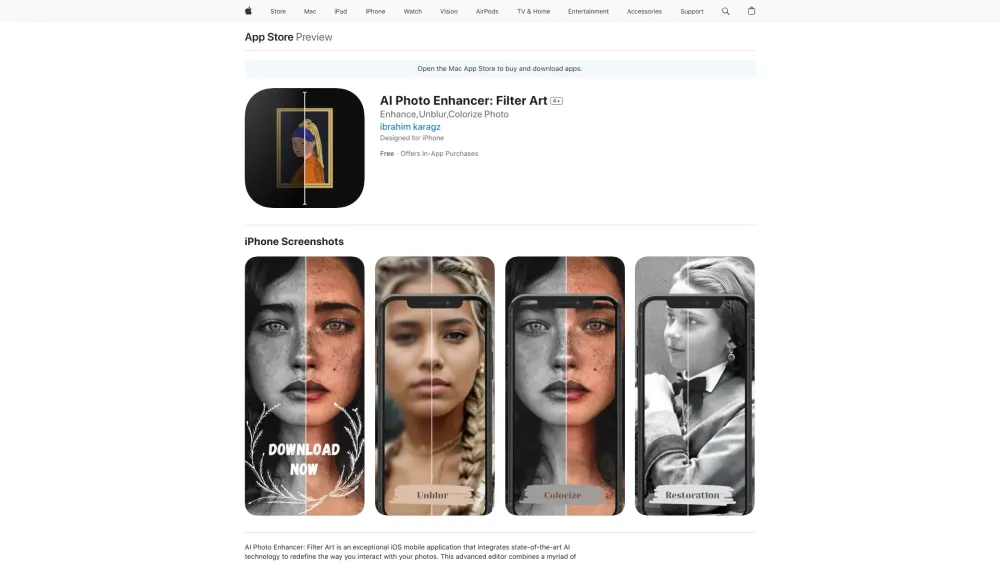
AI-powered iOS app for photo enhancement and editing.

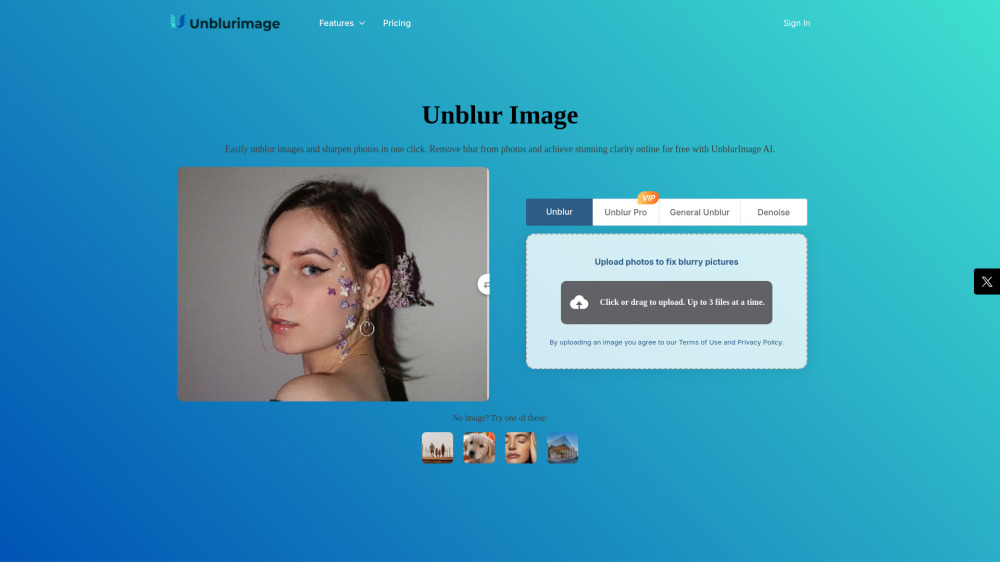
AI tool to automatically unblur, sharpen, and restore clarity to photos in seconds.


Uluch offers free AI tools for unblurring images and creating transparent PNG images.
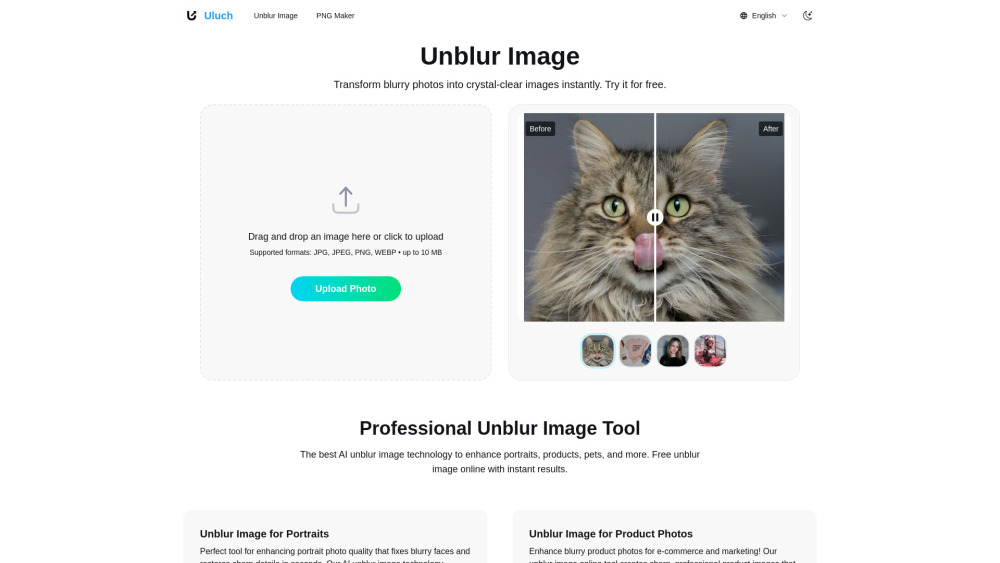

Free AI image generator and enhancement tool with no watermarks.

AI tool to restore, colorize, and enhance old or damaged photos in seconds.


AI photo and video enhancer that transforms low-quality visuals into HD.