Pi is a minimal, highly customizable terminal-based coding harness and agent designed to adapt seamlessly to existing developer workflows. Unlike rigid, sealed products that enforce specific methodologies, Pi acts as an extensible framework where users can build or install commands, tools, providers, or custom UI tweaks on the fly. It ships with powerful default features but intentionally skips heavy, pre-baked abstractions like sub-agents, permission gates, background bash execution, or built-in plan modes. Instead, developers can easily extend Pi using TypeScript-based packages shared via npm or git, allowing it to act as a truly tailored terminal companion that can even be scripted, run in RPC mode, or embedded into third-party applications via an SDK.
Minimal, deeply customizable terminal coding agent harness.
- Generate shell scripts and command-line automations in print mode
- Create highly customized development workflows by hot-reloading extensions on the fly
- Navigate complex project histories by branching out from any previous point in a session tree
- Inject custom workspace instructions, skills, and prompt templates dynamically to save context window space
- To use Pi
- install it via the terminal using curl
- PowerShell
- npm
- pnpm
- or bun (for example
- run `npm install -g --ignore-scripts @earendil-works/pi-coding-agent`). Once installed
- developers can start an interactive TUI session
- run it in print mode using `pi -p "query"` for shell scripting
- or switch models mid-session using `/model` or `Ctrl+L`. Users can customize its functionality by editing configurations like `models.json` or installing extensions directly using commands like `pi install npm:@foo/pi-tools`.

An AI coworker with its own cloud computer
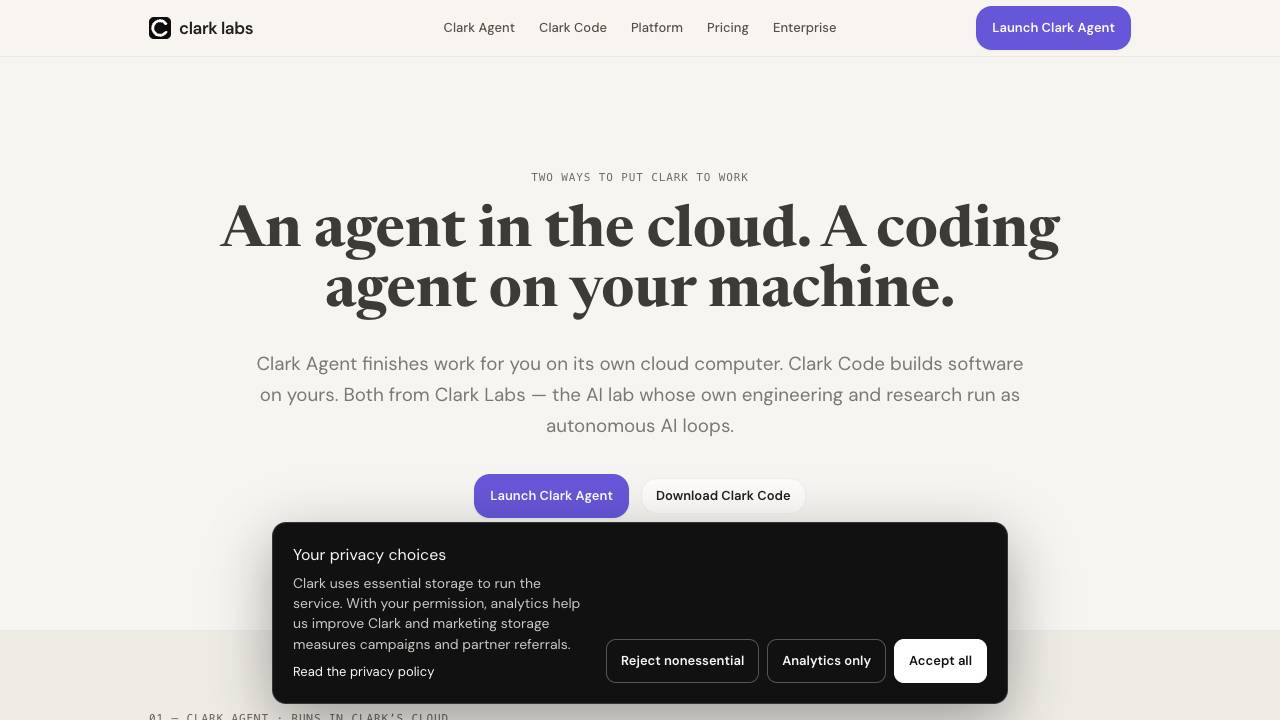

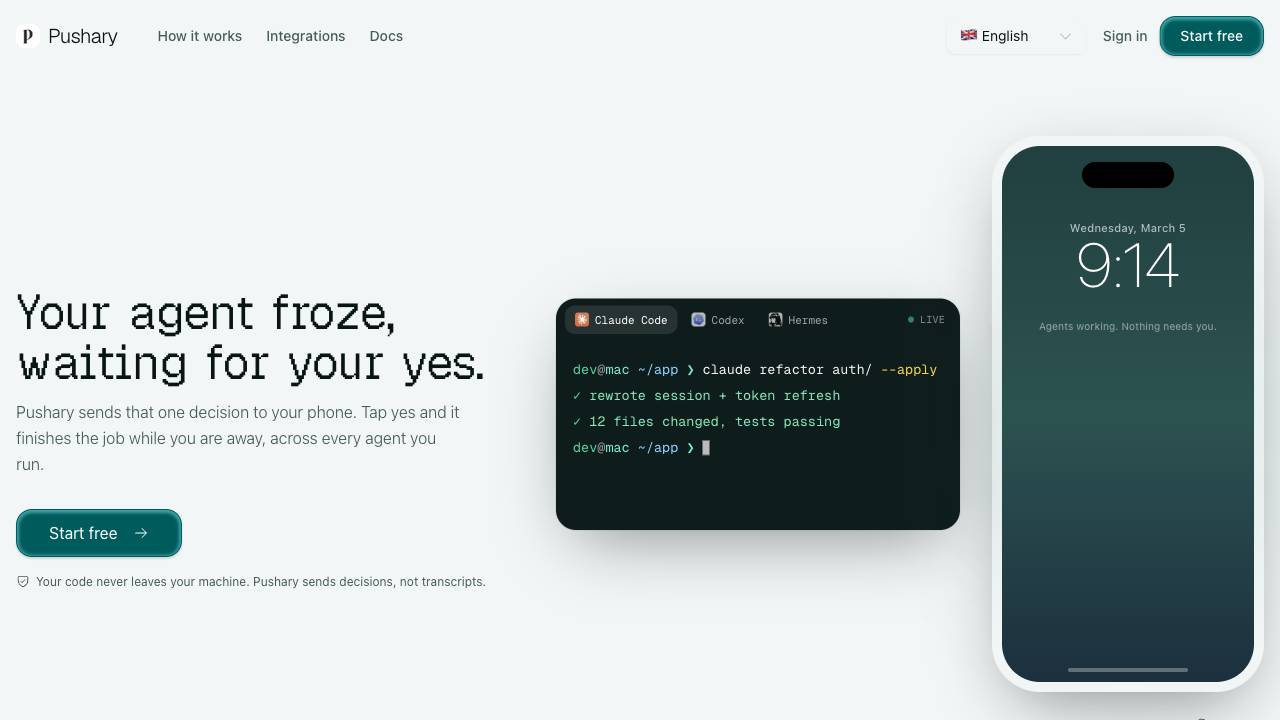
Control panel for AI agents on your lock screen

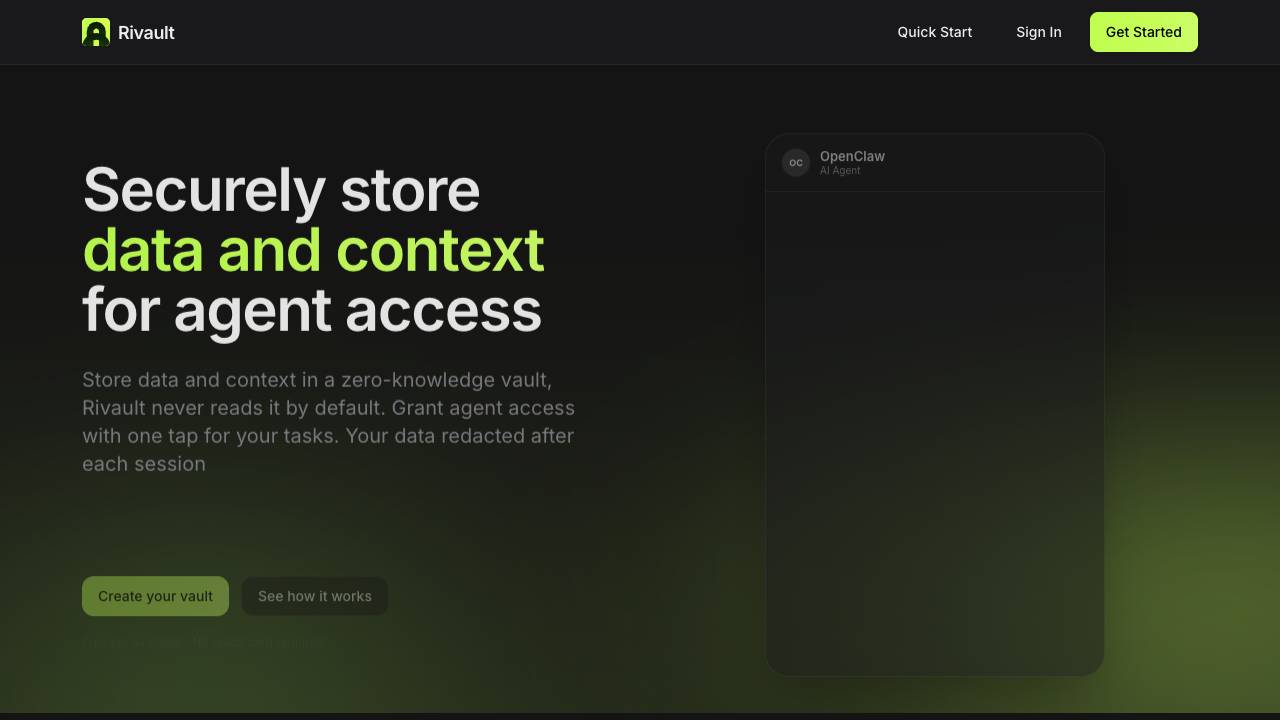
AI-Powered No-Code Automation Platform


Approve AI agent data access with Face ID

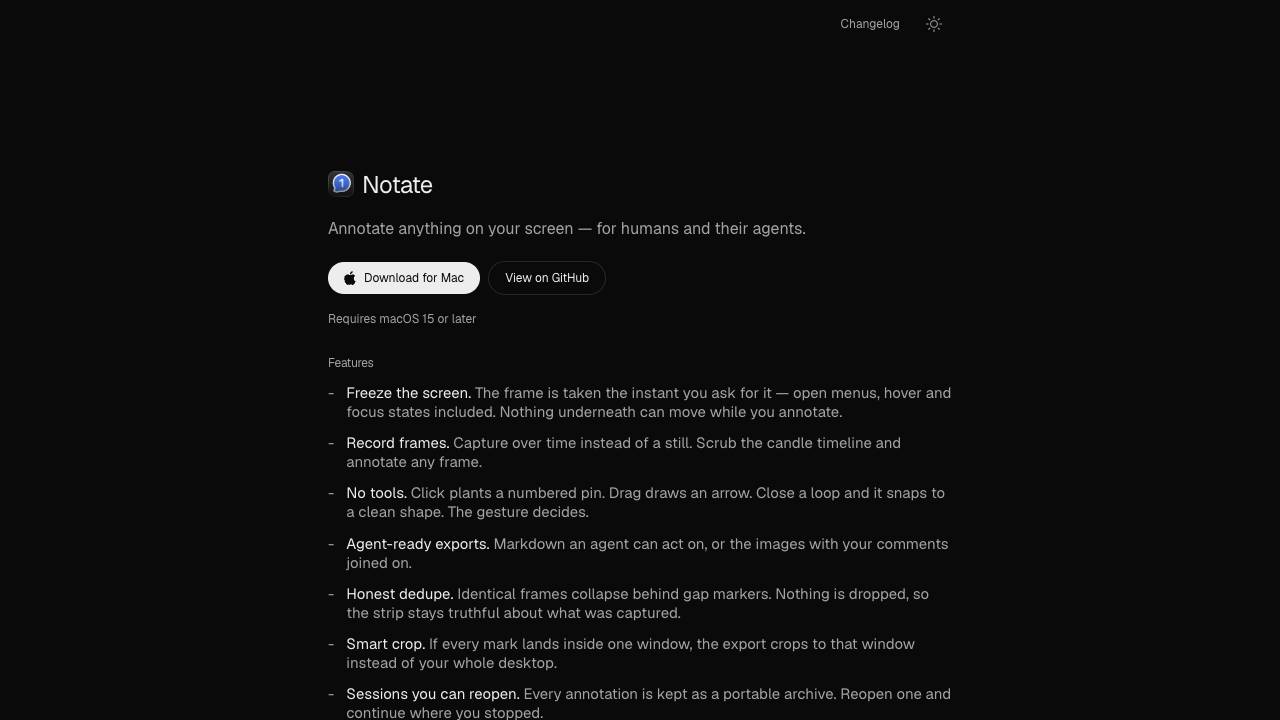
Annotate anything for humans and their agents

Full-Stack Platform for Training Small Language Models


Your people, your agents, your project — all in one place

Scale your creativity on editable canvas with agent memory