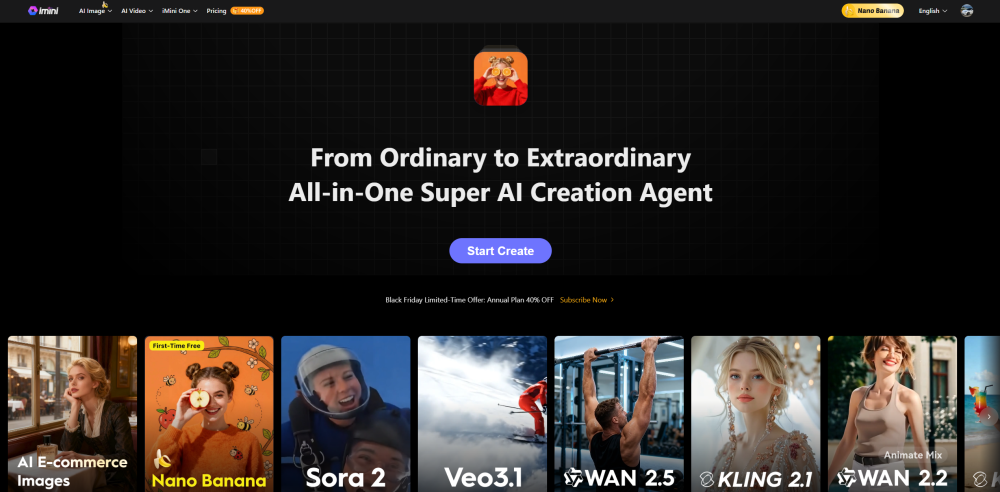
Medeo Seedance 2.0 is an advanced AI-powered video generation tool designed to streamline end-to-end video creation through a chat-based, multimodal workflow. Users can generate fully composed videos by combining text prompts, images, audio, and short video clips—without relying on traditional editing, animation, or post-production software. The platform places a strong emphasis on multi-shot narrative continuity, visual
Medeo Seedance 2.0 is a multimodal AI video generator that creates videos through a chat-based workflow.
- AI Cinematic & Storytelling Videos
- Marketing & Promotional Content
- Creator & Social Media Videos
- Educational & Explainer Videos
- To use Seedance 2.0 on Medeo
- start by opening the Medeo Seedance 2.0 page and selecting the Seedance 2.0 model. Next
- configure key video settings such as aspect ratio and video length
- then add your multimodal inputs including text prompts
- images
- audio
- or video clips to define the content. Once everything is set
- generate the AI video and further refine scenes
- visuals
- or dialogue through Medeo’s chat-based AI editing workflow.

All-in-one AI Studio for Character-consistent Anime Videos


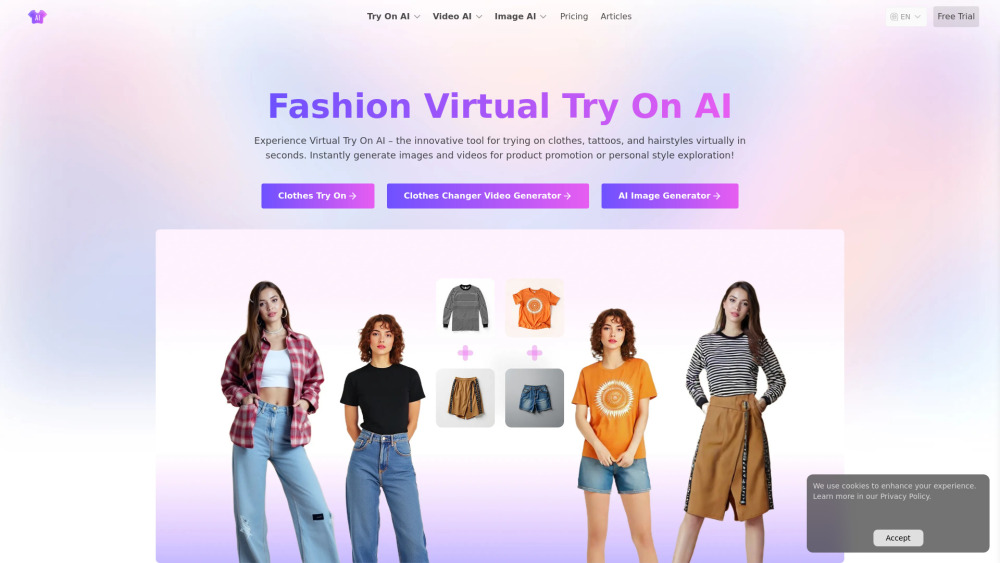
#1 Free Virtual Try On Fashion Image & Video AI

Kinovi is a free AI video generator powered by Seedance 2.0. Supports real man, text to video, image to video. No watermark, commercial use allowed.


AI-powered tool for professional lip sync animation and auto audio-video synchronization.


Pixwit.ai — AI Video & Image Creator That Brings Your Ideas to Life Pixwit.ai is an innovative AI‑powered creative platform designed to make professional video and visual content creation accessible to everyone — from content creators and marketers to storytellers and businesses. Whether you’re crafting short social media clips, dynamic product ads, animated avatars, or multi‑scene long‑form videos, Pixwit offers an all‑in‑one solution powered by cutting‑edge artificial intelligence. Pixwit At the heart of Pixwit is its suite of advanced AI video models, enabling users to turn text prompts or static images into stunning, high‑quality videos with just a few clicks. You can: ✨ Generate videos from text prompts — describe your idea and watch AI render it into vibrant visuals with synchronized audio and cinematic motion. Pixwit 🎨 Transform photos into animated sequences — upload images and let the platform animate them into rich, engaging video stories. Pixwit 📈 Create UGC ad reels and marketing clips tailored for social platforms with multiple aspect ratios and eye‑catching effects. Pixwit 🧑🎤 Generate AI avatar videos — bring selfies or portraits to life with expressive movement and lip‑sync animation. Pixwit 📽 Produce longer narrative videos — craft multi‑scene content with consistent characters and smooth transitions using conversational feedback. Pixwit Pixwit.ai combines multiple powerful AI models and creative tools in one centralized platform, eliminating the need to hop between separate apps or subscriptions. Its interface is built for ease of use — no advanced technical skills are required, and you can start creating immediately with free credits after signup. Pixwit From social media creators seeking viral content to professionals producing polished visual projects, Pixwit.ai unlocks a new era of creative freedom by letting artificial intelligence do the heavy lifting while you focus on ideas. Pixwit


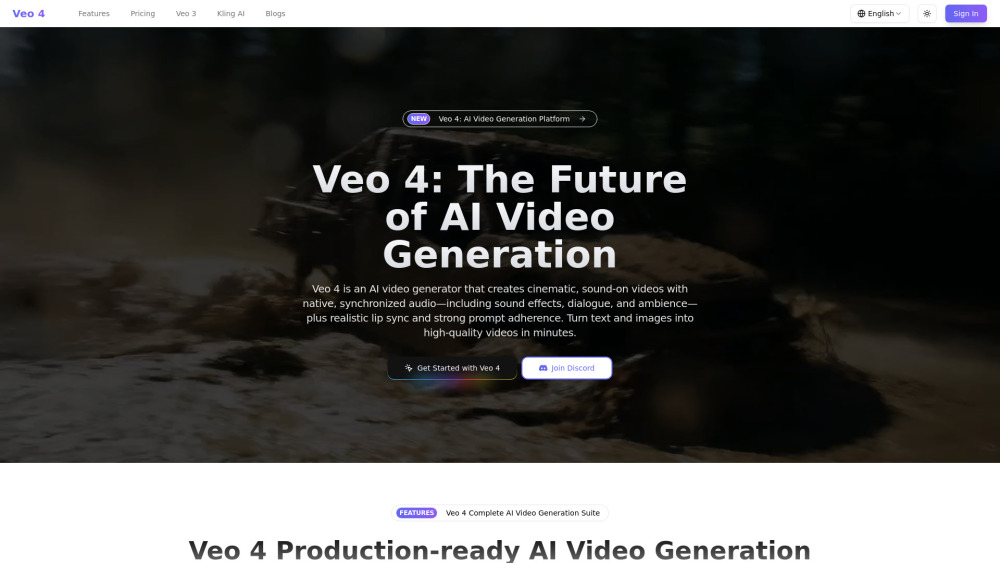
Veo 4 is a production‑ready AI video generation platform that creates cinematic videos with native audio—sound effects, dialogue, and ambience—perfectly synced to the visuals, plus realistic lip sync and strong prompt adherence.

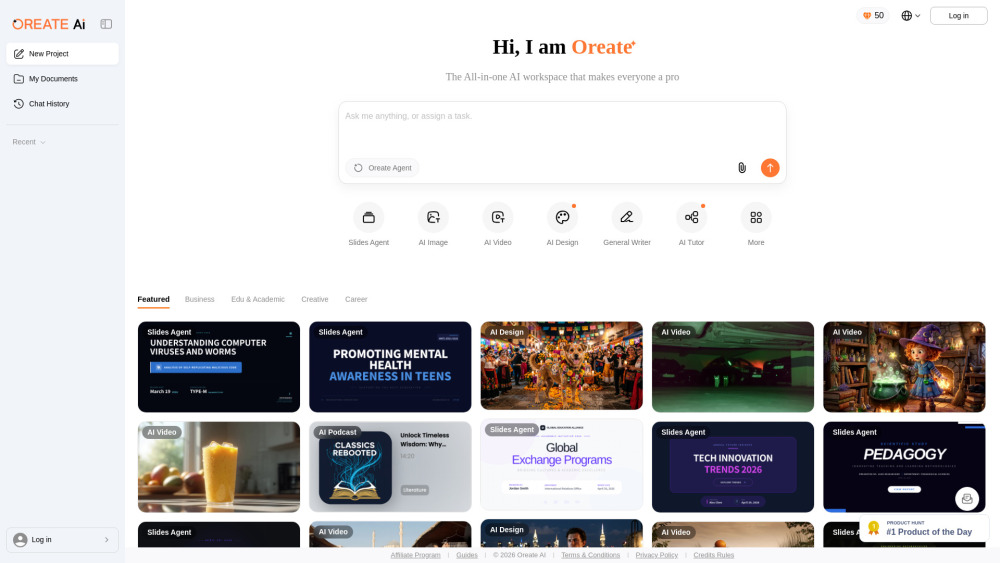
All-in-one AI Workspace: Create professional slides, essays, videos, images, podcasts, and deep research in minutes.

AI-powered animation and avatar video creator for marketing and education.


All-in-One AI Image and Video Creation Platform