


Image Editor lets you quickly enhance, edit, and transform photos with text. Enjoy high-quality results, and design images effortlessly — no Photoshop required.
Image Editor – Edit Images with AI and Prompts Online Free, No Sign-Up
- Social Media Content Creation
- E-Commerce / Product Photography
- Marketing & Advertising Visuals
- Educational & Learning Materials
- Blogging / Content Writing
- Batch / Multiple Image Editing
- Background Removal & Compositing
- No-Skill / Non-Designer Use
- Step 1: Choose an AI Model Select the AI model that best fits your editing needs. Each model has unique strengths
- allowing you to optimize photos
- apply creative effects
- or handle specific tasks efficiently. Step 2: Upload Image and Apply Prompt Upload the photo you want to edit
- then either pick a preset prompt or type a description of your desired changes. The AI will understand your instructions and prepare the image for processing. Step 3: Generate and Download Wait a few seconds to a minute while the AI processes your image. Once completed
- preview the result and download your high-quality edited photo instantly
- ready for social media
- posters
- or personal use.

AI-powered platform generating professional photos from selfies for various uses.

Create Highly Realistic AI Virtual Characters


A Rich Modal Multimedia Workflow Integrated Development Environment Designed with Natural Language


AI-powered photo editing app for art, face swap, and style transformation.


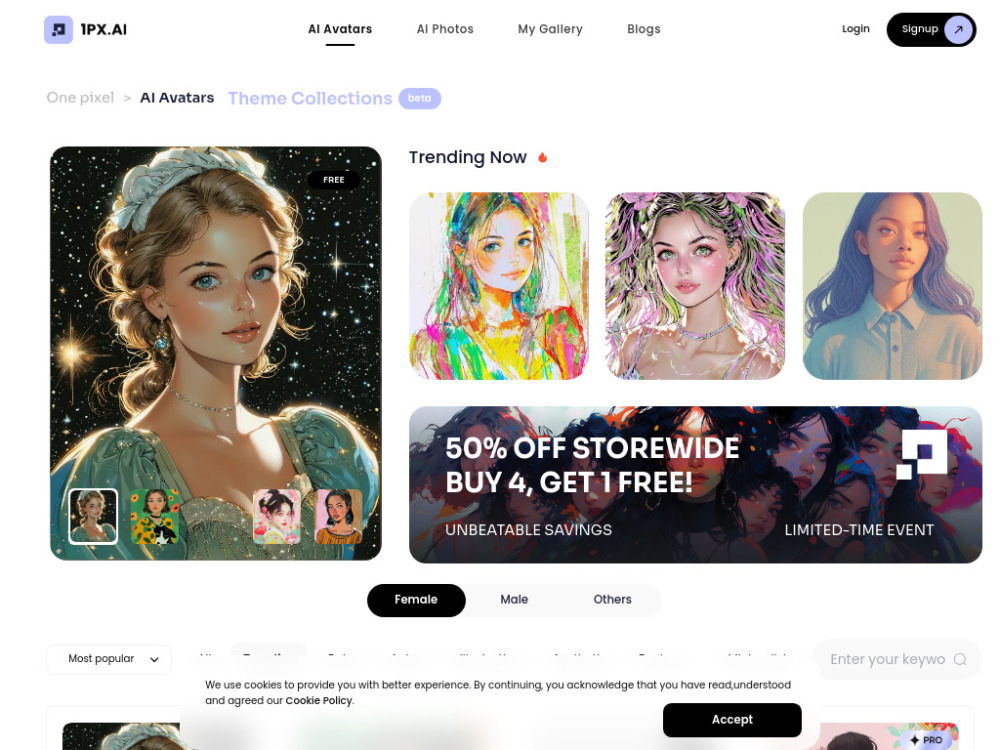
AI photo and avatar generator and editor with various themes and styles.

AI-powered service transforming pet photos into art, videos, and portraits.


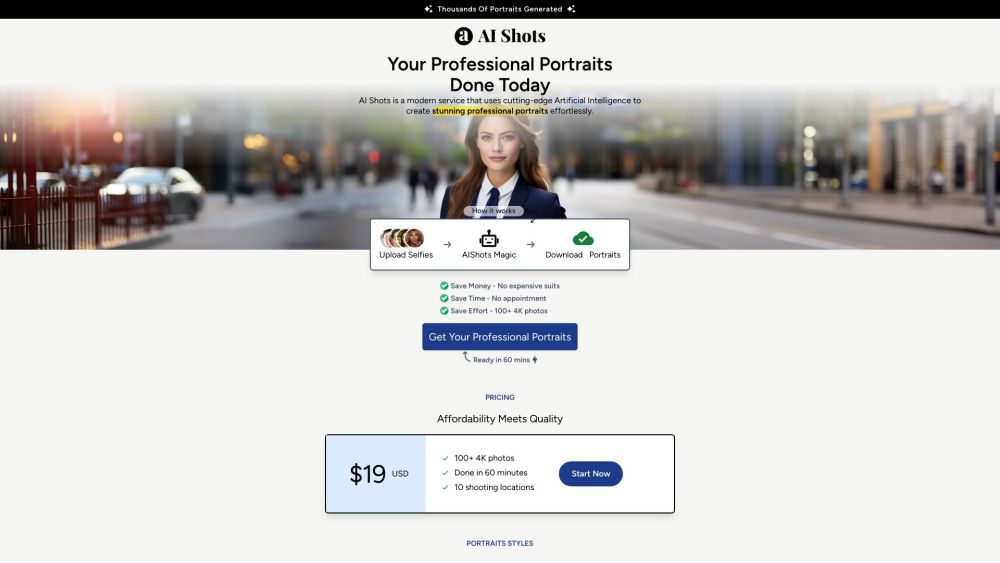
AI-powered service for generating professional portraits from uploaded photos.

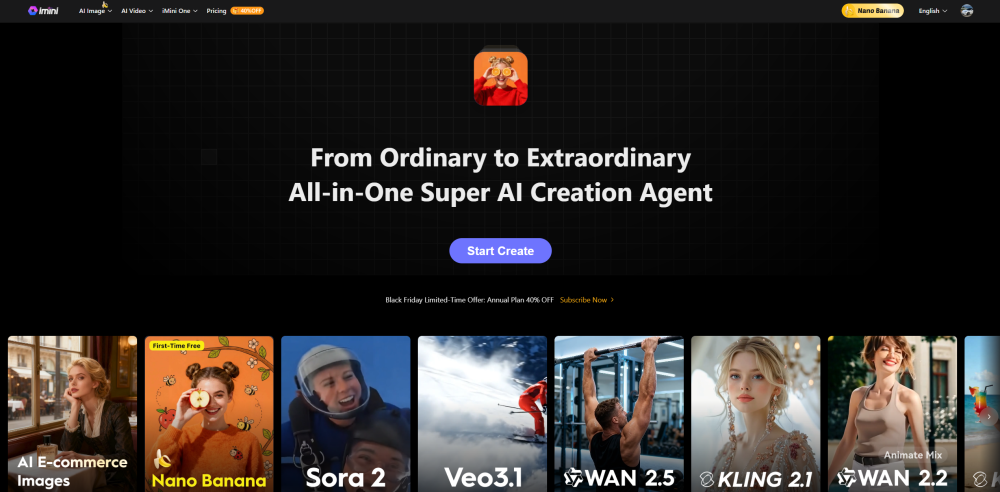
All-in-One AI Image and Video Creation Platform

NanoBanana Pro is a scene-based AI image generator powered by Google’s NanoBanana models. It offers 30+ curated preset scenes with new community-made scenes added continuously, so you can discover fresh NanoBanana workflows every day. New users receive 14 free credits to try the tool, and a simple credit system makes it easy to scale from casual experiments to heavy production use.

