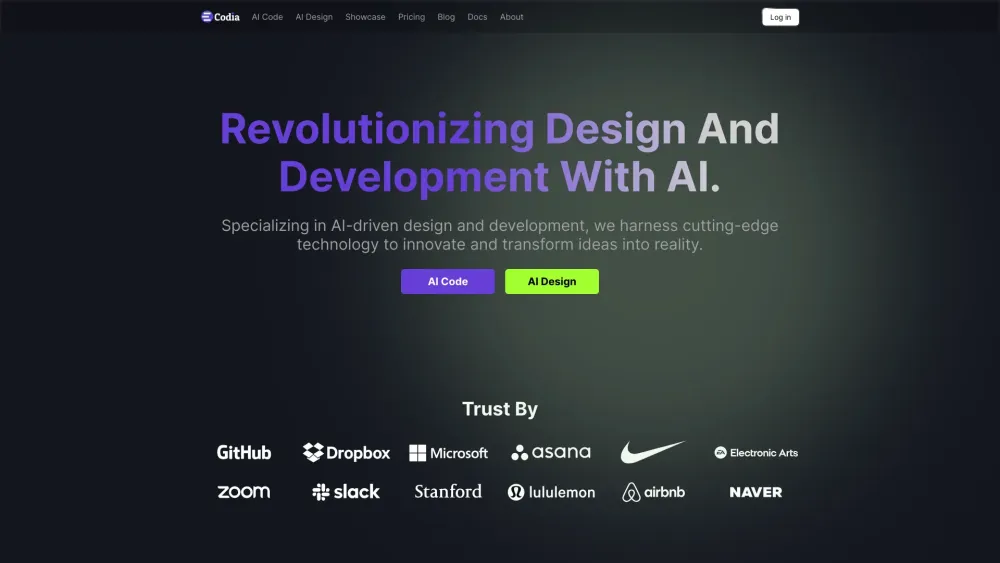



Codia AI specializes in AI-driven design and development, converting screenshots, PDFs, and webpages into Figma designs and code. It empowers designers, developers, and businesses by automating and enhancing creative workflows through advanced AI technologies. Key features include Screenshot to Figma, Design to Code, Prompt to UI, Image to SVG, PDF to Figma, HTML to Design, Photoshop to Figma, Illustrator to Figma, Office to Figma, and Canva to Figma. Codia AI uses Visual AI, LLM (Large Language Models), and Custom AI Models to revolutionize design and development.
AI-driven design and development platform converting designs to code.
- Converting design files (screenshots, PDFs, etc.) into editable Figma designs.
- Transforming Figma designs into functional code.
- Generating website UIs from simple prompts.
- Converting images into scalable vector graphics.
- Streamlining designer-developer collaboration.
- Users can upload screenshots
- PDFs
- or HTML files to Codia AI
- which then converts them into editable Figma designs and functional code. Alternatively
- users can input prompts to generate website UIs in Figma.

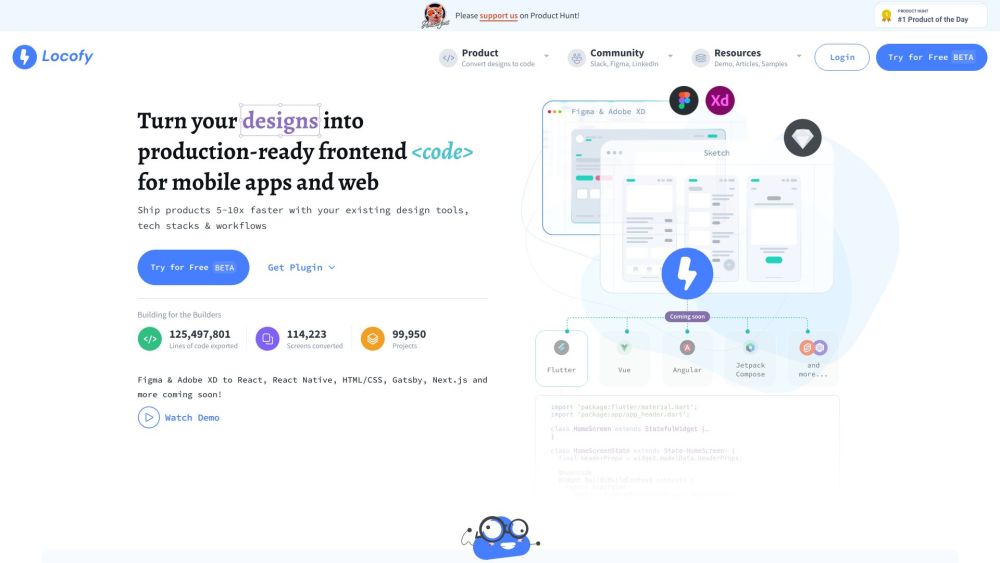
Converts designs to production-ready code, speeding up development by 5-10x.

Visual workspace and session manager for building with Claude Code and Codex agents.

A platform to compare AI coding models and generate multi-file apps side-by-side.

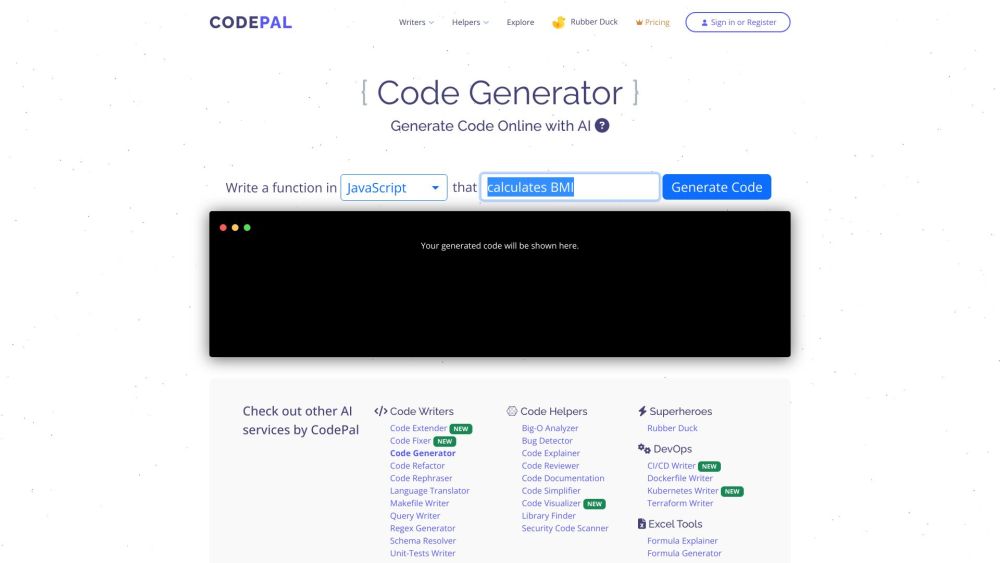
AI-powered coding tools for code generation, review, simplification, and bug detection.

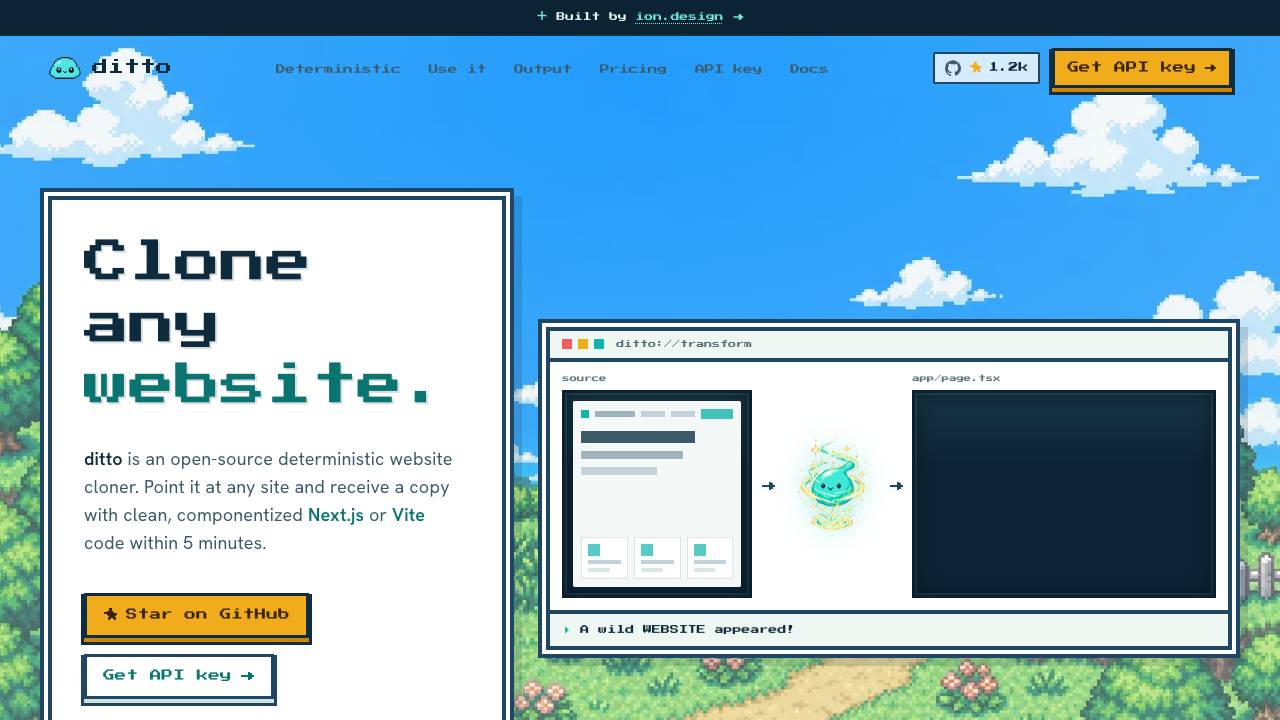
Clone any website into clean code. Free & open source

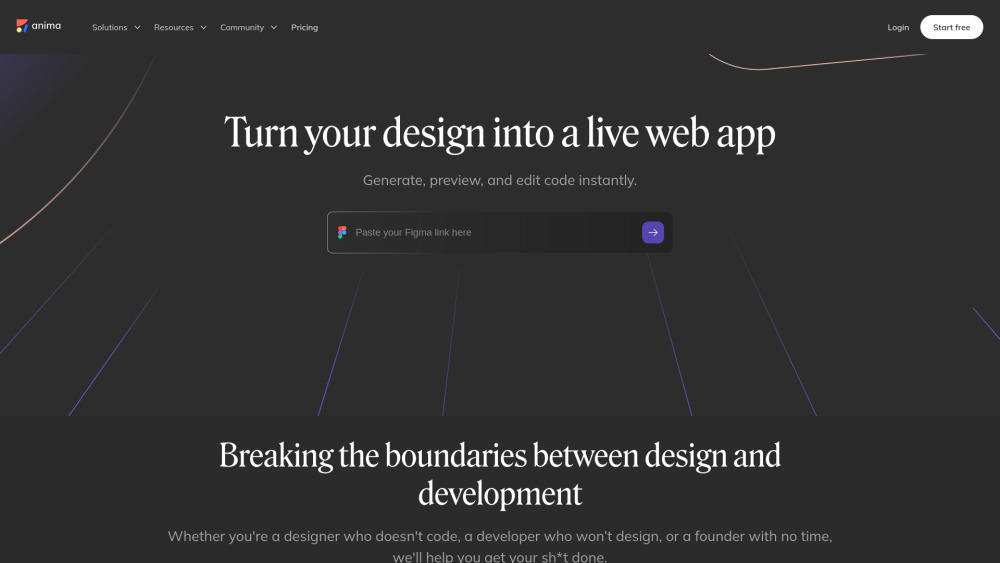
Anima transforms designs into code, allowing for AI-powered iteration and instant deployment.

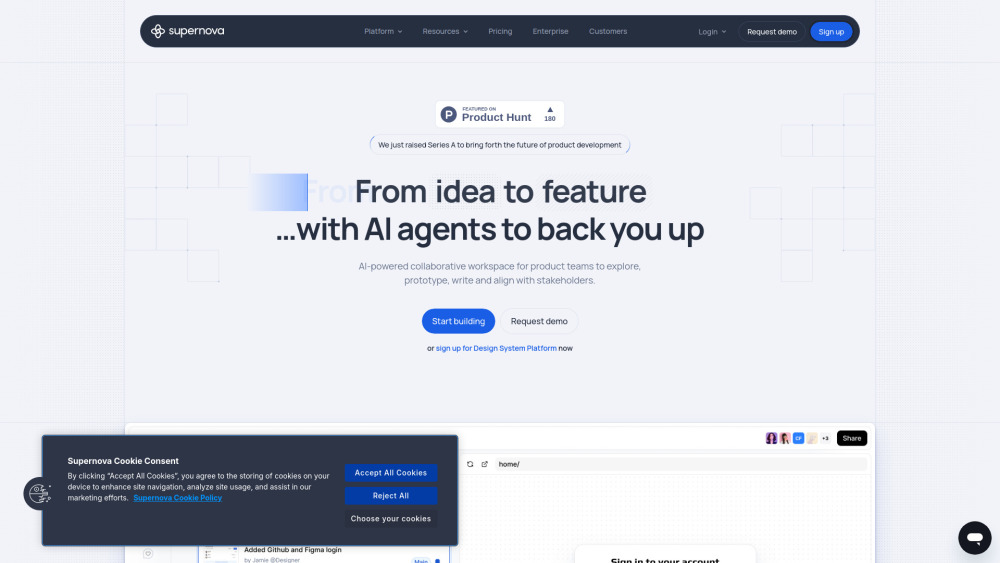
AI-powered platform for product teams, design systems, and prototyping.

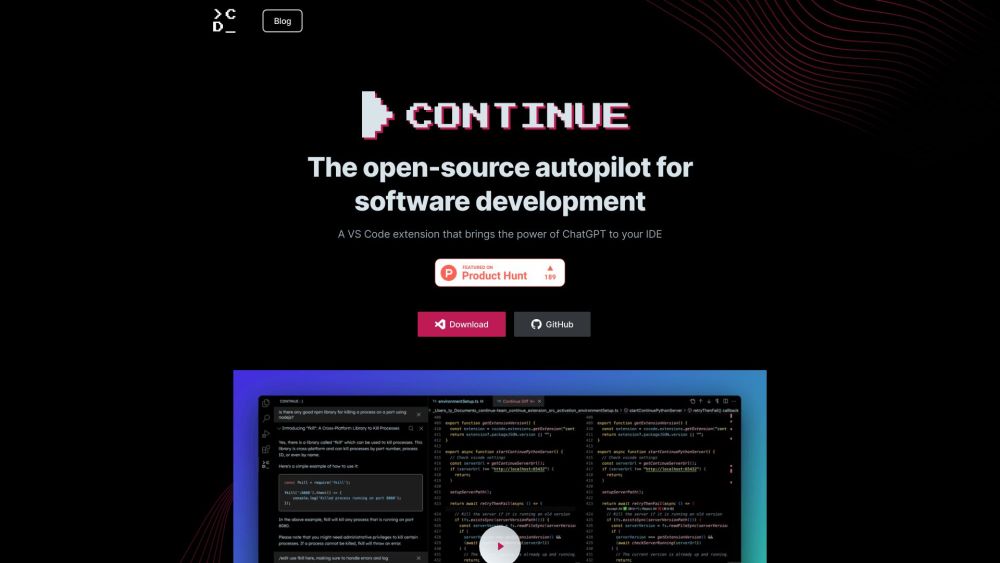
Open-source AI code assistant for customizable autocomplete and chat experiences in IDEs.

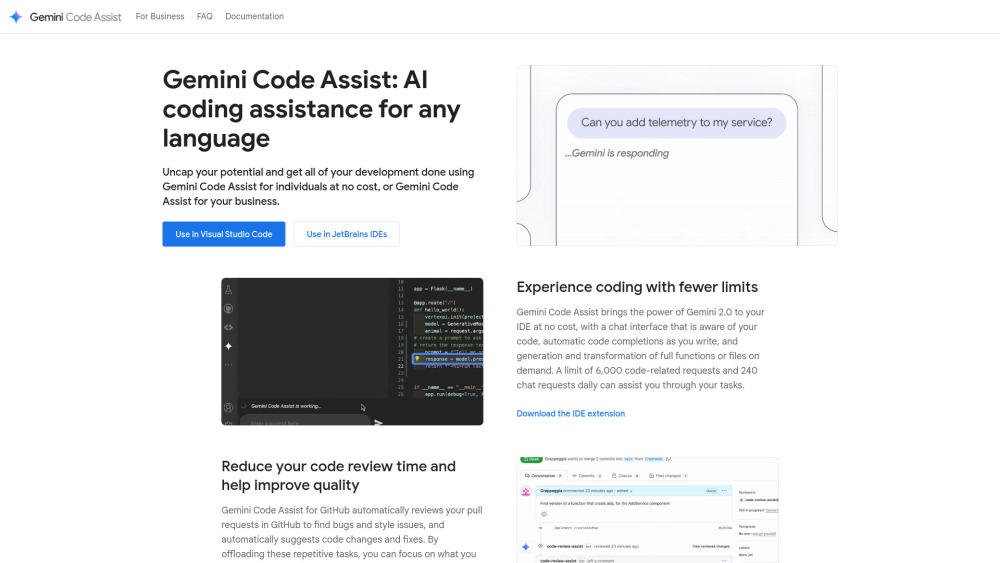
AI coding assistant for code completion, generation, and review in IDEs and GitHub.