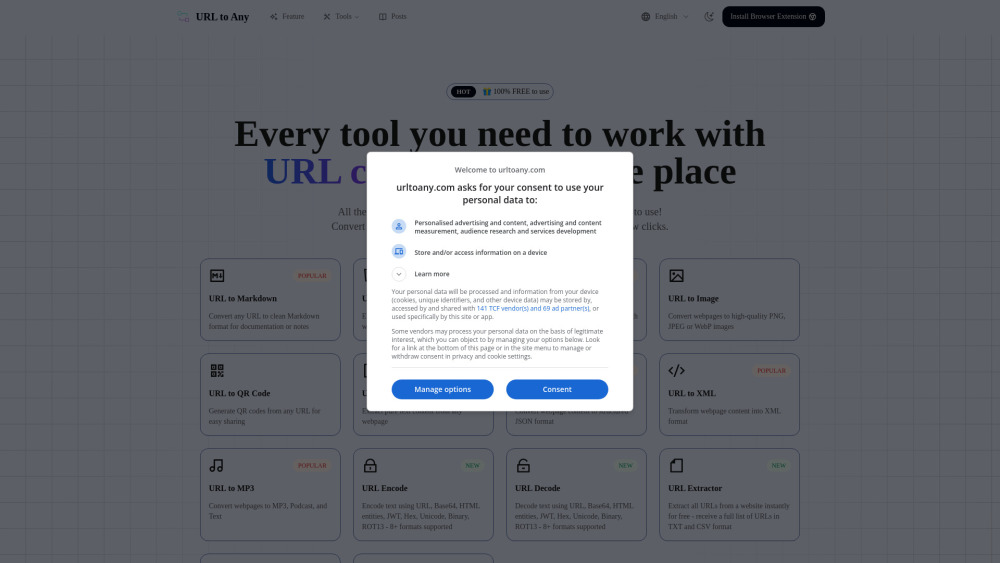



URL to Any is a comprehensive suite of free online tools designed to convert any webpage into various formats such as Markdown, PDF, images, text, JSON, XML, and more. It aims to simplify the process of saving, sharing, and referencing web content with an easy-to-use interface and instant processing capabilities.
All-in-one free tool to convert web content to various formats like Markdown, PDF, images.
- Save important web content as PDF documents or Markdown for documentation and notes.
- Extract clean text or structured data (JSON, XML) from webpages for analysis or development.
- Generate QR codes for easy sharing of links on print or digital media.
- Quickly summarize long articles or webpages using AI for efficient information gathering.
- Encode or decode URLs and other text formats for web development or security tasks.
- To use URL to Any
- first
- copy the web address of the page you wish to convert and paste it into the tool. Next
- select your desired output format from the available options
- such as Markdown
- text
- or image. Finally
- click the 'convert' button to instantly receive your content
- which you can then download or copy to your clipboard.

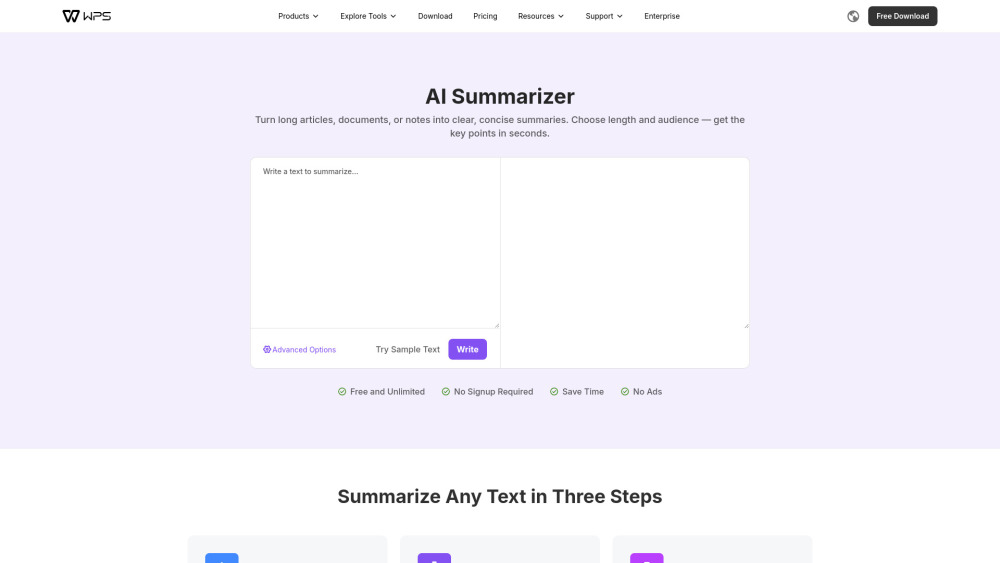
A free tool that condenses long texts into clear, customizable summaries without requiring registration.

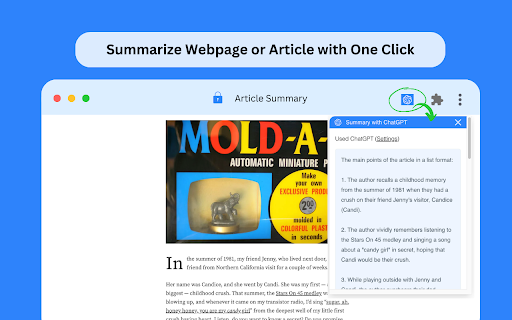
Free Chrome extension for summarizing articles and webpages using ChatGPT.

Chrome extension for instant article summaries and key idea extraction.

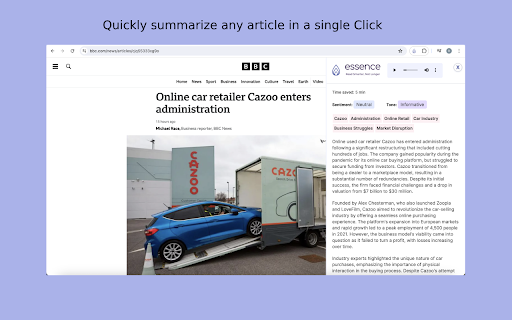
Essence provides quick, accurate summaries of web articles to save time and increase information assimilation.

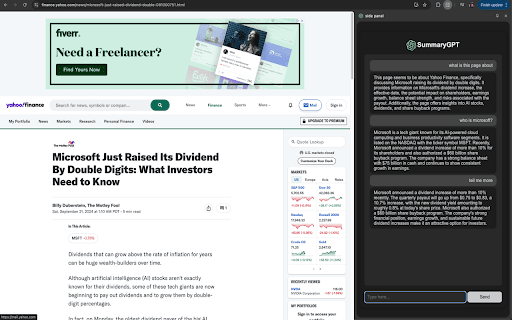
Chrome extension for web page summarization and Q&A using AI.


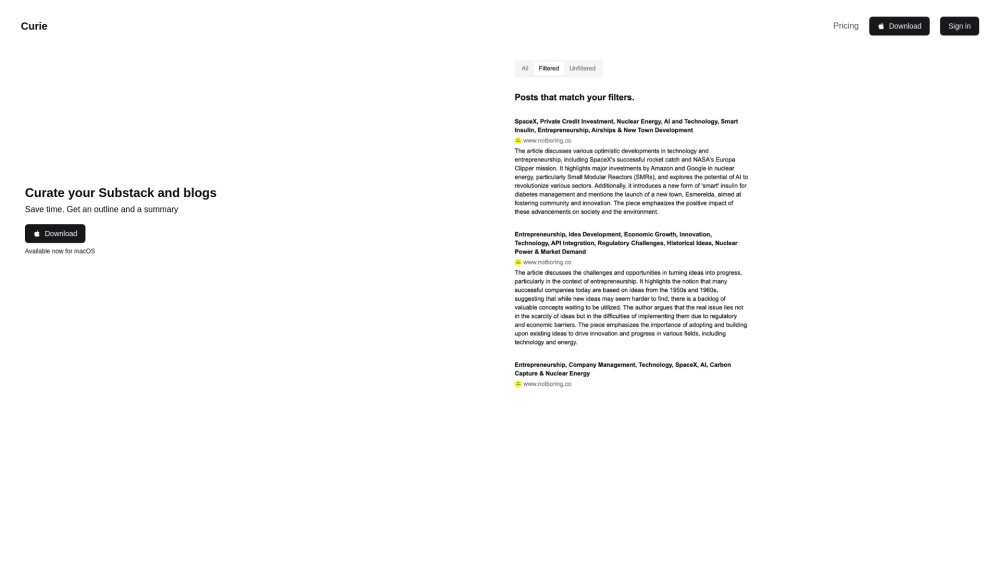
Curie curates content, providing summaries and topic lists to save reading time.

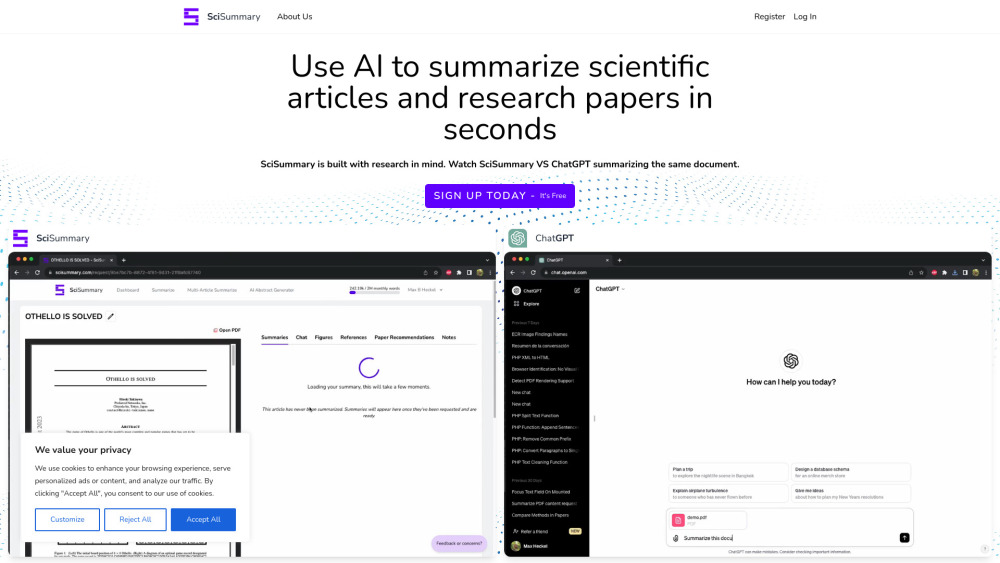
AI tool to summarize scientific articles and research papers.

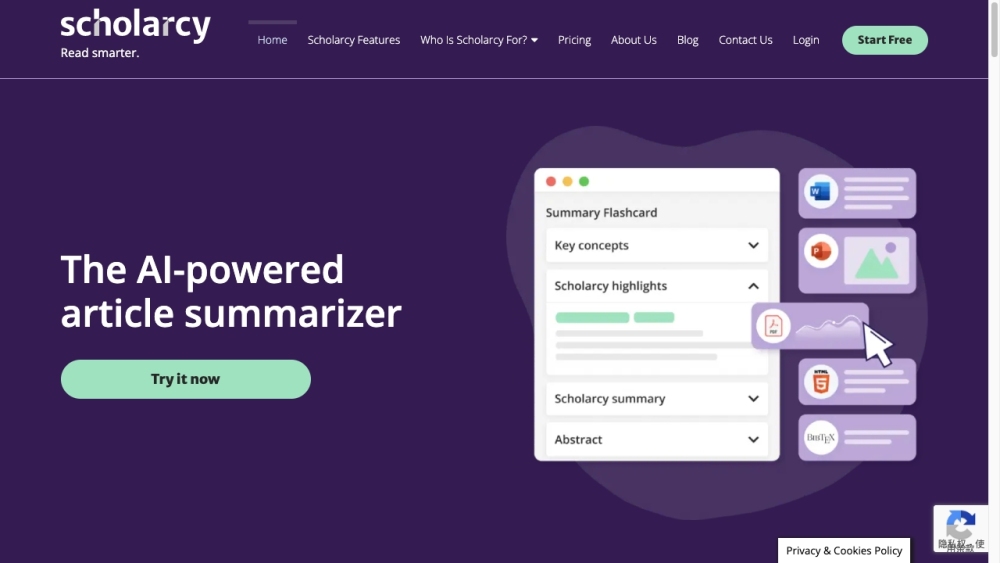
AI tool for summarizing articles and research papers into interactive flashcards.

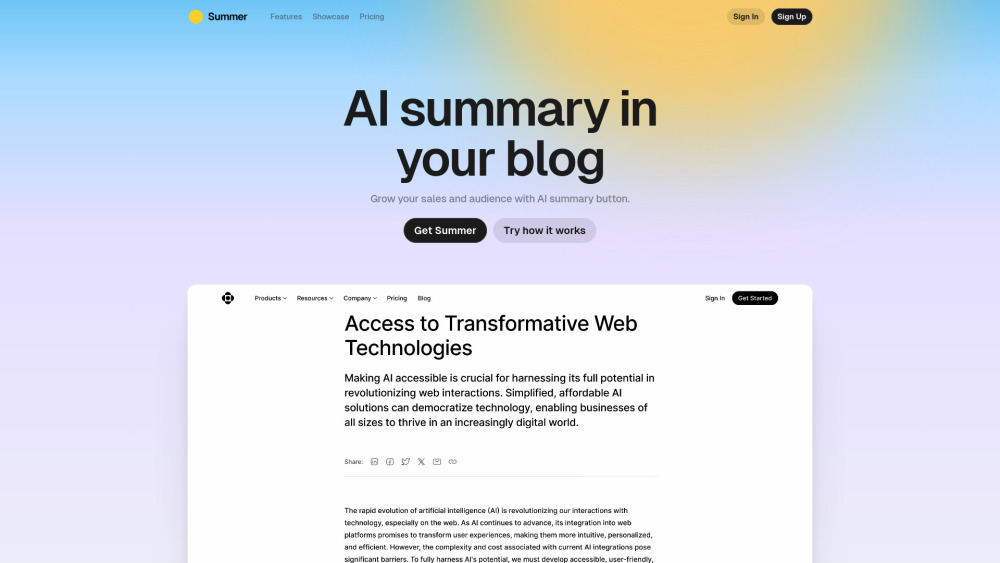
Summer AI provides an AI summary button for content, boosting audience growth and sales.