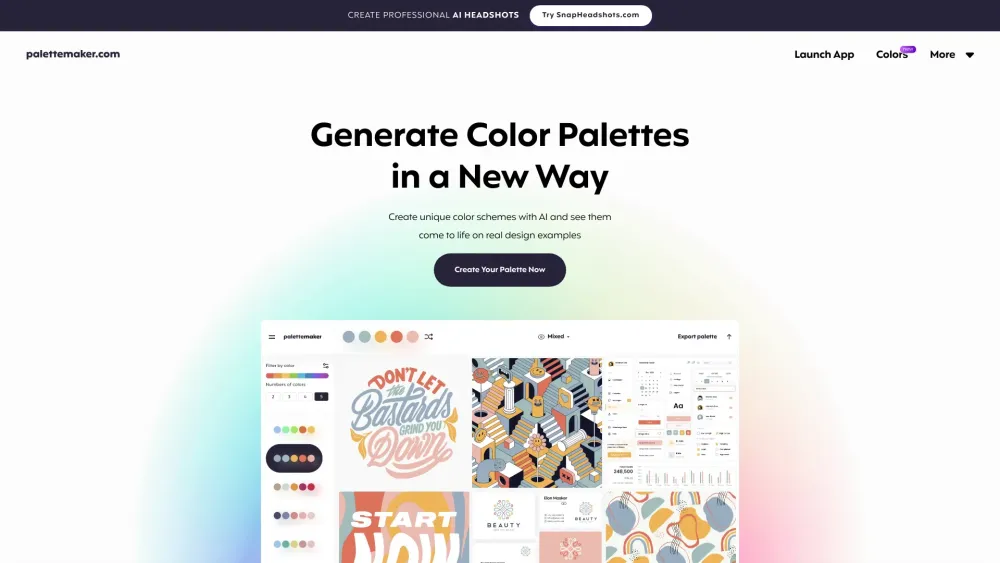


PaletteMaker is a free color tool for creatives and color lovers. It allows users to create color palettes and preview them on UI/UX designs, illustrations, web designs, apps, branding materials, and other designs. It uses AI to generate color schemes and allows users to see them come to life on real design examples. PaletteMaker is designed for both creative professionals and color enthusiasts, offering features to test color behavior in various graphic design situations and export palettes in multiple formats.
Free AI color palette generator with live design previews for creatives and color lovers.
- Creating color schemes for logo design
- Developing color palettes for UI/UX design
- Generating color combinations for posters and illustrations
- Finding color inspiration for branding projects
- Testing color accessibility in web design
- Use the color palette at the top (or bottom on mobile) as your main instrument. Browse color schemes on the left panel
- select a palette to apply it
- randomize colors
- change colors individually
- or delete color cells. PaletteMaker supports 2
- 3
- 4
- and 5-color palettes.

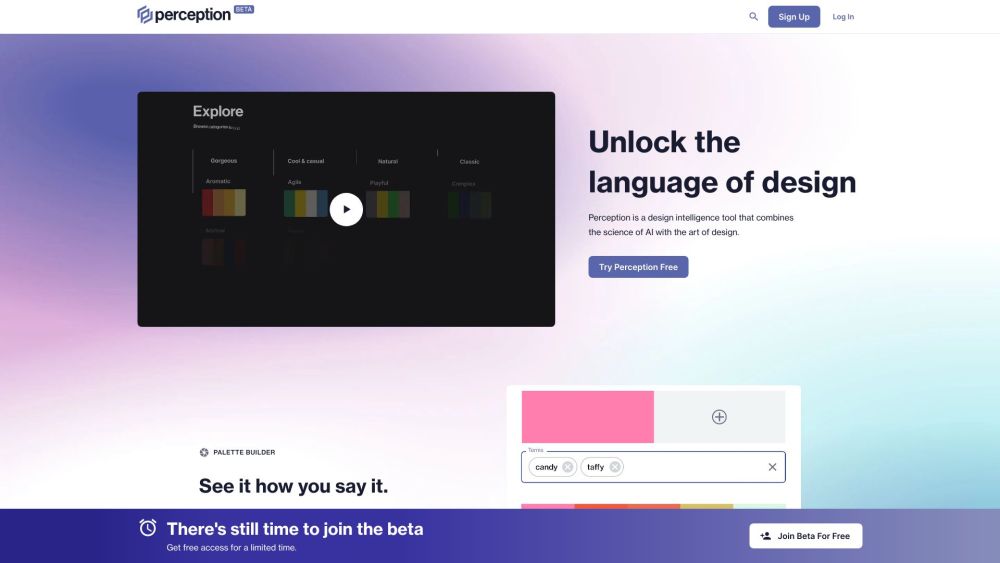
AI-powered design tool for generating and analyzing color palettes based on color psychology.

Comprehensive AI video editing software for all skill levels, offering a wide range of features.


AI gradient generator for UI, websites, and branding with color code exploration.


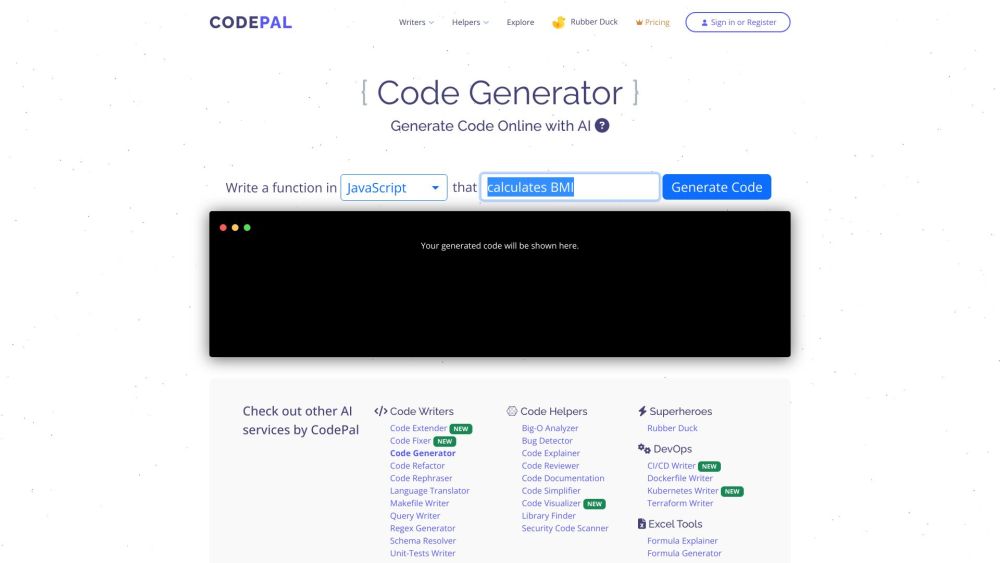
AI-powered coding tools for code generation, review, simplification, and bug detection.
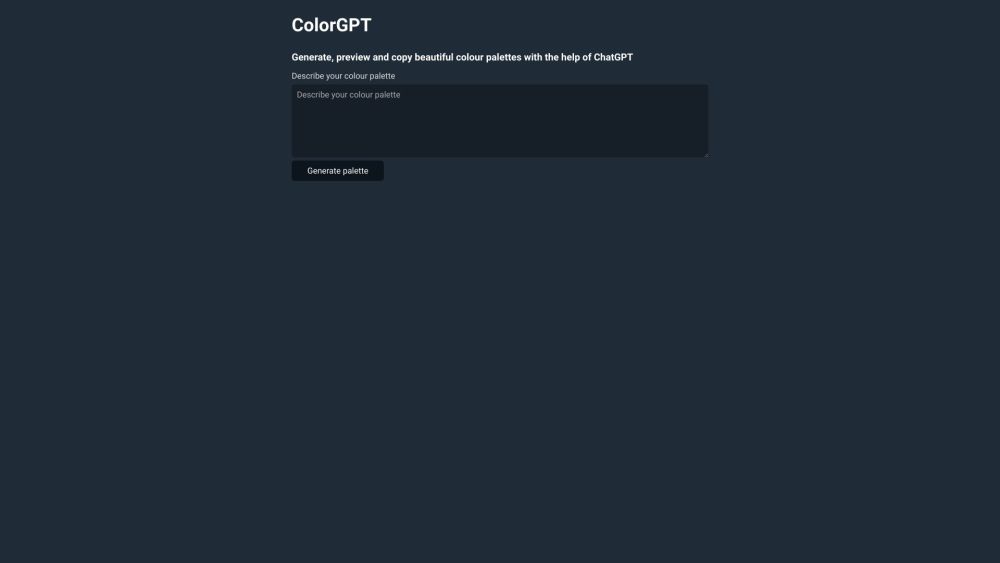
Generate, preview, and copy color palettes using a prompt.

AI-powered color palette generator with customization and accessibility features.
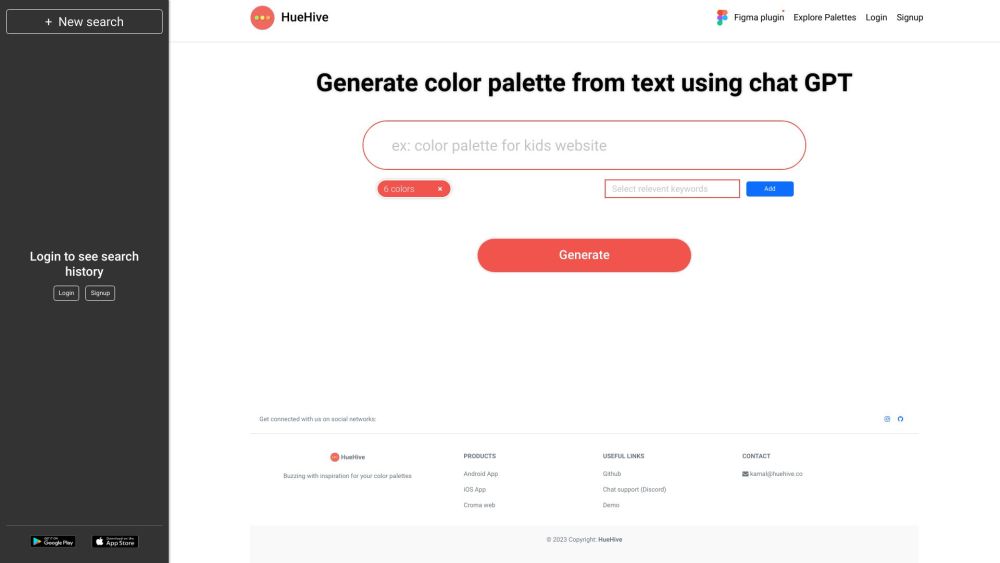

AI-powered color palette generator for businesses, making design fast and easy.


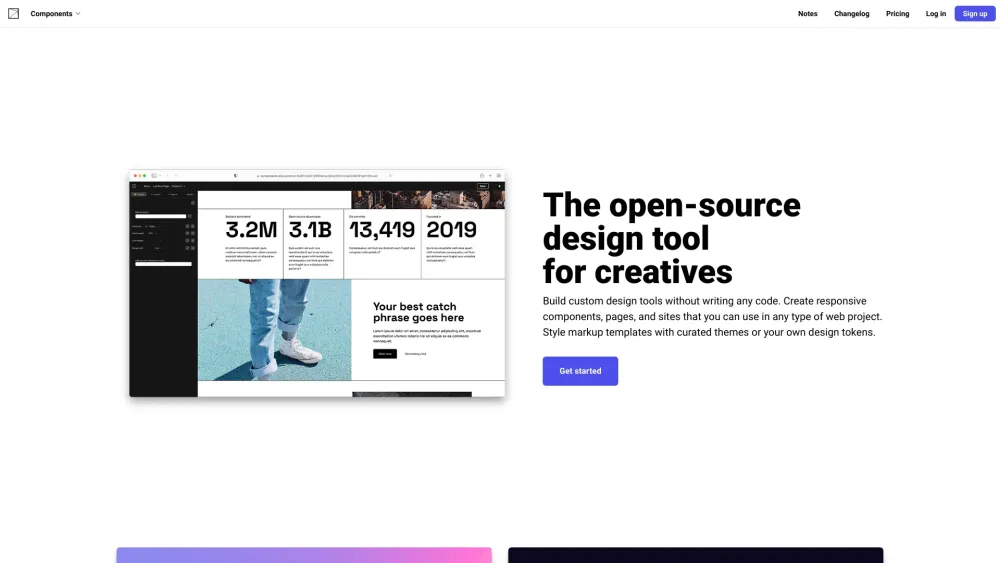
Open-source design tool for building custom design tools without code.

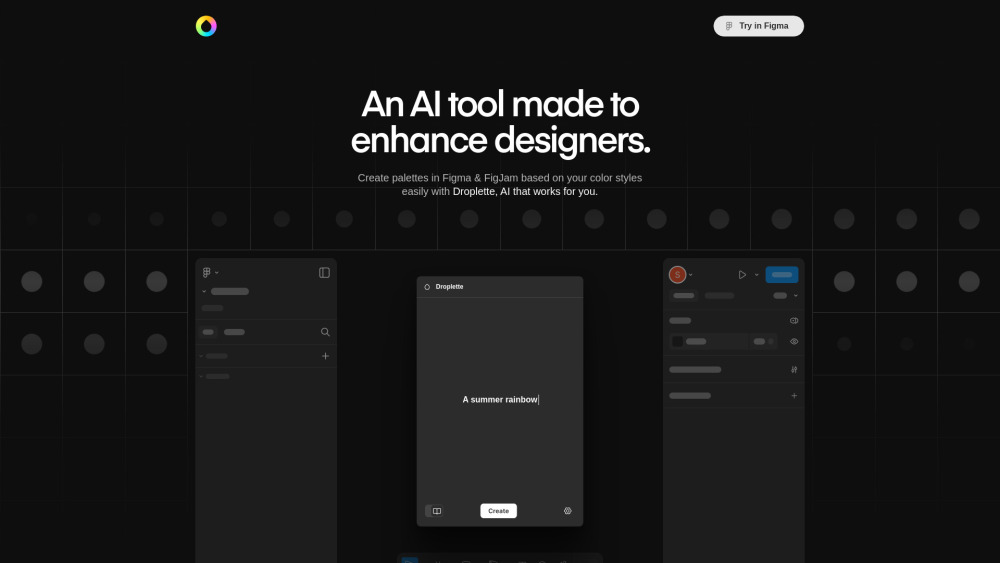
AI-powered color palette generator for Figma & FigJam.