Notta Desktop - Privacy Mode
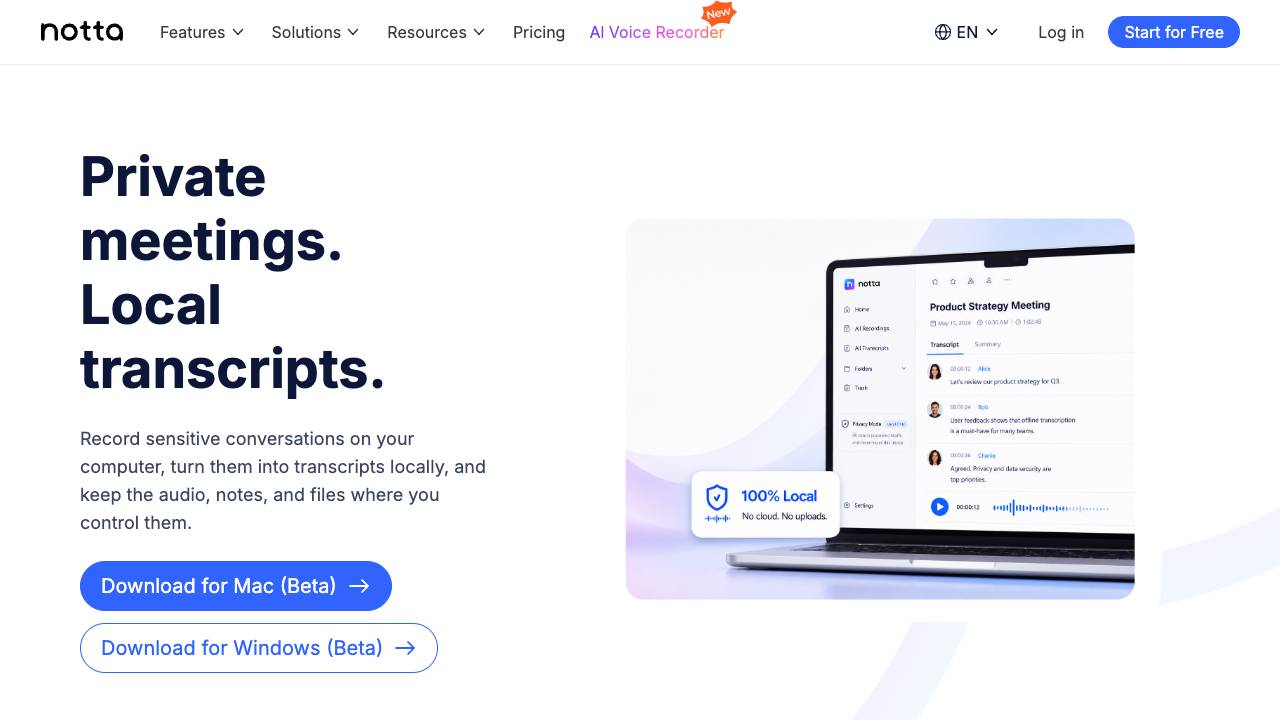




Privacy Mode is a feature within Notta Desktop that enables local transcription without cloud processing. It is designed for sensitive conversations where data sovereignty is a priority. Users can record meetings, generate transcripts, and manage files entirely on their device.
Notta Desktop Privacy Mode is an offline AI meeting transcription tool that records and transcribes sensitive meetings locally on your computer. Audio, transcripts, and files stay in local storage, ensuring privacy and compliance with company policies.
- Sensitive business meetings: contract reviews, pricing discussions, and audits.
- Confidential interviews and case updates.
- Long workshops and review sessions requiring extended recording.
- Meetings subject to company policies that restrict cloud transcription.
- Any scenario where privacy and data control are paramount.
- Download and install Notta Desktop on your computer.
- Create a Notta account or sign in.
- Switch to Privacy Mode from the top-left corner.
- Download the offline ASR engine when prompted.
- Start recording or transcribing locally in Privacy Mode.
- Access your recordings and transcripts from the local storage folder.

AI-powered transcription service converting audio and video to text in 117+ languages.
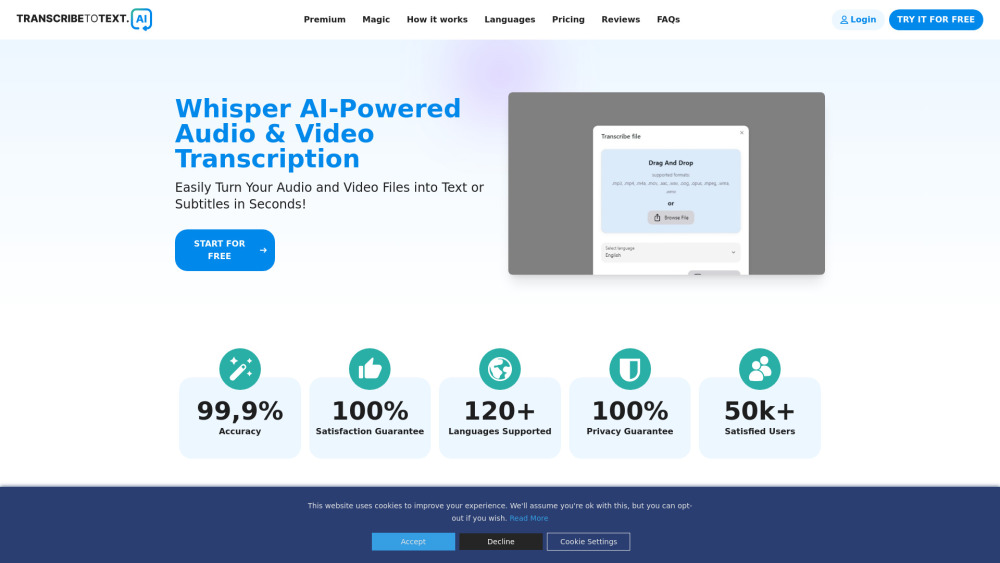

Automated transcription, translation, and subtitling platform for audio/video.
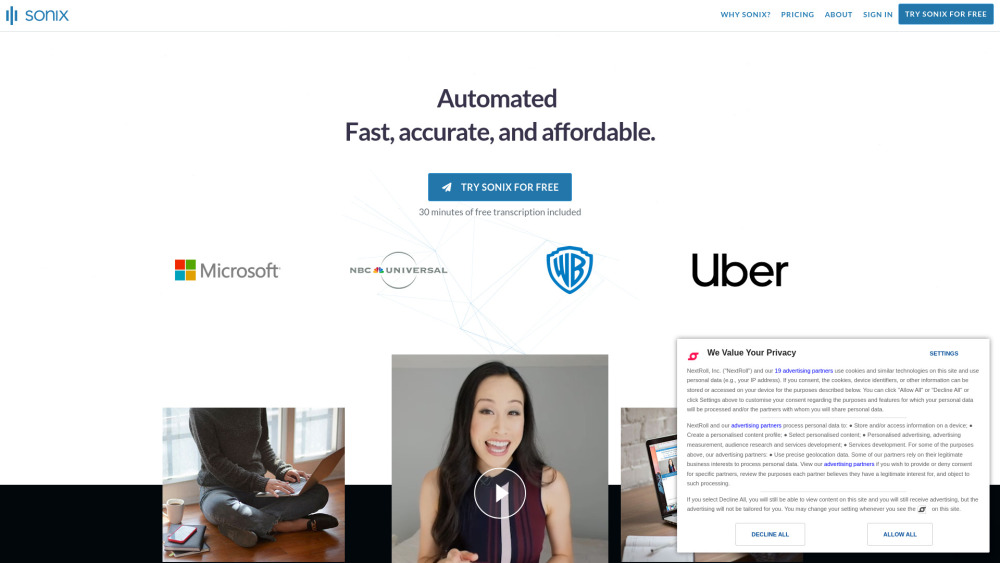

It's simple, we built the most accurate audio and video transcription software and API ever
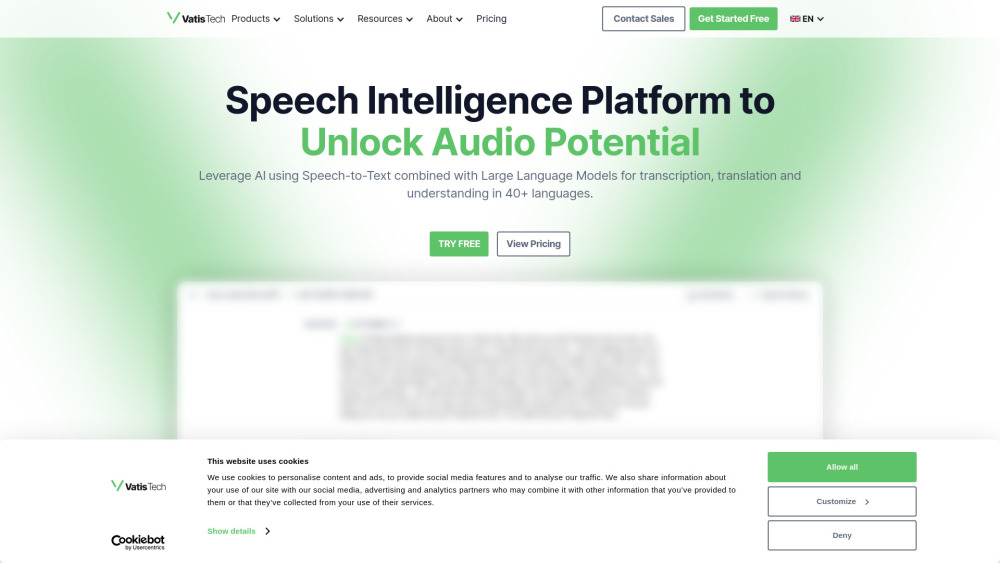

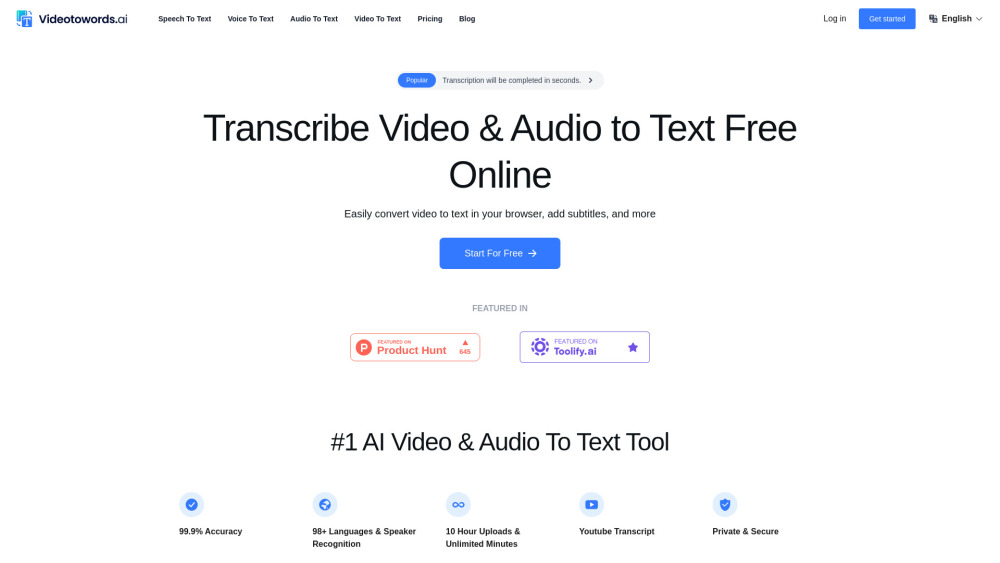
AI-powered transcription service for audio and video to text conversion.

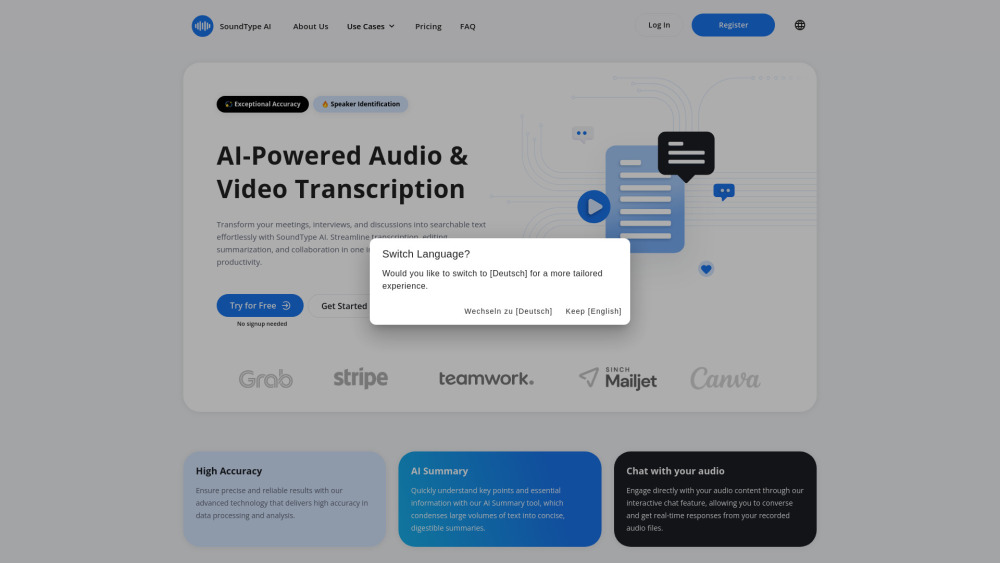
AI-powered audio and video transcription service with summarization and collaboration features.

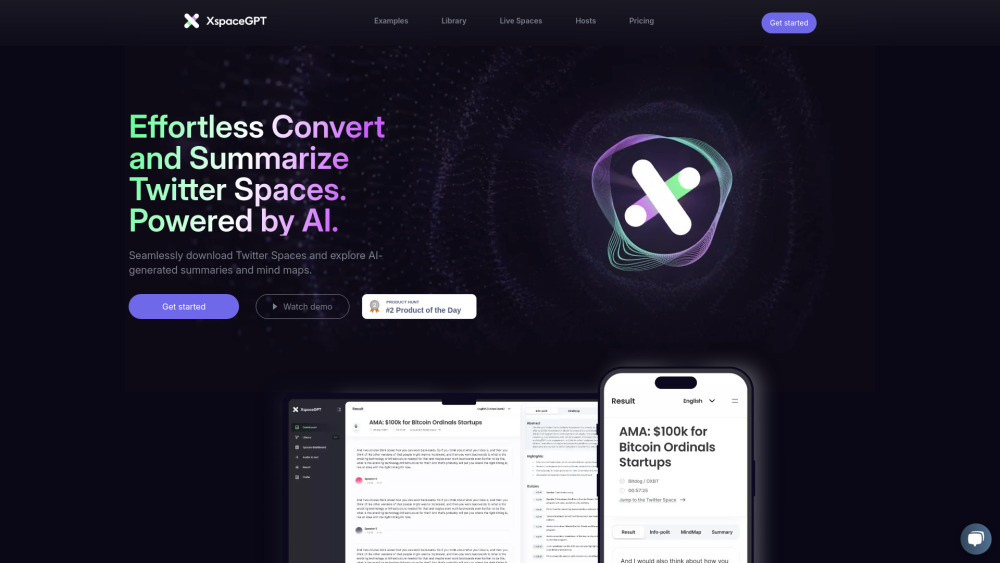
XspaceGPT converts Twitter Spaces to text with AI summaries and multi-language support.

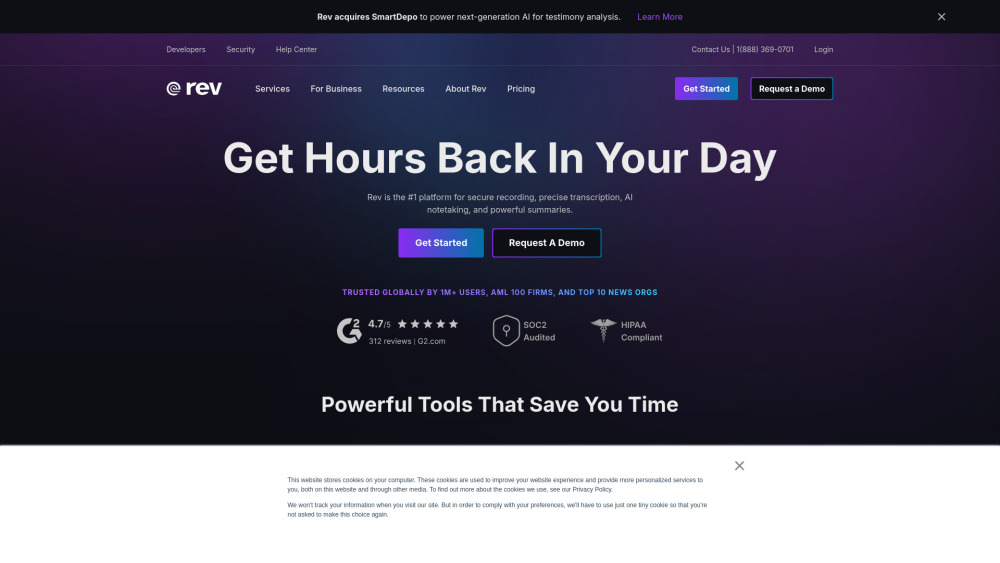
Rev is a voice platform for transcription, captions, and subtitles using AI and human services.

Voice dictation that actually works

AI-powered tool for transcribing and summarizing audio & video into concise summaries.