iGenflow is an intelligent browser-based tool designed to capture web workflows and instantly transform them into professional step-by-step Standard Operating Procedures (SOPs), visual user guides, and quick walkthrough videos. It captures browser actions, screenshots, and cursor positions, allowing users to document processes while they work. The platform features built-in image editing, AI-powered text polishing, and flexible export options to various formats, significantly reducing the manual labor involved in creating technical documentation and onboarding materials.
Capture web workflows to instantly generate step-by-step SOPs and walkthrough videos.
- Creating employee onboarding guides and training materials
- Generating customer support documentation and user manuals
- Documenting internal software processes for team knowledge transfer
- Building product walkthroughs for marketing and sales
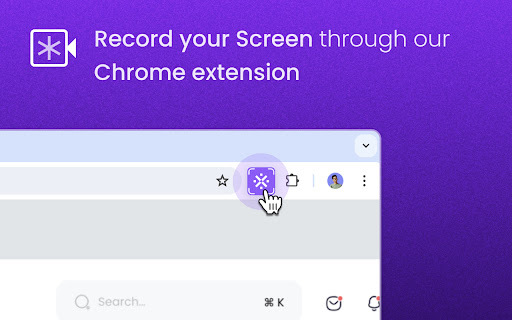
- Install the browser extension and start capturing with one click while performing your web workflow. You can edit text and screenshots on the fly or use the built-in editor afterward to add blurs
- arrows
- and numbering. Once complete
- export the guide as a PDF
- Word
- or video file
- or share it via a public link.

Clueso creates how-to articles and videos from screen recordings.
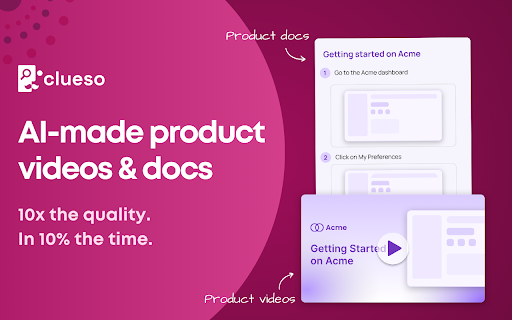

Kroto transforms screen recordings into professional how-to guides with AI.

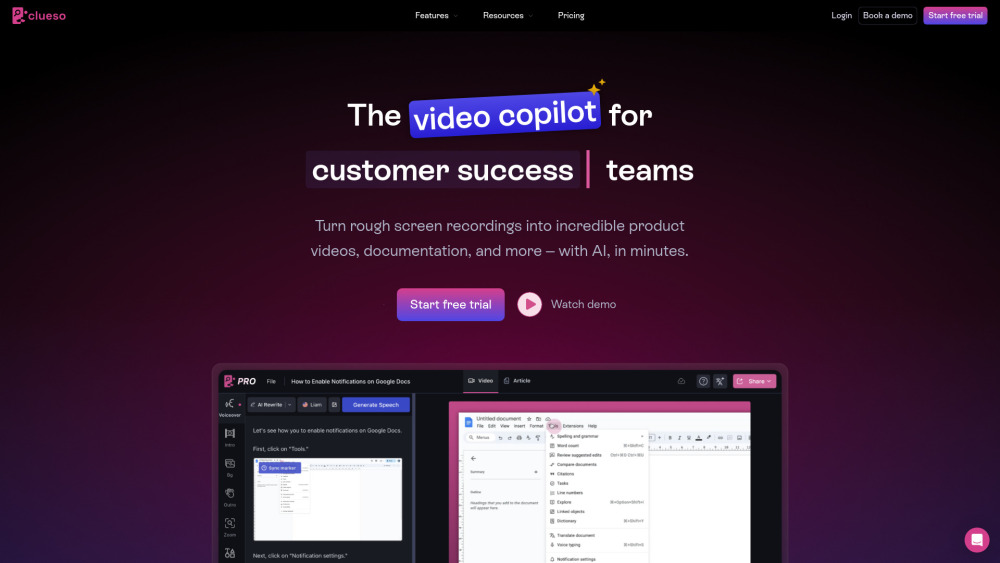
AI video editor for marketing teams to create product videos and documentation quickly.

Documentation tool that creates step-by-step guides, videos, and screenshots automatically.

Castofly automates documentation and training material creation with AI.

AI platform that generates, manages, and tracks industry-compliant Standard Operating Procedures and handbooks.


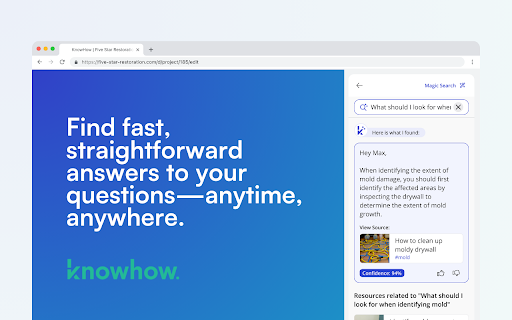
KnowHow provides AI-powered access to company knowledge and simplifies SOP creation.

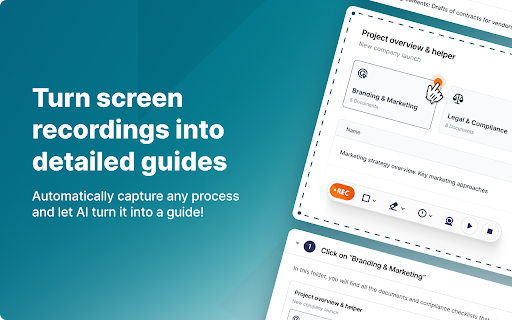
Screen recording tool that automatically creates guides with AI-powered editing and sharing.

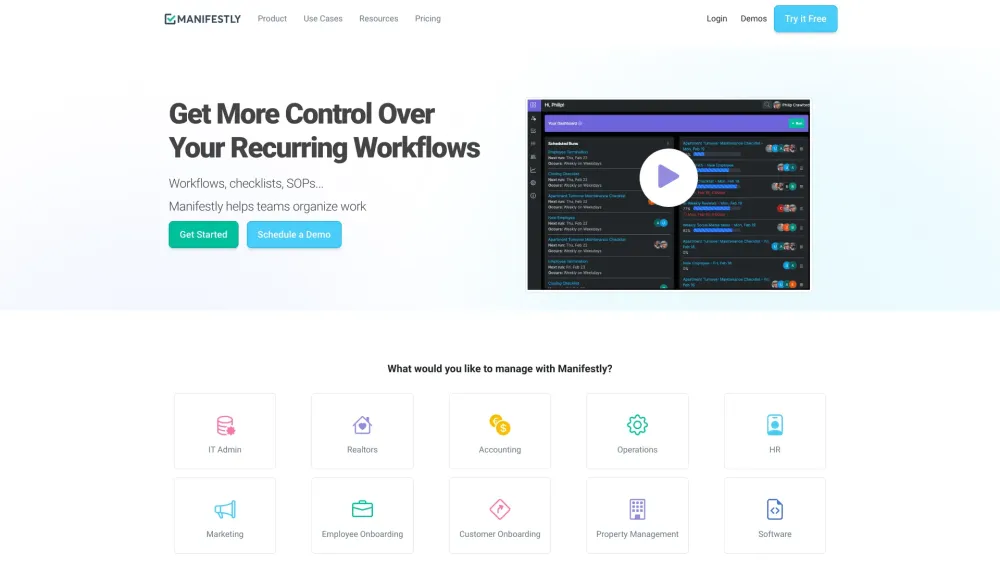
Low-code platform for automating recurring workflows and checklists with AI and integrations.