



AI Translator ai chrome extension? AI Translator is a simple, fast, and high-quality AI translation tool that supports online translation of multiple file formats. It offers over 100 language pairs for translation, providing a comprehensive solution for various translation needs.
Simple, fast, high-quality AI translation with support for multiple file formats and 100+ languages.
- Translate documents
- websites
- and other text-based content into multiple languages.
- Simply upload your file or input text on the website
- select the source and target languages
- and the AI will quickly provide a high-quality translation.

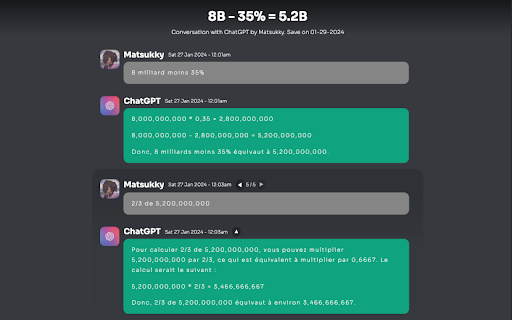
Downloads and saves complete ChatGPT conversations locally in a zip archive.

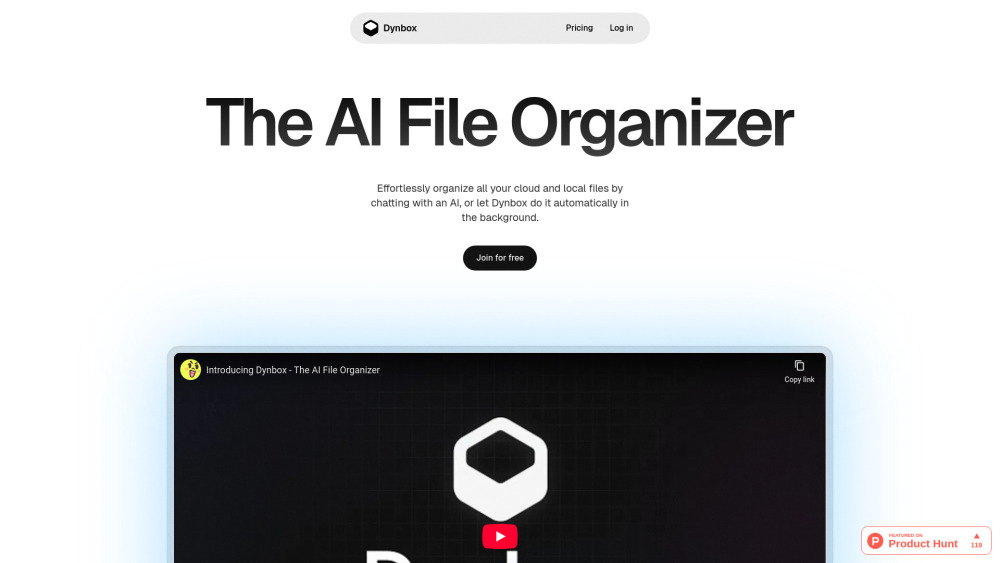
AI file organizer for automatic tidying and management.

AI-powered media management platform for searching, organizing, editing, and exporting media files.


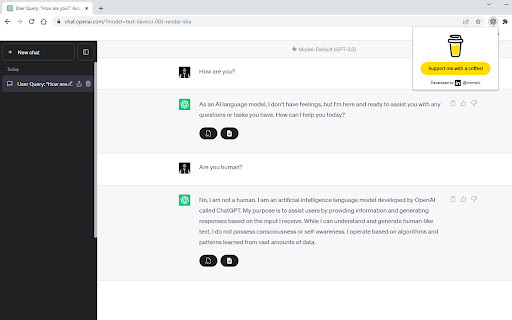
Extension to export ChatGPT conversations to text and document files.

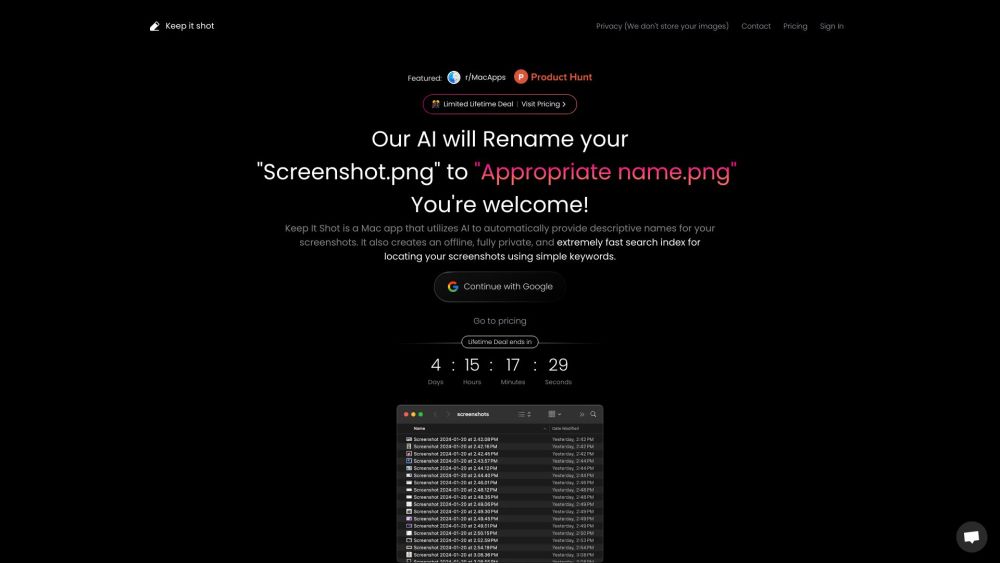
Mac app for AI-powered screenshot and media file renaming and offline search.

GPT-AI powered app to chat with various file types for quick and accurate answers.


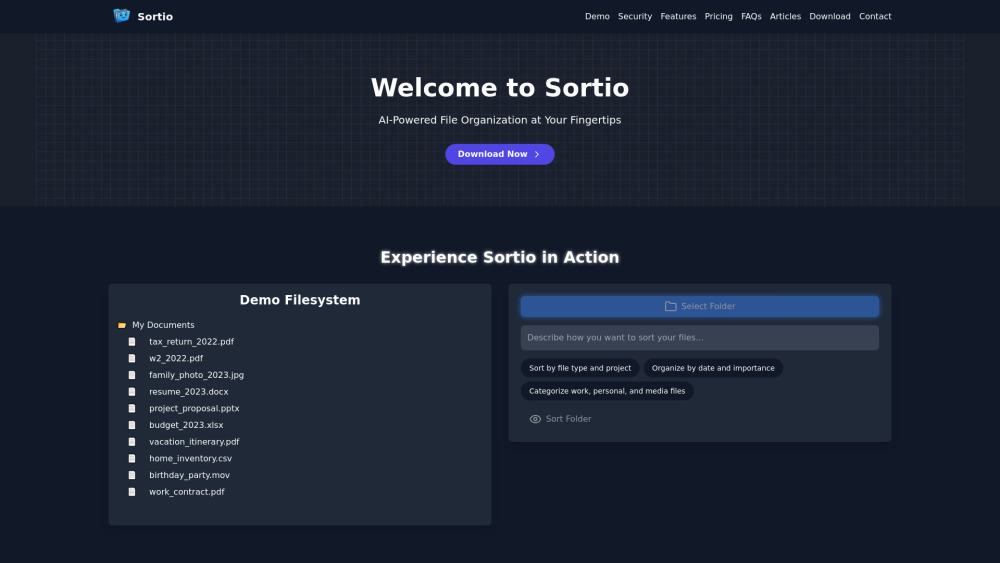
AI-powered desktop app for intelligent file organization using simple commands.

A modern, visual file manager for the terminal


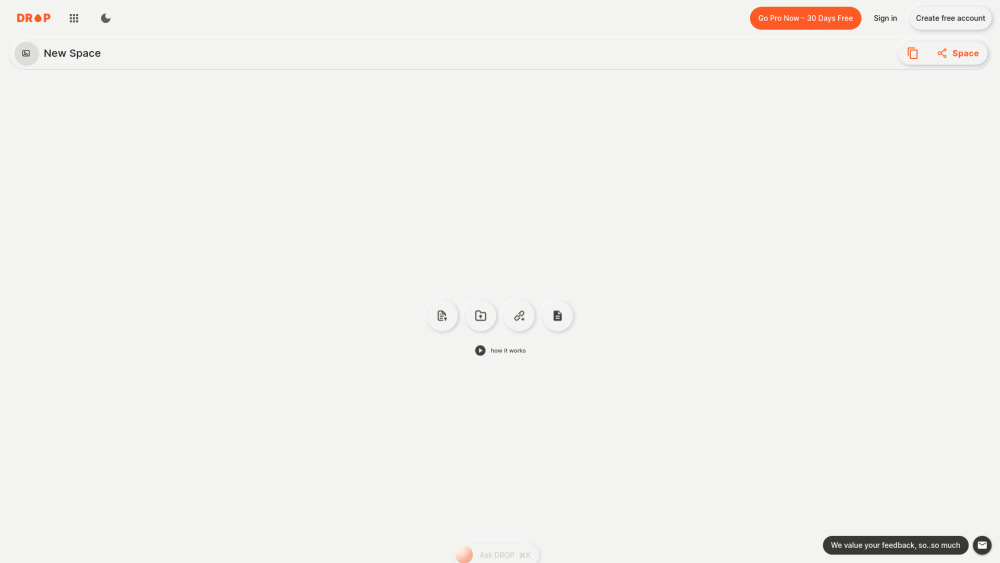
Premium file sharing and hosting platform for large files up to 10GB.

AI tool that renames and organizes files by automatically reading their actual content.


Chrome extension for easy text file prefixing and suffixing.

Data asset management platform for generative AI assets with AI-powered curation and search.


AI-powered photo storage app with a graph-like database for easy exploration and organization.


AI-powered platform turning files into an intelligent knowledge base for enhanced productivity.


AI Renamer automatically renames files based on their content using AI.


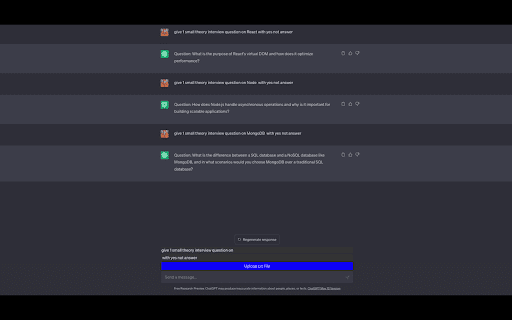
Extension to upload and process files in ChatGPT.


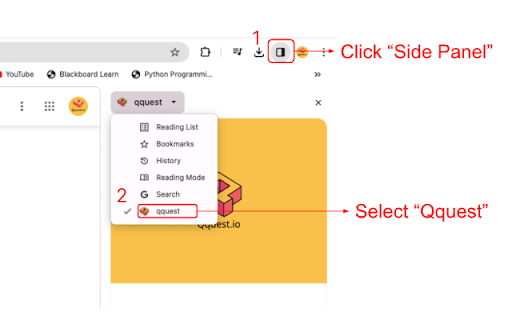
Qquest.io simplifies data querying with generative AI for efficient information utilization.

Chrome extension to export, print, and share ChatGPT conversations as HTML files.