Unwatermark Ai
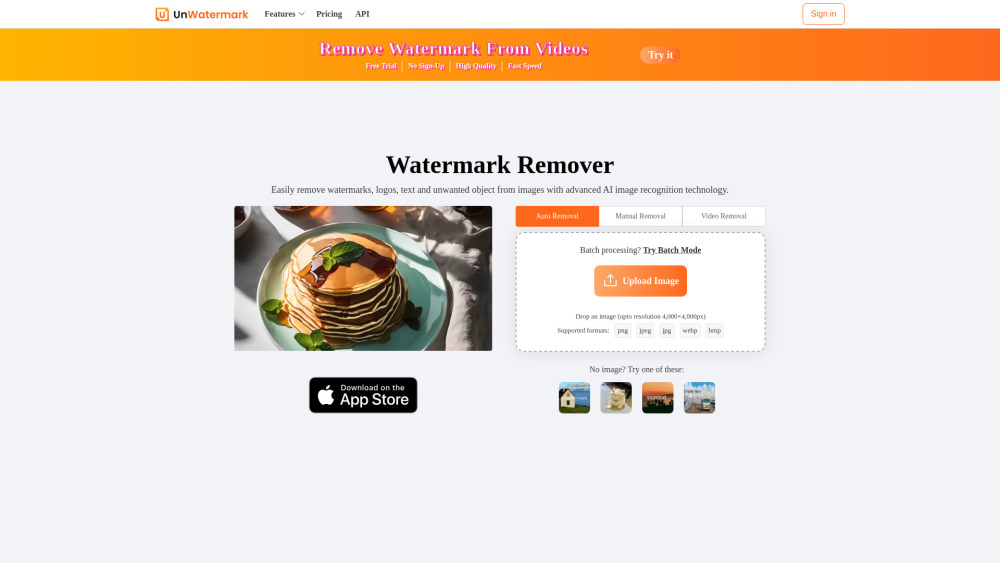





Unwatermark AI is an advanced AI-powered tool designed to remove watermarks, logos, text, and unwanted objects from both images and videos. It offers automatic detection and removal, a manual brush tool for difficult watermarks, and supports batch processing for images. The tool ensures high-quality output, maintaining the original integrity of the content. It is an online, user-friendly platform accessible across various devices (PC, Android, iOS) and supports common image and video formats.
AI-powered tool to remove watermarks from images and videos.
- Managing and cleaning content materials effectively by removing watermarks from images and videos.
- Quickly and efficiently handling various types of watermarks for content creation.
- Assisting students in daily studies and creative projects by removing watermarks.
- Removing watermarks from content sourced from platforms like YouTube, TikTok, and Instagram.
- Cleaning AI-generated images or videos by removing their watermarks.
- To use Unwatermark AI
- follow these steps: 1. Upload image or video: Upload your watermarked photo or video. 2. Select Watermark with Brush: Use the Brush tool to select the watermark logo or text. 3. AI online Processing: Click the remove button
- and the AI will process and remove the watermark from the painted area. 4. Download Clean Image or Video: Download your image or video after the watermark has been removed.

Free YouTube Shorts downloader and AI suite for video-to-script conversion and content repurposing.


AI tool for professional 4K watermark, logo, and stamp removal from static photos.


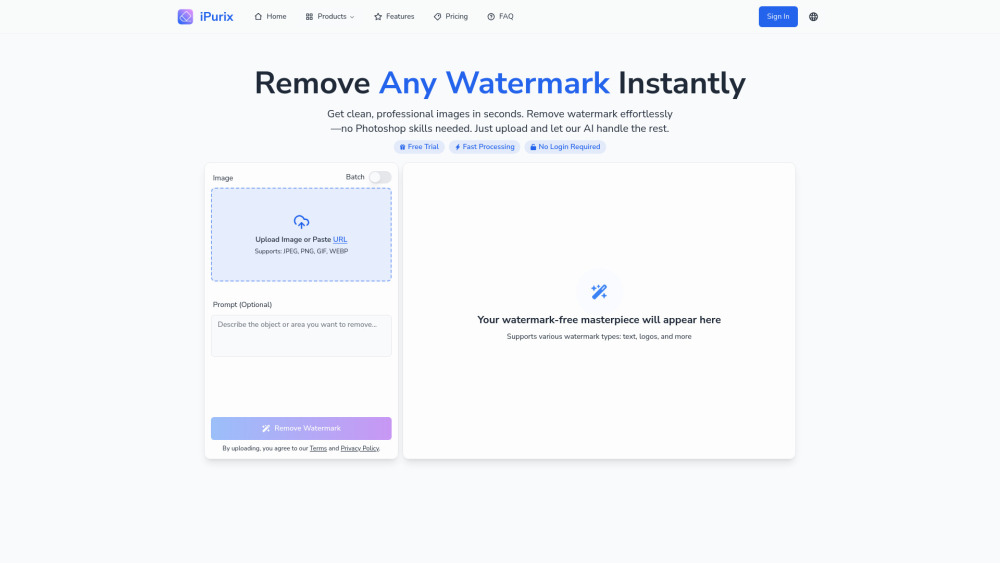
AI-powered tool to remove watermarks from images quickly and easily.

AI-powered online media tools for video, audio, and photo editing.



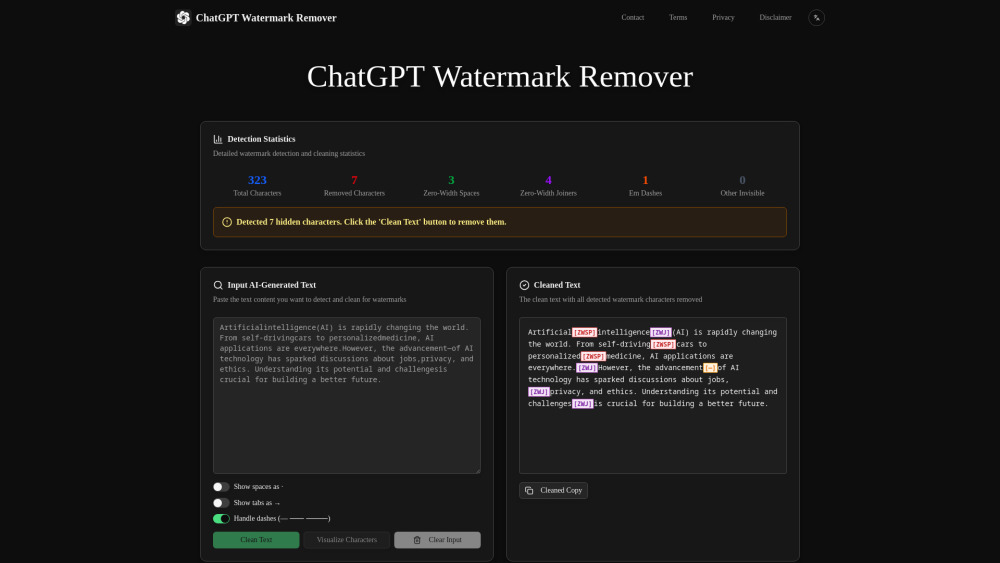
Free online tool to detect and remove invisible AI watermarks from text.

AI tool for removing Sora video watermarks and generating high-quality AI videos.


Online tool to intelligently remove watermarks and unwanted elements from images.

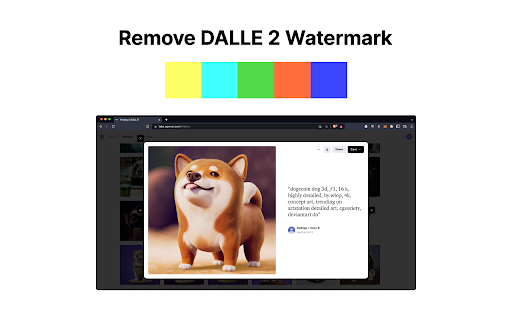
Chrome extension to remove DALL-E 2 watermarks from generated images.