Rabbithole
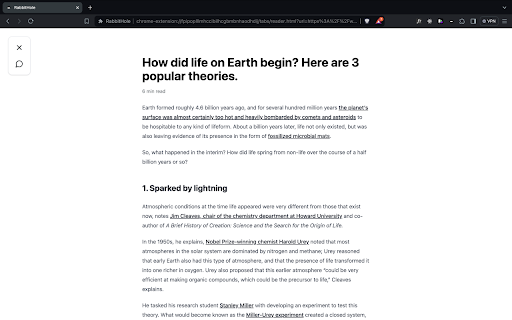


Reading Mode ai chrome extension? Reading Mode is a feature activated by the keyboard shortcut Opt+L (Alt+L on Windows) when reading articles online. It removes distractions and provides tools to enhance reading comprehension and speed.
Reading Mode removes distractions and offers tools for faster, better article comprehension.
- Quickly understand the main points of a lengthy article.
- Translate a foreign language article into your native language.
- Research unfamiliar concepts mentioned in an article without opening a new tab.
- Get direct answers to specific questions about the article's content.
- Press Opt+L (Alt+L on Windows) while viewing an article online to activate Reading Mode.

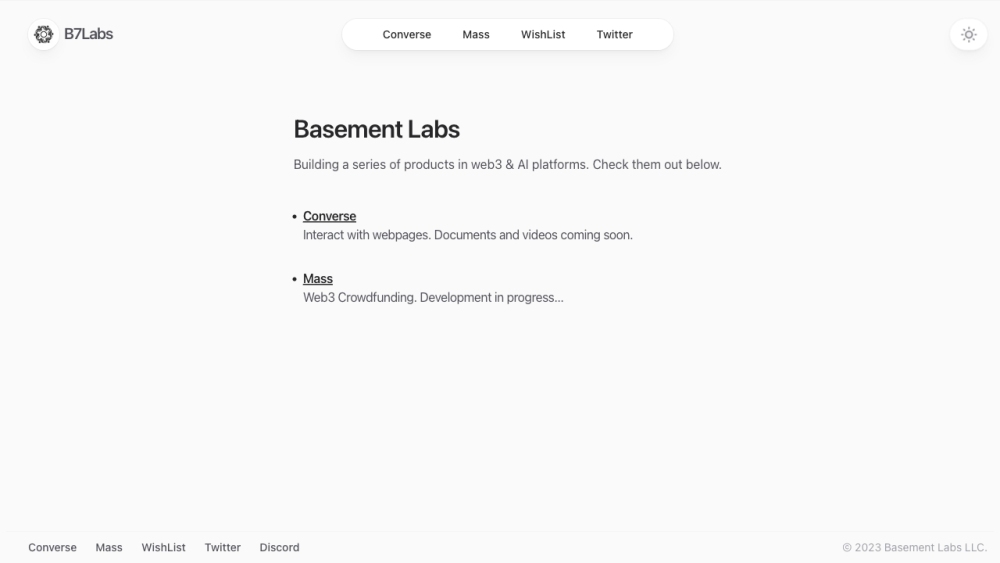
AI reading companion for summarizing and interacting with web articles, PDFs, and videos.

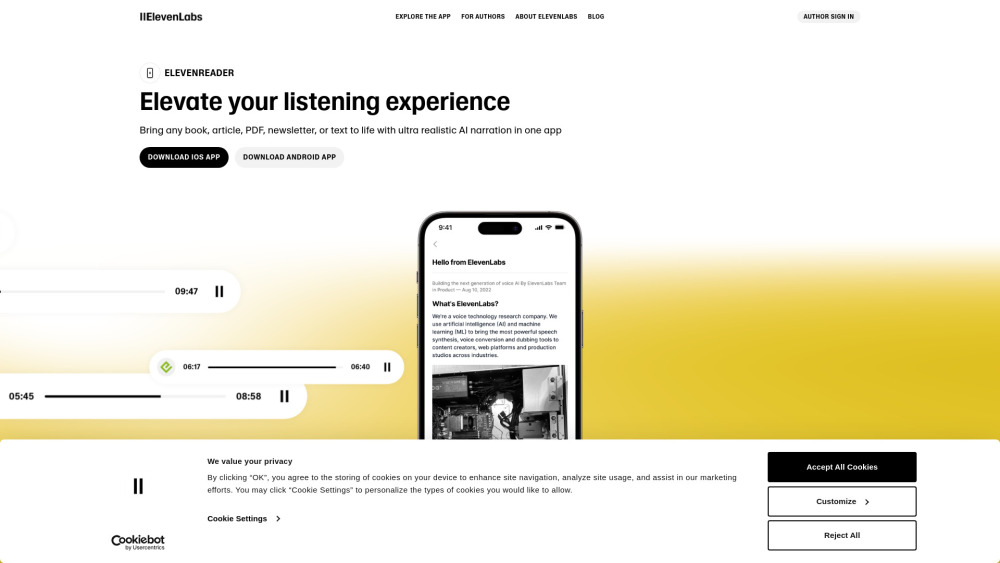
App for reading text aloud with high-quality voice AI.

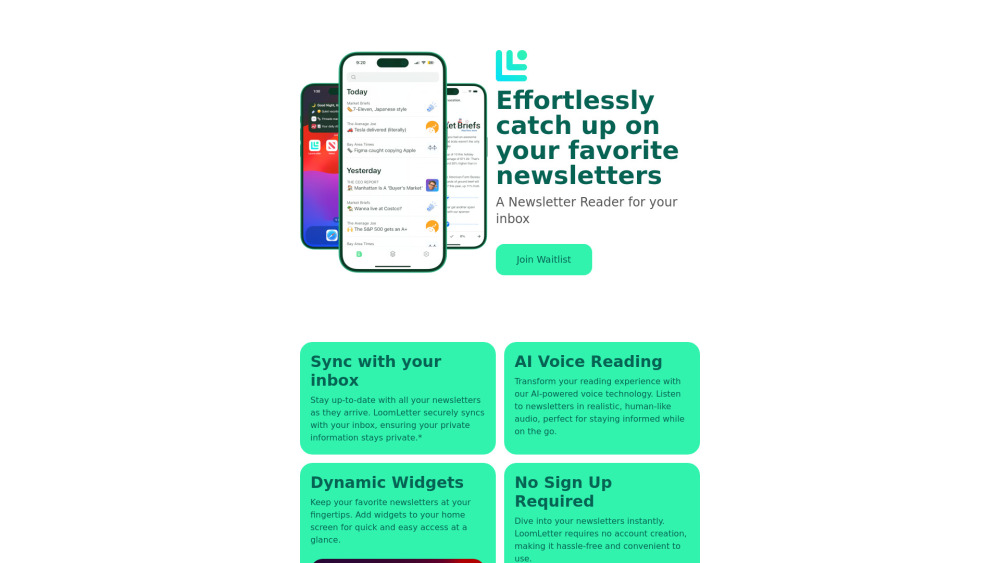
Newsletter reader app with sync, widgets, TTS, and progress tracking.
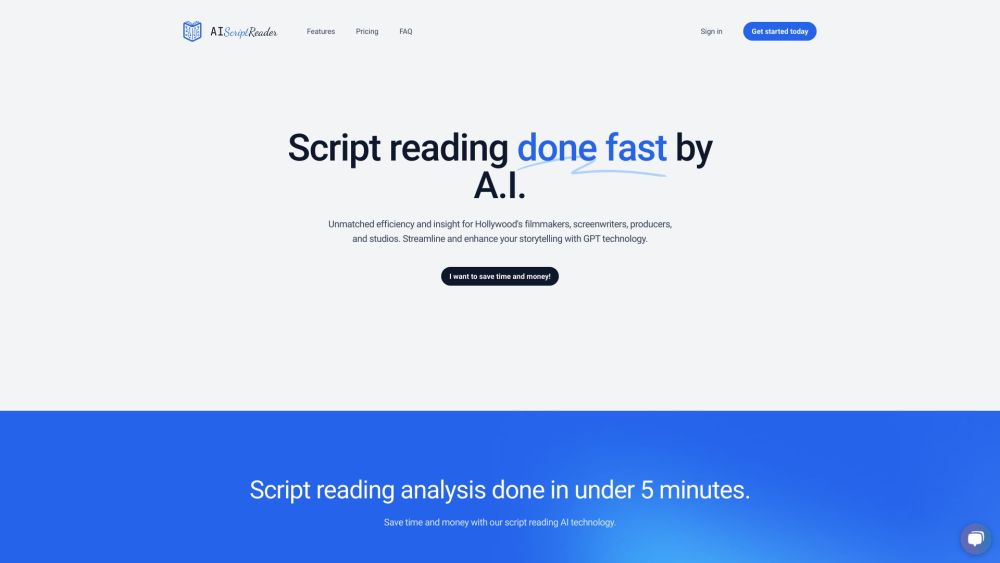
AI-powered script analysis tool for writers, producers, and production firms.

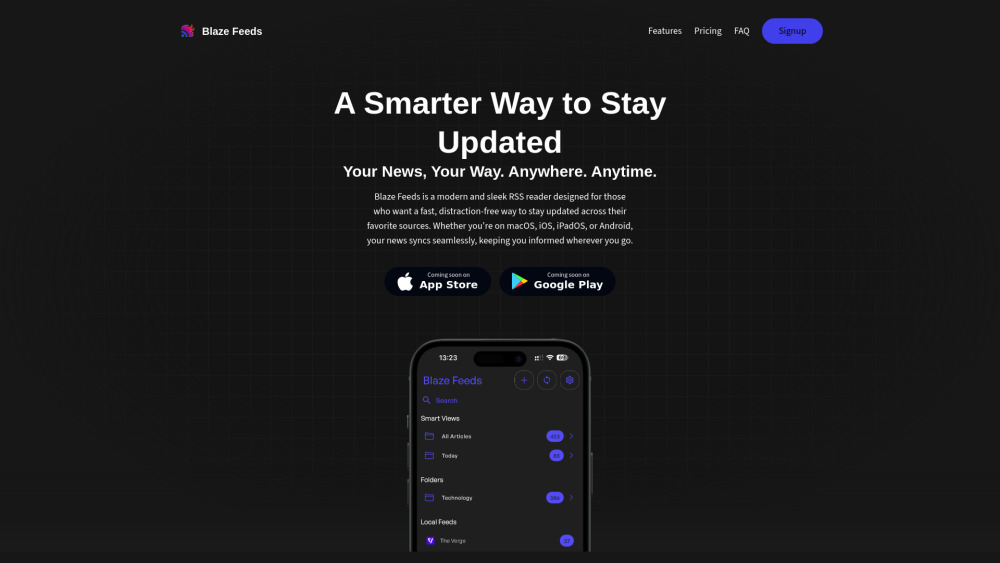
AI-powered RSS reader with smart summarization and cross-platform support.

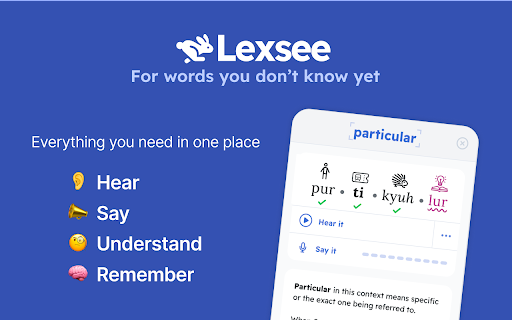
Lexsee is a reading companion and AI tutor for teens with dyslexia.

Chrome extension for exploring biological terms and related entities in web sources.
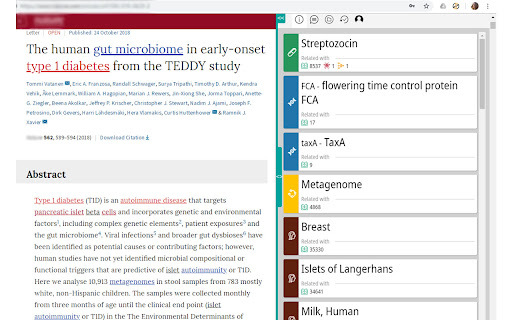

AI-powered reading and learning platform for students with personalized guidance and real-time analysis.


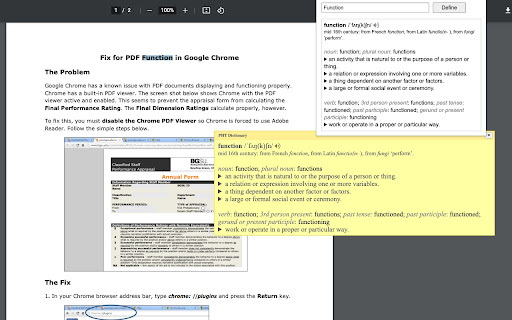
An extension for easy word definitions and pronunciation.

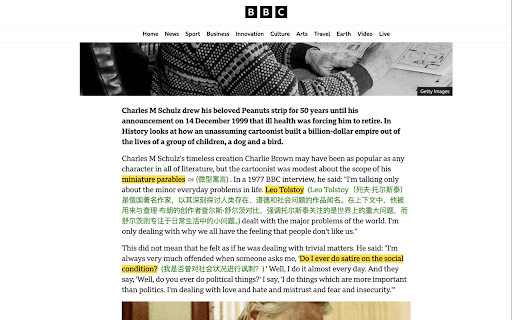
Intelligent highlighting tool for capturing, understanding, and organizing web information.

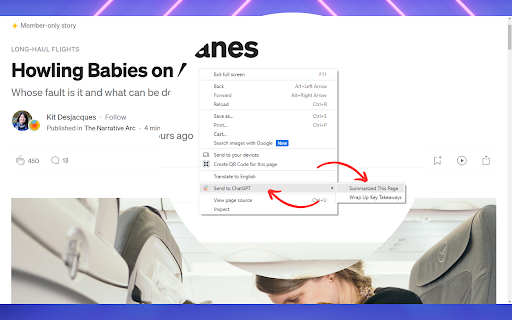
Chrome extension for AI-powered audio reading and summarization of web content.

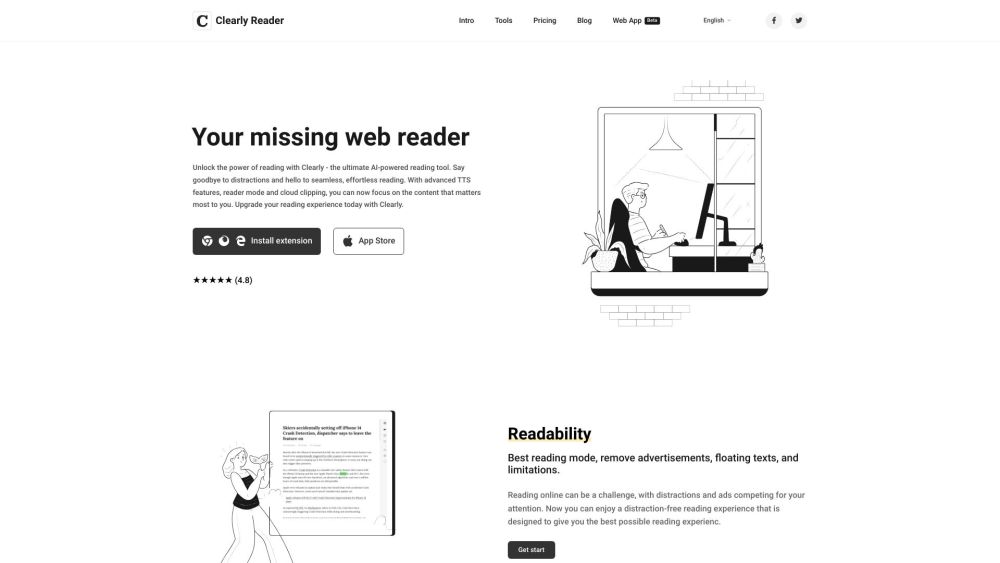
Browser extension and web app for distraction-free online reading with AI features.

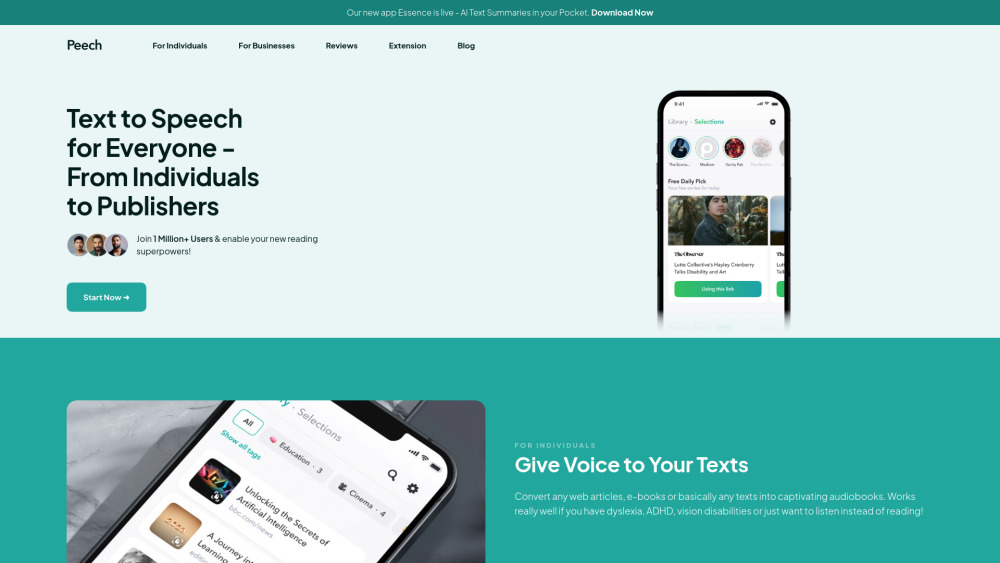
Peech is a text-to-speech reader converting text to audio in 50+ languages.

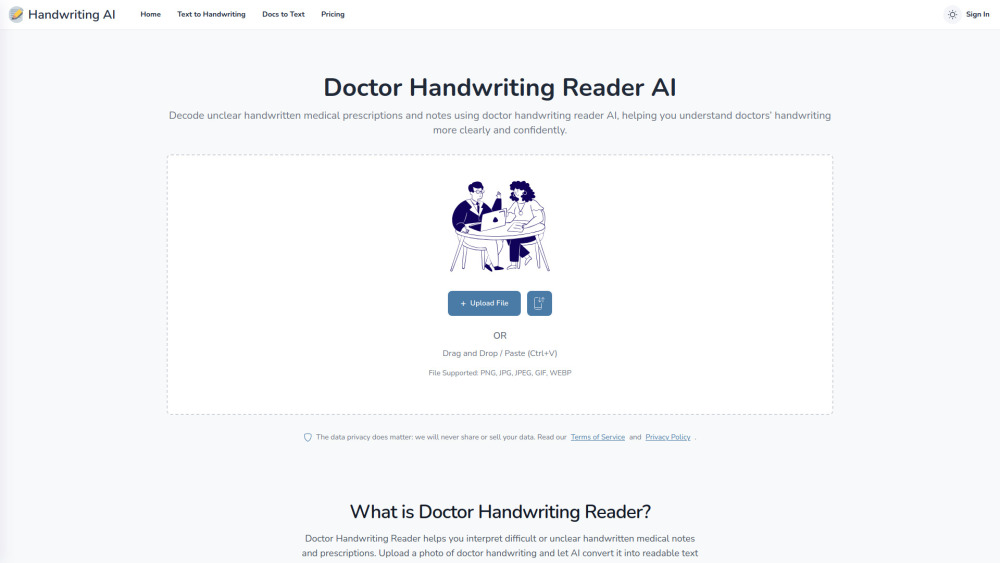
AI tool that decodes messy handwritten medical prescriptions into clear, readable, and structured text.

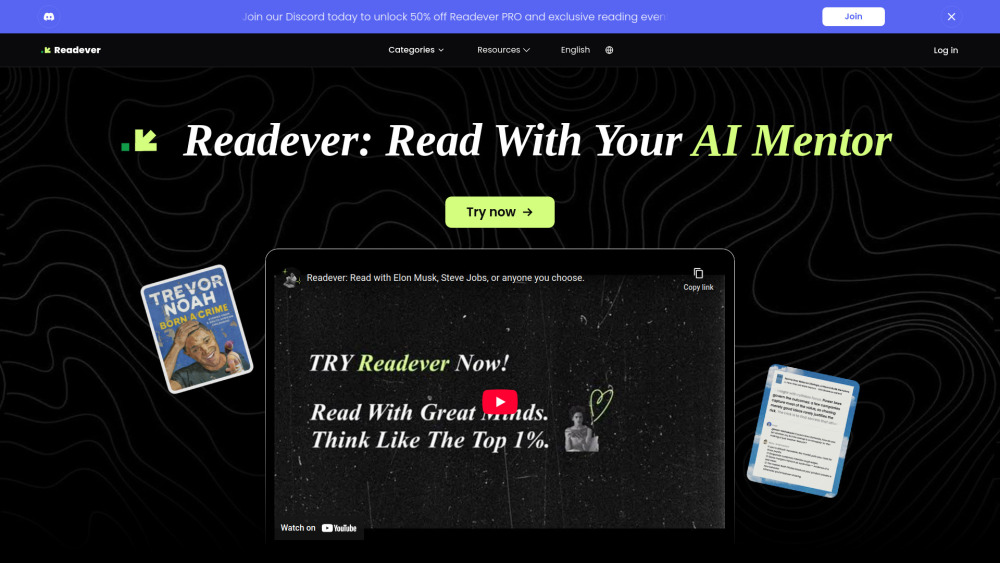
AI Reading Assistant for interactive learning, smart highlights, and personalized insights.

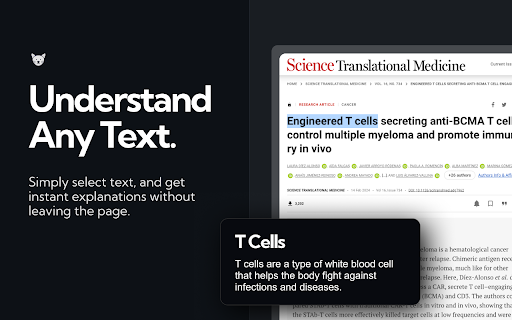
ExplainTXT simplifies complex texts in real-time across various domains and languages.

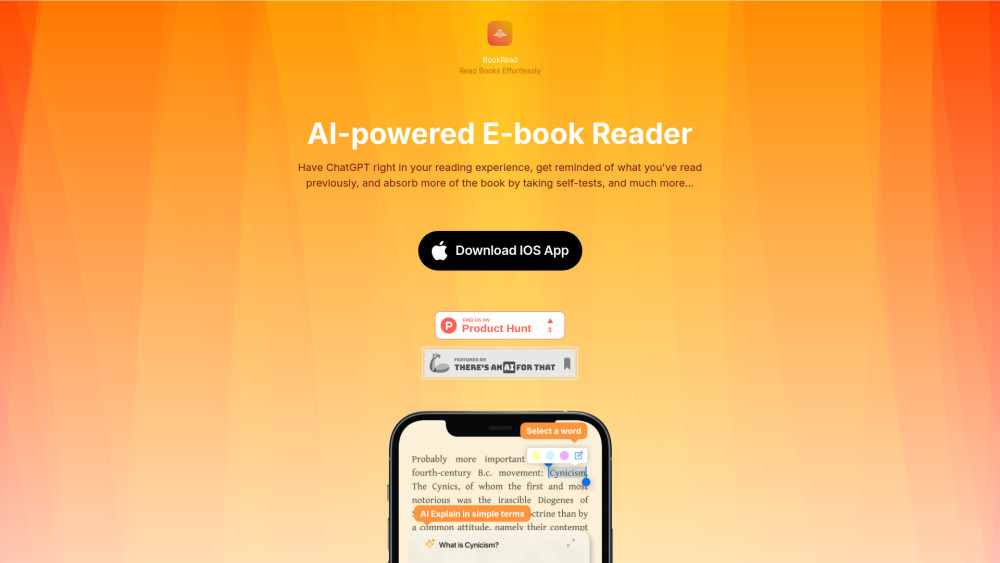
AI-powered reading companion for effortless reading with explanations, summaries, and self-tests.

Intelligent AI reading assistant for summarization, Q&A, and translation.