Qgvxezulu1Gopb44Jv4Fy8Xvyhjbenw8
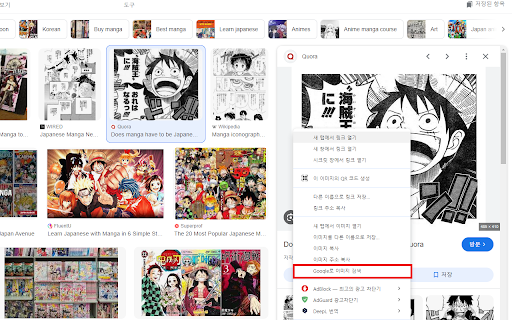






Google Lens, Papago, DeepL Image Translation ai chrome extension? This process involves using Google Lens to extract text from an image and then translating that text using either Papago or DeepL. Google Lens is an image recognition technology that can identify objects and text within an image. Papago and DeepL are machine translation services that provide translations between various languages. This combination allows users to translate text embedded in images quickly and easily.
Translating image text using Google Lens with Papago or DeepL.
- Translating signs, menus, or documents in foreign languages.
- 1. Open Google Lens and take a picture or upload an image. 2. Google Lens will identify the text in the image. 3. Copy the extracted text. 4. Paste the text into Papago or DeepL. 5. Select the source and target languages. 6. Translate the text.
AI tool to translate Amazon product images into 7 European languages in one click.

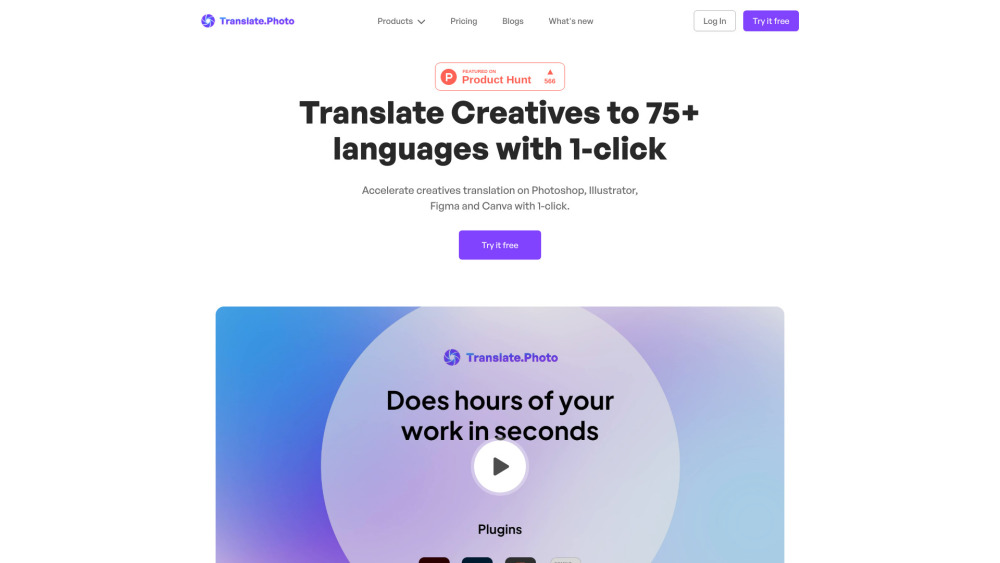
AI image text translator converting designs into 75+ languages with brand consistency.

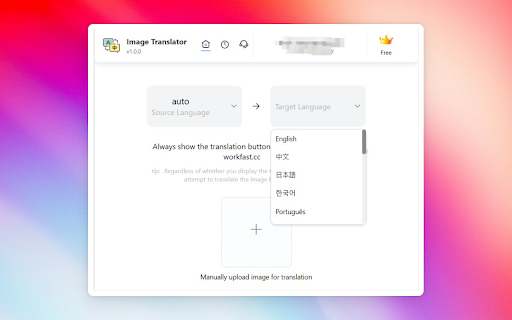
Chrome extension for translating images on websites using OCR and machine translation.

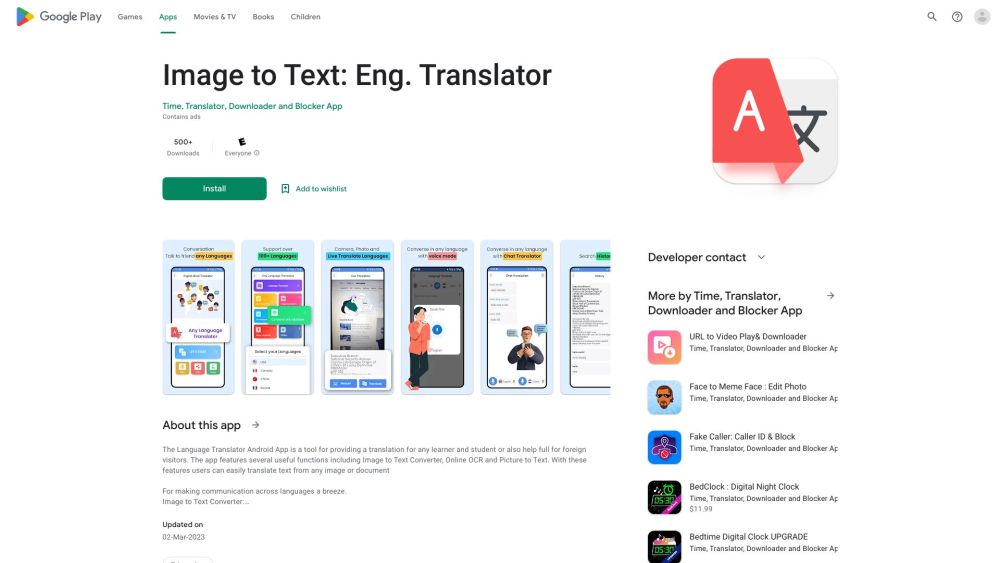
Android app for language translation using camera, images, and OCR.

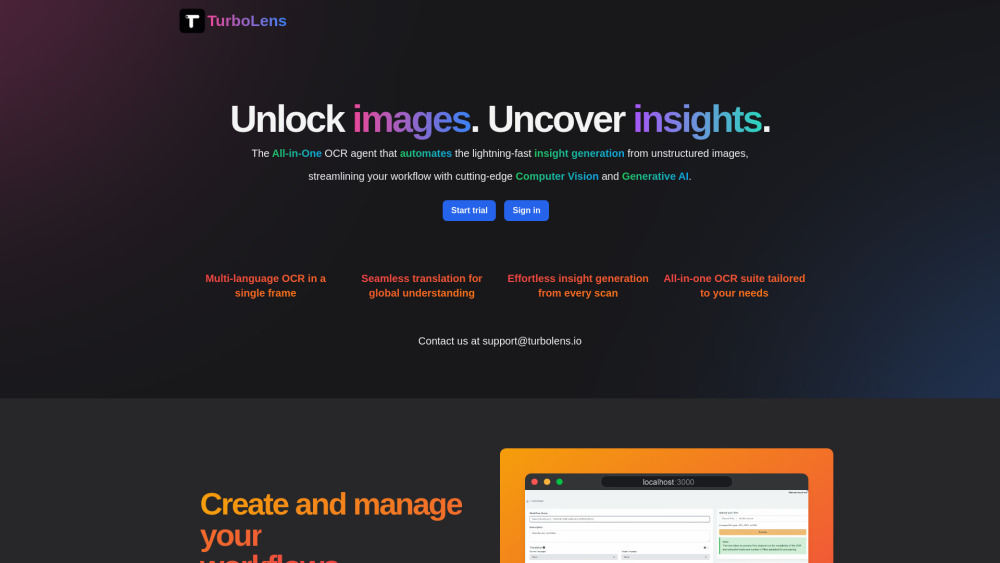
All-in-one OCR tool for instant insight generation from images and documents.

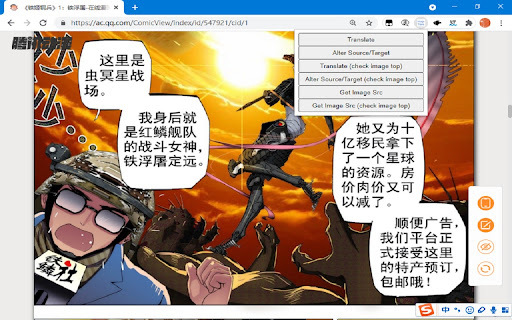
Chrome extension for translating images into 30+ languages using OCR and machine translation.

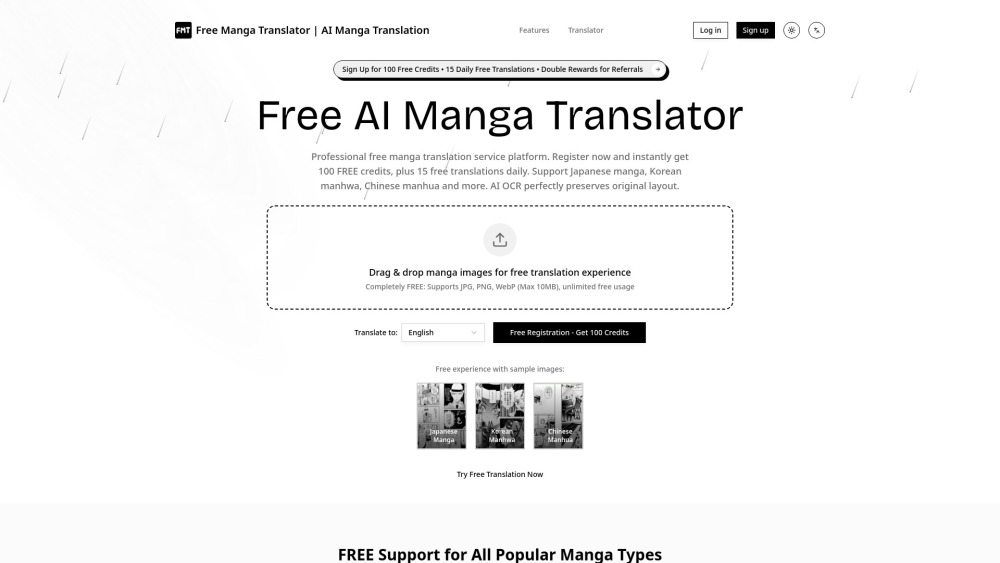
Free AI tool for translating Japanese manga, Korean manhwa, and Chinese manhua.

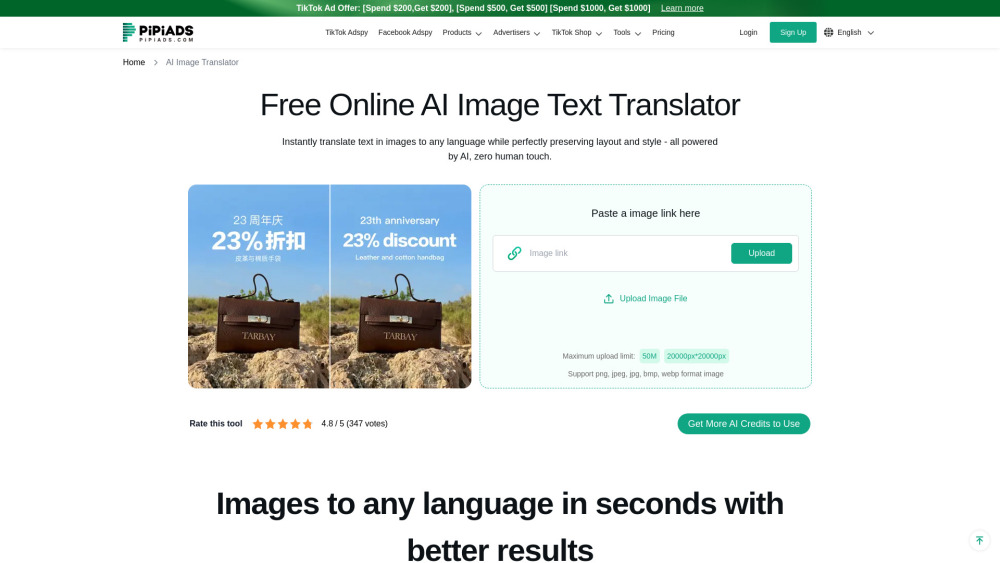
Advertising and dropshipping platform specializing in TikTok ads and product research.

Doculator is a free AI-powered online tool for translating documents, images, audio, and video.