Added Jul 1, 2026

Motionik
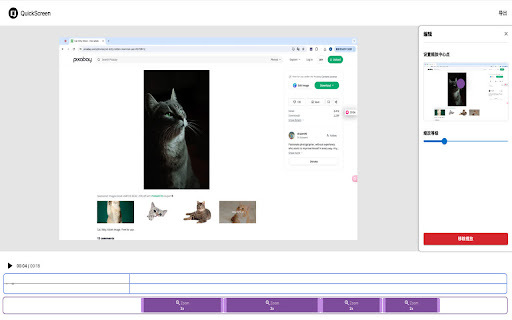
Screen recorder and editor for product demos, tutorials, and explainer videos.
AI WritingContent GenerationResearchEmail WritingSummarizationRewritingAcademic ResearchBrowser Extension


Vue d'ensemble
Qu'est-ce que Motionik ?
Motionik is a screen recorder with a built-in editor designed for creating engaging product demos, tutorials, and explainer videos. Its
Screen recorder and editor for product demos, tutorials, and explainer videos.
Fonctionnalites principales
Auto Zoom with smart cursor tracking
Built-in editor for recording and editing in one tool
Customizable backgrounds and appearance
Webcam & Audio Recording
Mobile Recording for iPhone & iPad screens
Cas d'usage populaires
- Creating engaging product demos
- Producing informative tutorials
- Developing clear explainer videos
- Making promotional videos
Comment l'utiliser
- To use Motionik
- simply record your screen (full display
- specific window
- or selected area)
- webcam
- and microphone. Then
- utilize the intuitive built-in editor to polish your videos. This includes applying auto or manual zoom
- customizing cursor styles and click effects
- trimming unwanted sections
- adding motion blur
- incorporating audio tracks
- images
Tarifs
Motionik utilise un modele tarifaire Freemium. Les prix et fonctionnalites peuvent evoluer avec le temps.
Free
$0
Unlimited recordings & exports, Lifetime access & updates, All recording & editing features included, Export up to 4K quality, All recordings stored locally, Exports include Motionik watermark, No credit card required, Use on up to 1 personal device.
Personal Devices (Lifetime Access)
$59.99
One-time payment, Get lifetime access, Yours forever, Unlimited recordings & exports, Lifetime access & updates, All recording & editing features included, Export up to 4K quality, All recordings stored locally, No watermark on exports, Pay once, no recurring fees, Use on up to 1 personal device.
Annual
$29.99 / yr
Billed yearly, For individuals & teams, Unlimited recordings & exports, Lifetime access & updates, All recording & editing features included, Export up to 4K quality, All recordings stored locally, No watermark on exports, Billed yearly, Use on up to 3 personal devices.
Offre / Coupon
Aucun coupon liste.
Pourquoi les utilisateurs l'aiment ?
Aucun tag d'avis pour le moment.
Que peut-on ameliorer ?
Aucun tag d'avis pour le moment.
Questions frequentes
Chronologie produit
A verifier
Motionik Avis
The community submitted 0 reviews to tell us what they like about Motionik, what Motionik can do better, and more.
—
Based on 0 reviews
Ease of Use
Output Quality
Reliability
Value for Money
Customization
Review Motionik?
Pros (0)
No tags.
Cons (0)
No tags.
No reviews yet.
Verification
Tool status
A verifier
Pricing verified
A verifier
Founder claimed
No / To be verified
Source
Official website / Community submitted
Related Tags
AI WritingContent GenerationResearchEmail WritingSummarizationRewritingAcademic ResearchBrowser ExtensionFreemium
Own this tool?
Claim this profile to update product information, pricing, and official answers.
Top alternatives

Recorditor Record Your Browser

Canvid For Windows

Cinema8 Screen Recording Video Engagement
Screen recording extension with interactive elements for sales and training.

Guidde Ai
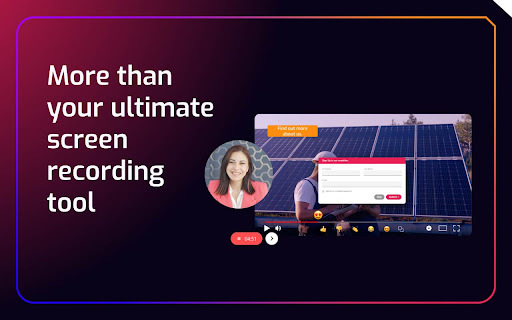
AI platform for creating video documentation and guides 11x faster.

Veo Co
Sports tracking cameras and AI analysis tools for recording and improving team performance.

Berrycast Transcripts Powered By Ai

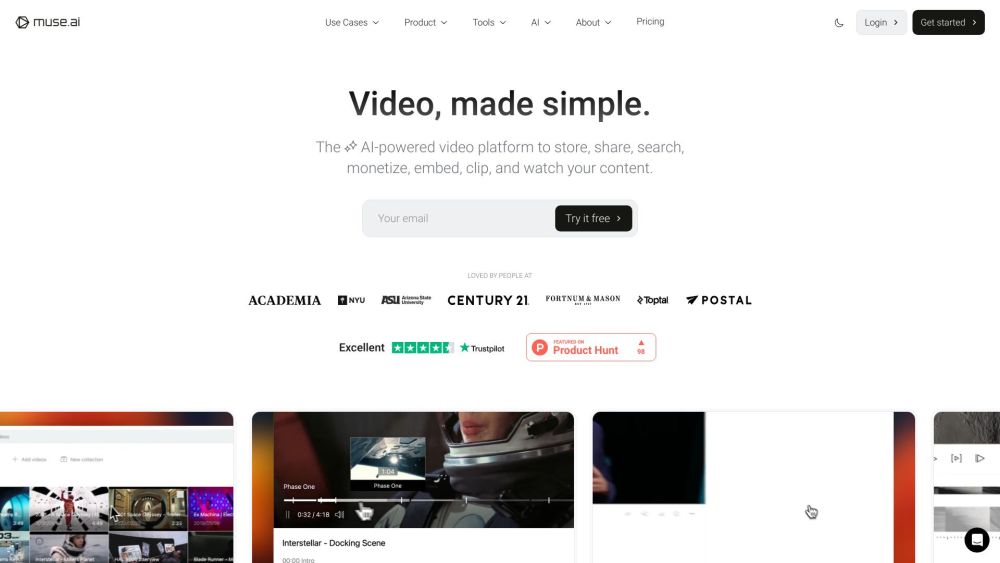
Video Assistant By Muse Ai
Ad-free video hosting with AI-powered search, embedding, and monetization tools.

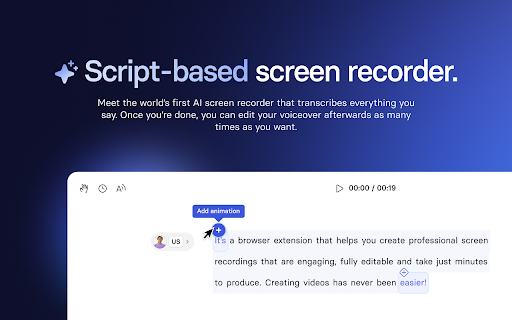
Synthesia Ai Screen Recorder
AI-powered screen recorder for creating professional videos easily.

Quick Screen Screen Video Automatic Zoom
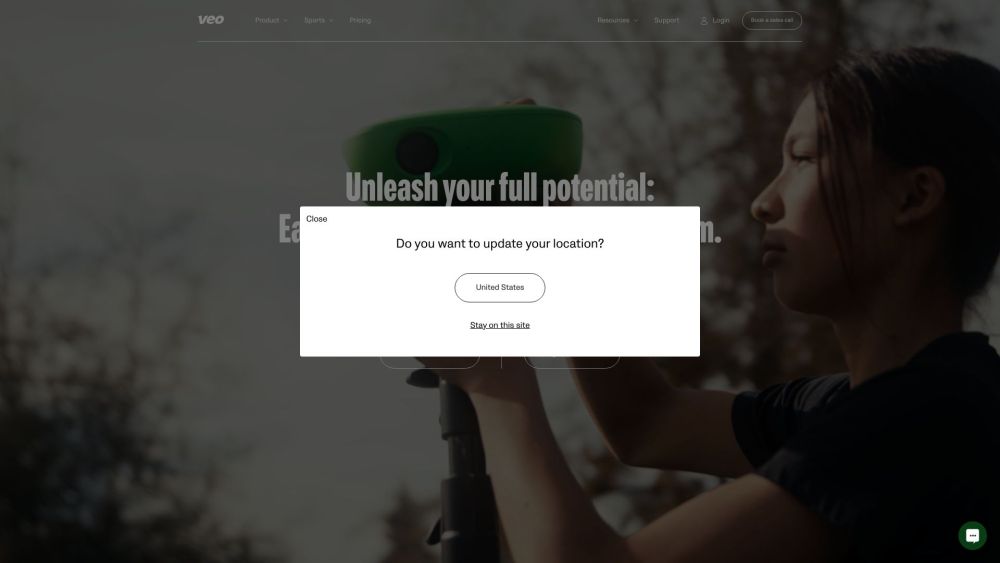
A screen recording tool with automatic zoom and easy editing.