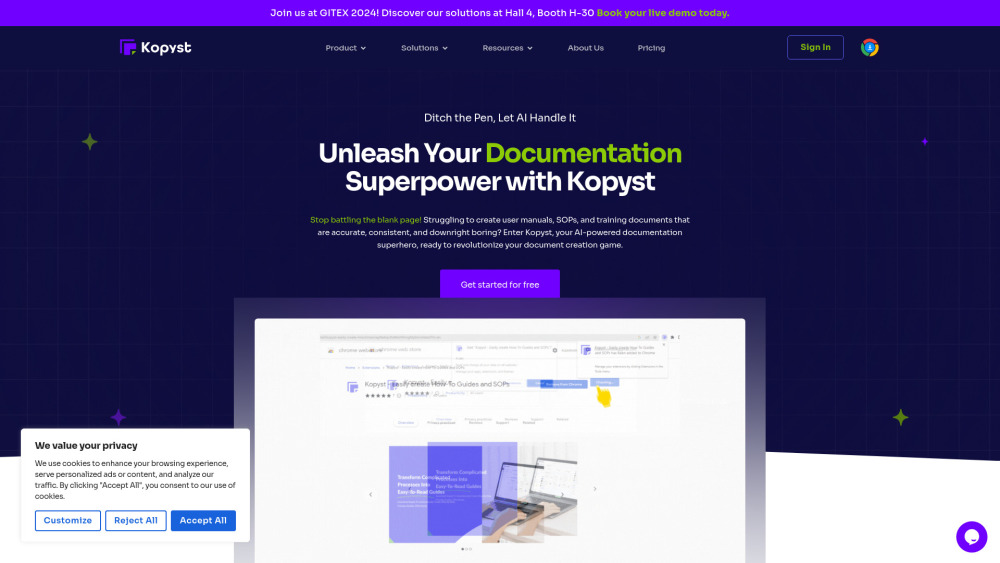
Gyde Ai Documentation In Video Screenshots
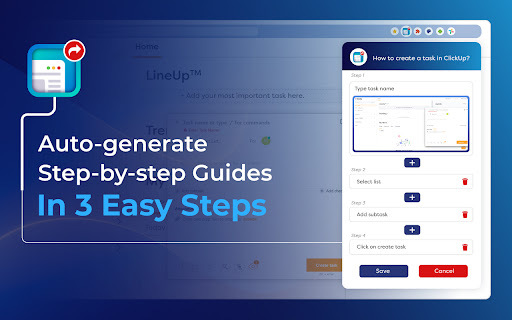



Gyde ai chrome extension? Gyde is a productivity extension designed to automatically transform any process into a step-by-step guide in both video and screenshot formats. It helps users create documentation, guides, and training materials quickly and efficiently, saving hours of manual work.
Productivity extension for automatic video and screenshot guide creation.
- Showing a teammate how a particular workflow goes about
- Assisting customers in solving their queries
- Helping employees train on any software application
- Answering any questions that require step-by-step explanation
- Creating how-to guides
- Creating Standard Operating Procedures (SOPs)
- Creating software documentation
- Creating training manuals
- Creating walkthroughs
- Creating product updates
- Creating knowledge bases
- New employee onboarding
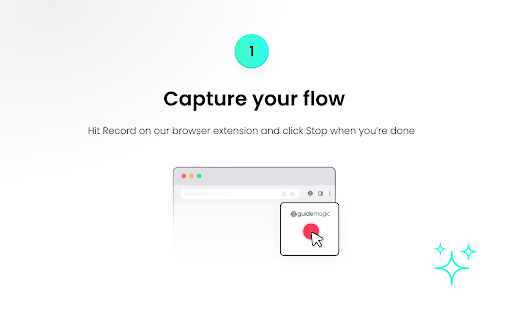
- Gyde is used in three easy steps: Capture the process on your browser
- customize the generated guide by adding/deleting steps and editing text/screenshots
- and then save and share the video & screenshots guide URL.

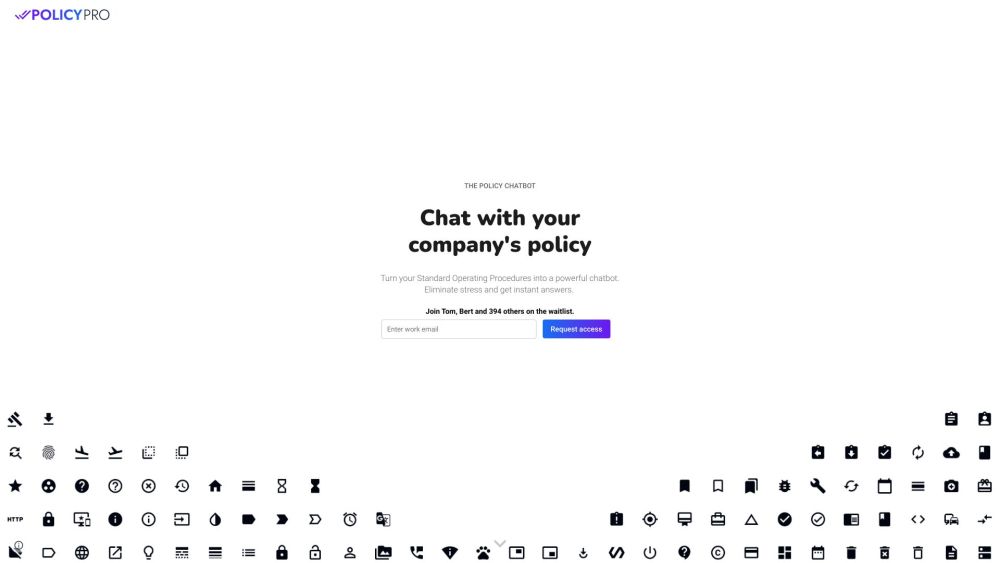
AI chatbot that extracts policy info from SOPs to provide real-time answers.

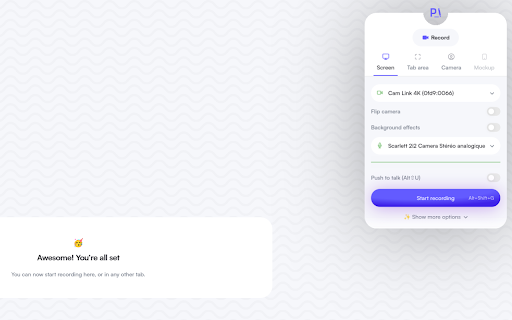
Proced.AI automates procedure creation from videos with AI-powered editing features.

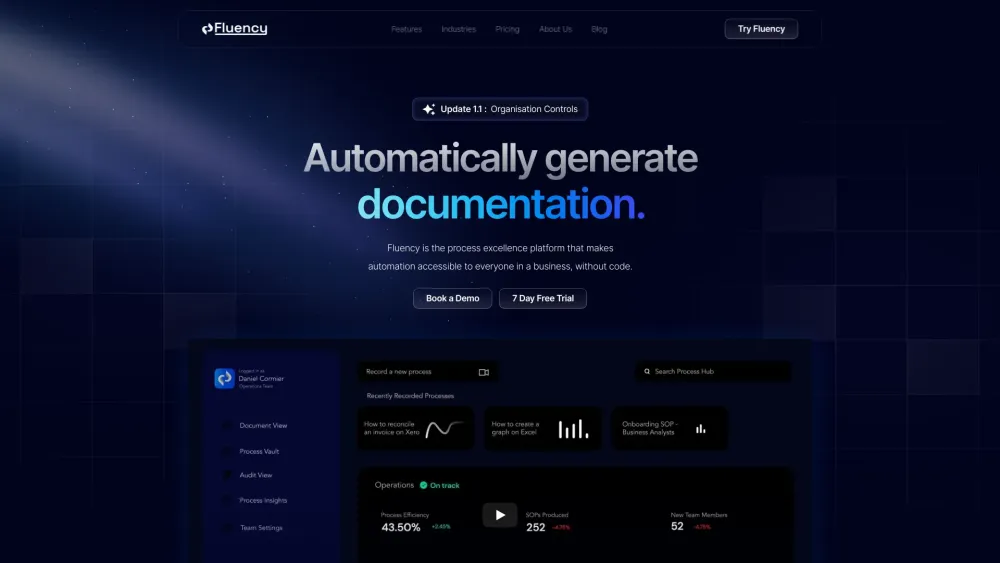
Fluency automates process documentation, enhancing business automation and process excellence.

Automation consulting for startups and agencies to streamline operations and reduce costs.


AI platform that generates, manages, and tracks industry-compliant Standard Operating Procedures and handbooks.


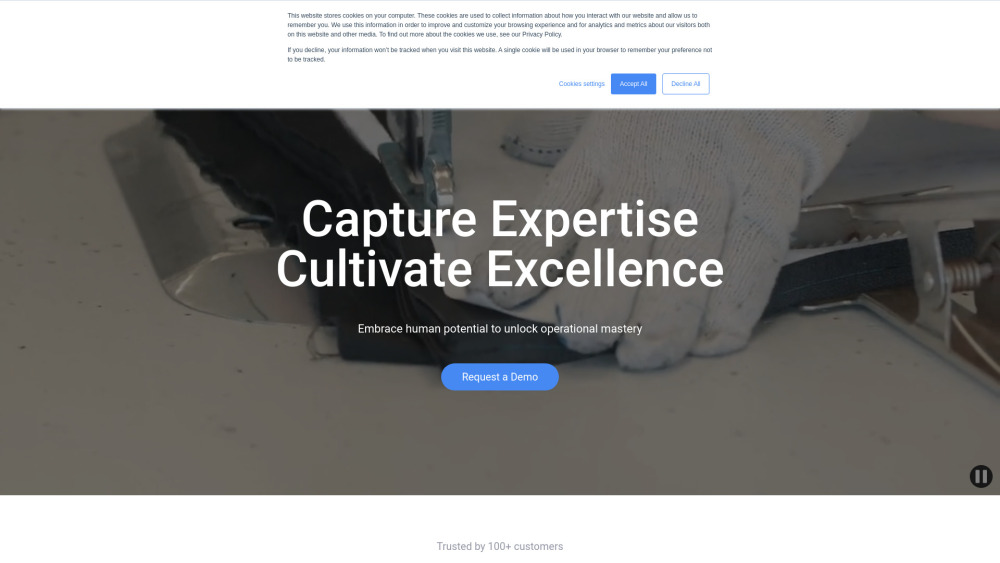
DeepHow: Smart know-how companion for faster worker training and improved safety.
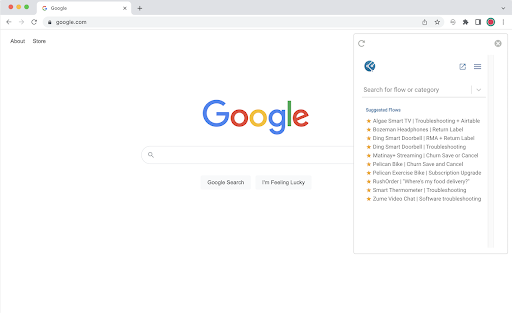
Interactive decision trees automate workflows and simplify troubleshooting through guided choices.

Aident turns your written processes into working automations—without visual builders or coding. Describe what you want done (“Send me a daily marketing report,” “Update our leads every morning,” or “Remind my team of deadlines”). APE’s AI Editor understands your intent, drafts the Playbook, and helps you test and run it instantly. Perfect for small business owners and lean teams who need to move fast and become AI-native. Connect with 250+ tools—write once, run forever, and deliver every single time!


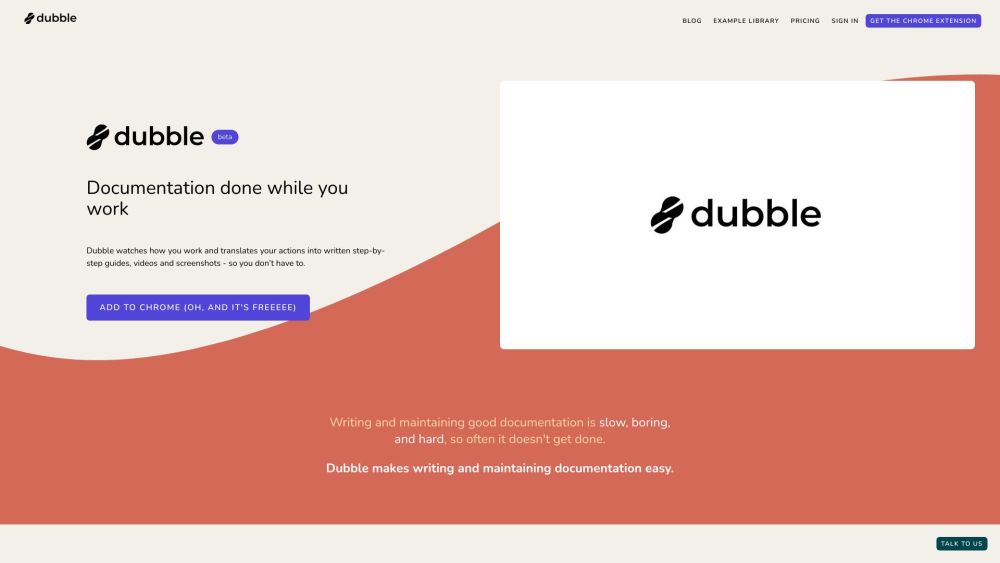
Documentation tool that creates step-by-step guides, videos, and screenshots automatically.

AI-powered tool for creating instructional videos and how-to guides.

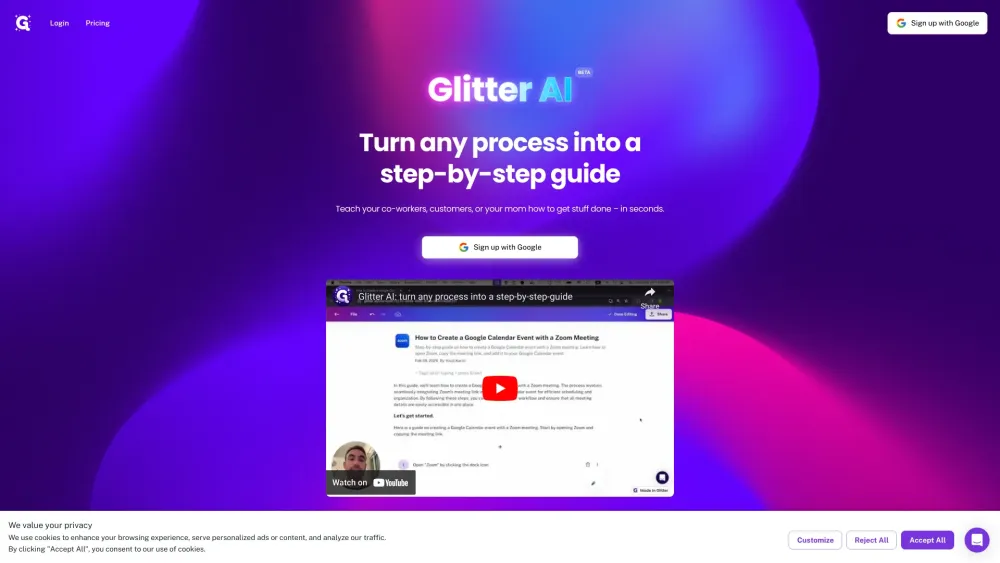
Glitter AI creates written guides from voice and clicks, with screenshots and text.

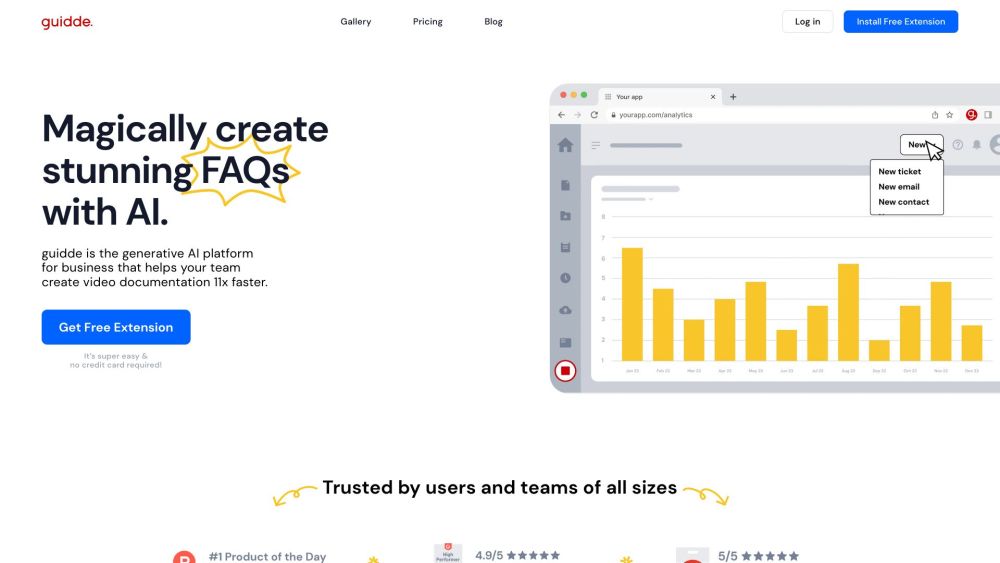
AI platform for creating video documentation and guides 11x faster.

BackOps.ai automates logistics and supply chain operations using AI to improve efficiency and reduce manual work.

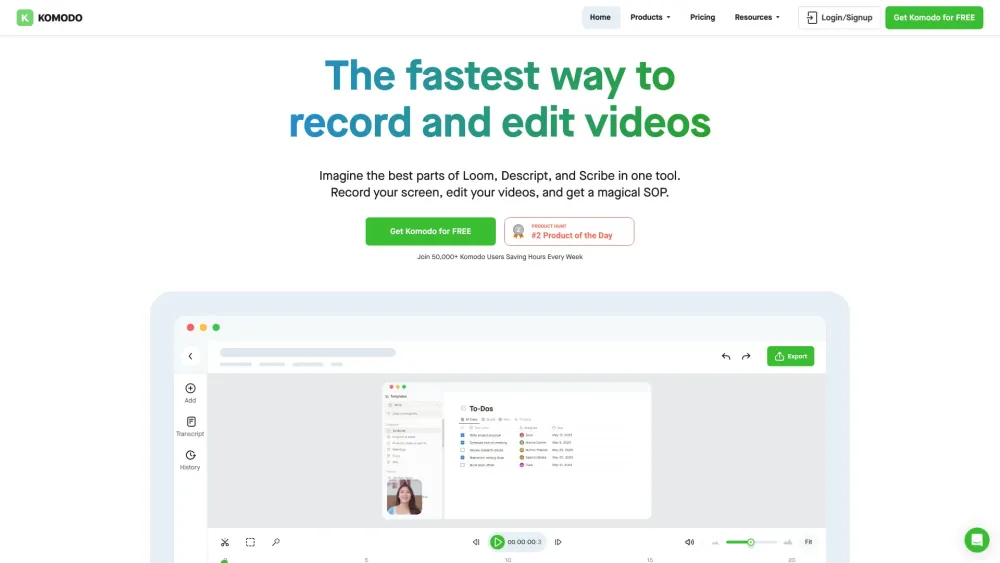
Screen recorder & SOP generator with AI meeting notes, free for teams.

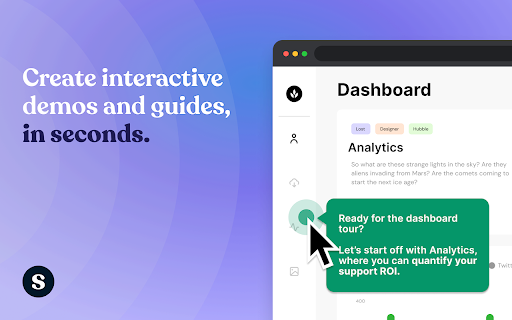
AI-powered platform for creating interactive product demos and guides.

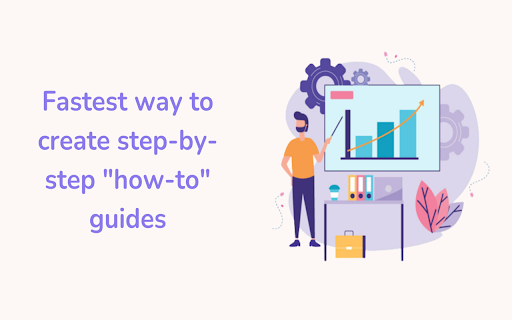
Rivia.AI automates workflow documentation with step-by-step guides and screenshots.

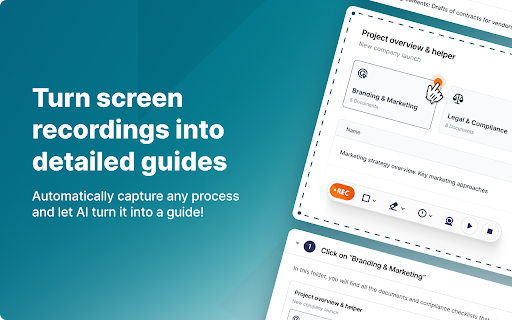
Screen recording tool that automatically creates guides with AI-powered editing and sharing.

AI-powered tool for creating engaging videos and documents from complex workflows.