
Clueso Create Studio Style Screen Recordings And Step By Step Guides
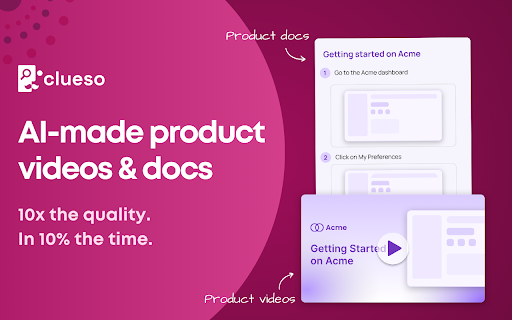



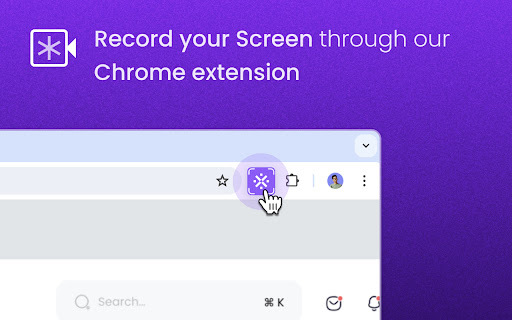
Clueso ai chrome extension? Clueso is a tool that helps you create how-to articles and studio-quality videos for any product or process in minutes. It uses a Chrome extension to capture screen recordings and transforms them into engaging content with rewritten scripts, AI voiceovers, zoom-in effects, blurred sensitive information, and custom branding. Clueso also generates perfectly crafted how-to articles with zoomed-in screenshots or GIFs.
Clueso creates how-to articles and videos from screen recordings.
- Customer education: Create video tutorials and help articles for your product.
- Employee training: Document internal processes and SOPs for your employees.
- Product marketing: Create stunning launch videos that will drive engagement.
- Developer onboarding: Onboard new developers with engaging videos and docs.
- Sales enablement: Level-up your sales team with engaging videos and docs.
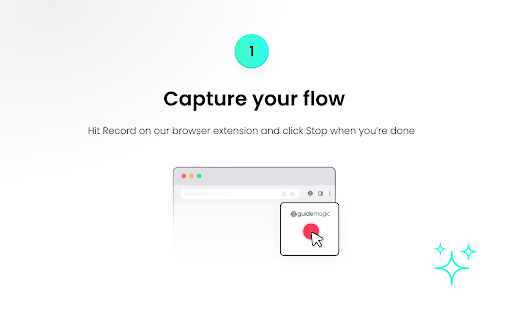
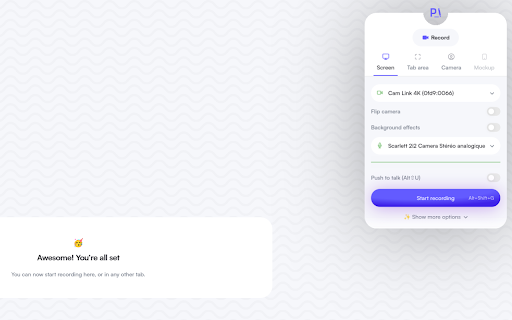
- Use the Clueso Chrome extension to capture a screen recording of any flow. Clueso will then automatically transform the recording into a studio-style video and a how-to article.

Kroto transforms screen recordings into professional how-to guides with AI.

AI-powered platform simplifying compliance with ISO 27001, SOC 2, GDPR, and HIPAA.


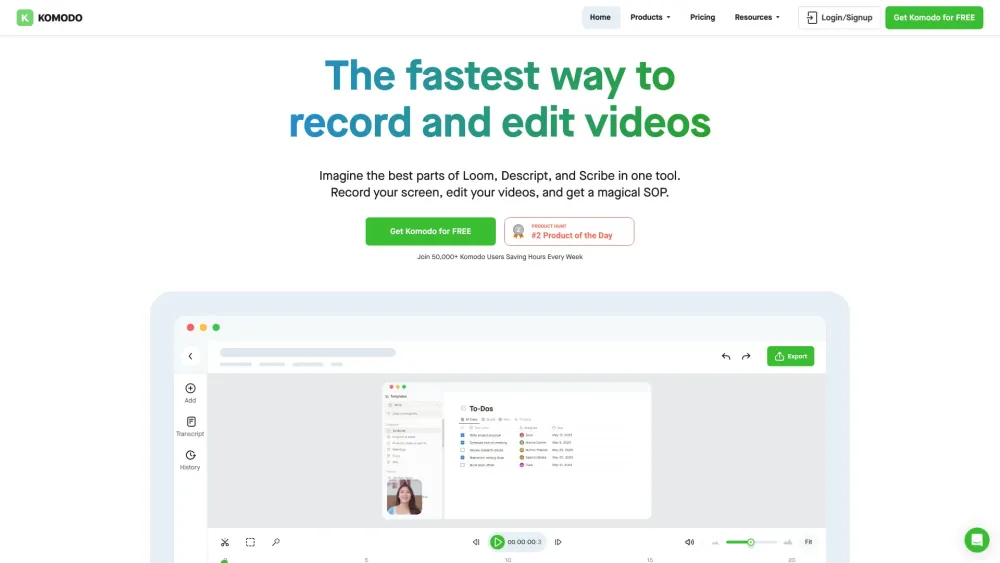
Screen recorder & SOP generator with AI meeting notes, free for teams.

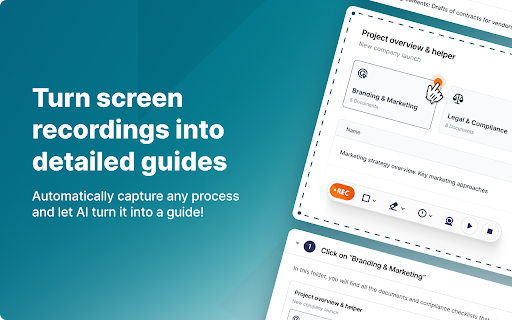
Screen recording tool that automatically creates guides with AI-powered editing and sharing.

AI-powered tool for creating instructional videos and how-to guides.

AI-powered knowledge base software for creating FAQs, user guides, and product documentation.


Proced.AI automates procedure creation from videos with AI-powered editing features.

AI chatbot that extracts policy info from SOPs to provide real-time answers.

Capture web workflows to instantly generate step-by-step SOPs and walkthrough videos.

