Video Transcriber Ai



Video Transcriber AI instantly converts videos and audio from YouTube, Podcasts, Bilibili, and more into accurate text online for free. No login or download needed — just upload or paste a link, and Video Transcriber AI will transcribe your content in seconds with AI-powered accuracy and multi-language support.
Transcribe Videos to Text with AI Free Online, Unlimited & No Sign-up.
- Transcribe Online Lectures and Courses: Students can use Video Transcriber AI to turn online classes from YouTube, Bilibili, or recorded Zoom sessions into clear, searchable notes for study and review.
- Convert Podcasts into Readable Articles: Podcasters and bloggers can use Video Transcriber AI to transform podcast episodes into full transcripts or blog-ready text — perfect for SEO and content repurposing.
- Capture Meeting and Interview Notes: Professionals and journalists can rely on Video Transcriber AI to quickly convert meeting recordings or interviews into accurate written summaries and documentation.
- Create Captions and Subtitles Automatically: With Video Transcriber AI, content creators can easily generate subtitles for YouTube or Bilibili videos, improving accessibility and engagement for global audiences.
- Support Academic Research and Documentation: Researchers can use Video Transcriber AI to transcribe video lectures, presentations, or research discussions, making it easier to quote, analyze, and archive findings.
- Enhance Content Creation Efficiency: From video tutorials to vlogs, Video Transcriber AI helps creators extract text scripts, repurpose content, and save time — all powered by fast, AI-based transcription.
- 1. Go to the website Visit VideoTranscriber AI (https://videotranscriber.ai/) in your browser — no download or sign-up required. 2. Upload your video Click “Upload Video” and choose any file from your device. Video Transcriber AI supports YouTube links
- Zoom recordings
- MP4
- MOV
- AVI
- and more. 3. Select your language and options Choose the spoken language and desired transcription accuracy mode. Video Transcriber AI can detect multiple speakers and over 90+ languages. 4. Start transcribing Hit the “Transcribe” button. Video Transcriber AI will instantly process your file and generate an accurate text transcript. 5. Download or copy the transcript Save the transcription as a text file or copy it directly to your clipboard. Video Transcriber AI lets you export your text for use in captions
- summaries
- or notes.

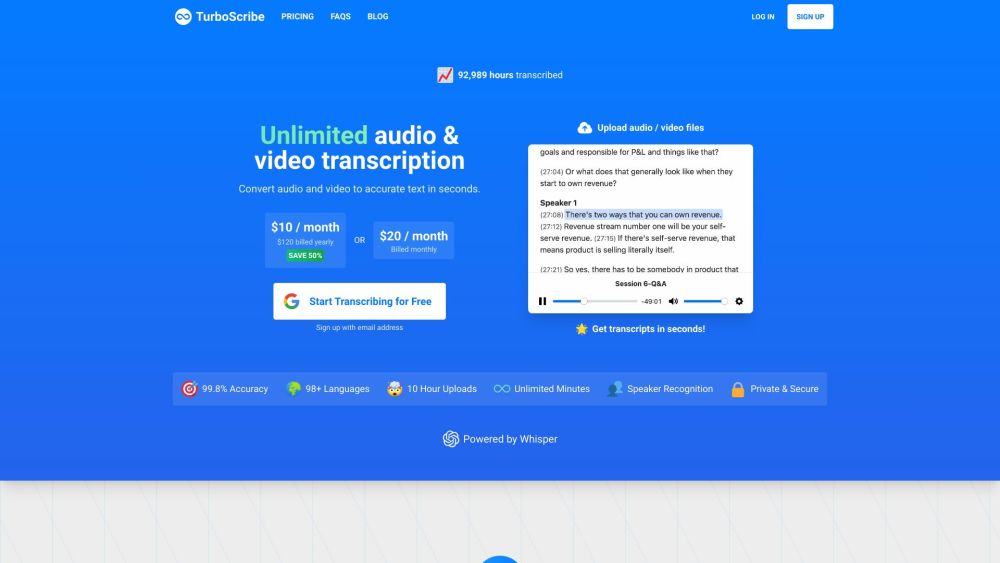
AI-powered transcription and subtitle generation service supporting 50+ languages.
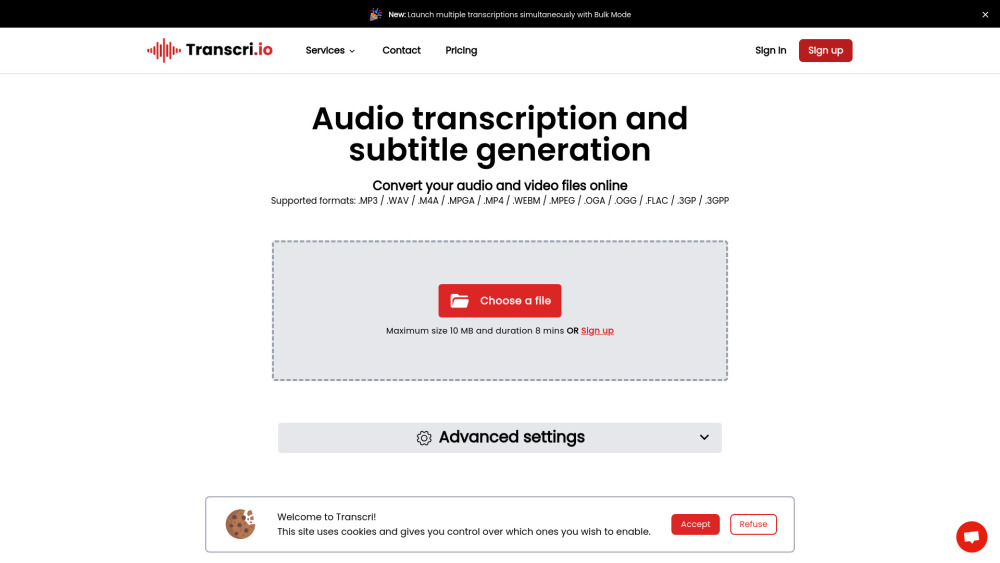

AI-powered audio and video transcription service with high accuracy and multi-language support.
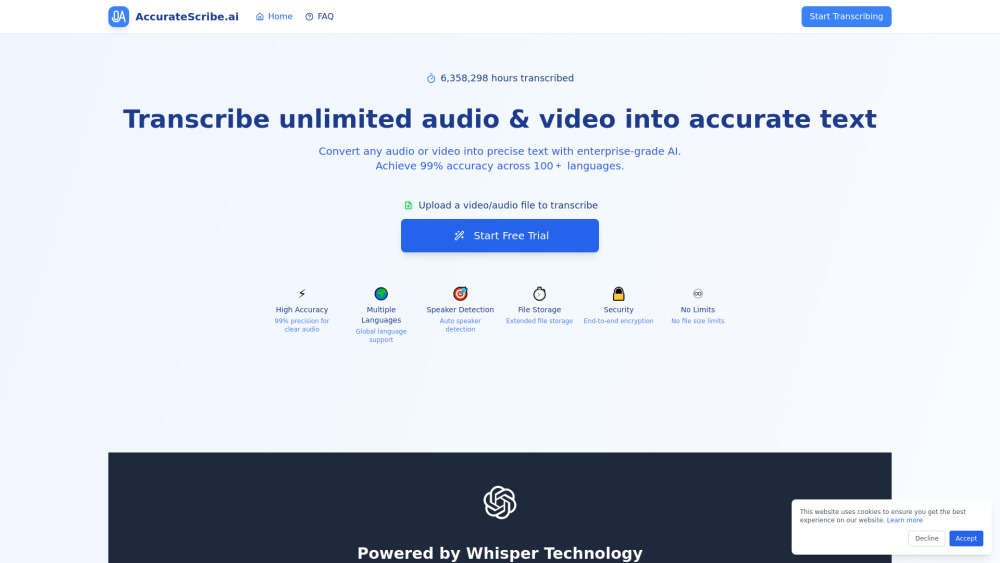

AI-powered voice journal that understands you, helps set goals, and reflects on your past.
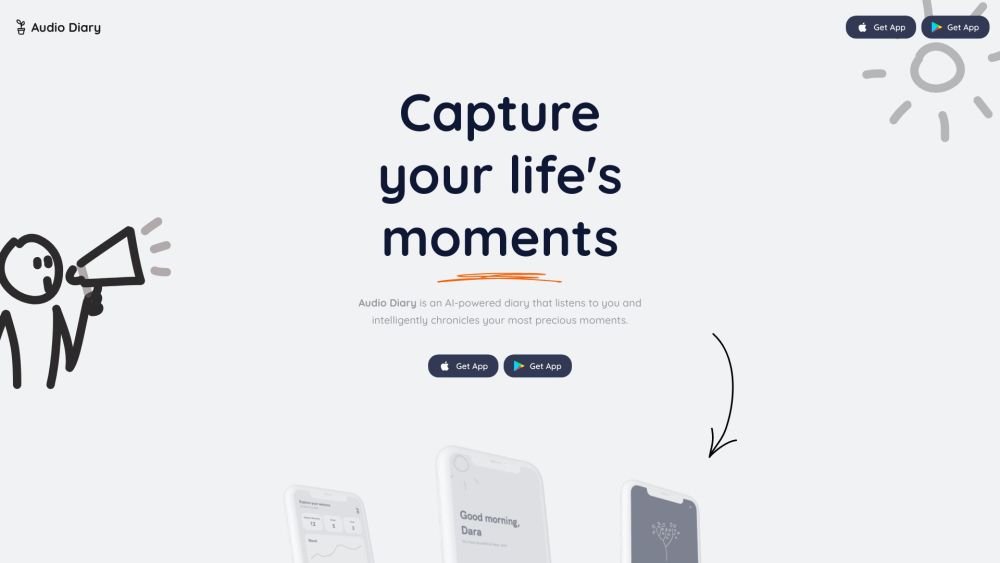

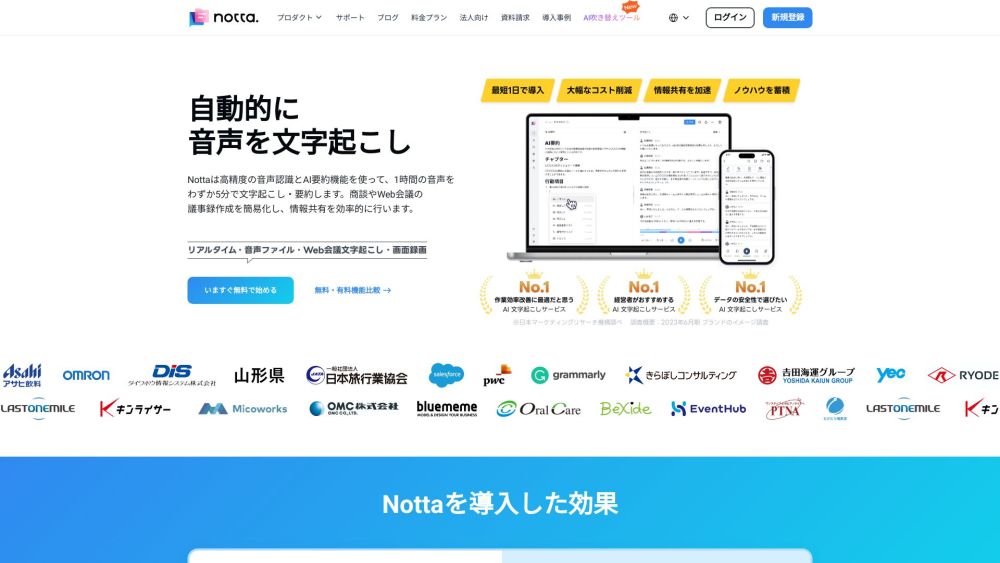
AI-powered transcription and meeting minutes service with real-time transcription and translation.

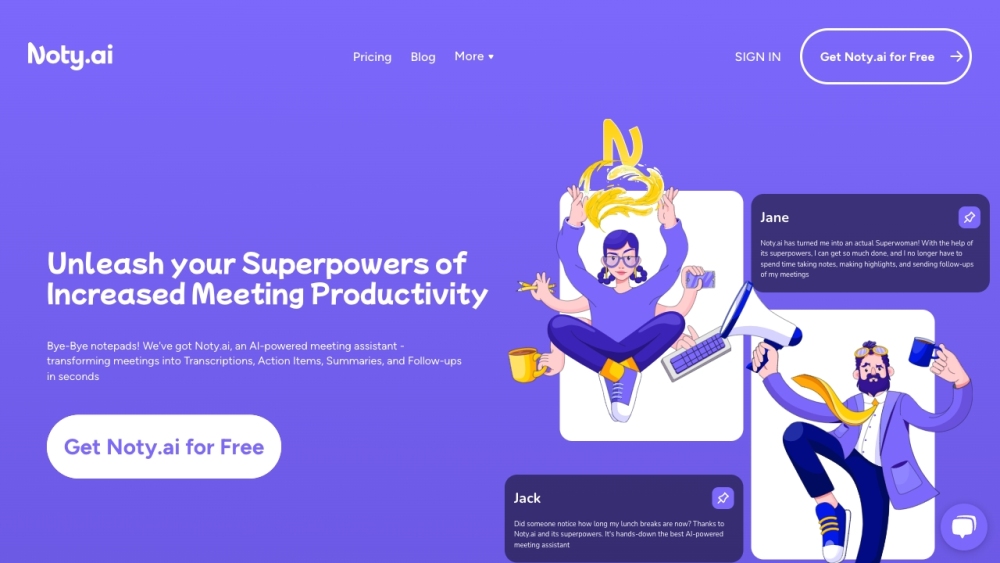
AI meeting assistant for transcription, summaries, and automated follow-ups.

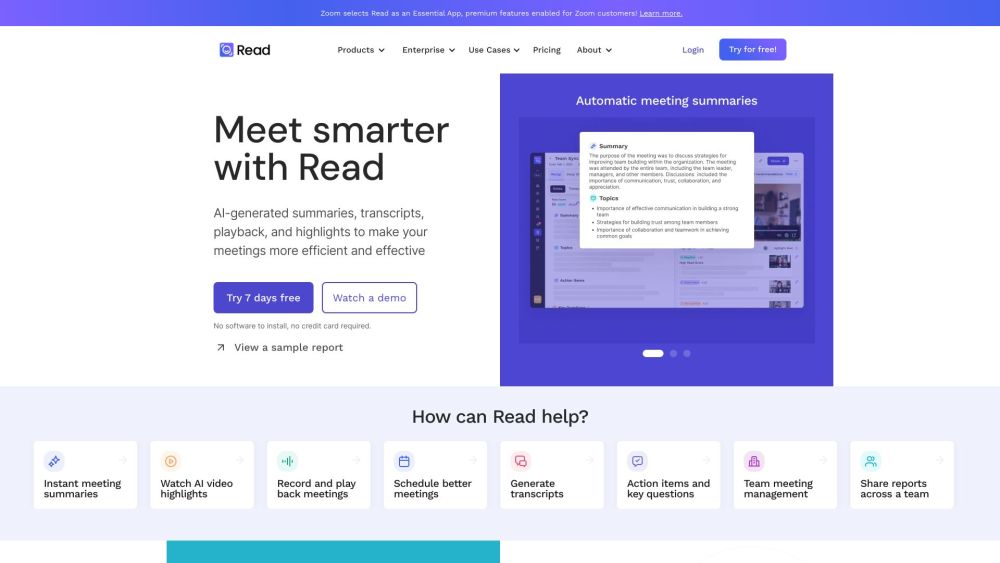
AI meeting assistant for transcription, summaries, and AI-powered search across platforms.

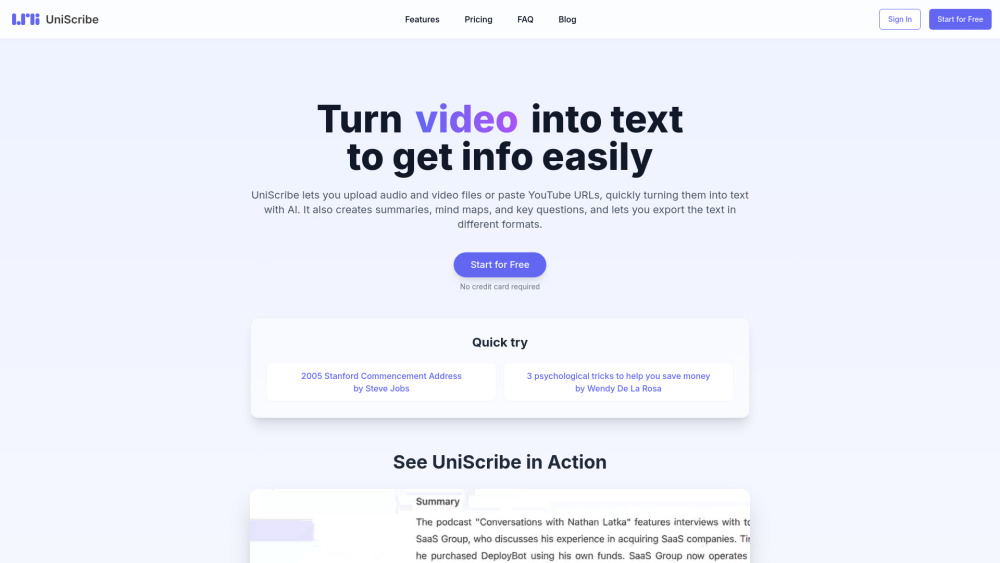
UniScribe is an AI-powered platform for audio and video transcription, summarization, and mind map generation.

AI platform for capturing, transcribing, translating, and analyzing language data.


AI transcription service converting audio and video to text in 98+ languages.