Qgvxezulu1Gopb44Jv4Fy8Xvyhjbenw8
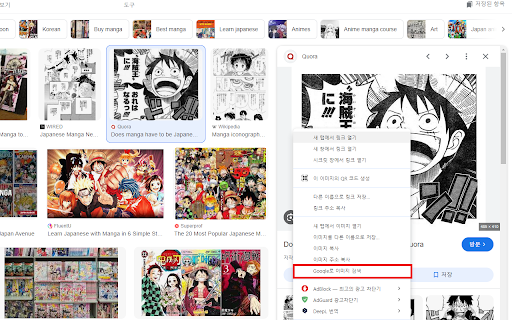



Google Lens, Papago, DeepL Image Translation ai chrome extension? This process involves using Google Lens to extract text from an image and then translating that text using either Papago or DeepL. Google Lens is an image recognition technology that can identify objects and text within an image. Papago and DeepL are machine translation services that provide translations between various languages. This combination allows users to translate text embedded in images quickly and easily.
Translating image text using Google Lens with Papago or DeepL.
- Translating signs, menus, or documents in foreign languages.
- 1. Open Google Lens and take a picture or upload an image. 2. Google Lens will identify the text in the image. 3. Copy the extracted text. 4. Paste the text into Papago or DeepL. 5. Select the source and target languages. 6. Translate the text.

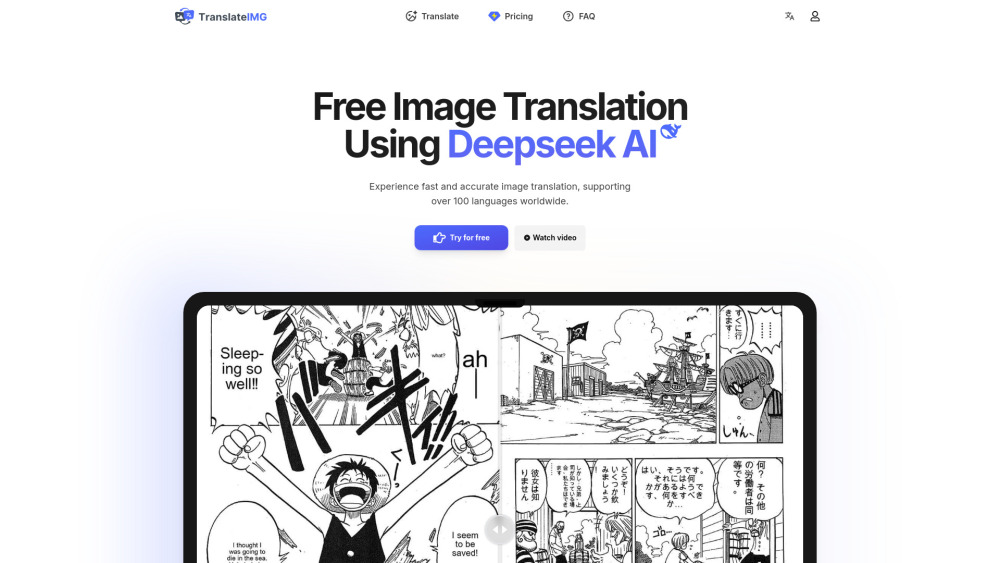
Online image translator powered by Deepseek AI, supporting 100+ languages.
AI-powered menu translation via photo for easy understanding of foreign dishes.

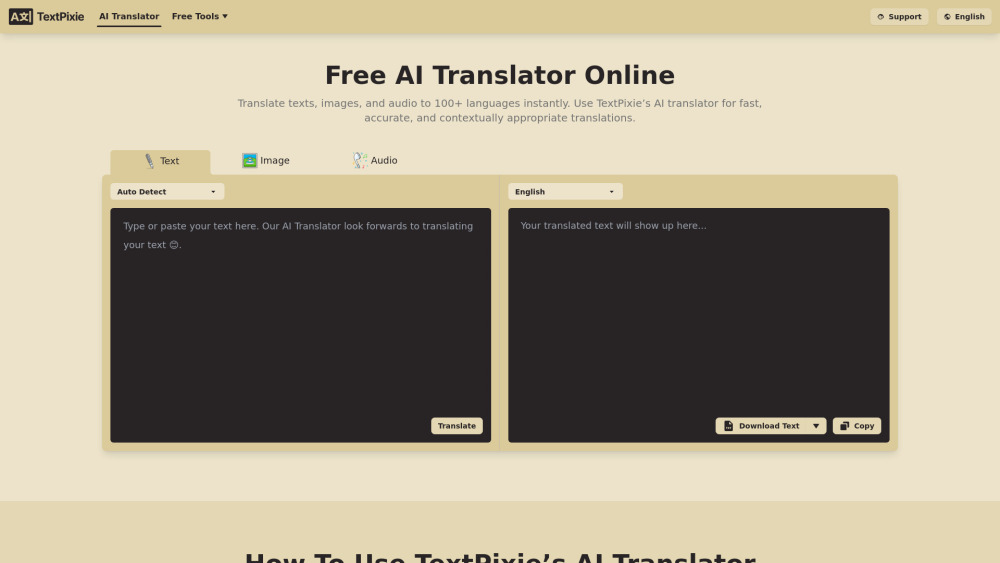
AI translator converting text, images, audio, documents into 100+ languages with free tools.

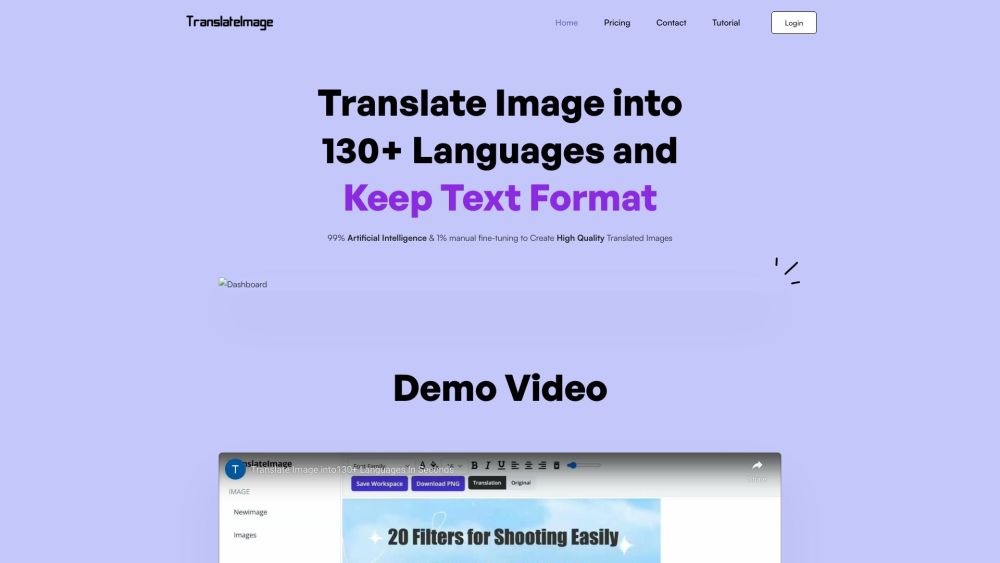
AI tool to translate images into 130+ languages while preserving text formats.

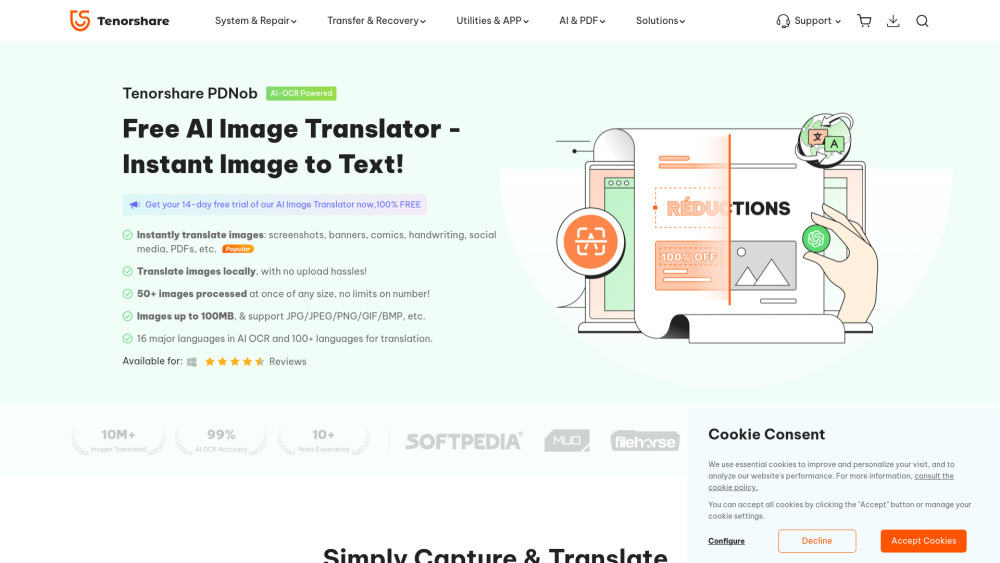
Free AI-powered app to translate text from images instantly and locally.

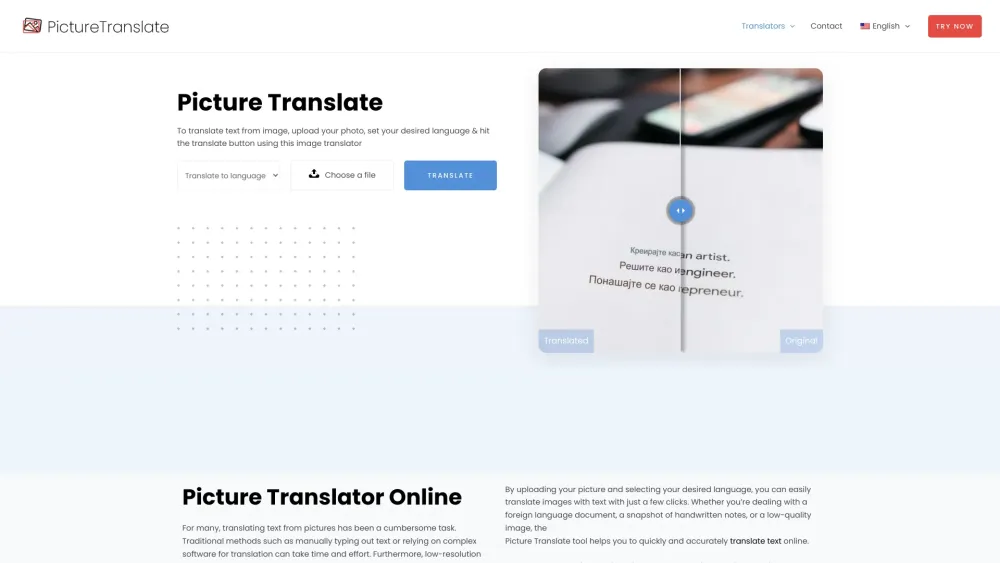
Online tool to translate text from images into various languages for free.

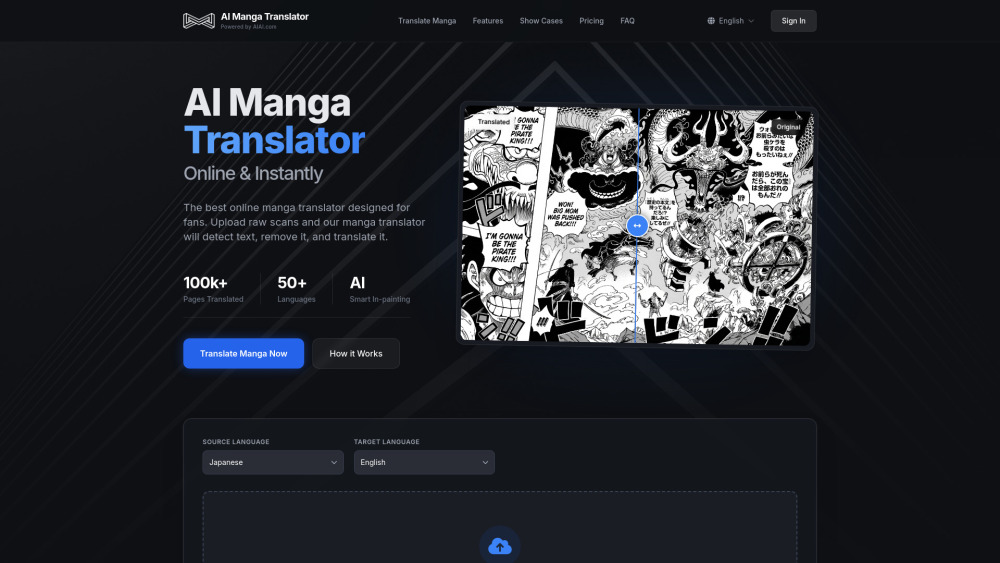
An intelligent manga translation tool launched by AIAI.com that utilizes advanced AI technology to perform text recognition, precise translation, and image in-painting. It breaks language barriers to deliver a seamless manga reading experience.

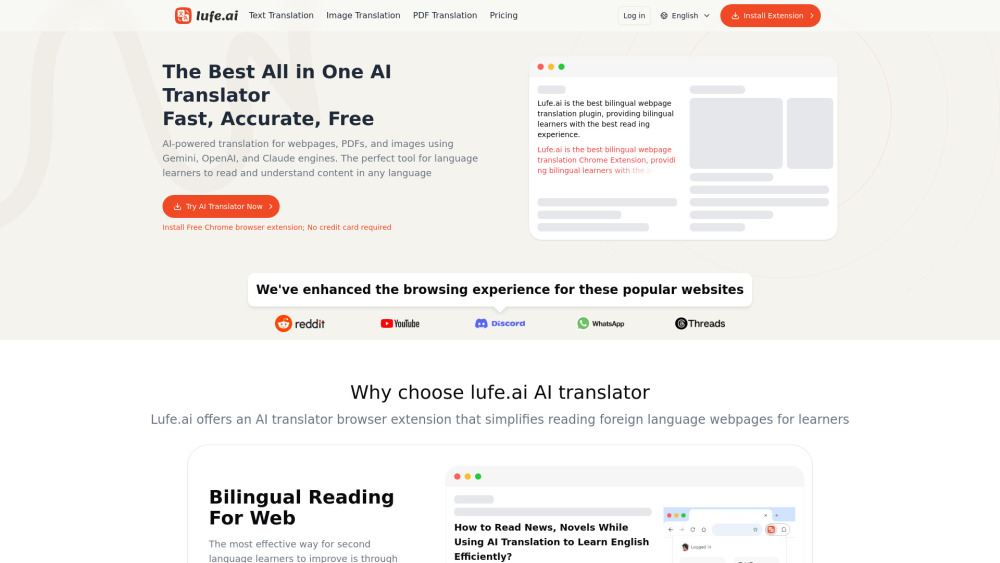
AI-powered bilingual translation extension for web, PDF, and images.

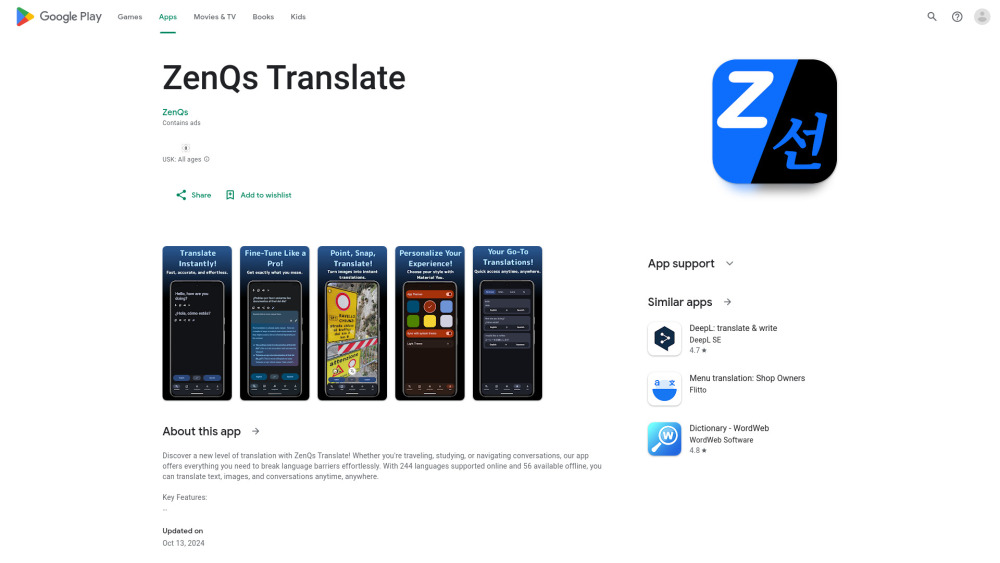
Translation app supporting 244 online and 56 offline languages with AI features.