
Imageblock



Google Vision AI ai chrome extension? Google Cloud Vision AI enables developers to understand the content of an image by applying powerful machine learning models. It quickly classifies images into thousands of categories, detects individual objects and faces within images, finds and reads printed words, identifies offensive content, and even provides sentiment analysis. This service is accessible through an easy-to-use REST API.
Google Cloud Vision AI uses machine learning to understand image content.
- Automatically categorize images for content management systems.
- Detect and redact faces in images for privacy protection.
- Extract text from images for data entry or analysis.
- Moderate user-generated content by identifying offensive material.
- Analyze customer sentiment based on facial expressions in images.
- To use Google Cloud Vision AI
- you need a Google Cloud Platform (GCP) account and an API key. You can then send image data to the Vision API via a REST API call. The API will analyze the image and return structured data about its content
- including labels
- objects
- faces
- text
- and more.

RealorAI: A tool to differentiate real from AI-generated images through interactive tests.


Ensures high-quality patient photos in Athena records with automated quality checks and alerts.


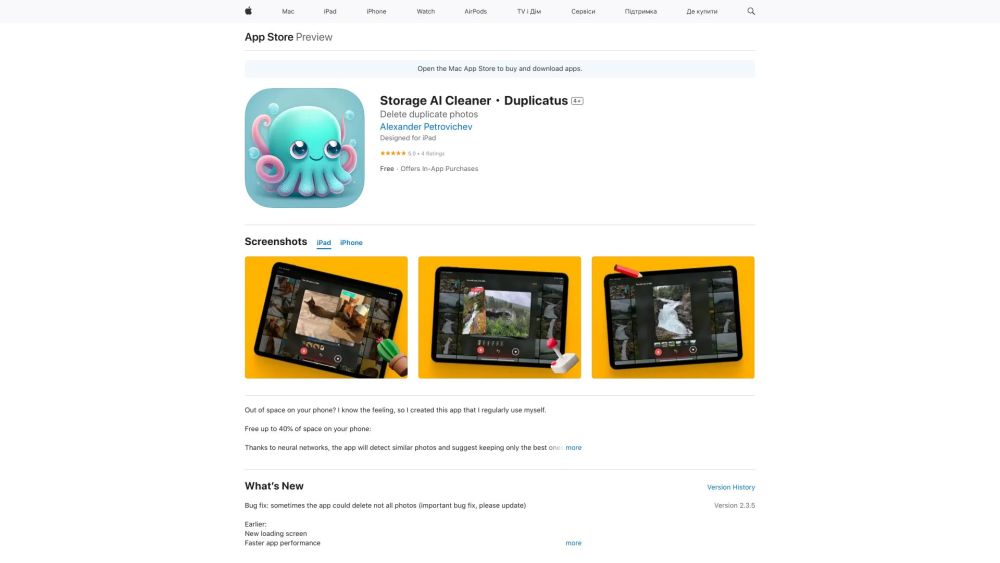
App to remove duplicate photos and large videos to free up storage space.

AI image detector to verify authenticity and detect AI-generated images instantly.


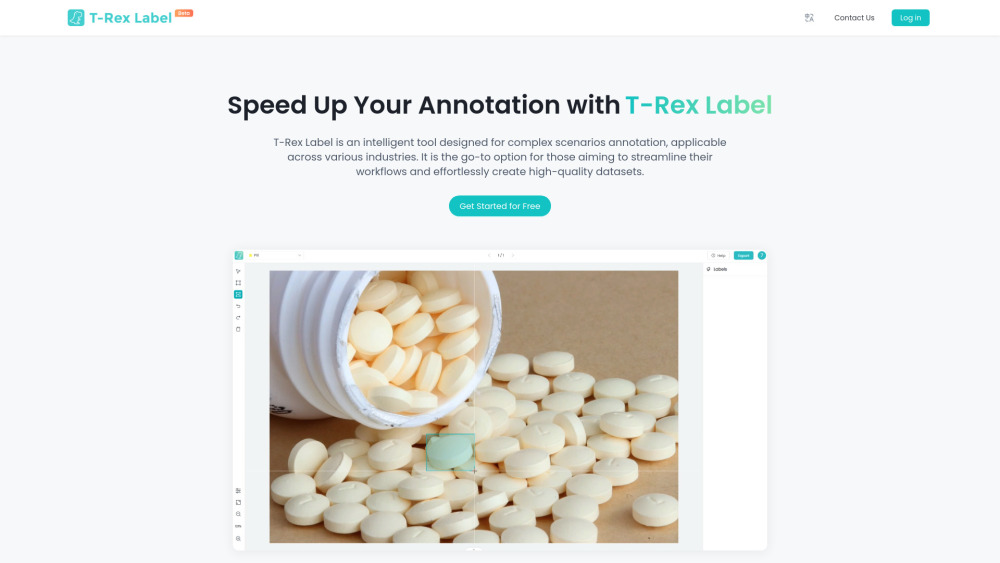
AI-assisted data labeling tool for fast object detection and dataset creation.

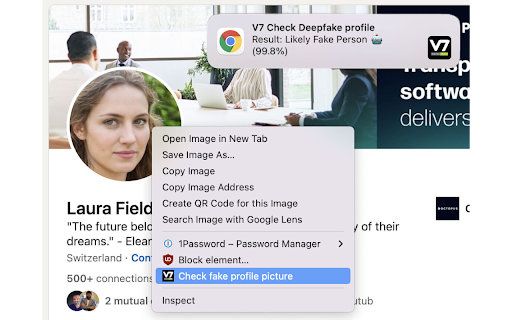
Detects if a profile picture is GAN-generated or a real person.

Pixmo protects digital assets from theft and copyright infringement using AI.

AI-powered API to detect NSFW content in images, scoring from 0.0 to 1.0.

Detect AI-generated images instantly.

