Doco
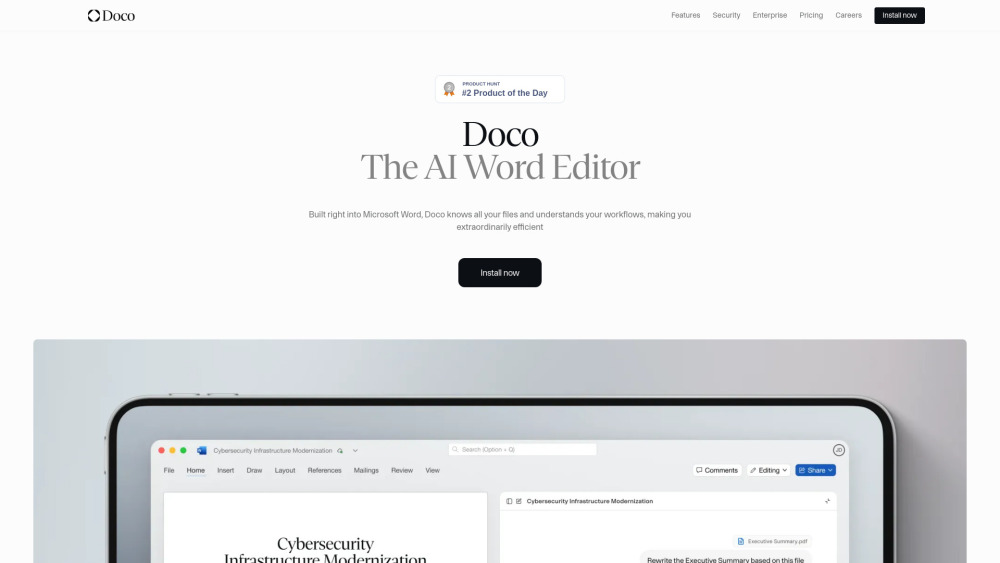



Doco is an AI writing assistant built natively into Microsoft Word. It combines the power of Grammarly, Cursor, and Co-Pilot, optimized for structured document workflows. It allows users to reference any file, create custom projects and workflows, and perform tasks without leaving Word. Doco aims to make users extraordinarily productive by automating work within Microsoft Word.
AI writing assistant for Microsoft Word, optimizing structured document workflows.
- Enhancing workflows for enterprises by connecting Doco AI to existing tools.
- Delegating repetitive tasks to a personal AI assistant across web apps and Word.
- Editing documents, updating content, and sharing progress directly within Microsoft Word.
- Generating full documents or editing pages using simple natural language prompts.
- Referencing specific files and getting cited answers from
- Doco is built directly into Microsoft Word. Users can write full documents using natural language instructions
- edit entire pages with simple prompts
- and leverage Doco's ability to understand and personalize workflows. It can also get answers from Sharepoint or local files
- format natively in Word
- and provide accurate citations.

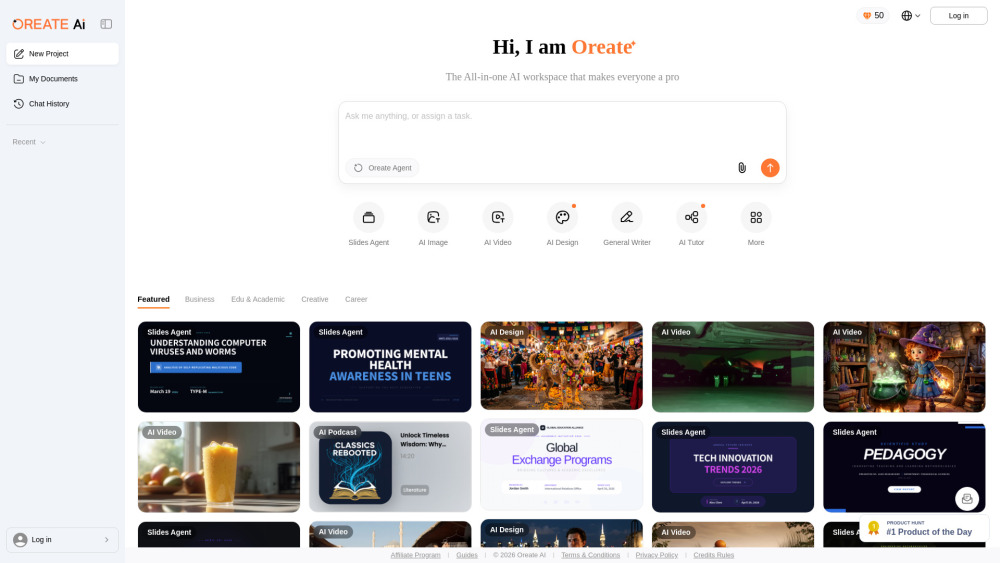
All-in-one AI Workspace: Create professional slides, essays, videos, images, podcasts, and deep research in minutes.

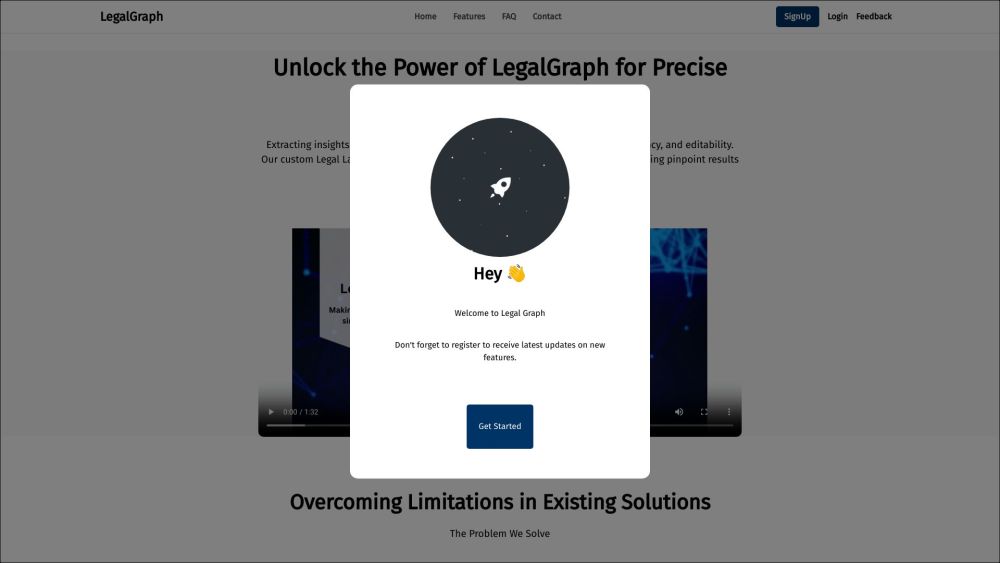
AI legal assistant for fast contract review, risk detection, and redlining.
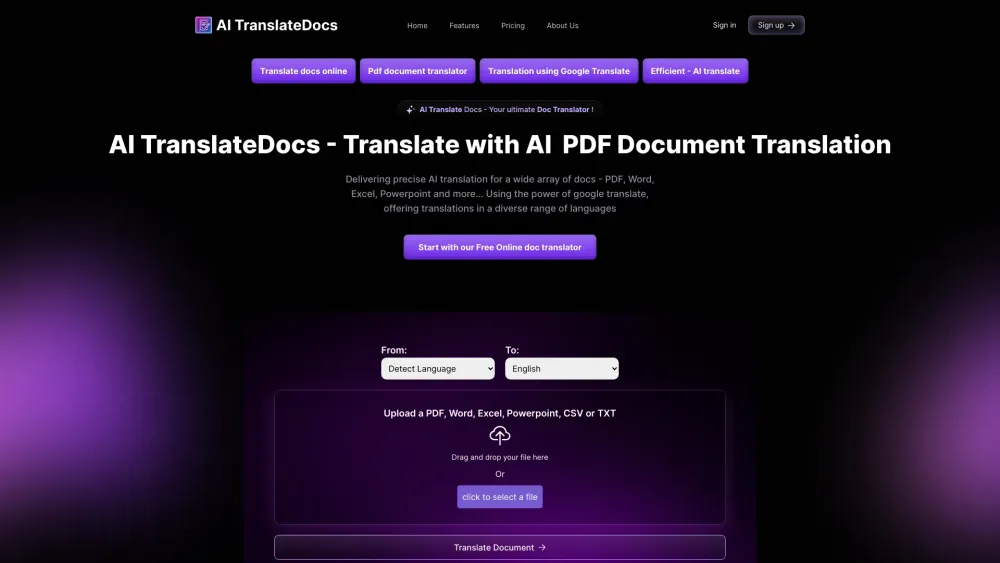
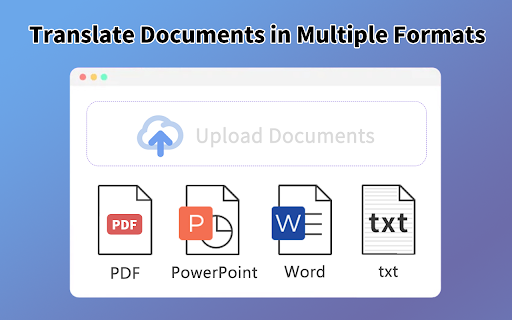
Document translation service preserving original formatting and supporting multiple languages and file types.

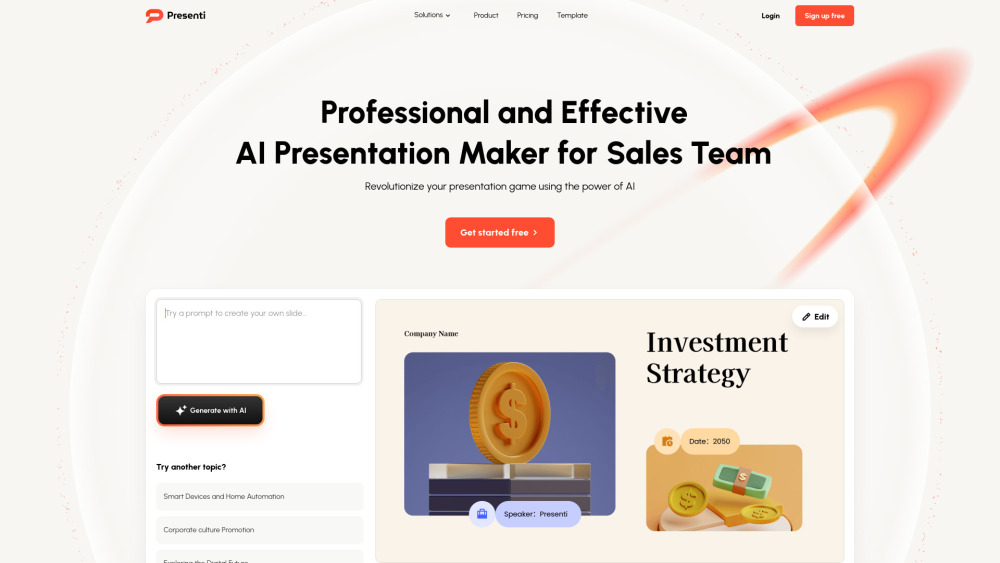
AI presentation maker for quick, professional slides with auto-design and document conversion.

**AI Formatter** is a cutting-edge AI-powered document formatting platform that revolutionizes how professionals, job seekers, and businesses create polished documents. Transform raw text and uploaded files into professionally formatted documents instantly with AI-powered formatting technology and access to over 100+ premium templates.

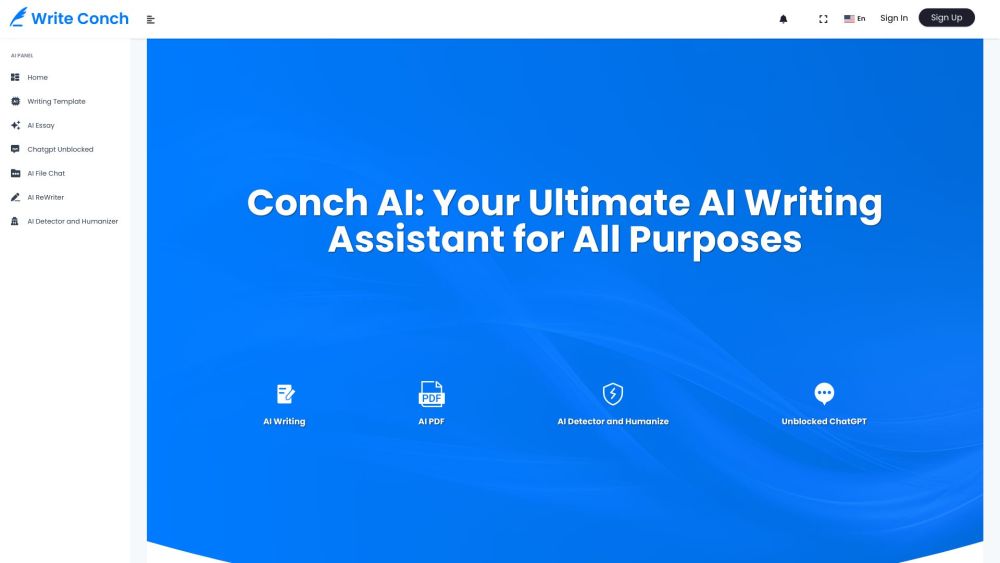
AI writing assistant with essay writing, content rewriting, and AI detection tools.

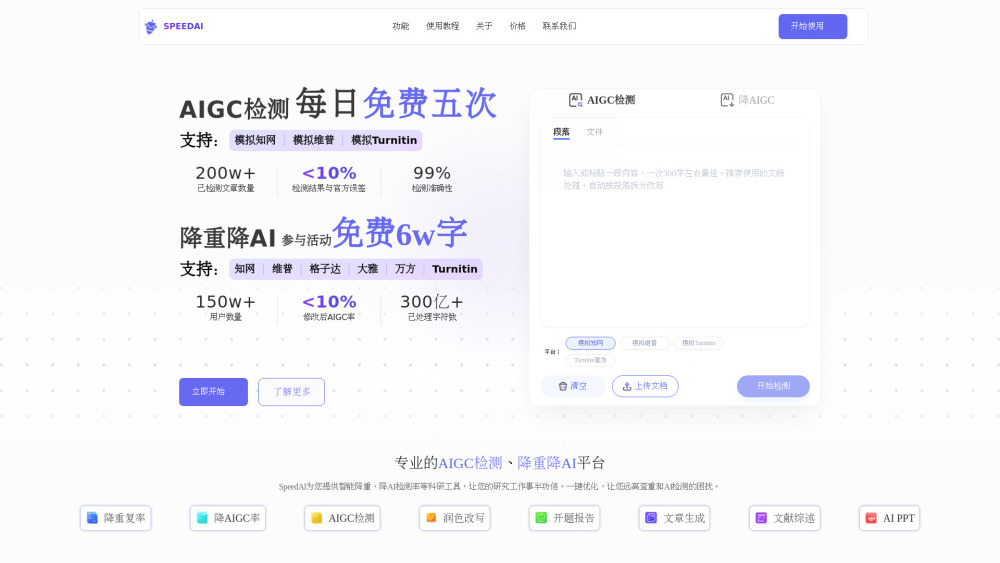
The ultimate academic ally: Bypass AI detection platforms like Turnitin, CNKI (知网), VIP (维普), and Gezida (格子达) with our AI humanizer. Plus, use SpeedAI 2.0 Agent to auto-generate Research Papers, PPTs, and Reports.

AI chatbot builder with a single API call using website URLs as knowledge base.

AI TranslateDocs offers AI-powered document translation services in 130+ languages, preserving original layouts.