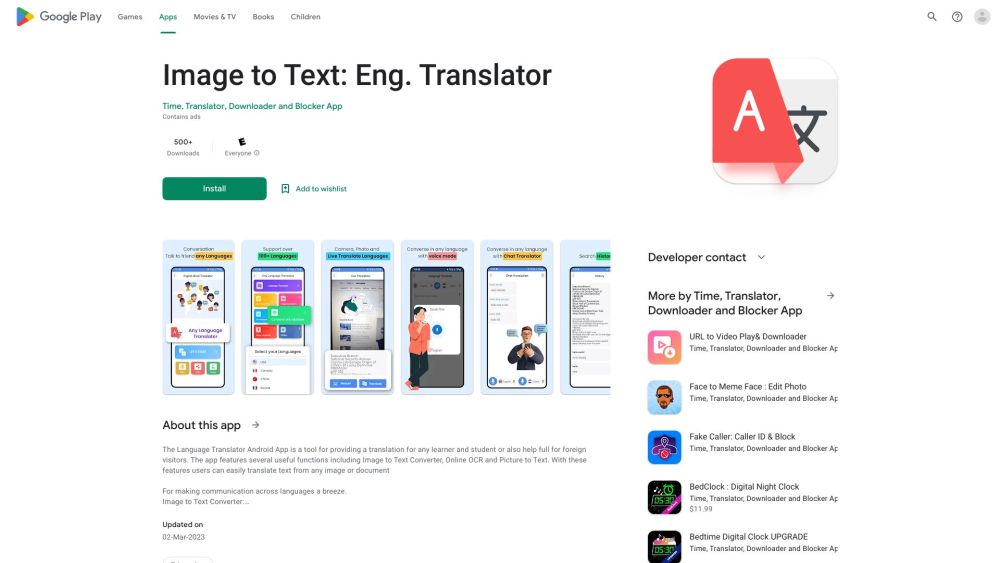
Wordscope Translate
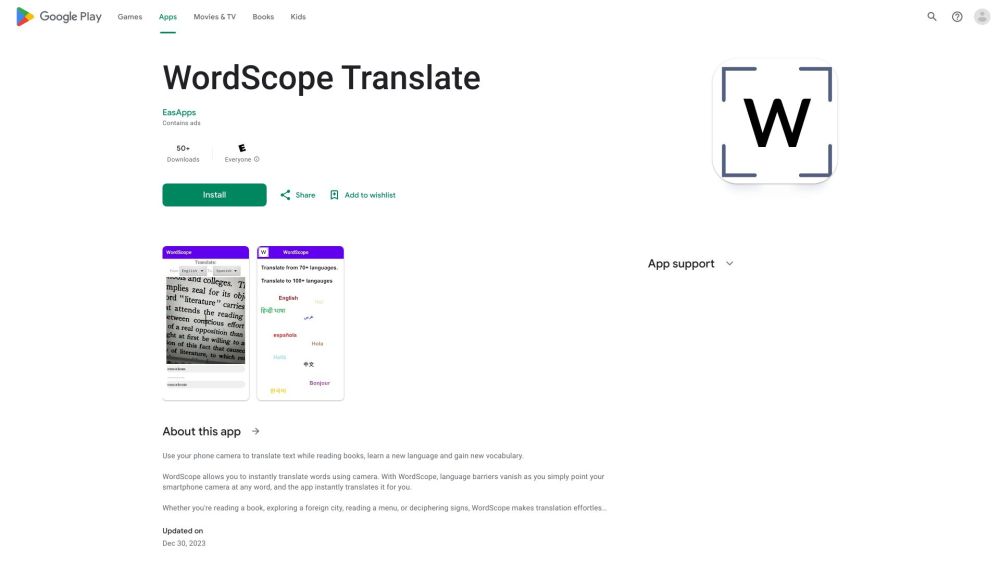

WordScope Translate is a mobile application that allows users to instantly translate text using their phone's camera. It eliminates the need to copy/paste or switch between applications, making it ideal for language learners, tourists, and readers of physical books. The app employs advanced AI technologies to identify and translate text in real-time, supporting a wide range of source and destination languages.
Instant camera translation app for language learning and travel.
- Translating text while reading books
- Learning a new language
- Deciphering signs and menus in foreign countries
- Simply point your smartphone camera at any word
- and the app instantly translates it for you. No need to select
- copy/paste
- or switch apps.
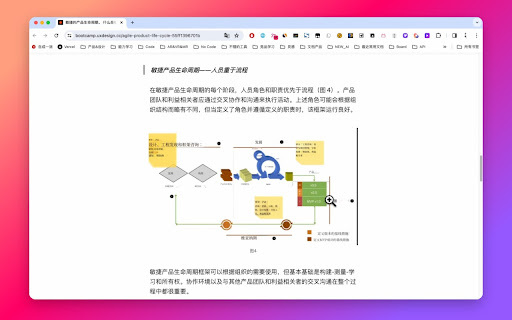
Translates text within images to Chinese.

All-in-one OCR tool for instant insight generation from images and documents.


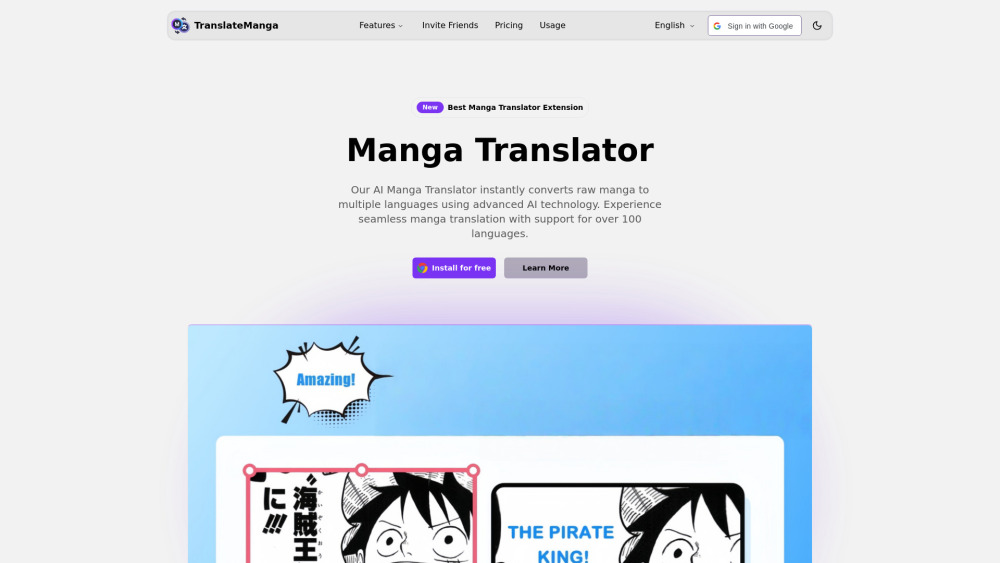
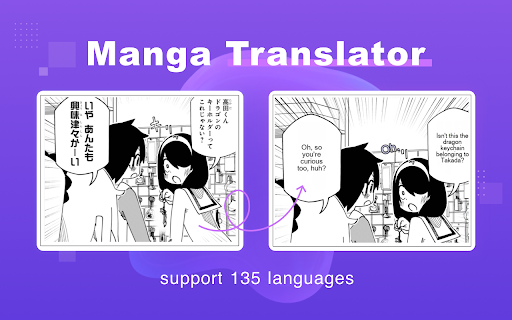
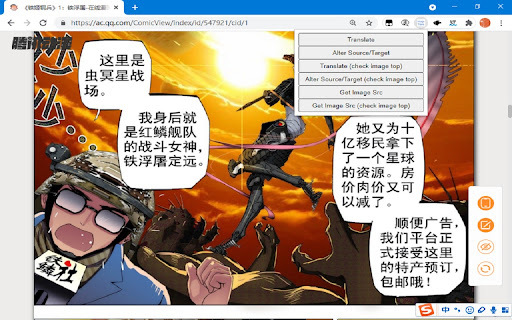
AI manga translator extension for instant, high-quality translation of comics.

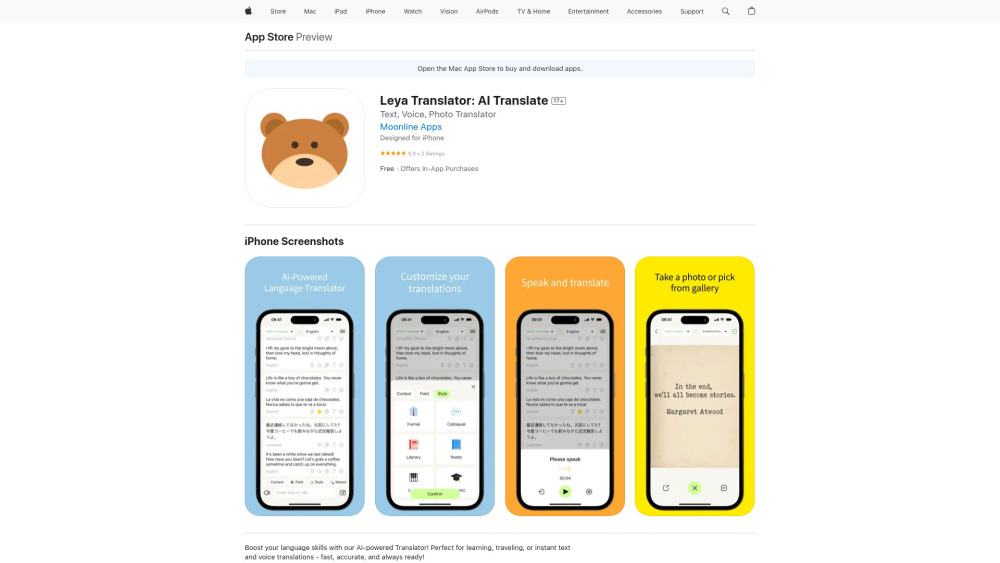
AI-powered iOS app for text, voice, and image translations with customizable options.

Translates text in images to 30+ languages using OCR and machine translation.


Advertising and dropshipping platform specializing in TikTok ads and product research.
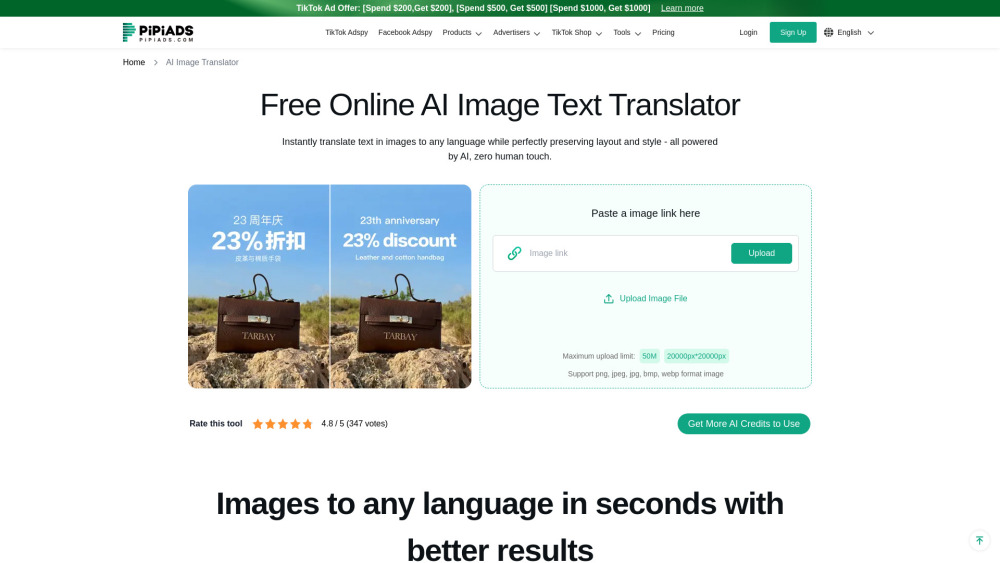
AI tool to translate Amazon product images into 7 European languages in one click.

AI-powered tool for translating manga images into multiple languages.
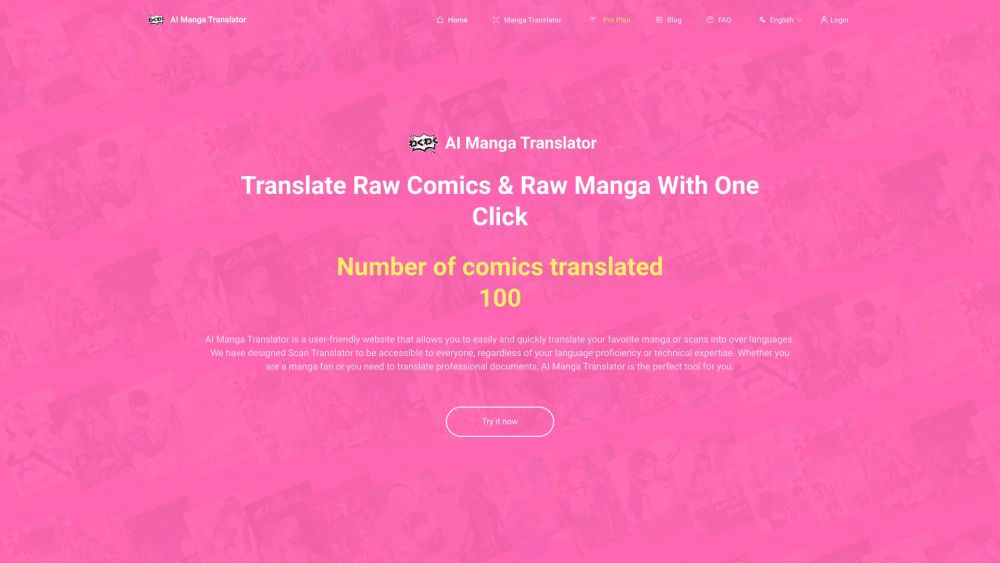

AI-powered manga translator supporting 50+ languages.

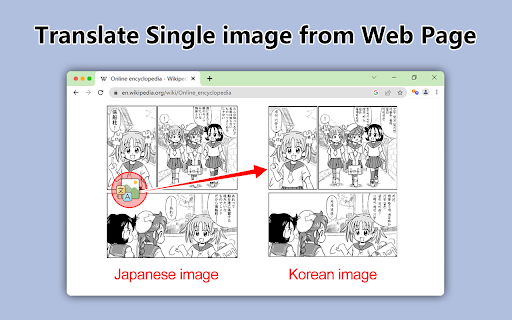
Chrome extension for translating images on websites using OCR and machine translation.

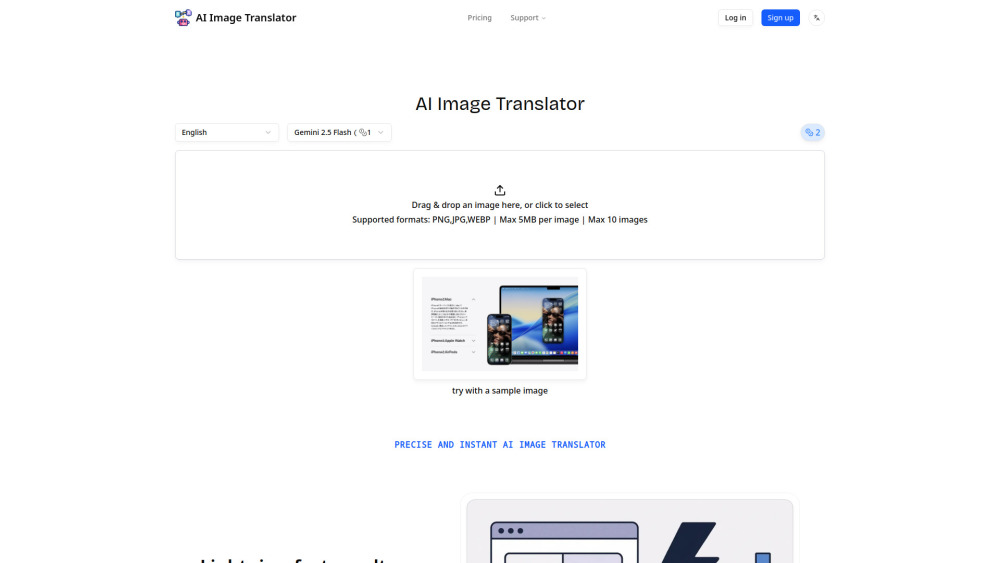
Translate images to any language instantly with AI

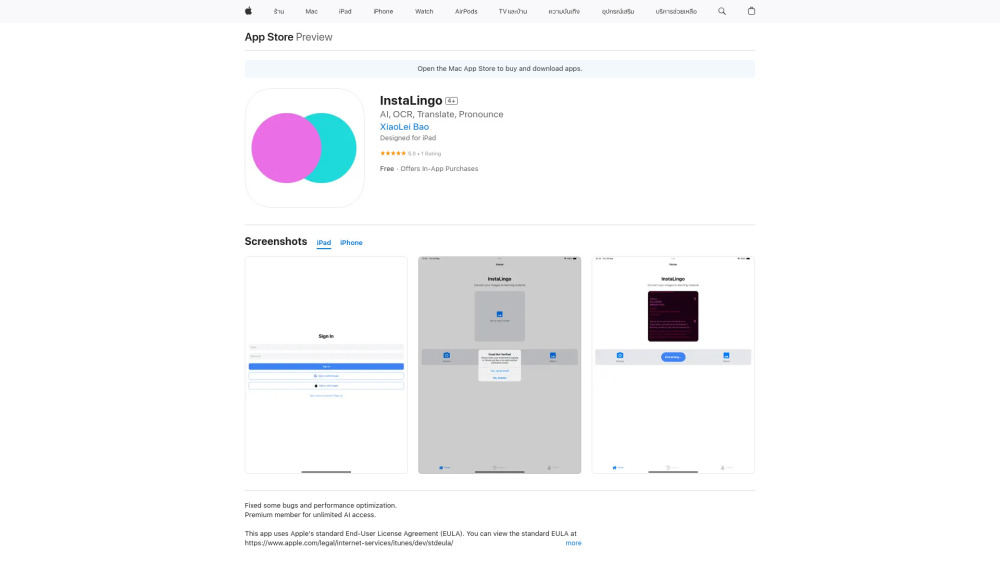
AI-powered app for image text extraction, translation, and pronunciation.

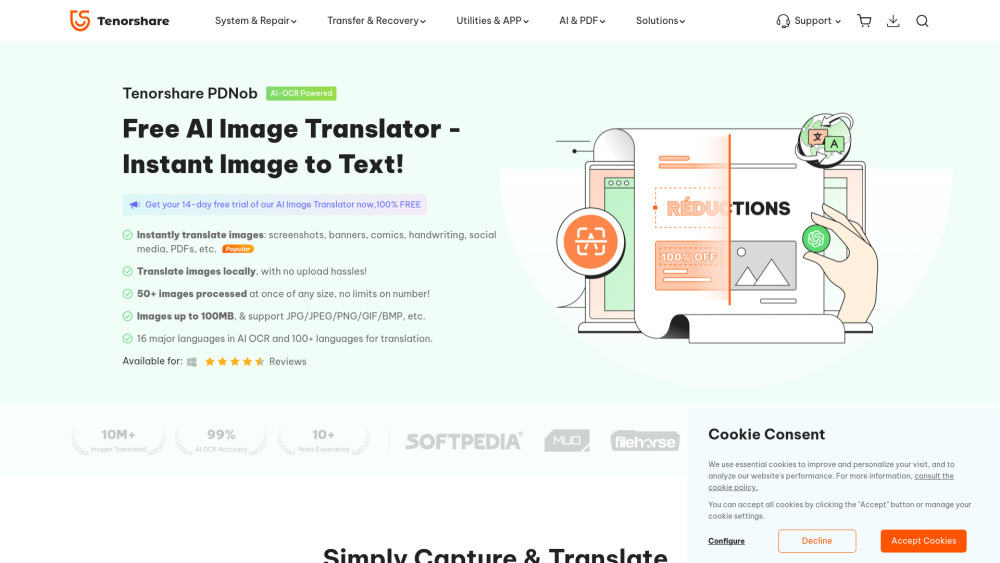
Free AI-powered app to translate text from images instantly and locally.

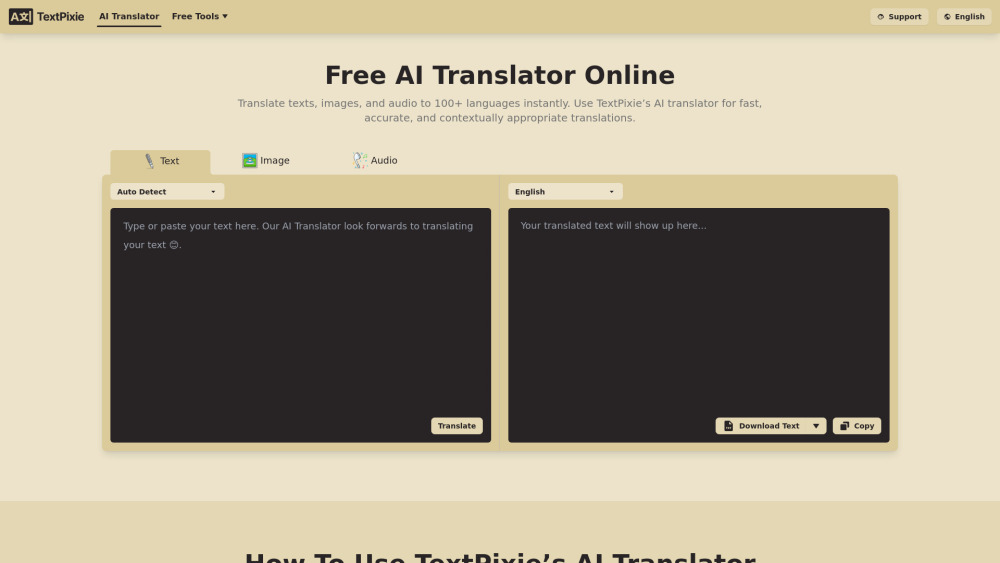
AI translator converting text, images, audio, documents into 100+ languages with free tools.

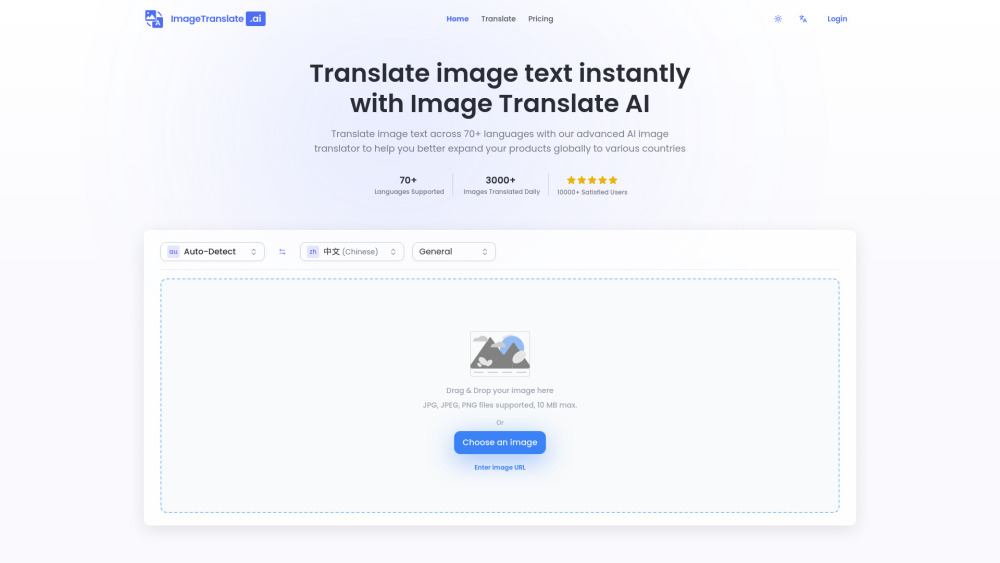
AI-powered image translator for instant text translation in images across 70+ languages.

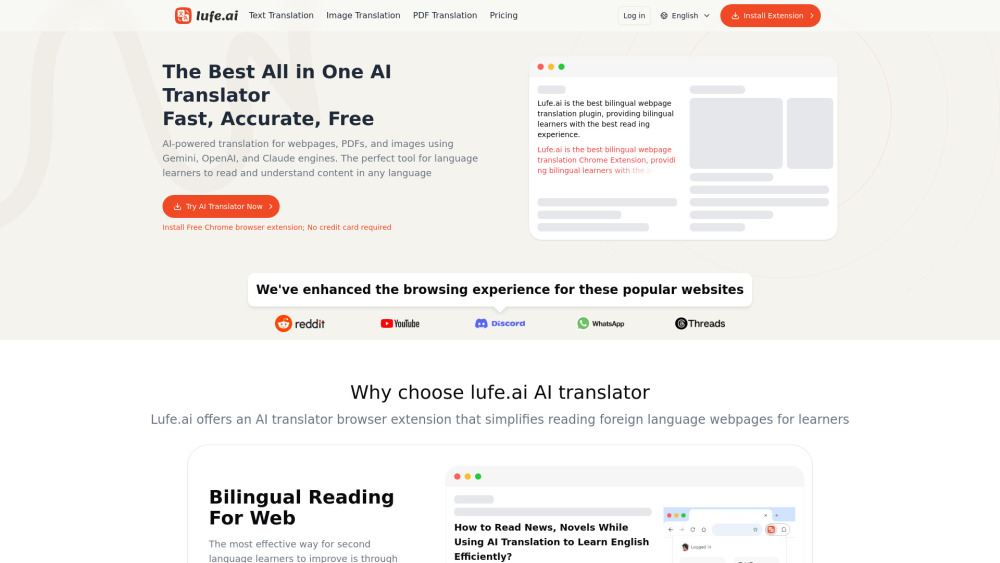
AI-powered bilingual translation extension for web, PDF, and images.
Android app for language translation using camera, images, and OCR.