
Seedance 2 0 Video Generator 1



Zzo AI is an all-in-one AI creative platform at zzo.ai, offering access to the world's most advanced AI image and video models through a single unified interface. The Zzo AI Video Generator now features Seedance 2.0, ByteDance's latest multimodal video generation model — currently ranked #1 globally on the Artificial Analysis AI Video Leaderboard. Unlike standalone platforms, Zzo AI lets you compare Seedance 2.0 side-by-side with other top models without switching tabs or accounts. Seedance 2.0 on zzo.ai supports: 1. Text-to-video generation with director-level prompt control 2. Keyframe mode for precise clip entry/exit control Reference image mode for visual
Zzo AI Video Generator brings Seedance 2.0 — ByteDance's #1-ranked AI video model — directly into a clean, no-setup web interface. Generate cinematic short videos from text prompts, reference images, or keyframe inputs, complete with synchronized audio, in seconds. No CapCut, no Dreamina account needed. Just open zzo.ai, select Seedance 2.0, and start creating.
- Product Ads — Generate premium 6–15 second product showcase clips with Seedance 2.0 on Zzo AI, including atmospheric lighting and sound
- Social Media Reels — Create scroll-stopping short-form hooks for Instagram, TikTok, and YouTube Shorts using Zzo AI Video Generator
- Concept Trailers — Test visual direction and cinematic pacing for a project before committing to full production
- Fashion & Styling — Use reference-image mode on zzo.ai to maintain wardrobe and color consistency across shots
- Brand Campaigns — Rapidly produce multiple ad variations with consistent branding, no production team required
- E-Commerce Videos — Transform product photos into dynamic demo clips using Zzo AI's Seedance 2.0 reference mode
- How to use Seedance 2.0 on Zzo AI: 1. Go to zzo.ai/ai-video-generator/seedance-2.0 2. Sign in or create a free Zzo AI account 3. Select Seedance 2.0 from the model selector 4. Choose your creation mode: Text-to-Video
- Keyframe
- or Reference Image 5. Write your prompt — describe the shot like a director: subject
- camera angle
- movement
- lighting
- and expected sound 6. Toggle audio on or off based on your scene needs 7. Hit Generate and download your cinematic clip in seconds Pro tip: Use reference images for product styling or recurring visual motifs. Use keyframes when you need clean clip entry and exit for editing handoff.

A Rich Modal Multimedia Workflow Integrated Development Environment Designed with Natural Language


Nanana AI is a professional AI image generator and AI image editor powered by Google's Nano Banana model. Key features include industry-leading 94% text rendering accuracy, lightning-fast processing in seconds, comprehensive history management with custom folder organization, and commercial-ready outputs (royalty-free, watermark-free). Experience superior Nano Banana technology with free trial access - no registration required, making it the most accessible and feature-rich AI image generator available.


Image Editor – Edit Images with AI and Prompts Online Free, No Sign-Up


AI photo and avatar generator and editor with various themes and styles.
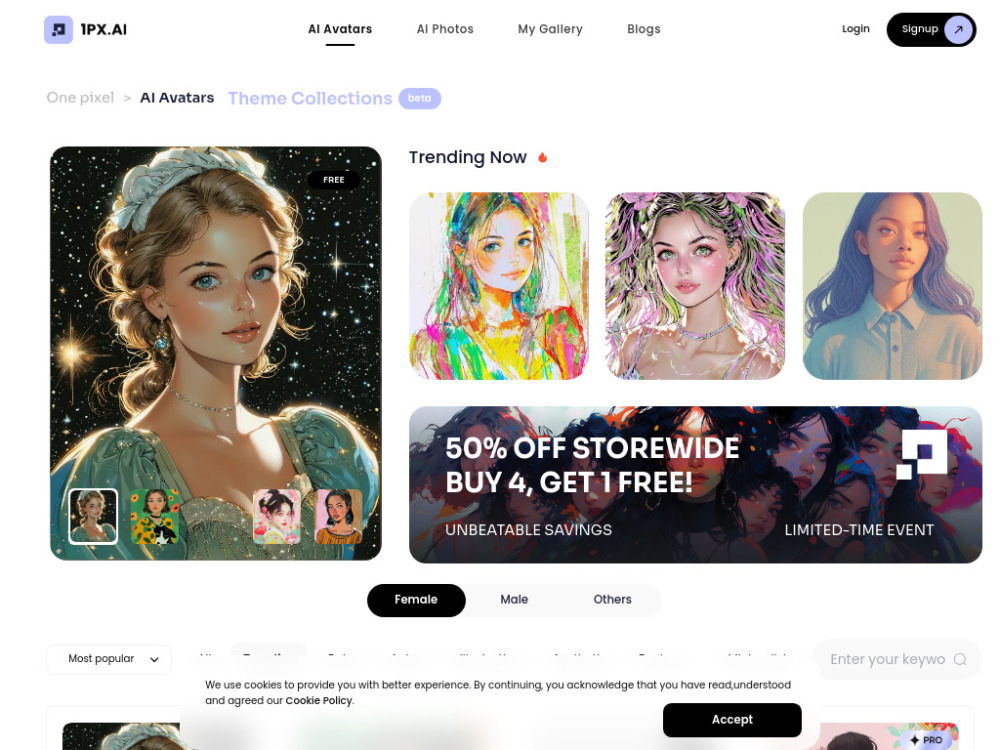

NanoBanana Pro is a scene-based AI image generator powered by Google’s NanoBanana models. It offers 30+ curated preset scenes with new community-made scenes added continuously, so you can discover fresh NanoBanana workflows every day. New users receive 14 free credits to try the tool, and a simple credit system makes it easy to scale from casual experiments to heavy production use.


VexImg is the professional GPT Image 2 studio. Master AI creation with our expert guides, vast prompt library, and real user examples for high-quality results.


AI-powered platform generating professional photos from selfies for various uses.

AI-powered platform for generating AI avatars and editing photos.
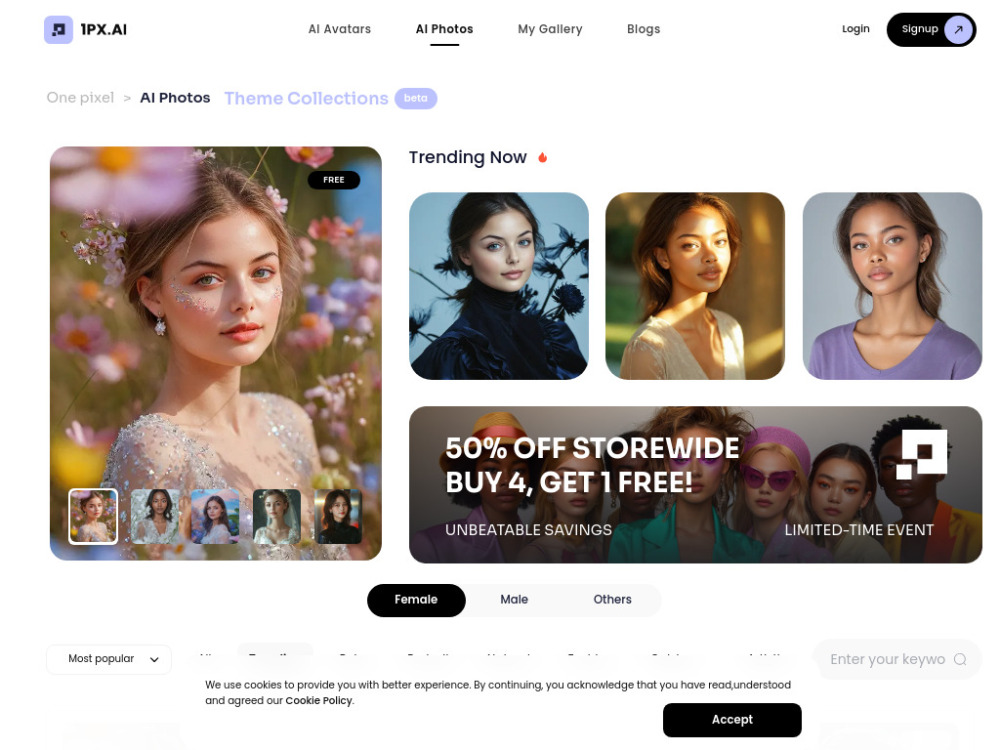

Generate pixel-perfect, candid AI portraits and edit them with a powerful suite of 20+ professional tools.

