Labfig
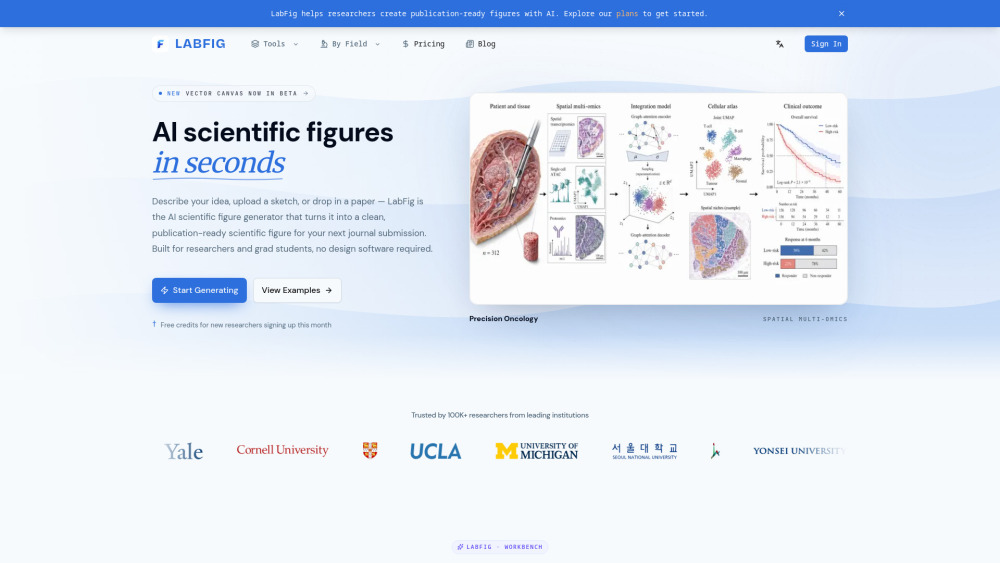


LabFig is an AI-powered scientific figure generator built for researchers and grad students who need publication-quality figures without spending a day in Illustrator or Figma. Start from anything — a text description, a hand-drawn sketch, a reference figure, a research PDF, or a photo of your whiteboard. LabFig understands them all and converges on one clean, journal-grade figure with the right panels, labels, and arrows in place, generated in seconds. Key features: - Multi-input modes: Text-to-Figure, Sketch-to-Figure, Reference-to-Figure, PDF-to-Figure, and Photo-to-Figure. - Fully editable output: Unlike one-shot AI tools, every text, arrow, shape, and color stays editable after generation. Relabel, recolor, or select a region and regenerate it with a single prompt — no Illustrator or Figma roundtrip. - Publication styles: Match the visual standard of Nature, Cell, or IEEE in one click — Scientific, Line, 3D, Editorial, Sketch, or Watercolor — or let Auto follow your prompt and stay
LabFig is an AI scientific figure generator that turns text, sketches, references, PDFs, or lab photos into clean, publication-ready figures — fully editable, no design software required.
- Creating mechanism diagrams and graphical abstracts for journal submissions
- Redrawing a hand-drawn experimental schematic into a publication-grade figure
- Adapting an old figure from a PDF for a review or revision
- Keeping a consistent visual style across all figures in a paper or lab
- Generating engineering, physics, and CS figures that bio-only tools can't handle LabFig
- Using LabFig takes three steps. First
- pick an input mode — type a text description
- upload a hand-drawn sketch
- drop in a reference figure
- attach a research PDF
- or snap a photo of your whiteboard or notebook. Second
- choose a publication style (Scientific
- Line
- 3D
- Editorial
- Sketch
- Watercolor

DeepAI provides AI tools for image generation, editing, and character interaction.

EaseUS provides data recovery, backup, partition management, and multimedia software.

Free online AI image generator with millions of photo filters.


Generative AI platform for creating and enhancing images and videos.

AI image generator with diverse models, styles, and tools for creative AI art.

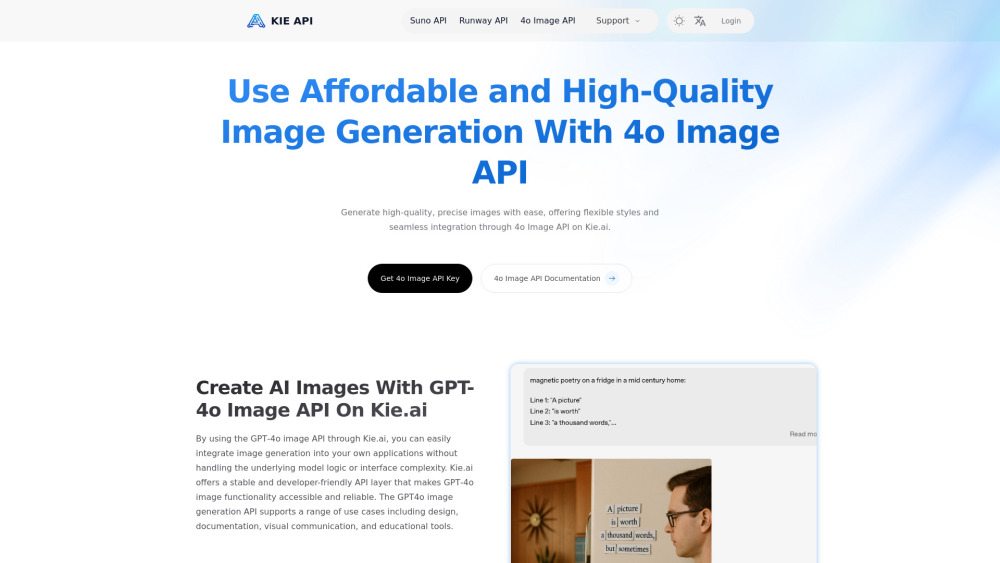
Kie.ai provides an affordable 4o image generation API powered by OpenAI's GPT-Image-1.

Best AI Image & Video APIs, the Ultimate AI Media Generation Platform for Developers


Affordable and seamless AI image workflows with the Nano Banana API through Kie.ai.


OneShots is a web-based tool that enables users to create app screenshots in 10 seconds using panoramic templates. It offers a free plan for preview and creation, with a Pro plan for exporting high-resolution images.

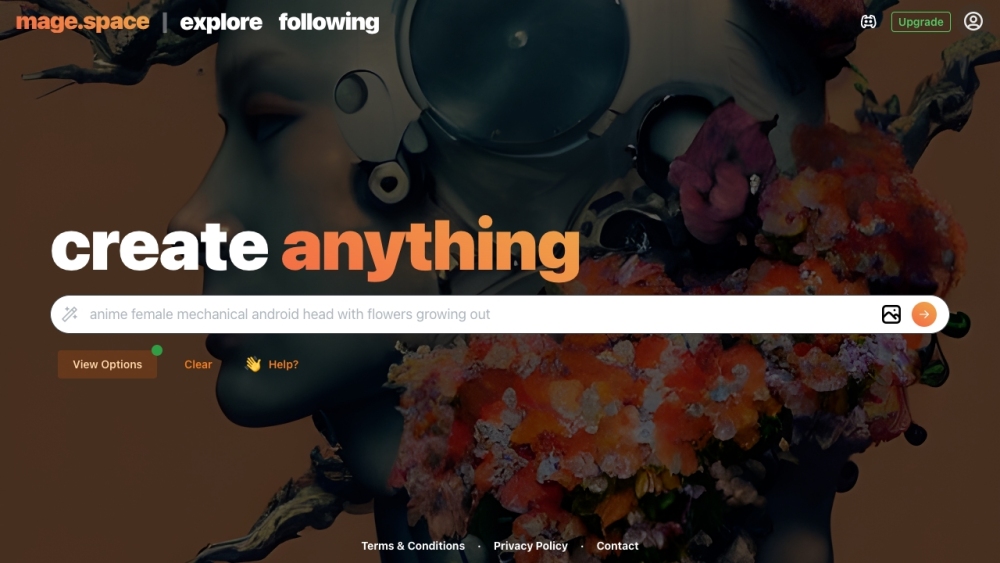
Free, fast, and unfiltered Stable Diffusion platform for generating images from text.

AI-powered image creation and editing platform for everyone.


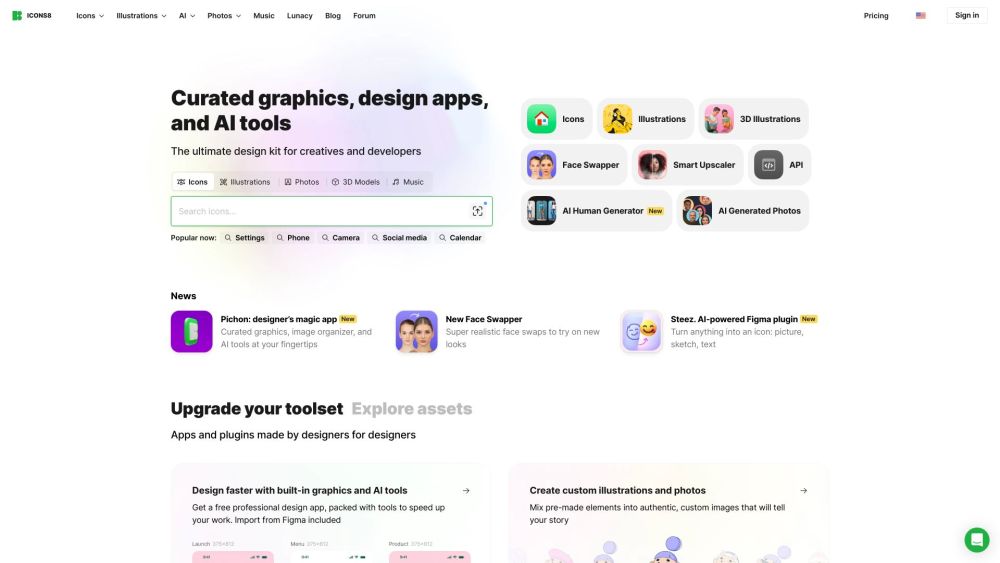
A comprehensive library of design elements: icons, illustrations, photos, and music.

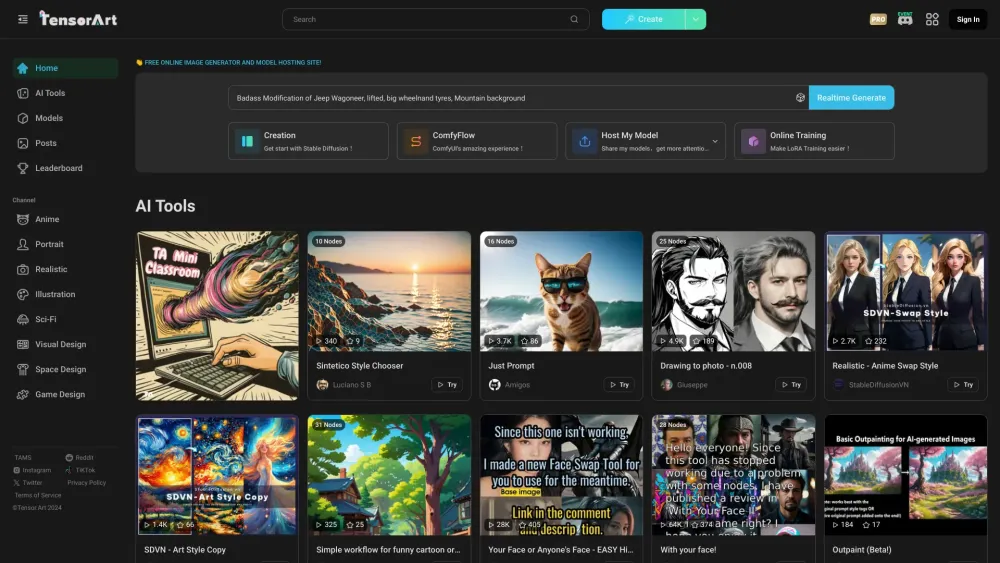
Free online AI image generator and model hosting platform.

AI platform for generating production-quality creative assets with speed and style consistency.

Multi-modal AI content generation for images, videos, and speech.

Unified AI creative suite for professional video, image, and audio production.


AI image generator and creative tool with natural-language editing.


Free online AI tools for video, image, and music generation.