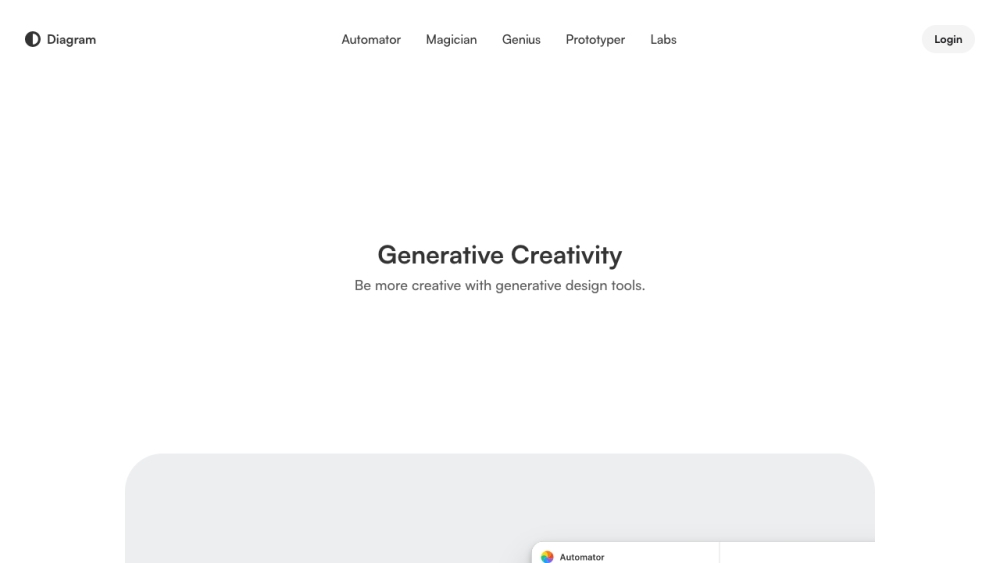
Diagram


Figma is a versatile design platform that enables users to design, prototype, and collaborate in one place. It offers tools for UI design, UX design, web design, wireframing, online whiteboarding, and presentation creation. Figma also provides AI-powered features to enhance creativity and streamline workflows, such as image generation, text rewriting, and automated layer renaming.
A versatile design platform for UI/UX design, prototyping, and collaboration with AI features.
- Design systems creation and management
- UX and UI prototyping
- Web design and wireframing
- Online whiteboarding for team meetings
- Strategic planning and brainstorming
- Product development and design handoff
- Agile workflow management
- Users can start designing and prototyping directly in the Figma Design tool
- translate designs into code using Dev Mode
- collaborate on digital whiteboards with FigJam
- and create presentations with Figma Slides. Figma also offers AI features that can be accessed within its various products to automate tasks and enhance creativity.

Build landing pages with Aceternity UI


AI-powered design feedback, audits, and persona testing directly inside Figma.


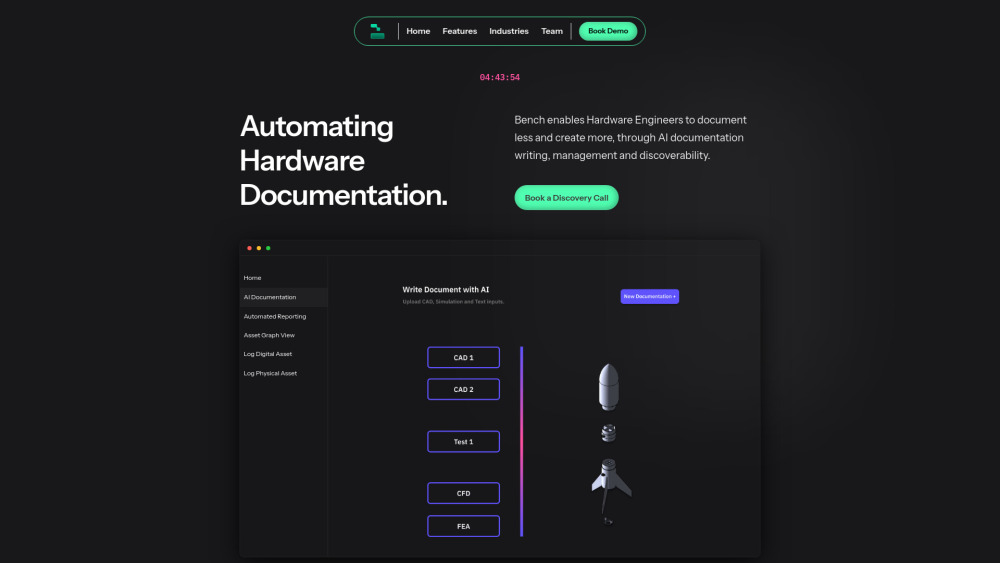
Bench AI automates hardware design, scaling capabilities with AI automation.

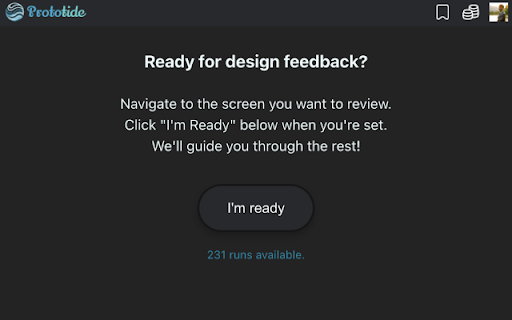
Prototide streamlines design iterations with AI insights for faster, better design decisions.

AI-forward design service offering design subscriptions and no-code website launches.

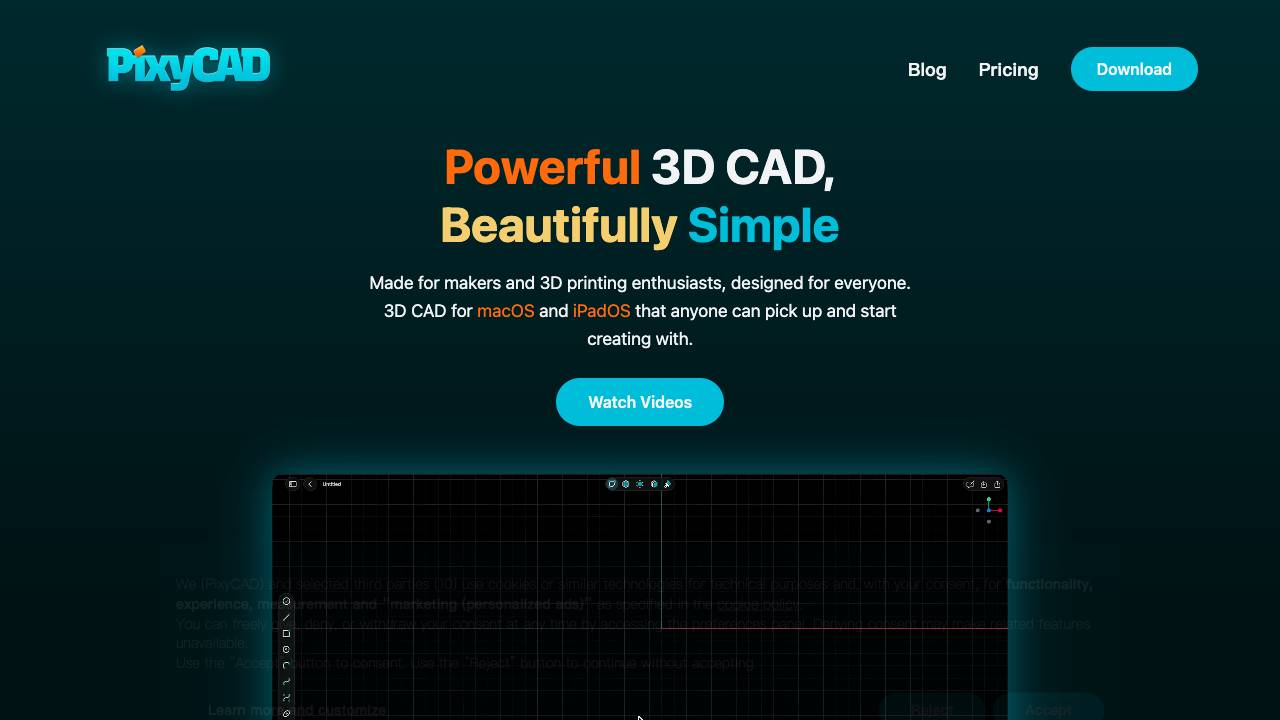
Fast & precise 3D CAD built natively for iPad and Mac

Choosechosei streamlines design workflows with AI, real-time views, and vendor approvals.

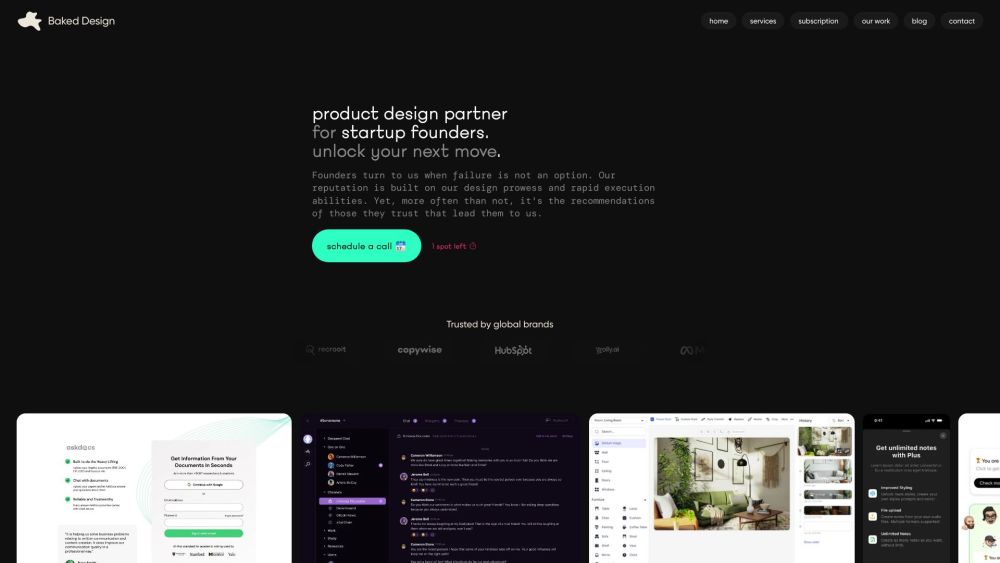
Product design partner for startups, offering design and UX services with flexible subscriptions.

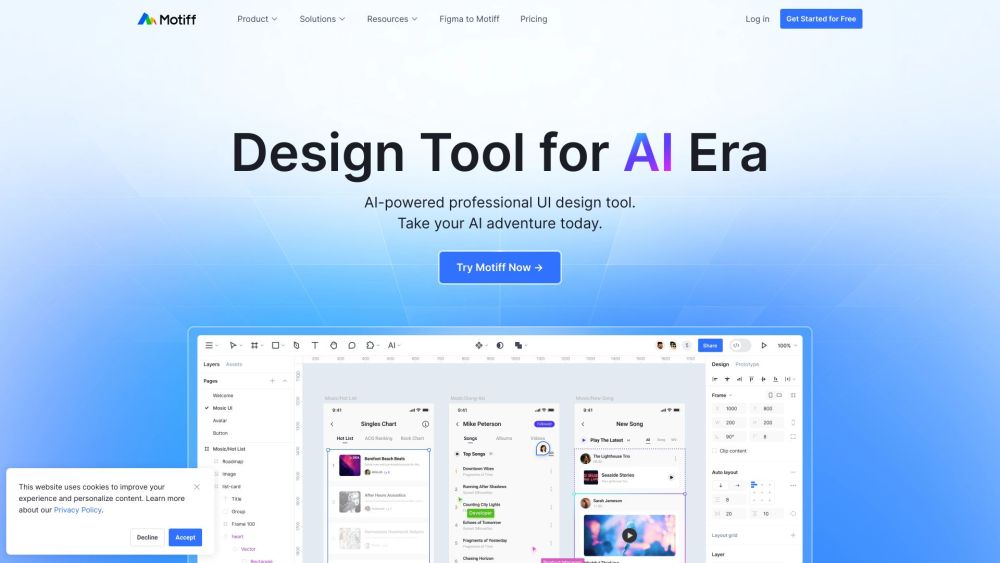
AI-driven UI design tool for efficient design and team collaboration.